

Two Very Different Ways to Limit Your Battery Charge
If you’ve spent any time looking into battery charge limiters, you’ve probably run across both AlDente and Chargie. They show up in the same Reddit threads, the same “how to limit my MacBook charge to 80%” searches, the same YouTube comment sections. But comparing Chargie vs AlDente is a bit like comparing a deadbolt to a password — they’re solving the same problem through completely different means.
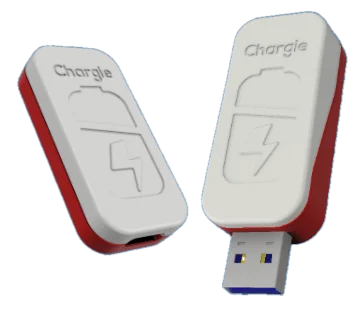
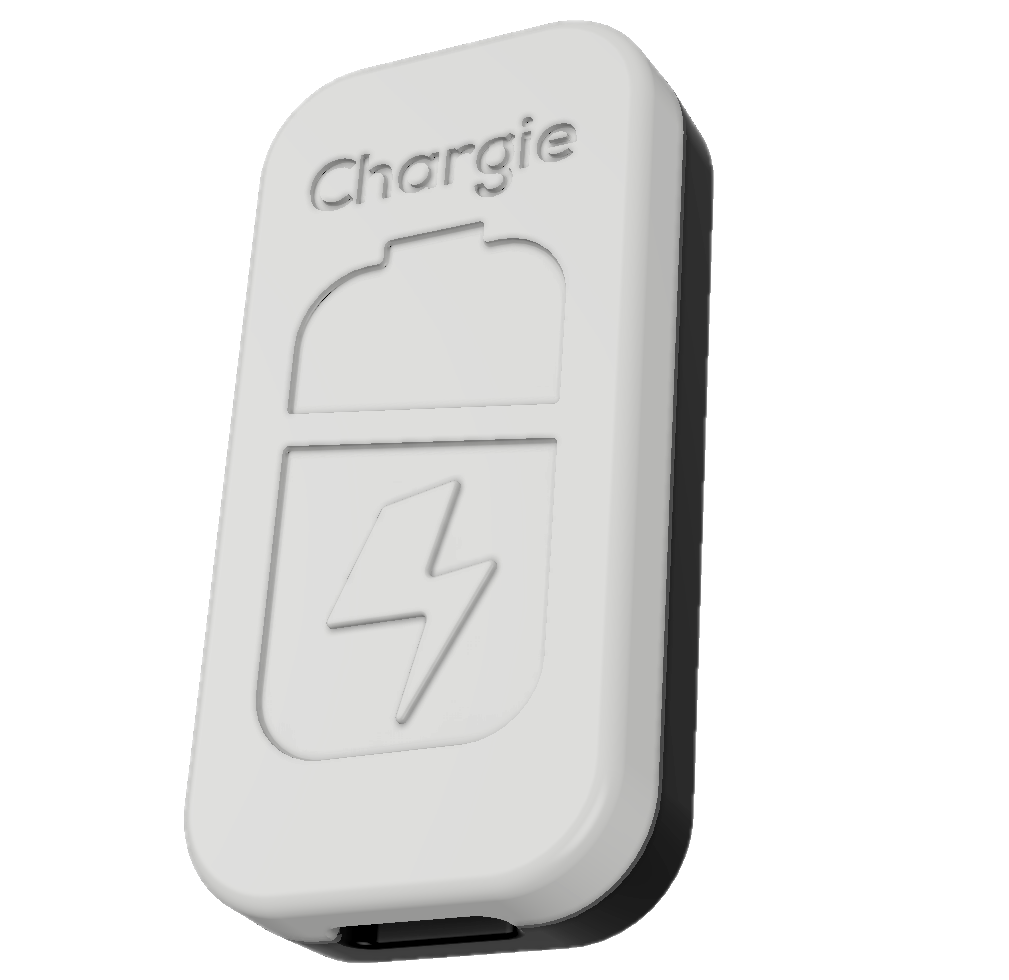
AlDente is a macOS app. It talks to your MacBook’s battery controller through software and tells it to stop charging. Chargie is a physical USB device that sits between your charger and your cable. It literally cuts the power when your battery hits the target. Same goal, totally different approach — and the trade-offs matter more than you’d think.
Chargie vs AlDente: Side-by-Side
| Feature | Chargie (Hardware) | AlDente (Software) |
|---|---|---|
| How it works | Physical USB device cuts power at your set limit | macOS app sends commands to the battery controller |
| Device support | Phones, laptops, tablets, drones, earbuds — anything USB | MacBook only |
| Works when device is off | Yes | No |
| Charge limit range | 20–100% | 20–100% |
| Overnight scheduling | Yes, with wake-up top-off | Yes (Sailing Mode) |
| Slow charge mode | Yes — 10W for reduced heat | No |
| USB data passthrough | Yes — Android Auto, CarPlay, file transfer all work | N/A |
| Price | From $34.99, one-time | Free / $8.49 Pro |
| Affected by OS updates | No — it’s hardware | Yes — Apple can change APIs or build the feature in |
The Real Difference: What Happens When Things Go Wrong

When everything’s running smoothly, both Chargie and AlDente do their job. You set a limit, your battery stops there. Easy enough.
The gap shows up in edge cases. Your MacBook crashes overnight — AlDente isn’t running anymore, so charging goes straight to 100%. You shut your laptop down before plugging it in — same thing, 100%. You boot into recovery mode, reinstall macOS, or your Mac freezes during an update — AlDente can’t help because it’s software that needs the OS running.
Chargie doesn’t care about any of that. It’s sitting on the USB cable controlling the electricity. Your device can be off, frozen, bricked, or running an OS from 2003. The hardware still cuts power at your set percentage. That’s the fundamental advantage of a hardware charge limiter over a software one.
And then there’s the “Sherlocking” problem
Apple has a long history of copying popular third-party features into macOS and iOS. Developers call it “getting Sherlocked” (named after the Sherlock search tool Apple replaced years ago). AlDente got hit with exactly this — Apple added native battery charge limiting in macOS Sequoia 15.4, and the AlDente team even published a blog post acknowledging it.
AlDente still offers things Apple’s built-in limiter doesn’t — more granular controls, heat-based pausing — but the ground has shifted. With each macOS update, there’s a chance Apple narrows that gap further. Hardware charge limiters don’t have this problem. Nobody can “Sherlock” a USB device.
The Device Problem: Your MacBook Isn’t Your Only Battery
This is where the Chargie vs AlDente comparison gets really lopsided.
Think about it: your phone gets charged every single day, sometimes twice. It sits on a charger in a hot car running Android Auto. It gets plugged in at 40% before bed and left there for eight hours. Your phone battery takes way more abuse than your laptop battery does — and AlDente can’t do anything about it.
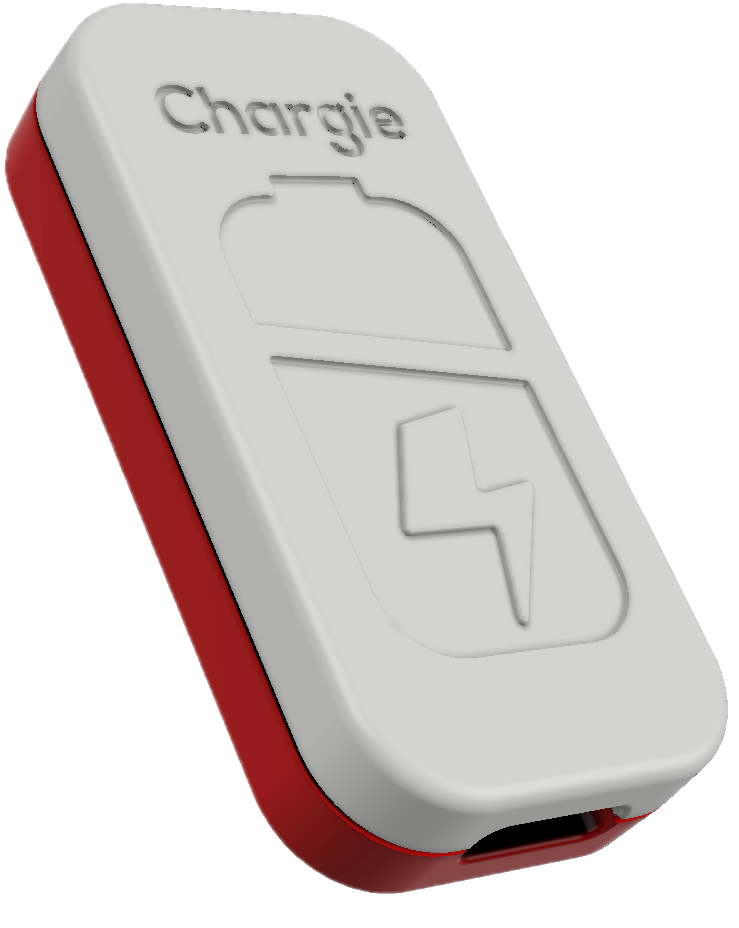
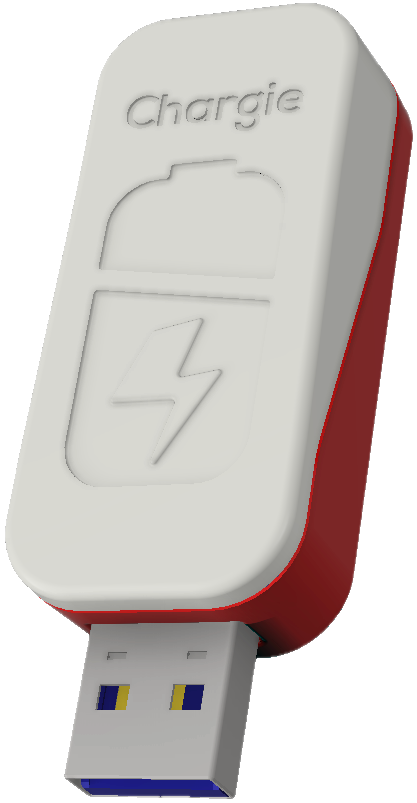
Chargie comes in three versions that cover basically everything:
The Chargie A ($34.99) handles USB-A — still the most common connector for phone chargers that came with your device. The Chargie C Basic ($34.99) is for USB-C phones. And the Chargie for Laptops ($49.99) supports USB-C Power Delivery up to 100W, which covers MacBooks, ThinkPads, Dell XPS, Surface, and pretty much any modern USB-C laptop.
One Chargie can be moved between devices too. Use it on your phone at night, take it to work for your laptop. The app remembers settings per device.
Features That Actually Matter Day-to-Day
Appless Mode
Set your charge limit once, and Chargie remembers it in the hardware itself. You don’t need the app connected. You don’t need Bluetooth. You don’t even need your phone to be on. Plug in and the limit is enforced. Every time. I think this is actually Chargie’s most underrated feature — it turns battery protection into a zero-effort habit.
Overnight charging done right
Leaving your phone plugged in overnight is where most battery damage happens. Not because a single night kills your battery — but because 365 nights of sitting at 100% voltage adds up fast.
Chargie’s scheduler handles this elegantly: it keeps your battery at a low safe level (say 60%) through the night, then tops up to your target (say 80%) right before your morning alarm. Your battery spends most of the night at a low-stress voltage.
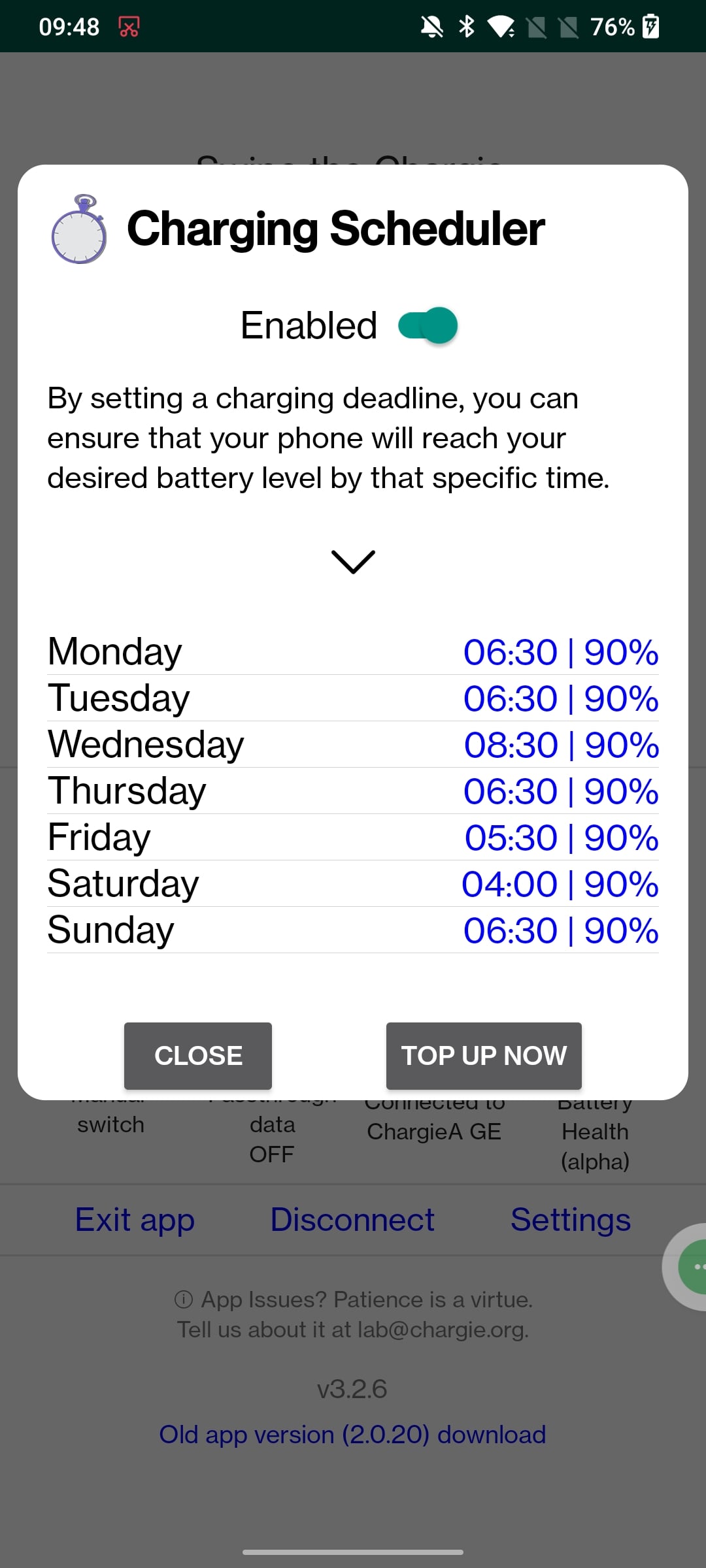
AlDente has Sailing Mode for something similar, but it needs your Mac awake with the lid open or an external monitor connected. Not quite the same thing.
USB data passthrough
This one’s specific to Chargie and it’s a big deal for car charging. Chargie keeps full USB data connectivity while limiting charge. So you can run Android Auto or CarPlay — navigate, play music, take calls — without your phone constantly charging to 100% in a hot dashboard. If you’ve ever noticed your phone getting uncomfortably warm on a long drive, this is exactly the problem Chargie solves.
So Which One Should You Get?
Honestly? AlDente is a fine app if you only need charge limiting on your MacBook and you’re comfortable with software-based control. It’s cheap (free for basic, $8.49 for Pro), it works, and for a lot of Mac-only users that’s all they need.
But if any of these sound like you, Chargie is the better fit:
- You want to protect your phone’s battery too (not just your laptop)
- You have a Windows laptop, Chromebook, or non-Mac device
- You want something that works even when your device is off
- You charge your phone in your car with Android Auto or CarPlay
- You’d rather have hardware reliability than depend on software compatibility
And you can use both. Plenty of people run AlDente on their MacBook and use a Chargie for their phone. Nothing wrong with that approach.
Common Questions About Chargie vs AlDente
Is Chargie really an AlDente alternative?
It’s more like a different category. AlDente is a Mac app. Chargie is a hardware device that works with any USB device. If you specifically want Mac-only software, that’s AlDente. If you want universal hardware charge limiting across all your devices, that’s Chargie.
Can Chargie work with a MacBook?
Yes. Chargie for Laptops handles USB-C PD up to 100W. It works with every USB-C MacBook — M1, M2, M3, M4, Air and Pro. Plug it between your charger and cable, set your limit, done.
Is a hardware charge limiter better than software?
More reliable, yes. Software limiters depend on the OS running and the app staying active. Hardware limiters physically control power at the cable level. They can’t be “Sherlocked,” they can’t crash, and they don’t need updates to stay compatible. The trade-off is that hardware costs more than a $8.49 app — but it’s a one-time purchase that works with everything you own.
Can I limit my phone’s charge with AlDente?
No. AlDente only runs on macOS. For phones, you’d need either your phone’s built-in feature (if it has one — many don’t) or a hardware solution like Chargie.
Try Chargie
Over 60,000 people have been using Chargie since 2019 to keep their batteries healthy. It’s designed and assembled in Europe, and every order ships worldwide for free.
Browse Chargie devices in the shop →
Starts at $34.99. No subscriptions. No software dependencies. Just a small device that does one job really well.

USB-C charge limiter that stops at your set battery level, so your battery never sits at 100% overnight. Extends battery lifespan by years. Works with any USB-C charger.
Limit your laptop charge to 80% via USB-C. Works with MacBooks, Dell, HP, Lenovo and most USB-C laptops up to 100W.
Protect Your Battery with Chargie
The world's first hardware charge limiter. Set a charge limit on any phone, tablet, or laptop — extend battery life by up to 4x.