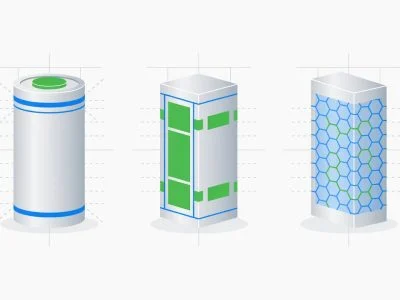
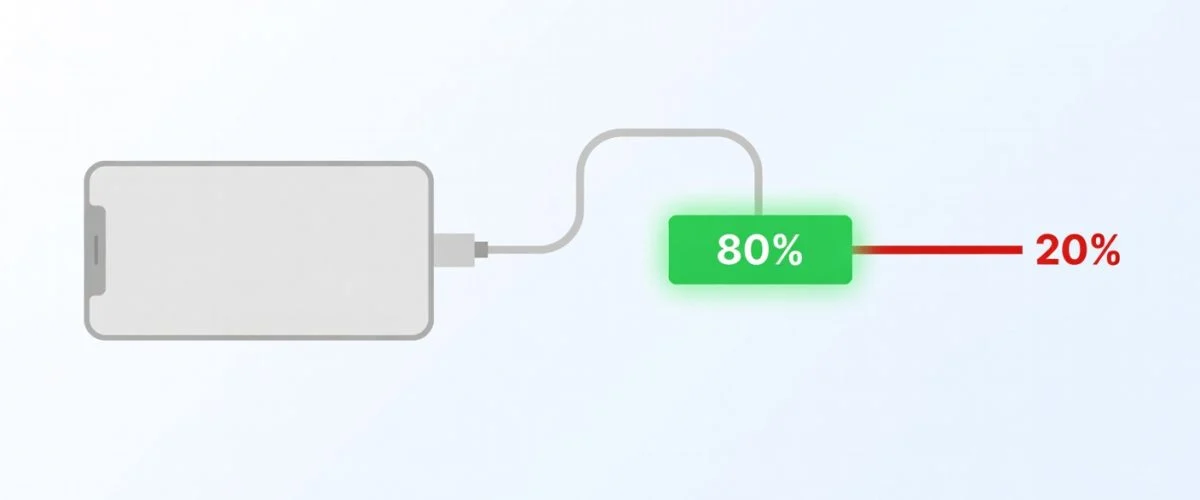

You’ve probably heard the advice: stop charging your phone at 80% if you want the battery to last. And it’s not just an internet myth — it’s backed by real chemistry. Lithium-ion batteries wear out faster when they sit at high voltage, and that last 20% from 80 to 100 is where the voltage spikes the hardest.
The tricky part is actually doing it. Every phone and laptop handles charge limiting differently — some have built-in settings, some need third-party apps, and some don’t offer any option at all. I’ve gone through every major platform and put together the actual steps to limit battery charge to 80% on each one, along with what works and what doesn’t.
Charge Limit by Brand: The Quick Comparison
Before the step-by-step, here’s the honest at-a-glance picture. Almost every major brand has some charge-limit feature now — but each one comes with a catch (fixed percentage, recent models only, or it quietly resets after an update). That’s the gap a hardware USB charge limiter fills.
Software limits fail. Chargie is a physical dongle that stops charging at exactly the level you set, every time. No surprises.
Get Chargie →| Brand / Platform | Native charge limit? | The catch |
|---|---|---|
| iPhone | Yes — Charge Limit, 80–100% in 5% steps | iPhone 15 and newer only; Apple notes the phone will occasionally charge to 100% to keep its battery estimate accurate |
| Samsung Galaxy | Yes — “Battery protection,” Maximum stops at 80% (One UI 6.1+) | Models on older One UI versions can only limit to 85% |
| Google Pixel | Yes — “Limit to 80%” (Pixel 6a and later) | Google says the phone still needs a full charge roughly every 10th cycle to keep battery readings accurate; “Adaptive Charging” alone still reaches 100% |
| OnePlus / OPPO | Sometimes — 80% on some models | Inconsistent by model year and region |
| Nothing / Motorola / Sony / Xiaomi / Nokia | Rarely / buried | Most have nothing, or it’s hidden in developer options |
| MacBook | Yes — Optimized + 80% (macOS Sonoma+) | Recent Apple Silicon Macs; limited control; resets behavior can vary |
| Windows laptops | Depends on maker (Lenovo/ASUS/Dell apps) | Vendor app required; many brands offer nothing |
| iPad / tablets / e-readers / older phones | Usually none | No native option at all on most |
| Chargie (hardware) | Yes — any % you choose | Works on anything that charges over USB, on any OS, can’t be removed by an update |
The pattern is clear: native limits are a welcome first step, but they’re locked to specific devices and fixed percentages. If you own more than one device — or any device a manufacturer never bothered to support — a hardware limiter is the only thing that covers all of them the same way. See which Chargie fits your devices →
Why Limiting Battery Charge to 80% Matters
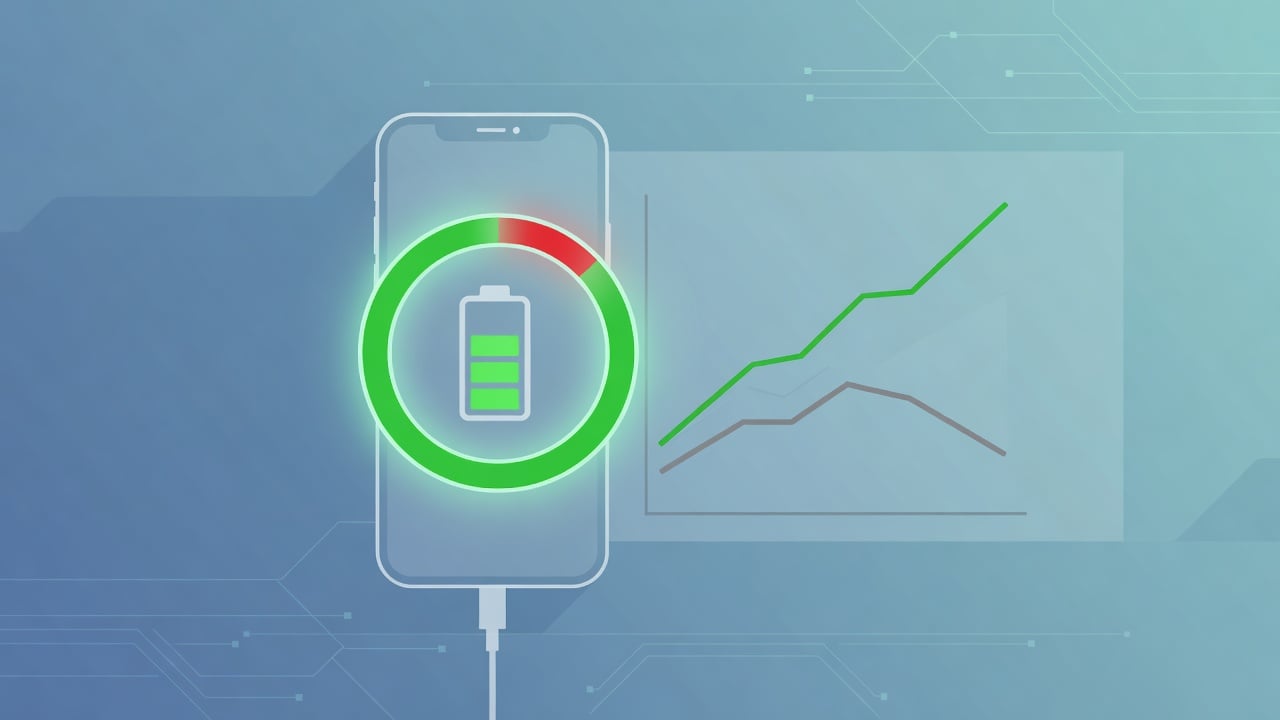
Batteries don’t die suddenly. They fade. Every charge cycle wears down the electrodes a tiny bit, and the wear accelerates when the battery spends time at high states of charge. Here’s what that looks like in practice:
A phone charged to 100% every day will typically lose about 20% of its original capacity within 2 years (roughly 500-700 cycles). That same phone, limited to 80%, can hold onto its capacity for 3-4 years — sometimes longer. The numbers aren’t magic; it’s just electrochemistry. Lower voltage = less stress = slower degradation.
The sweet spot most battery researchers point to is somewhere between 20% and 80% — we break down the chemistry in why charging to 80% extends battery life and the full lithium-ion degradation guide. Go below 20% regularly and you’re stressing the battery from the other direction. Stay between those two numbers and you’re in the zone where lithium-ion cells are happiest.
That said — 80% isn’t a hard rule. 85% is fine too. Even 90% is better than 100%. Don’t stress about hitting exactly 80. The point is to avoid keeping your battery topped off at maximum voltage for hours on end, which is exactly what happens when you plug in before bed and wake up to a device that’s been sitting at 100% since midnight.
How to Limit Battery Charge to 80% on iPhone
For the full iPhone-specific breakdown, see our guides on iPhone battery health tips that actually work and how to check your iPhone battery health.
Apple’s built-in charge limit (iOS 17+)
Apple built a charge limit into the iPhone 15 and newer. To turn it on: Settings → Battery → Charging and pick a limit. On older iOS versions it’s under Battery Health & Charging instead.
It works, but there’s a catch: it’s only available on iPhone 15 and newer. If you have an iPhone 14, 13, SE, or anything older, this option simply doesn’t exist. Apple lets you choose a limit between 80% and 100% in 5% steps, so you can’t go lower than 80% — no 70% or 60%. Apple also says the phone will occasionally charge to 100% to keep its battery estimate accurate.
Older iPhones or want more control?
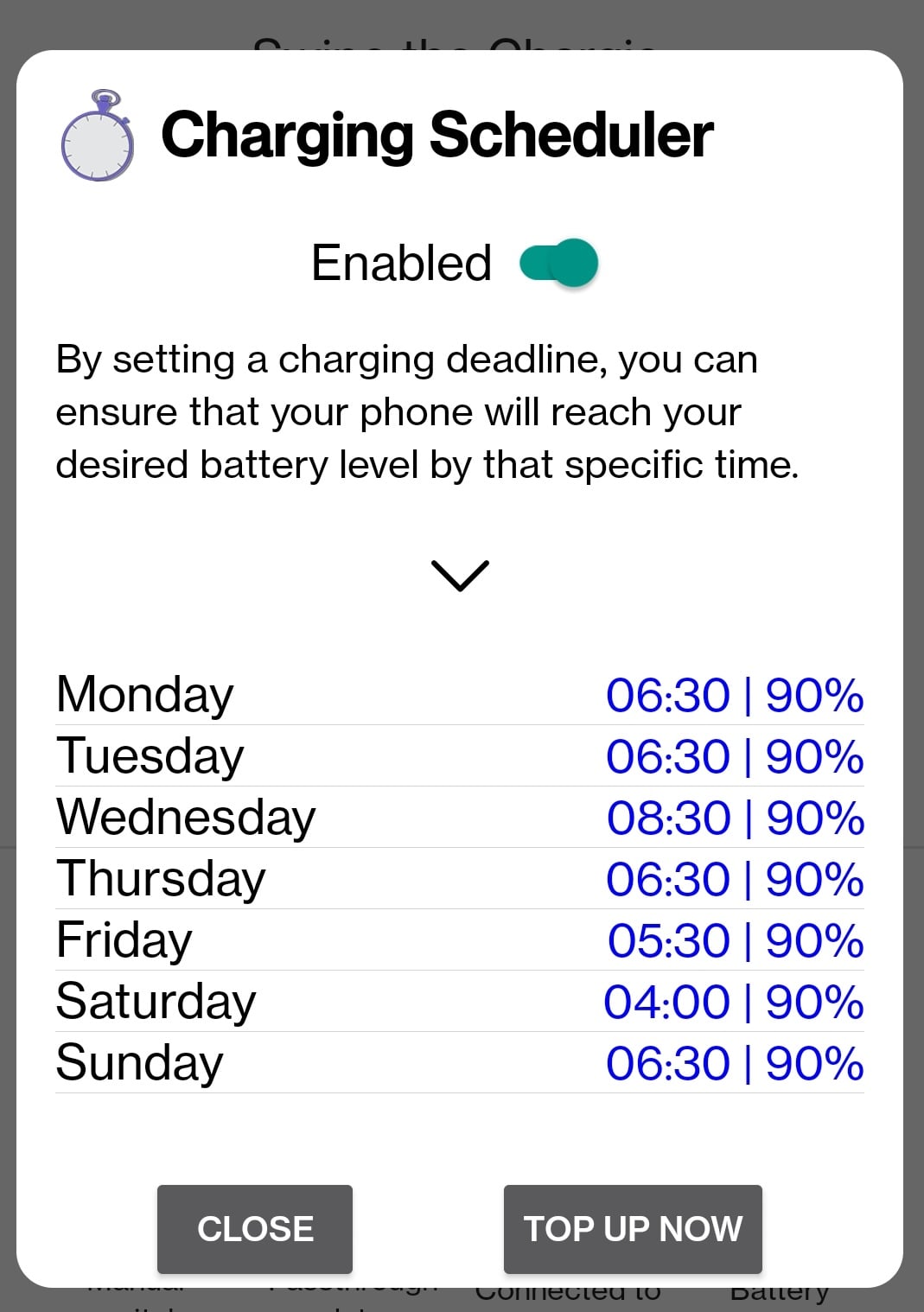
This is where a hardware charge limiter comes in. Chargie A (for Lightning/USB-A chargers) or Chargie C (for USB-C) plugs between your charger and cable and physically stops the power at whatever percentage you set — 80%, 70%, 60%, anything. It works with every iPhone ever made, not just the 15 and up. The overnight scheduler is the real killer feature here: your phone sits at 60% all night, then charges to your target in time for morning. Way better for long-term battery health than sitting at 80% for eight straight hours.
How to Limit Battery Charge to 80% on Android
Android is a mess when it comes to charge limiting. Every manufacturer does it differently, and most don’t do it at all.
Samsung
Samsung’s probably the best here. Go to Settings → Battery and device care → Battery → More battery settings → Protect battery. Samsung’s page names it Battery protection (Settings → Battery → Battery protection). On One UI 6.1 or later you can pick Basic, Adaptive or Maximum — Maximum stops charging at 80%. Phones on an older One UI version can only limit charging to 85%. (More on the wider picture in our Android battery health guide.)
Google Pixel
Pixel 6a and later have a real limit: Settings → Battery → Battery health → Charging optimization → Limit to 80%. Don’t confuse it with “Adaptive Charging”, which only slows down charging overnight so the battery still reaches 100% by morning. Google adds that the phone needs a full charge about every 10th cycle to keep its battery readings accurate, even with the 80% limit on.
OnePlus / OPPO
Some newer OnePlus models have an 80% limit option under Settings → Battery → Optimized charging. Whether your specific model has it depends on the year and region. Inconsistent at best.
Everyone else (Motorola, Sony, Xiaomi, Nokia, LG…)
This is exactly where a hardware limiter earns its keep — see how a battery charging limiter works. Most of these brands don’t have any charge limit feature. Some Xiaomi phones have it buried in developer options, some Sony Xperia models have it, but for the majority of Android phones — including most budget and mid-range devices — there’s simply no built-in way to stop charging at 80%.

This is actually the main reason Chargie exists. A hardware charge limiter doesn’t care what brand your phone is or whether your manufacturer bothered to add a battery protection setting. Chargie A ($34.99) or Chargie C Basic ($34.99) works with every Android phone. No root needed, no special apps, works even when the phone is powered off.
How to Limit Laptop Battery Charge to 80%
Laptops degrade even faster than phones because they so often live plugged in — see why your MacBook battery dies faster than your phone and what happens when you keep your laptop plugged in.
MacBook (macOS)
Apple added manual charge limiting in macOS Sequoia 15.4, and expanded it further in Tahoe 26.4. Go to System Settings → Battery → Charging and set your limit. It works — as long as macOS is running. Shut your Mac down and plug it in, and it charges straight to 100%.
Windows laptops — it depends on your brand
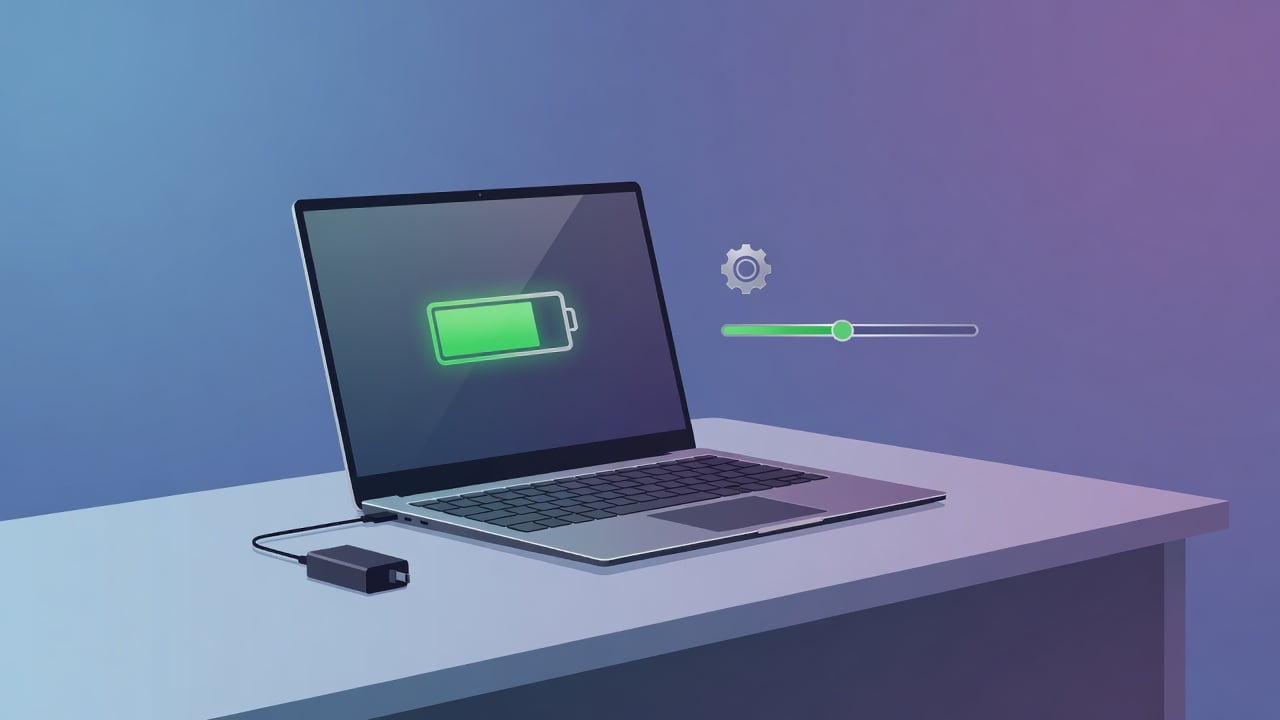
There’s no Windows-level charge limit setting. You’re at the mercy of whatever your laptop manufacturer provides:
Lenovo: Install Lenovo Vantage, go to Device → Power, enable Conservation Mode. Caps at roughly 60%. Some ThinkPads let you set custom thresholds in the BIOS.
Dell: Dell Power Manager lets you set custom start/stop thresholds. Probably the best OEM implementation.
ASUS: MyASUS → Battery Health Charging → choose Balanced Mode (80%) or Maximum Lifespan (60%).
HP: It’s in the BIOS on some models (F10 → Advanced → Power Management). On others it doesn’t exist at all. Inconsistent.
The frustrating thing about OEM solutions is that they’re all different, they don’t exist on every model, and if you switch laptop brands you have to figure out a completely new system. I had a Lenovo for years, switched to a Dell, and spent an embarrassing amount of time looking for “Conservation Mode” before realizing Dell calls it something else entirely.

The universal laptop charge limiter
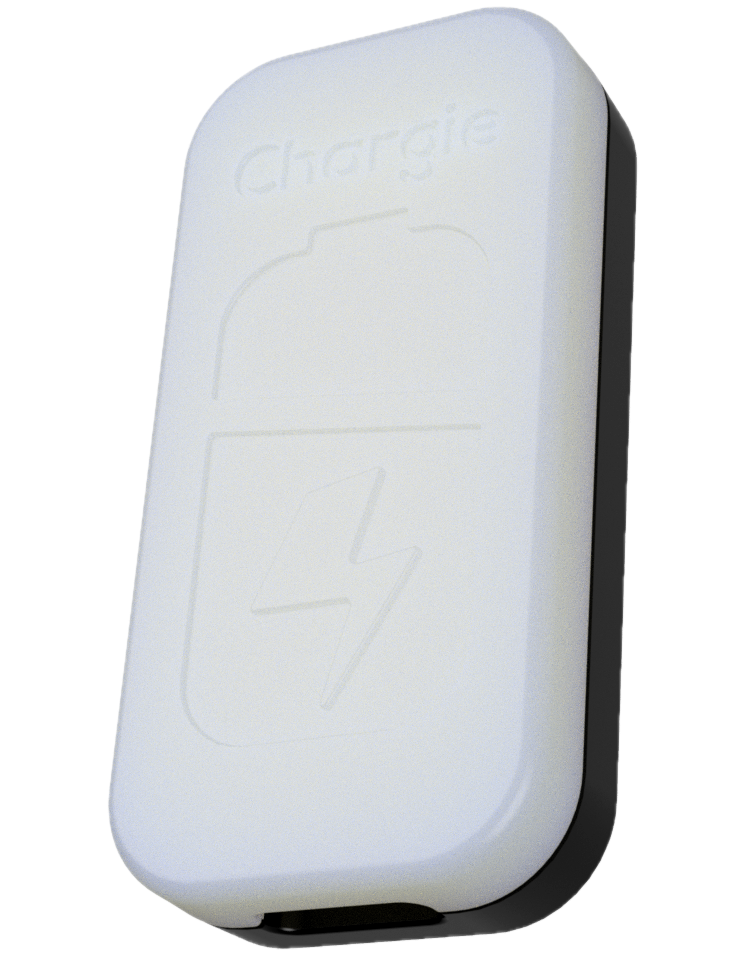
Chargie for Laptops ($49.99) handles up to 100W USB-C Power Delivery, which covers basically every USB-C laptop: MacBooks, ThinkPads, Dell XPS, HP Spectre, ASUS ZenBook, Surface, Chromebooks — all of them. One device, any brand, same behavior every time. No software to install, no BIOS menus to dig through.
Chromebook
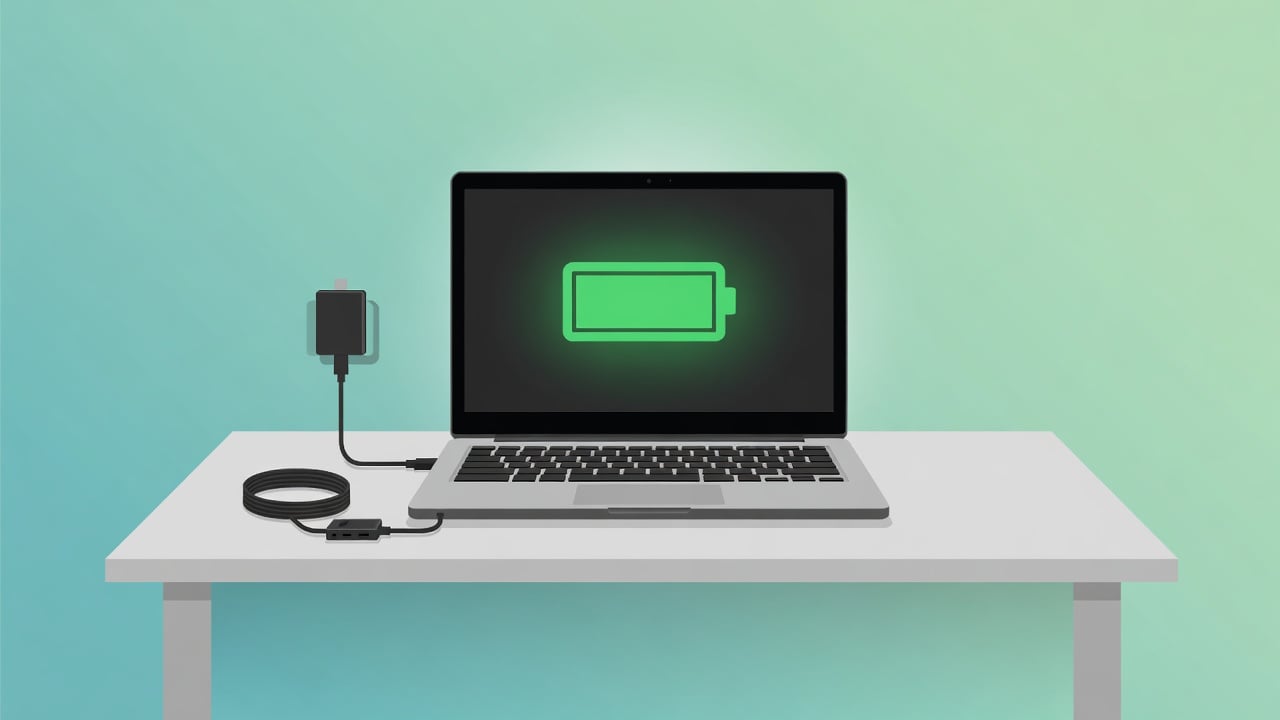
ChromeOS has no charge limit feature. Google’s Adaptive Charging just slows things down but still charges to 100%. For Chromebooks with USB-C, Chargie for Laptops is essentially the only option right now.
The “I Have Five Devices” Problem
Here’s the thing that none of the built-in solutions address: most of us have more than one device with a battery. I’ve got a phone, a laptop, wireless earbuds, and a tablet. That’s four lithium-ion batteries, each from a different manufacturer, each with different (or nonexistent) charge limiting options. (Tablets are the worst offenders — here’s why your iPad dies faster than your phone.)
Setting up Samsung’s battery protect, then Lenovo Vantage, then hoping Pixel figures it out, then realizing my tablet has nothing at all — it’s a patchwork. And half these software features require the device to be on and the app to be running.
Chargie’s value proposition is pretty simple when you think about it this way: one small hardware device that works with anything you charge via USB. Set it to 80%, move it between devices as needed. The app remembers per-device settings. Done.
- Chargie A ($34.99) — USB-A, for older phone chargers
- Chargie C Basic ($34.99) — USB-C phones and small devices
- Chargie for Laptops ($49.99) — USB-C PD up to 100W for any laptop
- Supercooled Wireless Charger ($29.99) — Qi2 wireless with charge limiting and active cooling built in
Common Mistakes People Make When Trying to Limit Charging
Mistake #1: Relying solely on built-in optimized charging
iOS Optimized Battery Charging and Android Adaptive Charging are excellent—until your schedule changes. A business trip, an emergency call at 2 AM, or simply inconsistent charging patterns disables the feature entirely. Software can’t override human unpredictability.
Mistake #2: Manually monitoring and unplugging
You will forget. You’ll be tired, distracted, or in a hurry. The moment you develop a habit of “five more minutes,” you’ve already defeated the purpose. Behavior-based solutions fail at scale.
Mistake #3: Using cheap third-party apps with excessive permissions
Many apps claiming to limit charging simply display a notification. Others require root access or drain more battery than they save. If the app closes or your phone restarts, protection disappears.
Mistake #4: Disabling fast charging entirely
Some users try to preserve battery by using old 5W chargers. While this generates less heat, it creates a new problem: chronic undercharging. A battery sitting at 40-50% most of the time suffers from a different (but equally damaging) pattern. Balance, not elimination, is the goal.
Frequently Asked Questions
Does limiting to 80% actually make a noticeable difference?
Over months, not really. Over 2-3 years, absolutely. A phone charged to 80% daily will typically retain 90%+ of its original capacity after 2 years. A phone charged to 100% daily might be down to 75-80% capacity in the same timeframe. The difference between “my phone still lasts all day” and “I need to charge by 3pm” is often just that 80% limit.
But won’t I have less battery to use each day?
You give up 20% of your daily charge, yes. But most modern phones have big enough batteries that 80% still gets you through a full day. And after two years of 80% charging, you’ll likely have more actual capacity left than someone who charged to 100% the whole time. It’s a trade-off that pays off.
90% instead of 80% — is that worth it?
Better than 100%, but the voltage curve really kicks up above 80%. Think of it this way: going from 100% to 90% gives you maybe 30% of the benefit. Going to 80% gets you most of it. The returns diminish below 80% too — going to 70% or 60% helps, but the biggest bang for your buck is just avoiding that top 20%.
What about letting my battery drop below 20%?
Try not to make a habit of it. Deep discharges stress lithium-ion batteries almost as much as sitting at high voltage. The 20-80% range is where these batteries are most comfortable. That said, draining to 10% once in a while isn’t going to destroy anything — it’s the daily pattern that matters most.
Can I still fast charge with a charge limiter?
With Chargie, yes. It charges at full speed until your target percentage, then cuts power. Chargie for Laptops supports up to 100W USB-C PD. There’s also an optional 10W slow charge mode if you want reduced heat — slower charging generates less heat, and heat is one of the biggest contributors to battery wear alongside voltage.
Start Limiting Your Battery Charge Today
Over 60,000 people have been using Chargie since 2019 to keep their batteries in the 20-80% sweet spot. Designed and manufactured in Europe, with free shipping worldwide.
Not sure which model fits the devices you own? Take the 30-second Which Chargie quiz →
More ways to keep your battery healthy for longer

USB-C charge limiter that stops at your set battery level, so your battery never sits at 100% overnight. Extends battery lifespan by years. Works with any USB-C charger.
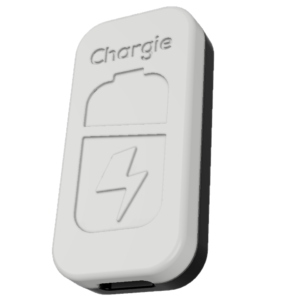
Limit your laptop charge to 80% via USB-C. Works with MacBooks, Dell, HP, Lenovo and most USB-C laptops up to 100W.
Protect Your Battery with Chargie
The world's first hardware charge limiter. Set a charge limit on any phone, tablet, or laptop — extend battery life by up to 4x.