About 20% capacity lost in one year
That’s the estimate for a lithium-ion battery stored at 100% charge and 25°C (77°F). Actual loss varies with the battery, temperature and time spent full. Source: Battery University, Table 3.

Set your charge limit. Chargie physically stops charging and restarts when needed.
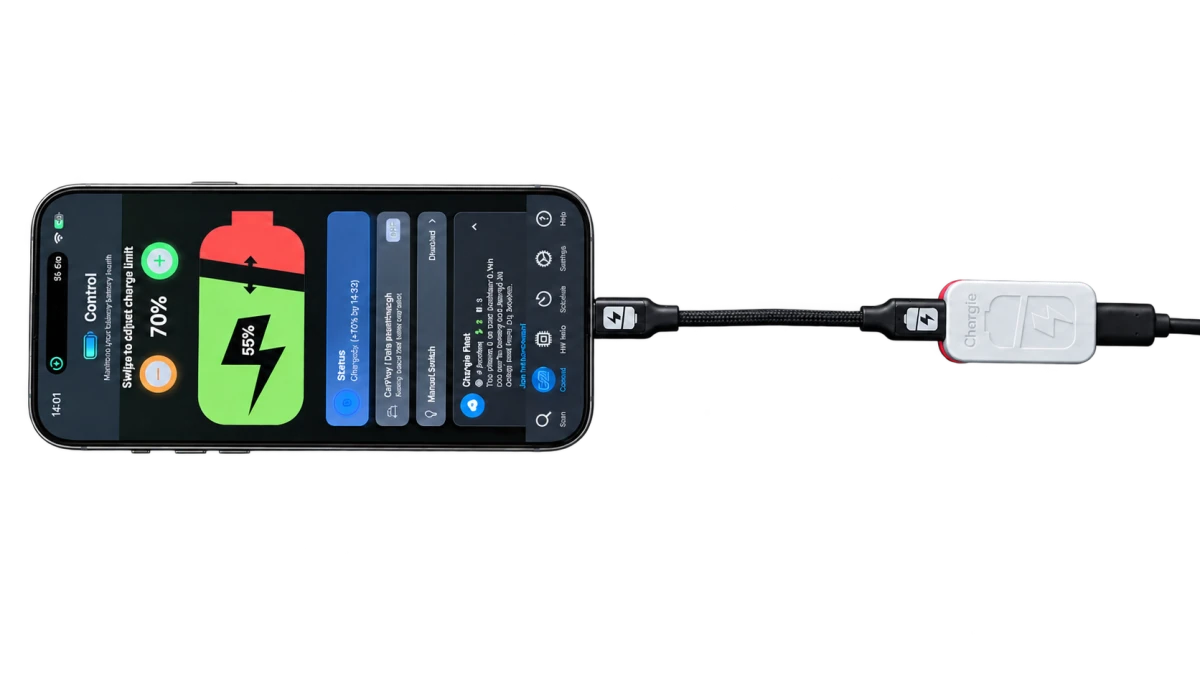
CHARGIE FOR iPHONE & iPAD
Choose a limit, fine-tune your routine, and let Chargie switch the power.
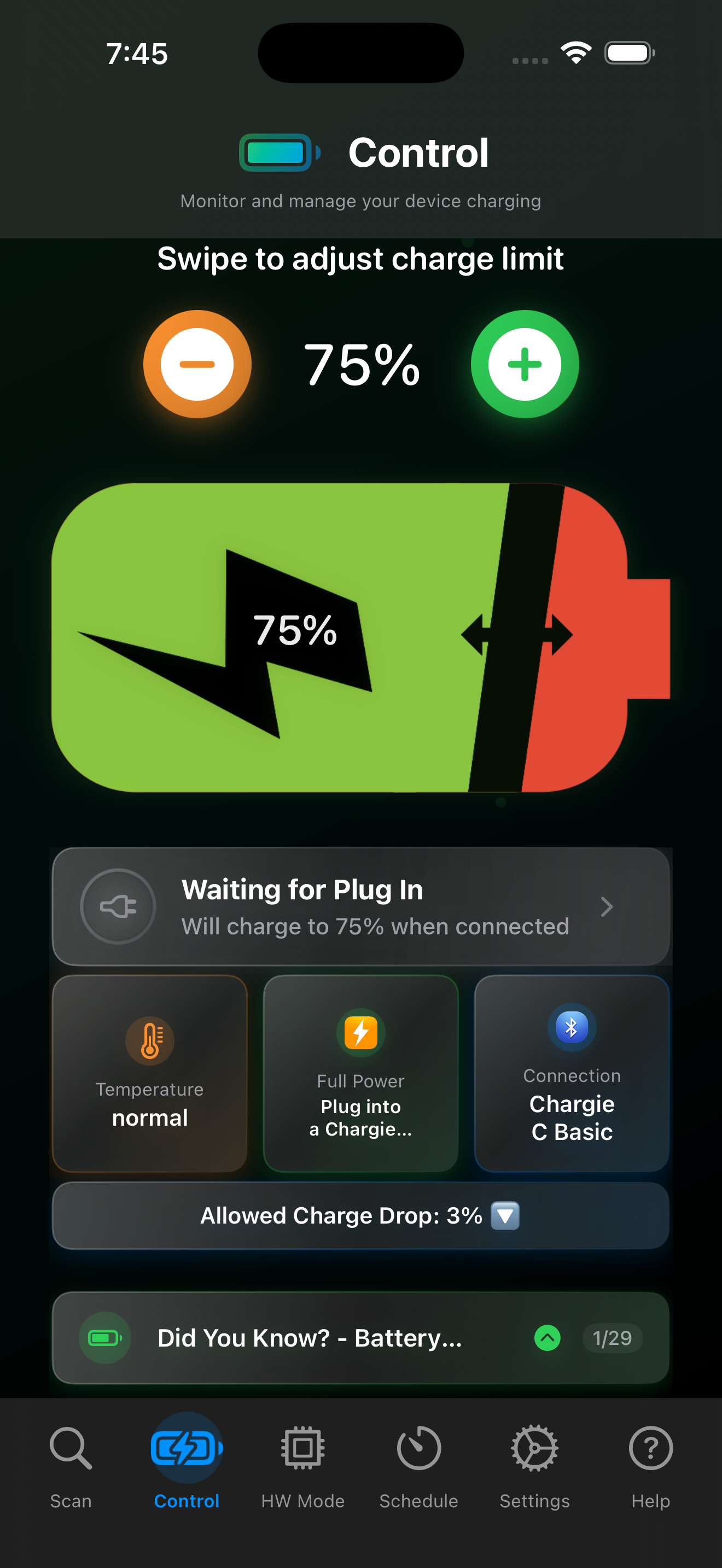
Set the battery percentage you want. The app tells your connected Chargie when to stop charging.
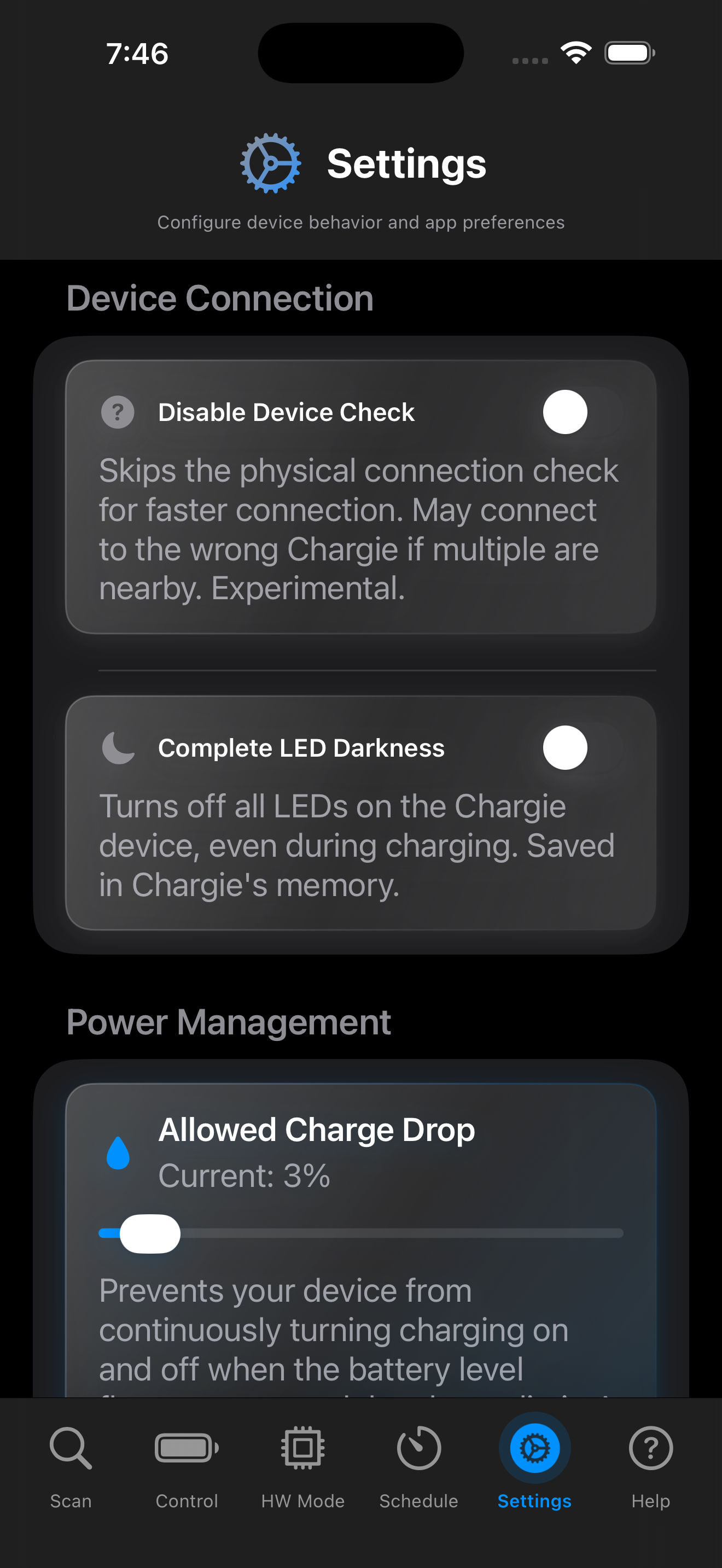
Adjust the allowed charge drop before charging restarts, or dim the LEDs for your bedside setup.
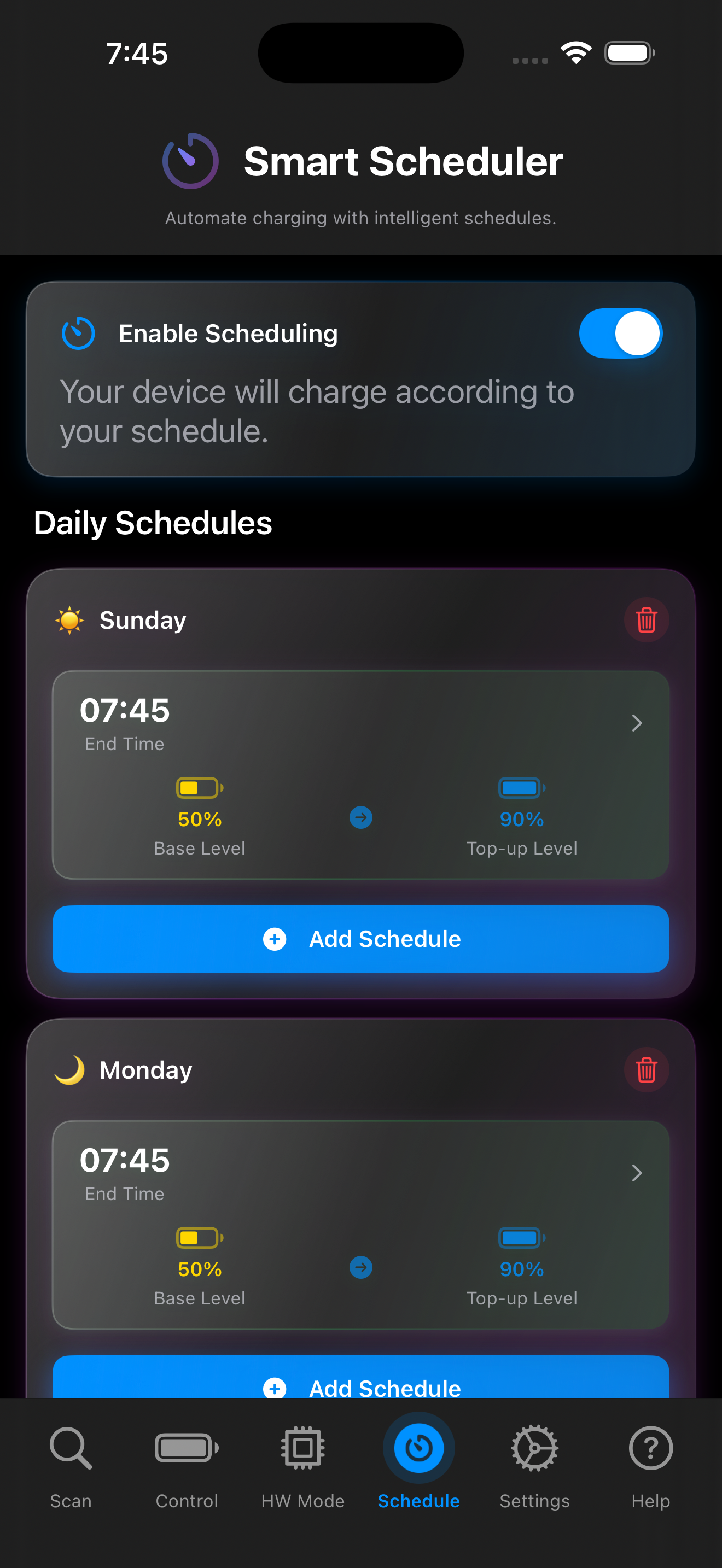
Keep a lower charge overnight, then schedule a top-up before you head out.
THE SHORT CHARGING CABLE
The short cable connects your phone to Chargie, keeping the two close together without a long loop of spare cable.
Plug the short cable between Chargie and your phone. Use connectors that match your device and Chargie model.
A short connection keeps your charging setup neat on a bedside table, desk or in your travel kit.
The cable carries power. The Chargie device stops and restarts it, following the limit you choose in the app.
THE CHARGIE DEVICE
Chargie sits in the charging path and physically switches the power. The app puts you in control.
The app reads your battery level and tells Chargie over Bluetooth when to stop and restart charging.
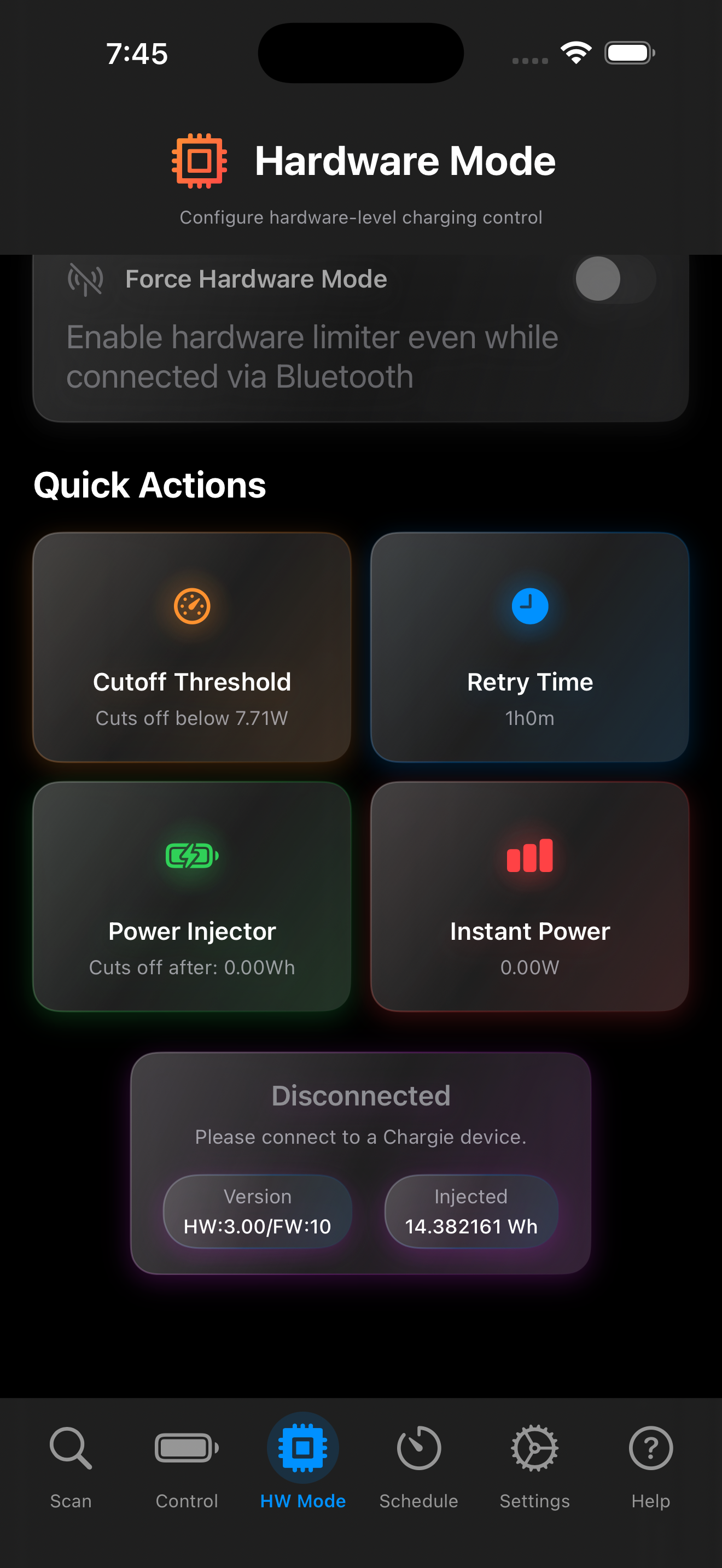
Supported models can also use a power-based cutoff independently of the app connection.
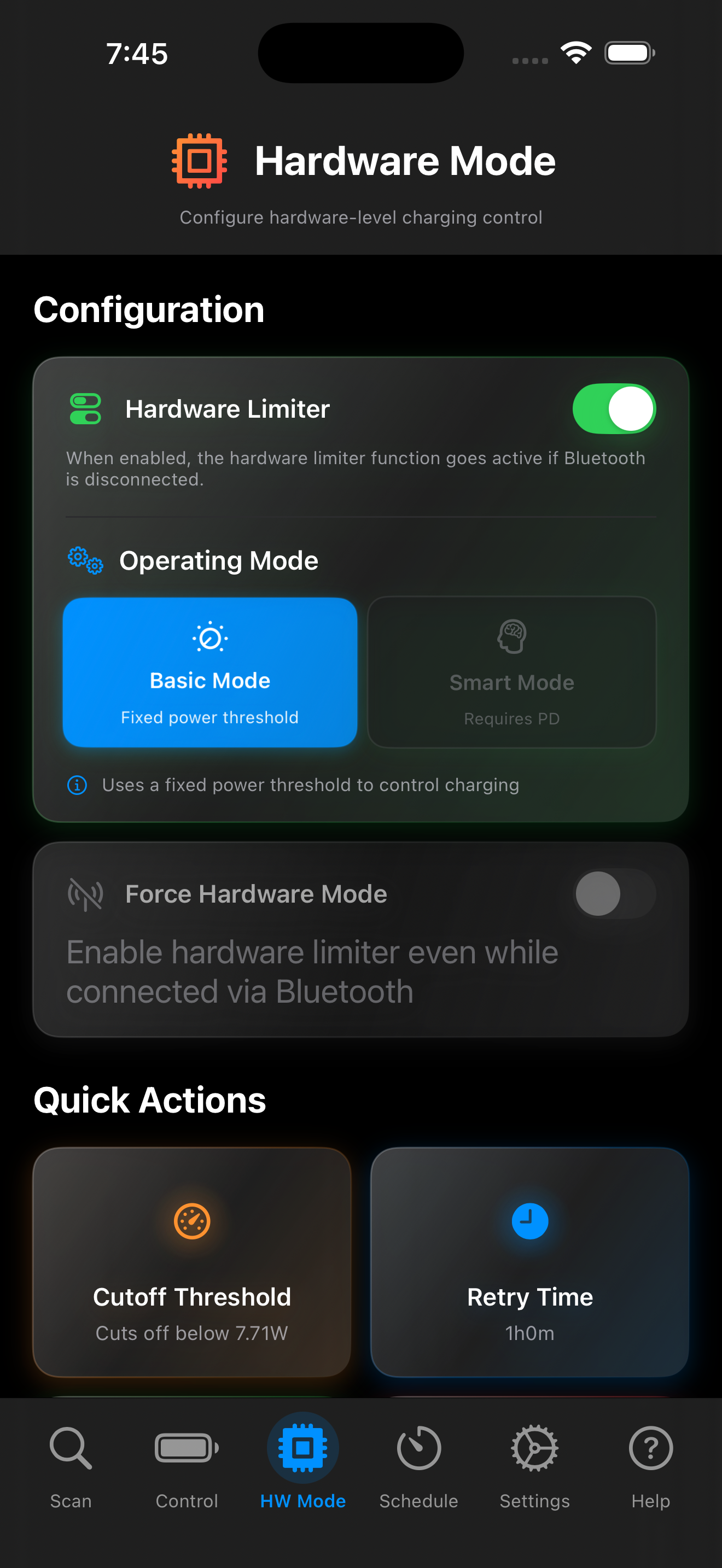
Configure the hardware limiter for your setup. Available modes and settings depend on your Chargie model.
Drag to rotate the product
02The problem
Keeping your phone or laptop fully charged overnight or through a long workday can speed up battery wear. Capacity fades little by little, even while the screen still says 100%.
More energy at full
Less energy at full
That’s the estimate for a lithium-ion battery stored at 100% charge and 25°C (77°F). Actual loss varies with the battery, temperature and time spent full. Source: Battery University, Table 3.
Charging, heavy work or a hot room can warm the battery and speed up the wear.
Not overcharging—gradual capacity loss. The screen can still say 100%, but each full charge holds less than before.
03How Chargie helps
Chargie is a USB charging limiter: the app reads your battery level, then tells the hardware over Bluetooth when to stop and restart charging.
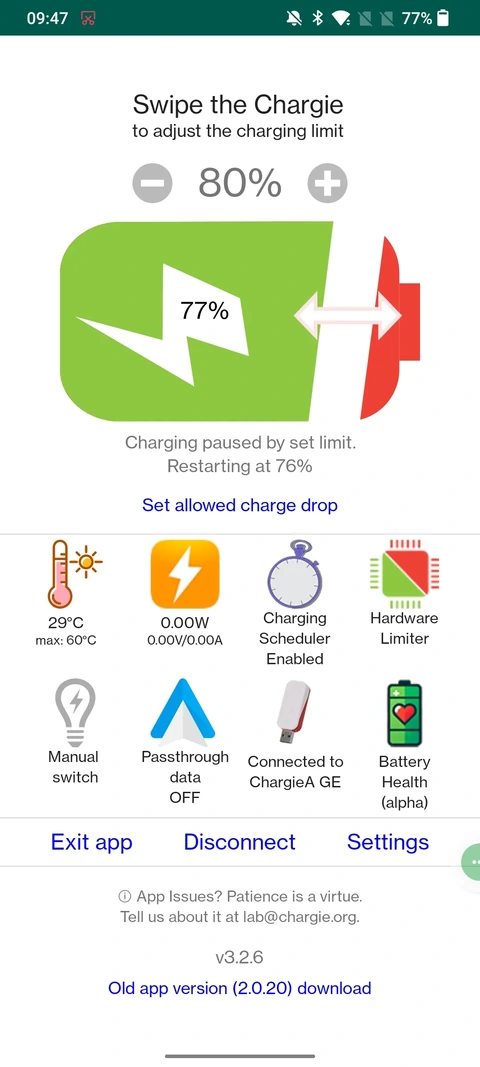
Choose 80%, for example.
Chargie interrupts power at 80%.
Here, charging resumes at 76%.
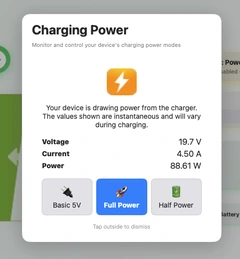
A USB-C laptop charge limiter supporting Power Delivery up to 100W. Choose Full or Half Power, view live power readings, and set weekly schedules on compatible Mac and Windows laptops.
Explore laptop charge limiting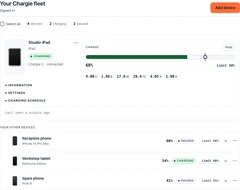
Included with Chargie: see battery status, change limits or stop charging from a browser—one paired iOS, iPadOS or Android device, or several at once.
Explore Fleet controls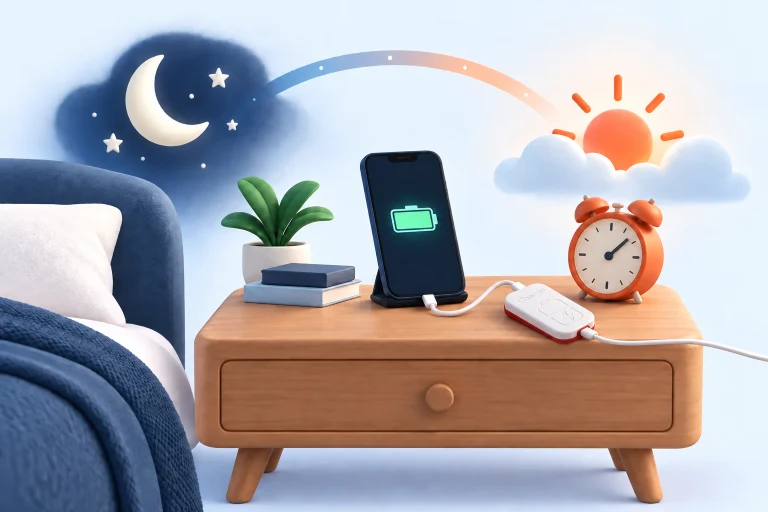
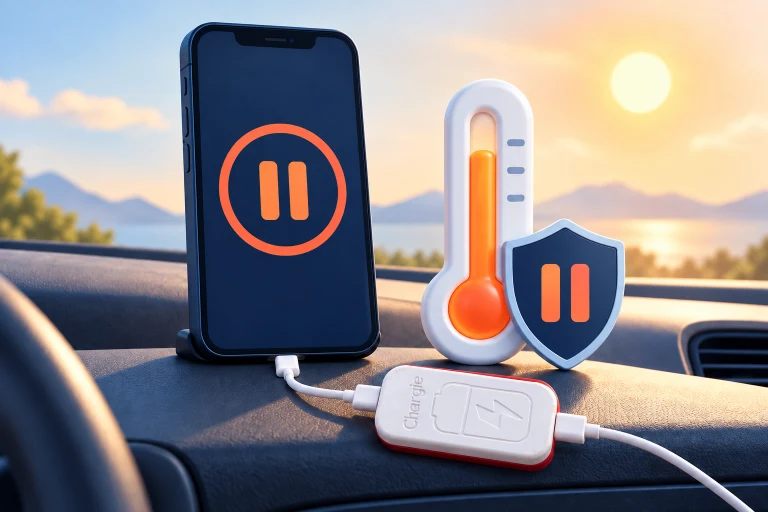
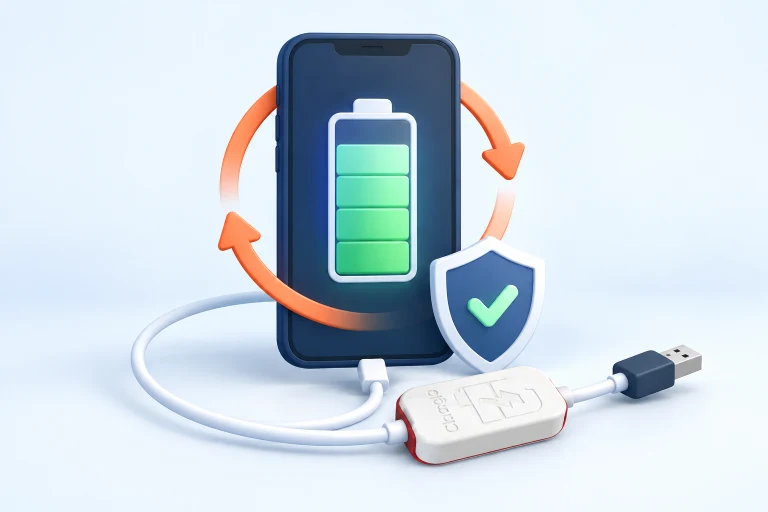
There are models for iPhone, Android phones, tablets and USB-C laptops. Match your charger, power needs and supported app before buying.
Find a compatible ChargieIf its built-in controls meet your needs, you may not need Chargie. Compare the extra settings and routines available on your platform.
Compare built-in charging limitsYes: you leave with less charge each time. Choose a limit that covers your day, and raise it when you need more. Chargie cannot restore capacity already lost.
04Meet the three models
Start with your charger’s port and your device’s power needs. Here’s what makes each Chargie different.
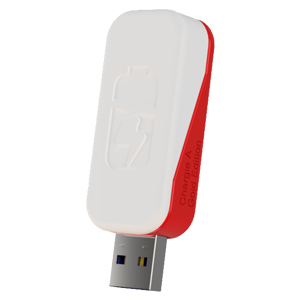
For the USB-A charger you already use.

Slower phone charging, with a USB-C connection.
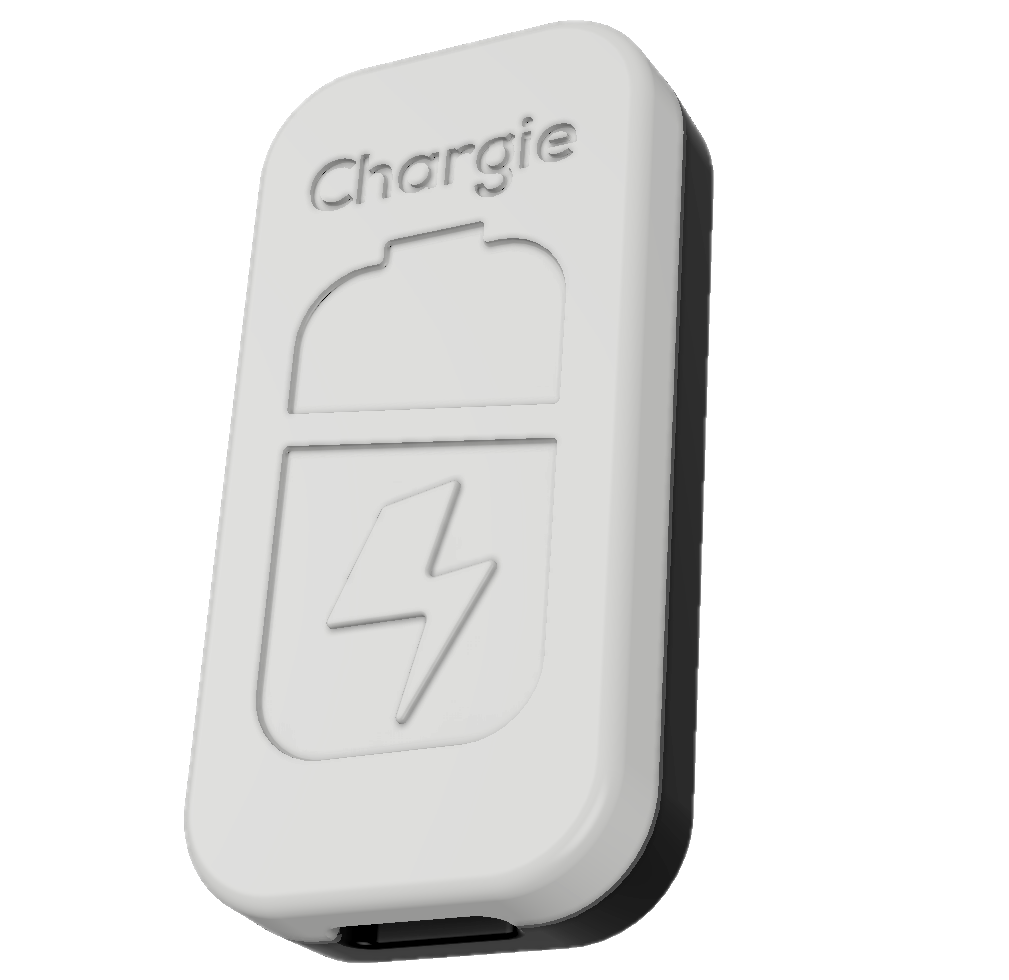
Charge control for your everyday laptop setup.
Every model: a physical charge cutoff and a free companion app. Percentage-based control needs the supported app and Bluetooth connection. Actual charging power depends on your setup.
05Customers & collaborations
Personal routines, always-connected kiosks and a collaboration with Nokia Labs. See how Chargie fits into the real world.
Notable customers

Customer references, not endorsements. No affiliation is implied; trademarks belong to their owners.
Corporate collaboration · documented in 2023
Phones used in network testing spend long periods plugged in. Our Nokia Labs story describes an app collaboration to manage charging while keeping the USB data connection available for testing.
Read the Nokia Labs story Planning a business deployment? Let’s talkRead customer reviews & watch their videos“I was monitoring my phone battery for years, and now it's just plug and play. I ordered 3, for my car, my office and my home.”
Cristophe Jeannette · Customer
Customer experience, not a battery-lifespan measurement.
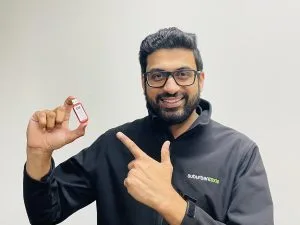
A real customer setup
Robert uses Chargie in phone-based booking kiosks.
Read his setup story
Created and developed by Ovidiu Sandru.
Meet the person behind Chargie
Choose the Chargie that fits your devices and your routine.
Shop