
Apple finally did it. After years of “Optimized Battery Charging” doing its own thing in the background (and mostly not doing what people actually wanted), macOS now has a proper manual charge limit. Sequoia 15.4 introduced it, and macOS Tahoe 26.4 expanded it further with better controls.
For anyone who’s been using AlDente or manually unplugging their MacBook at 80% like it’s 2019, this is genuinely good news. But it also raises an obvious question: if Apple has a built-in macOS charge limit now, do you still need a hardware charge limiter like Chargie?
Short answer: depends on how many devices you own and whether you trust software to do a hardware’s job. Let me explain.
What Apple’s macOS Charge Limit Actually Does
Apple’s been slowly building toward this for a while:
2020 (Big Sur): “Optimized Battery Charging” arrived. It used machine learning to figure out when you usually unplug your MacBook and tried to pause charging at 80% until just before that time. The idea was sound. The execution was… inconsistent. Plenty of people reported it didn’t seem to do anything, or kicked in unpredictably.
2025 (Sequoia 15.4): Apple added a manual charge limit. You can go to System Settings → Battery → Charging and set an 80% cap. Finally — the thing people had been asking for.
2026 (Tahoe 26.4): More granular controls. Better scheduling. The feature is maturing.
Credit where it’s due: Apple’s implementation is clean. It’s integrated into the system, it’s free, and it works without any third-party software. For a lot of MacBook users, this will be all they ever need.
Where the Built-in MacBook Charge Limit Falls Short
That said, there are some real gaps — and they’re not the kind Apple is likely to fix anytime soon.
Your MacBook isn’t your most abused battery
Think about which of your devices actually takes the most battery punishment. For most people, it’s their phone — not their laptop. Your phone gets charged every single day, often from near-empty. It sits on a charger in a hot car. It gets plugged in at 40% before bed and left cooking at 100% until morning.
Apple’s macOS charge limit does nothing for your phone. Nothing for your iPad. Nothing for your Windows work laptop. It’s Mac-only, which means your most stressed battery — your phone — gets no protection at all.
Software limits don’t work when software isn’t running
This is the one that bugs me. Apple’s charge limit communicates through macOS to the battery controller. Makes sense. But if your Mac is shut down and plugged in — which is what tons of people do at the end of the work day — it charges to 100%. Recovery mode? 100%. Reinstalling macOS? 100%.
A hardware charge limiter like Chargie operates at the USB-C cable level. It doesn’t need macOS, it doesn’t need any operating system, it doesn’t need anything to be running. The hardware physically controls whether electricity flows. Your laptop can be off, frozen, or in the middle of a firmware update. Doesn’t matter — Chargie still enforces your limit.
No slow charging option
Battery health comes down to two factors: voltage stress and heat. Apple’s charge limit addresses the voltage problem by stopping at 80%. But it does nothing about heat — your MacBook still fast-charges at full speed, generating heat the whole time.
Chargie for Laptops has a 10W slow charge mode that dramatically reduces heat during charging. Less heat = less chemical stress = longer battery life. It’s the combination of charge limiting AND reduced heat that maximizes battery longevity. Apple gives you half of that equation.
What Happened to AlDente
AlDente was the go-to macOS charge limiter for years. Good app, popular on Reddit, did its job well. Then Apple added native charge limiting and AlDente got “Sherlocked.”
If you’re not familiar with the term: “Sherlocking” is when Apple builds a feature into the OS that previously required a third-party app, effectively killing (or at least undermining) that app’s reason to exist. Named after the time Apple’s Sherlock search tool absorbed Watson’s features back in 2002. It’s been happening regularly ever since.
The AlDente team handled it gracefully — they acknowledged it publicly and pointed out the areas where AlDente still offers more than Apple’s built-in version. And they’re right; AlDente does have extra features. But the core value proposition (“I want to limit my MacBook charge to 80%”) is now free in macOS.
This is exactly the kind of risk that doesn’t apply to hardware. Nobody at Apple is going to build a physical USB device into the next MacBook charger. Chargie operates at a different layer entirely — one that’s immune to WWDC announcements.
Why Hardware Charge Limiters Still Make Sense in 2026
The multi-device reality

Count your rechargeable devices. I’ll wait.
Phone, laptop, tablet, earbuds, maybe a smartwatch. That’s 4-5 lithium-ion batteries. Your iPhone has its 80% limit (if it’s a 15 or newer). Your MacBook now has its macOS charge limit. Your Windows work laptop might have Lenovo Vantage or Dell Power Manager — or might have nothing. Your Android tablet almost certainly has nothing.
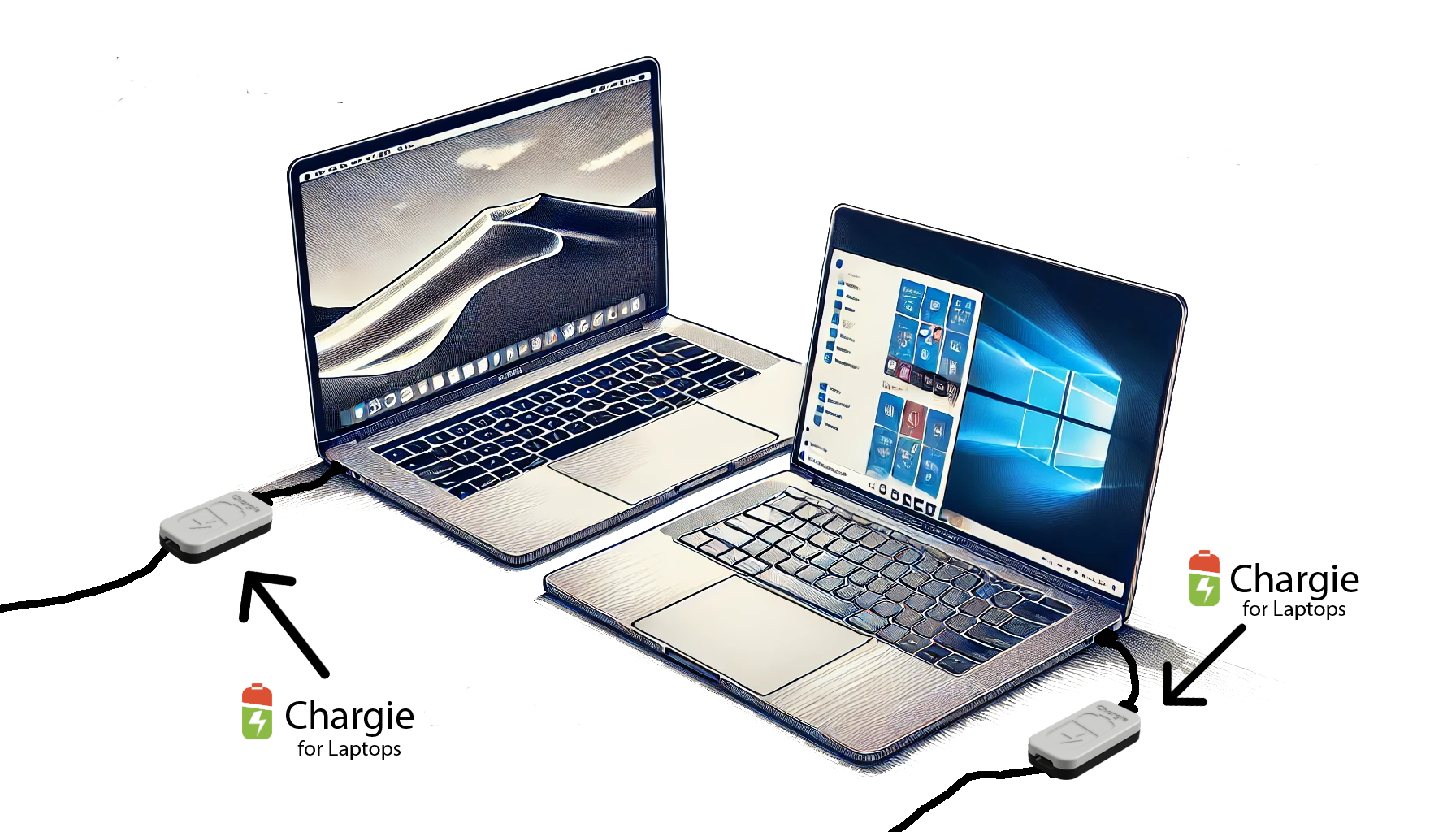
Chargie is one device that works with all of them. Plug it between any USB charger and any device. Same behavior, same app, same result. No fragmented patchwork of manufacturer-specific software.
Power-off protection
I keep coming back to this because it matters more than people think. When you’re done for the night, do you shut your laptop down or just close the lid? If you shut it down and leave it plugged in — which is good practice for other reasons — every software charge limiter stops working. Apple’s, AlDente’s, Samsung’s, all of them.
Chargie’s Appless Mode remembers your settings in the hardware. Turn everything off, unplug the Bluetooth, whatever — the limit still holds. For overnight charging especially, this is the difference between 8 hours at your target percentage vs 8 hours at 100%.
Heat reduction
I already mentioned Chargie’s 10W slow charge mode, but it bears repeating: heat kills batteries independently of voltage. A laptop that charges at full 96W speed gets meaningfully hotter than one charging at 10W. If you’re charging overnight anyway and don’t need it fast, the slow mode makes a real difference in long-term battery health.
Chargie for Laptops: MacBook Compatibility
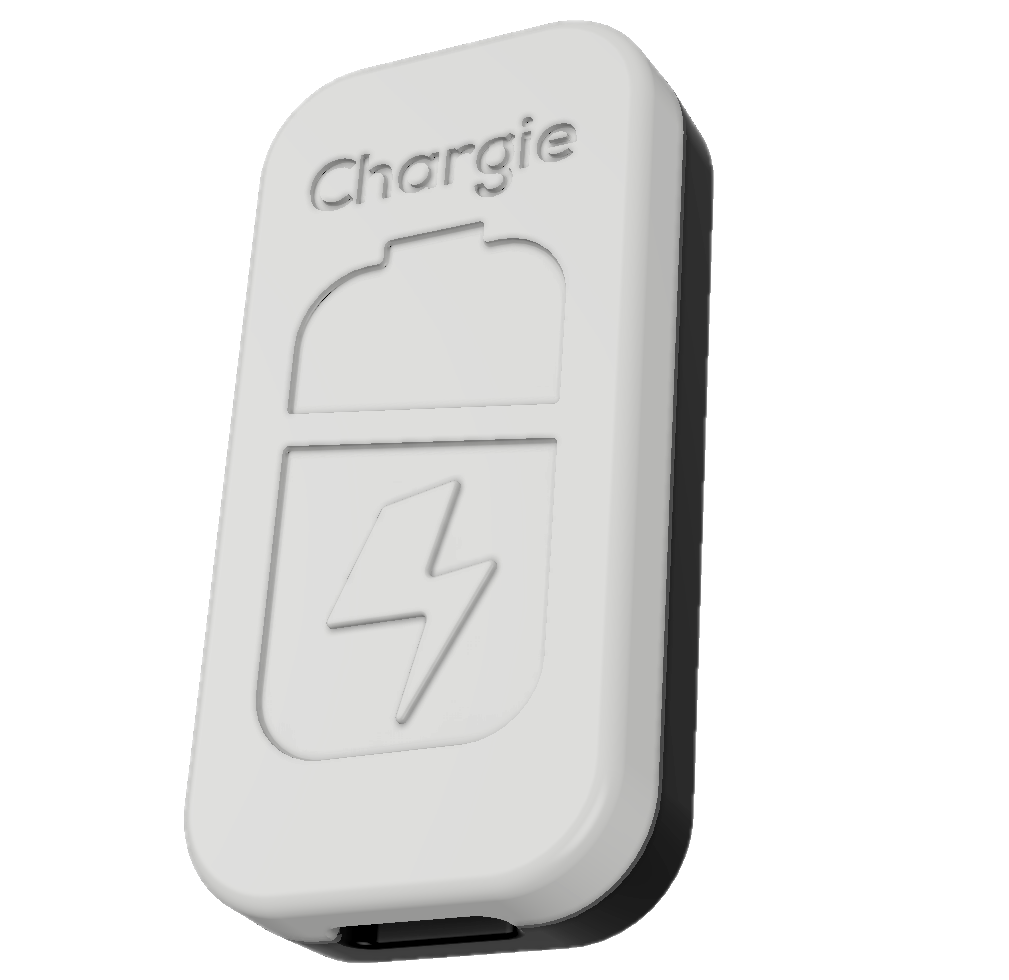
Chargie for Laptops ($49.99) supports USB-C Power Delivery up to 100W. That covers:
- MacBook Air (any M-series) — charges at 30-45W, well within Chargie’s range
- MacBook Pro 14″ — up to 70W standard, 96W with fast charge
- MacBook Pro 16″ — up to 100W via USB-C (the 140W MagSafe exceeds USB-C PD, but 100W USB-C still charges it fine, just a bit slower)
It also works with every USB-C Windows laptop, Chromebook, and anything else that charges over USB-C PD. Not just Macs.
Can You Use Both?
Yeah, and it’s a reasonable approach. Run Apple’s built-in charge limit on your MacBook for the zero-effort software protection. Use Chargie A or Chargie C on your phone for the device Apple’s feature doesn’t cover. If you want hardware-level protection on your Mac too — especially the slow charge mode and power-off enforcement — add Chargie for Laptops into the mix.
There’s no conflict between them. They operate at different layers.
The Bottom Line
Apple adding a macOS charge limit is a genuinely good thing. It’ll help a lot of MacBook batteries last longer, and it’s free. No complaints there.
But it solves one device out of the several you probably own. It only works when macOS is running. And it doesn’t reduce charging heat. For people who want comprehensive battery protection across all their devices — phones included — hardware charge limiting still does things software can’t.
Chargie has been doing this since 2019. Over 60,000 customers. Designed and manufactured in Europe. Free worldwide shipping on every order.

USB-C charge limiter that stops at your set battery level, so your battery never sits at 100% overnight. Extends battery lifespan by years. Works with any USB-C charger.
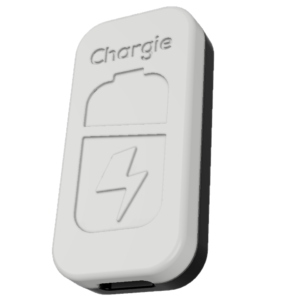
Limit your laptop charge to 80% via USB-C. Works with MacBooks, Dell, HP, Lenovo and most USB-C laptops up to 100W.
Protect Your Battery with Chargie
The world's first hardware charge limiter. Set a charge limit on any phone, tablet, or laptop — extend battery life by up to 4x.