
Chargie, explained
Chargie vs built-in charging limits.
Compare iPhone, Android, Mac and Windows charge limits with external hardware control. Start with the built-in option, then decide whether Chargie’s extra controls fit your routine.
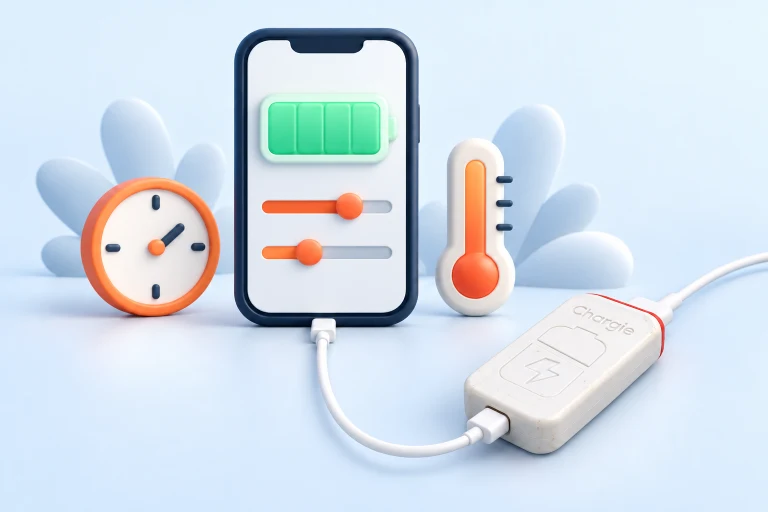
Can your iPhone, Android phone or laptop already limit charging?
A charge limit sets a ceiling. Optimized or adaptive charging usually changes when charging finishes. Check which behavior your device offers before choosing an external battery charge limiter.
iPhone charge limit
On iPhone 15 and later, Apple offers limits from 80% to 100% in 5% steps. Optimized Battery Charging is a separate option. The phone may occasionally charge to 100% to maintain accurate estimates. Apple’s iPhone charging guide.
Android: Pixel’s 80% limit
Google documents “Limit to 80%” for Pixel 6a and later. Adaptive Charging instead aims to finish near unplugging time. Periodic full charges maintain accurate battery readings. Other Android brands use different controls. Google’s Pixel charging guide.
Samsung Battery protection
Samsung’s One UI 7 documentation describes adjustable maximum levels between 80% and 95%. Check your Galaxy model and software version; older instructions may describe a different limit. Samsung’s One UI feature guide.
MacBook charge limit
Apple silicon Macs running macOS Tahoe 26.4 or later offer an 80–100% Charge Limit. Optimized Battery Charging delays completing a full charge. Occasional charging to 100% can still occur for accurate estimates. Apple’s Mac charging guide.
Windows 11 battery charge limit
Smart charging depends on the laptop manufacturer; Windows does not provide one universal limit control for every laptop. Check your maker’s utility or firmware settings first. Microsoft’s Smart charging guide.
When does Chargie add something?
Look for a specific need: an adjustable restart gap, a scheduled top-up, supported temperature control or remote Fleet controls. Match the feature to your device and Chargie model. If the built-in limit already does the job, extra hardware may not be necessary.
Explore charge limits and restart gapsManufacturer documentation checked 16 September 2026. Availability can change with hardware and software updates.
Compare the actual settings—not the labels.
“Optimized charging,” “charge limit,” and “battery protection” can describe different behaviors. One setting may delay the final part of charging; another may apply a chosen ceiling. Availability can change by device model and operating-system version. Check what your device does today rather than assuming all built-in systems are identical.
| Question | Your built-in controls | Chargie |
|---|---|---|
| Where does control happen? | Within the device’s own charging system. | At an external point in the charging connection, with app-controlled operation. |
| Can I choose my routine? | Inspect the limits and schedules offered on your model. | Explore supported charge limits, restart gaps, and scheduling for your platform. |
| What must keep working? | The device’s implementation and its settings. | Compatible hardware and, in normal app-controlled use, the app and connection. |
| What extra equipment is needed? | Usually none beyond the normal charging setup. | A suitable Chargie, cables, charger, and supported device. |
| Can I use it elsewhere? | The setting belongs to that device. | The hardware can move to another compatible setup; check its requirements again. |
When the built-in option may be enough.
If your device already offers the ceiling or routine you want and behaves reliably in your normal use, start with that. Additional hardware is not automatically a better choice. A solution you already have can be the simplest way to spend less time at a high state of charge.
Consider what is actually missing. You might want a particular restart gap, a top-up routine, a supported temperature threshold, or a charging setup for a device whose controls are limited. Write down that need before comparing products so you do not buy an accessory for a problem already solved.
Devices also have their own thermal and electrical protections. We do not treat those as absent or inherently inferior. External charging control complements the device’s system; it does not replace it.
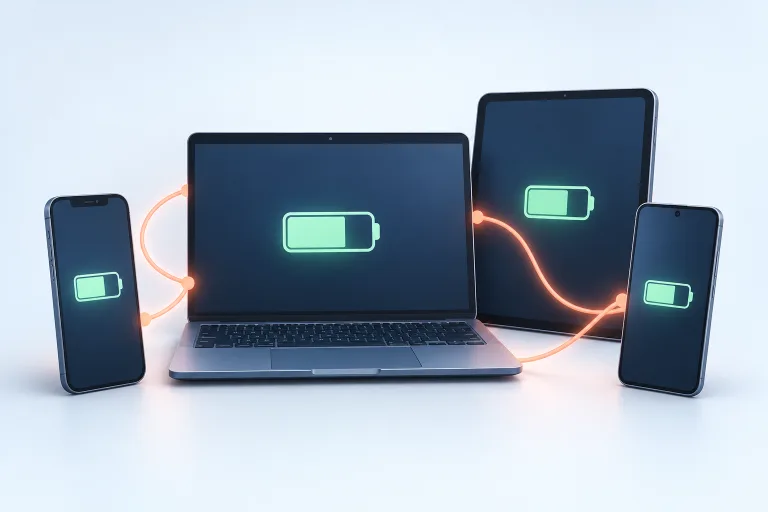
External control brings both options and responsibilities.
Identify the missing control
A specific daily problem is a better starting point than a long feature list.
Check model and platform
Confirm that the Chargie you choose supports the power path and app features you need.
Observe the routine
Verify charging, app operation, and reconnects with your actual equipment.
An external switch adds a physical component and, for app-driven percentage control, an app connection to maintain. Background restrictions or a connection problem can affect the routine. This is why a hardware device should not be advertised as magically knowing an exact battery percentage when the app is unavailable.
Appless behavior, power modes, and USB data support also need model-specific checking. Separate those questions from the headline question of whether a charging limit is desirable. A good match must satisfy the complete setup, not just one feature.
A short checklist before you choose.
What is your device already doing?
Open its battery or charging settings and read the manufacturer’s explanation. Look for whether the setting delays charging, applies a ceiling, or changes behavior based on usage.
What would you change?
Describe the desired routine: a different limit, a restart range, a morning top-up, or an always-on installation. Keep the goal specific.
Does the complete connection fit?
Check power, connector, cable, app platform, and any required USB data behavior. A familiar connector alone is not enough.
Can you verify normal operation?
Observe at least a normal cycle and a reconnect. Read the appropriate app guide and ask support about anything uncertain before an unattended or business deployment.
No setup guarantees a fixed lifespan gain. Choose the least complicated reliable solution that supports the charging routine you need.