
Chargie, explained
Limit charging to 80%—or your own target.
Set a battery charge limit and a restart gap, also called hysteresis. For example, stop charging at 80% and restart at 75%. Choose a range that fits your device and daily runtime.
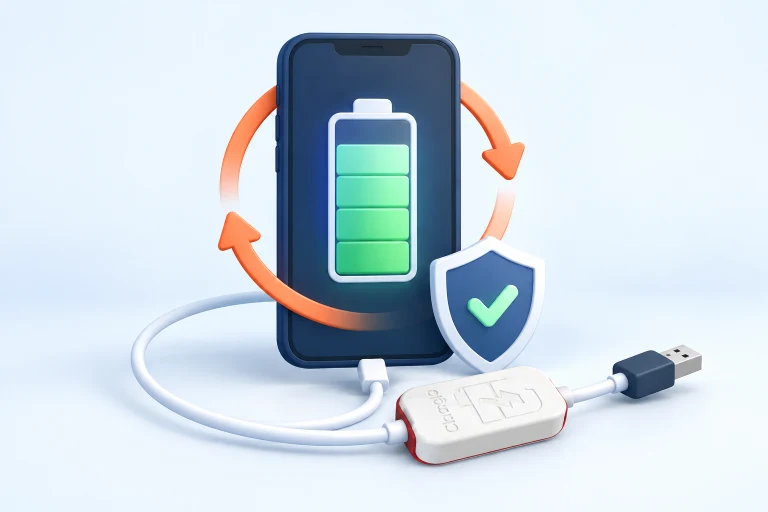
The idea at a glance.
Charging resumes
In this example, the lower threshold is 75%. Power is allowed through again when the app detects that level.
Charging stops
The app tells Chargie to interrupt charging at the chosen upper limit.
A deliberate gap
The battery can fall between the two thresholds instead of asking for a top-up at every small change.
Illustrative 75–80% settings, not a measured battery-life result or a recommendation for every device.
Two settings, two different jobs
The upper limit answers “How full do I want the battery?” The restart gap answers “When should it begin charging again?” That gap is often called hysteresis. You do not need to know the technical term to use it: think of it as a little breathing room between stop and start.
For example, a limit of 80% and a five-percentage-point gap produce a 75–80% working range. After charging stops, the device continues using energy. When the app observes the lower threshold, it can ask the hardware to allow charging again. The percentage may not change at an exact, predictable rate; workload and the device’s own battery reporting affect what you see.
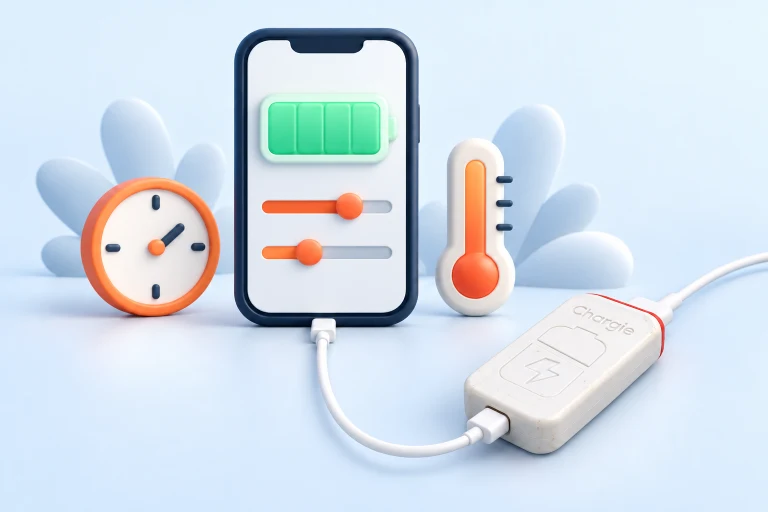
Hardware switches the power. The app provides the context.
In normal app-controlled operation, the app reads the battery state and communicates with Chargie over Bluetooth. Chargie sits in the power path and performs the switching. It does not rewrite the battery percentage shown by your operating system, repair worn cells, or replace the device’s own battery-management and safety systems.
Chargie also offers model-dependent appless operation. That is a separate mode and should not be confused with live percentage control: without battery data from the app, the hardware cannot simply know that a switched-off phone is at your chosen percentage. Read the hardware and platform instructions before relying on an unattended setup.
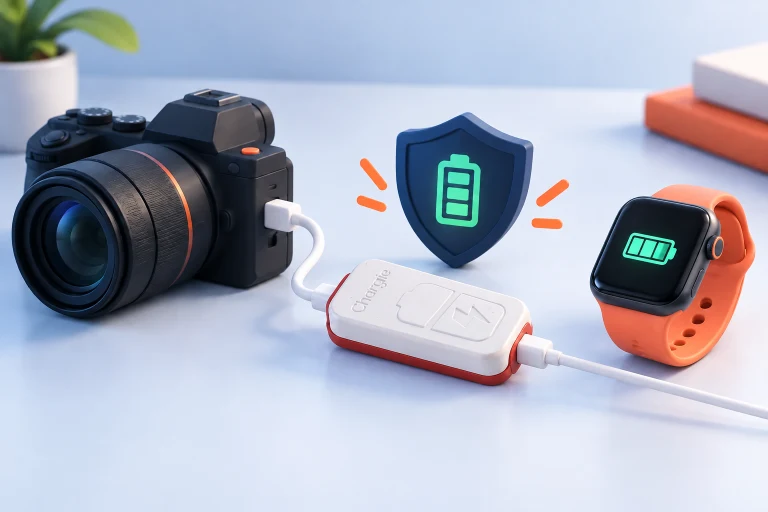
Choose a routine you can live with
A lower everyday ceiling can reduce the time spent at high state of charge, but it also leaves less energy available when you unplug. Start with a level that comfortably covers your normal day. If you regularly run short, increase the limit rather than treating one percentage as a rule you must follow.
For a long journey, you may prefer a higher target or a scheduled top-up. For a device that stays near a charger, a lower working range may be more practical. Check how your own device behaves over several normal days before leaving it unattended. A wider restart gap means more variation in the displayed charge; a narrow gap generally asks for more frequent top-ups.
Before you make it your routine.
A charge limit manages future charging habits. It cannot restore capacity already lost, and it does not guarantee a particular lifespan improvement.
Is 80% always the best setting?
No. It is an understandable starting example, not a universal optimum. Runtime needs, device design, temperature, and usage all matter. Choose a setting you can use consistently.
Will it still work if I close the app?
Background behavior depends on the platform and its permissions. Follow the relevant app guide and test the charging routine; do not assume normal percentage control is the same as appless mode.
Does it control charging speed too?
Power-related options depend on the Chargie model and the charging equipment. Check the hardware specifications rather than assuming every model supports the same wattage or modes.
Can my phone’s own limit do this already?
Some devices have useful built-in limits. If those settings meet your needs, you may not need additional hardware. Compare the actual controls available on your device.