
Chargie, explained
Overnight charging, on your schedule.
The Chargie overnight charging scheduler holds a lower charge overnight and plans a later top-up. Choose the level you need before you leave instead of keeping the battery full all night.
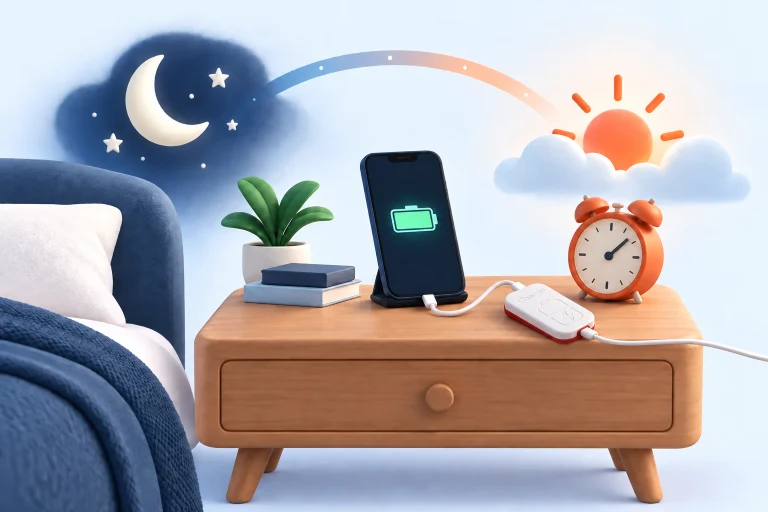
The idea at a glance.
Hold a lower level
Use an overnight level that fits your routine. This example uses 60%.
Charge closer to departure
Configure a later charging period and your desired final target in the app.
Unplug and go
Aim for the energy you need when you leave; verify the timing with your device.
Conceptual overnight sequence. Charging time varies with the charger, device, temperature, workload, and chosen settings.
One night, two charging goals
During the night, a plugged-in device usually does not need the same reserve that you want when you head out. A scheduled routine separates these needs. You can keep a lower level overnight and arrange a higher target closer to the time you expect to unplug.
The point is to reduce unnecessary time at a high state of charge while still having useful runtime in the morning. It is not a claim that charging to full is forbidden. On a busy day, a higher final target may be the sensible choice; on a quiet day, you may decide that less is enough.
Set it up, then watch one normal night
First check that ordinary app-controlled charging works: the app connects to Chargie, reads the battery, and stops at your chosen limit. Next open the scheduler controls and configure the overnight level, timing, and final target available on your platform.
Allow enough time for the actual equipment you use. A low-power charger, a device doing background work, and a battery that slows charging near full can all change the result. Test your first scheduled cycle while you can check it, then adjust from that observation rather than assuming a fixed charging duration.
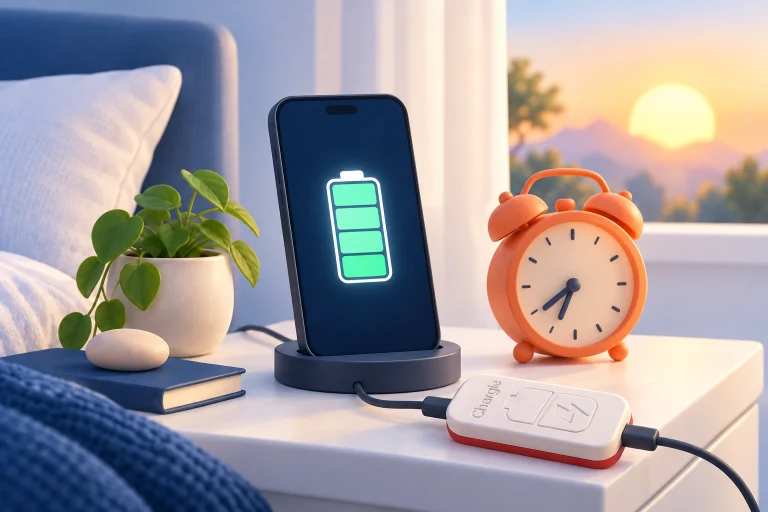
Make the schedule fit real life
Your weekday routine may be different from weekends or travel. Review the schedule when your departure time changes, and check the app after changing time zone or system time. A stored routine is useful only while it still matches when you need the device.
Scheduling also depends on the normal requirements of the app and hardware: supported settings, connection, and background operation. Keep required Bluetooth and background permissions enabled. If charging does not follow the plan, inspect the connection and platform instructions before increasing the target or replacing the charger.
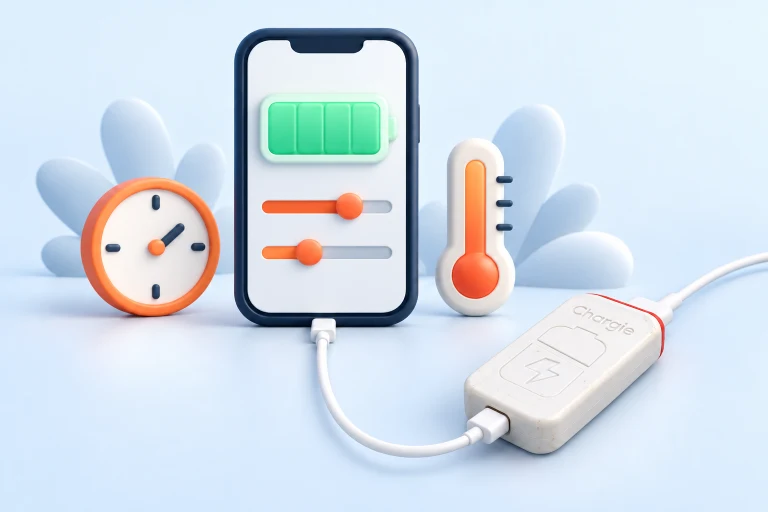
Inside the app
Recognize the setting before you use it.
Use the screenshot as an orientation point, then follow the instructions for your operating system. The controls and appearance can vary with app version and platform.
Open your platform’s setup guide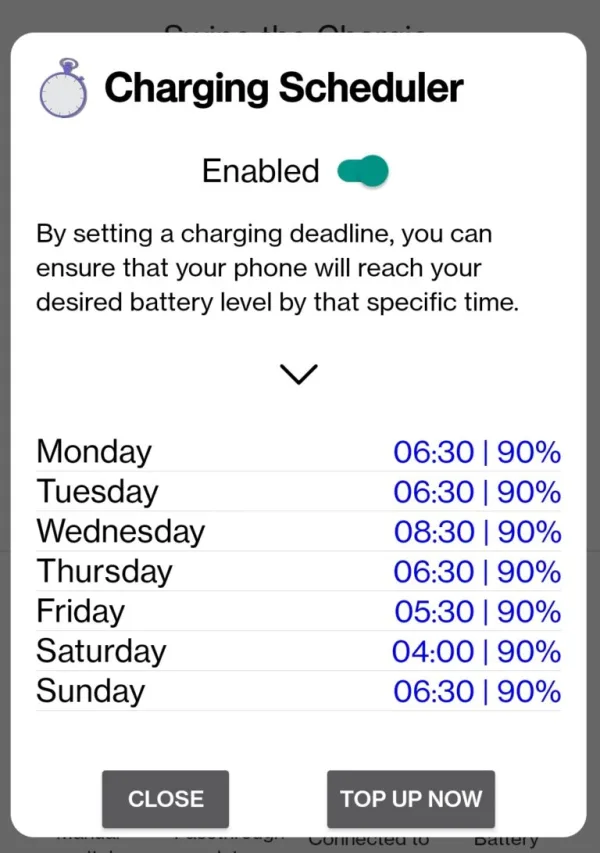
Before you make it your routine.
A schedule is not a guarantee of a particular percentage at an exact time. Test it with your own charger, device, and background-app settings.
Must the final target be 100%?
No. The purpose is to choose a target that fits the coming day, using the options supported by your app. A lower final target may already cover your needs.
Is this the same as a simple plug timer?
No. A timer merely switches at a time. App-controlled Chargie routines also use battery information and charging settings; check which scheduling options your platform supports.
What if my morning changes?
Update or disable the scheduled routine before the next cycle. If you need a higher charge for travel, choose that deliberately rather than keeping every night set for the exceptional day.
Should I use the scheduler for a permanently plugged-in device?
Often a stable charge range is a simpler starting point. A scheduled top-up is most relevant when a device is about to be unplugged and used away from power.