
Chargie, explained
Phone hot while charging? Set a temperature cutoff.
On supported devices, Chargie can pause charging at a battery temperature threshold you choose. It uses temperature information reported to the app; it does not actively cool the phone.
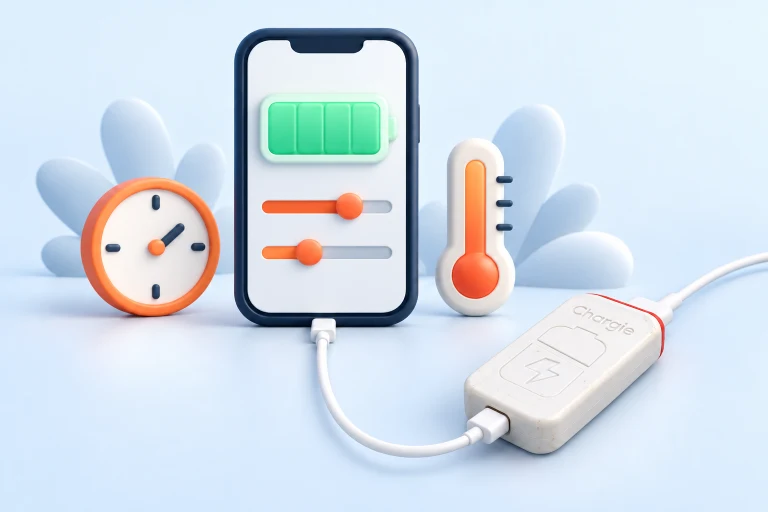
The idea at a glance.
Observe reported temperature
The app needs temperature information from a supported device or platform.
Apply your chosen cutoff
When the reported value reaches the configured threshold, charging can be interrupted.
Address the source of heat
Move the device out of sun or reduce the load. Pausing charge does not actively cool it.
A control sequence, not a fire-prevention guarantee. Temperature reporting and settings depend on the platform.
Charging is only one source of heat
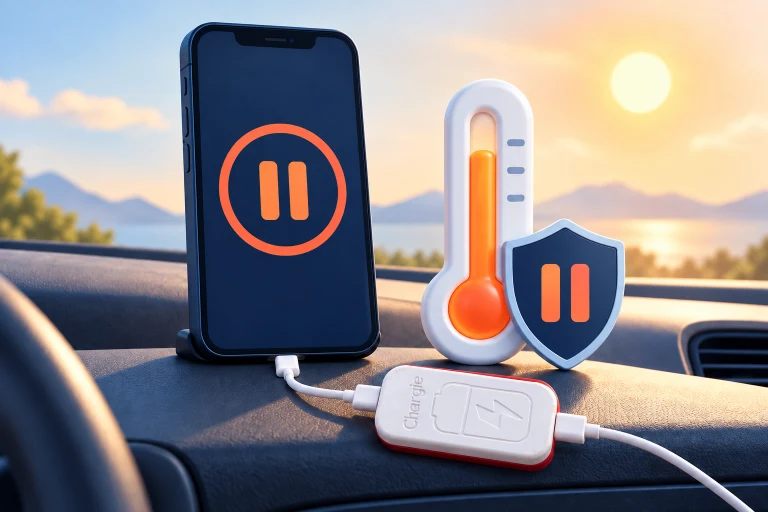
A phone on a car dashboard can be dealing with direct sun, a bright screen, navigation, and charging at the same time. A temperature cutoff gives you a way to stop adding charging activity when the reported temperature exceeds your preference.
That does not mean Chargie can make the surroundings cooler. The phone can continue heating from sunlight or its own workload after charging stops. Move it into shade, improve airflow where practical, and follow the manufacturer’s temperature guidance rather than relying on a charging accessory as the only response.

Check what your platform actually reports
Temperature control requires usable temperature information. Operating systems do not all expose the same sensors and data to apps. Confirm that the Chargie app on your device shows the relevant temperature and offers the setting before making it part of your routine.
A reported battery temperature is not the same thing as the air temperature, the charger temperature, or a precise measurement of every component inside the phone. Use the setting as an additional charging-control preference, not a replacement for the device’s built-in thermal management.
Use a sensible threshold and test the response
Begin by observing the temperature shown during ordinary charging in normal indoor conditions. Consult the app guide and the device maker’s limits before choosing a threshold. A lower cutoff may pause charging more often; a higher one allows a wider operating range but may not match your battery-care preference.
Test the normal pause and resume behavior without deliberately overheating the device. If it keeps reaching your threshold, change the environment or charging routine. Repeatedly overriding the cutoff does not resolve the reason it is getting hot. Keep a damaged or visibly swollen battery out of service and seek appropriate support.
Inside the app
Recognize the setting before you use it.
Use the screenshot as an orientation point, then follow the instructions for your operating system. The controls and appearance can vary with app version and platform.
Open your platform’s setup guide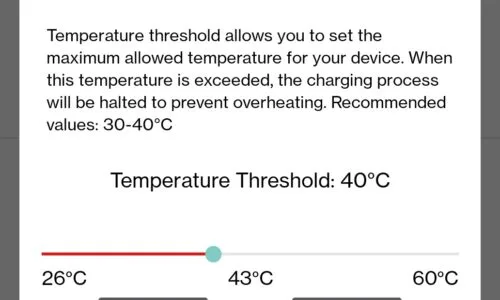
Before you make it your routine.
Chargie is not an active cooler or a certified fire-prevention device. It does not eliminate the risk of battery failure, swelling, or fire.
Does this feature work identically on every phone?
No. Sensor access and app features depend on the operating system and device. Check the platform-specific guide and actual app controls.
Does my phone already protect itself from heat?
Devices generally have their own thermal-management systems. Chargie’s configurable charging behavior is an additional control, not a replacement or proof that the original protection is inadequate.
Will it cool a phone left in the sun?
No. Interrupting charging does not remove sunlight or heat from the device. Change the conditions and follow the manufacturer’s guidance.
Will navigation stop when charging pauses?
The device may continue running on its own battery. USB data behavior and available power depend on the model and connection; verify the exact setup you intend to use.