
The Hidden Cost of Always-Plugged-In Devices
Walk into any business that relies on mobile devices and you’ll see the same thing: phones in charging cradles, tablets mounted on walls, laptops permanently docked. Every single one of these devices is slowly destroying its own battery — and the company’s IT budget along with it.
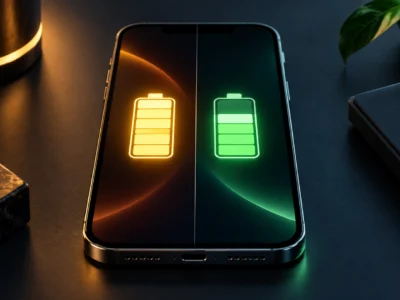
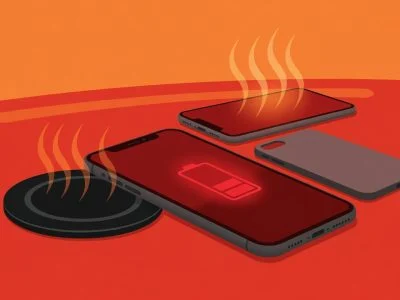
The mechanism is invisible. A lithium-ion battery sitting at 100% charge at room temperature loses approximately 20% of its capacity per year, according to Battery University research. Raise the temperature to 30–35°C — common inside a charging device — and the rate climbs to 30–35% per year. After 18 months, a device that used to last a full shift now needs charging by lunchtime. After 24 months, it’s unreliable.
Most companies handle this by replacing the battery — or the entire device. Neither is cheap, and neither solves the underlying problem. The replacement battery will degrade just as fast under the same conditions.
Use Case 1: Delivery Fleet Phones
The scenario: A logistics company runs 40 Android phones for delivery drivers. Each phone lives in a vehicle cradle, plugged in for 8–12 hours per shift. GPS navigation, barcode scanning, and signature capture run continuously. The phone is charging the entire time.
The damage: 10 hours × 5 days × 52 weeks = 2,600 hours per year at 100% charge, at elevated dashboard temperatures that can reach 40°C in summer. Add the heat from continuous GPS and cellular data, and these batteries are degrading at 2–3x the normal rate.
The costs:
- Battery replacement: $70–$90 per device (parts + labor + logistics of collecting and returning devices)
- Device replacement (when the battery is non-removable): $200–$400 per device
- Driver downtime: 1–2 hours per swap, per incident
- Missed deliveries from dead devices: unpredictable but real
The Chargie fix: Install a Chargie C Basic ($29.99) between the vehicle charger and each phone. Set the limit to 80%. The phone charges to 80% in the first hour of the shift and stays there. The battery operates in its low-degradation voltage range for the remaining 7–11 hours. Temperature protection pauses charging if the dashboard heat exceeds safe levels.
ROI for 40 devices:
- Upfront: 40 × $29.99 = $1,200
- Avoided battery replacements over 3 years: 40 devices × 2 replacements × $80 = $6,400
- Avoided device replacements: typically 5–8 devices × $300 = $1,500–$2,400
- Total 3-year savings: $6,700–$7,600 against $1,200 investment = ~6x ROI
Use Case 2: School Chromebook Fleets
The scenario: A school district manages 500 Chromebooks in charging carts. Each cart holds 30 devices, all plugged in simultaneously. The Chromebooks spend school hours on battery and the remaining 16–18 hours in the cart — at 100% charge, every single night and weekend.
The damage: 16 hours × 365 days = 5,840 hours per year at maximum cell voltage. After one school year, these batteries have lost 15–25% of their original capacity. After two years, students can’t get through a full school day. The IT department starts a battery replacement program that costs more than anyone budgeted for.
The costs:
- Chromebook battery replacement: $40–$60 per device (lower than phones due to simpler parts, higher because IT staff time is expensive)
- At 500 devices replacing batteries every 2 years: 250 replacements/year × $50 = $12,500/year
- Lost instructional time when devices die mid-class: unquantified but real
The Chargie fix: Equip each charging cart with Chargie C Basic devices on each charging slot — or, more practically, use Chargie for Laptops ($57.49) for USB-C Chromebooks. Set the limit to 60% for devices that stay in the cart most of the time, or 80% for daily-use devices.
ROI for 500 devices:
- Upfront: 500 × $29.99 (bulk pricing likely lower) = $15,000
- Avoided battery replacements over 3 years: 750 replacements × $50 = $37,500
- 3-year net savings: $22,500
- Bonus: Devices last through the full planned refresh cycle without mid-cycle battery failures
For the cost of 1.5 battery replacements per device, you eliminate the need for any battery replacements at all. The hardware limiters move to the next fleet when Chromebooks are refreshed.
Use Case 3: Corporate Laptop Pools
The scenario: A company issues ThinkPads or MacBooks to employees who work at desks 90% of the time. The laptops stay connected to USB-C docks or monitors, permanently at 100%. The battery is used maybe twice a month for meetings or travel — but it’s degrading at the maximum rate the entire time.
The damage: After 18 months, the “all-day battery” that shipped with the laptop lasts 3–4 hours. Employees complain to IT. IT orders replacement batteries or cycles in new laptops ahead of schedule. The procurement cost isn’t just the battery — it’s the disruption to the refresh cycle and the employee productivity loss.
The costs:
- ThinkPad/MacBook battery replacement (in-warranty or out): $129–$199 per device
- IT staff time for diagnosis, ticket management, and replacement: $50–$100 per incident
- Early device refresh (laptop replaced at 2.5 years instead of 4): $800–$1,200 per device
The Chargie fix: Chargie for Laptops ($57.49) between the dock/charger and the laptop. Set the limit to 70–80% for daily desk use. When the employee knows they’ll be traveling, they can override the limit to charge to 100% the night before via the Chargie app.
For MacBook users, this also replaces Apple’s inconsistent Optimized Battery Charging with a deterministic hardware limit that works regardless of OS updates, sleep states, or charging patterns.
ROI for 200 laptops:
- Upfront: 200 × $57.49 = $11,498
- Avoided battery replacements over 3 years: 120 replacements × $150 = $18,000
- Avoided early device refreshes: ~15 laptops × $1,000 = $15,000
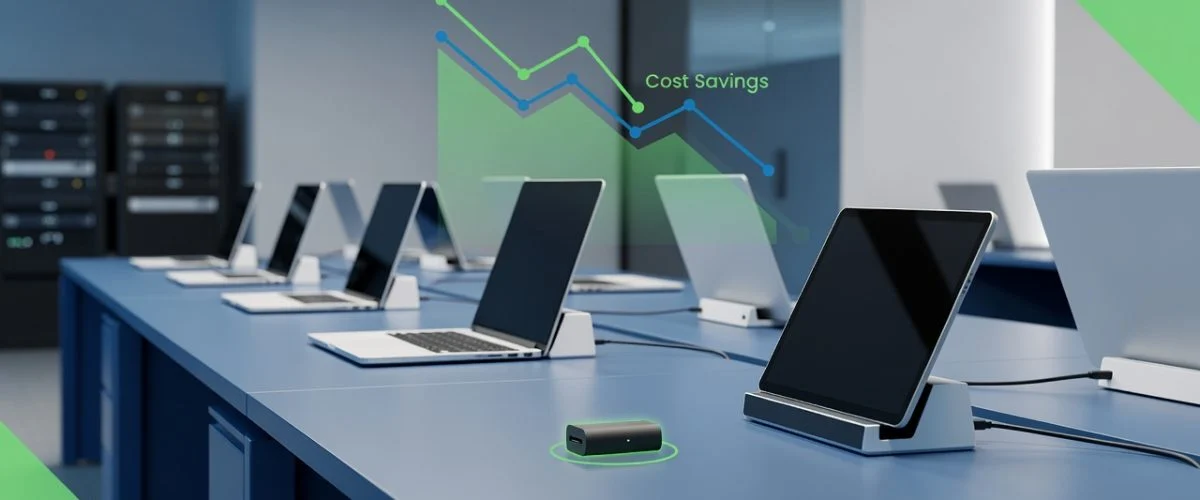
- Total 3-year savings: ~$33,000 against $11,498 = ~3x ROI
Use Case 4: Hotel Check-In Tablets and POS Terminals
The scenario: A hotel chain uses 200 iPads at front desks and in-room check-in kiosks. The iPads are permanently mounted and plugged in — they never run on battery. After 12 months, the batteries start swelling. Some units push the screen away from the chassis. The hotel replaces them not because they stopped working, but because swollen batteries are a fire hazard.
The damage: A battery permanently at 100% charge in a warm environment (hotel lobby, direct sunlight through windows, kiosk enclosure with limited airflow) degrades fast and can physically swell — a known failure mode of lithium-ion cells under sustained high-voltage conditions.
The costs:
- iPad replacement: $329–$449 per unit for swollen-battery write-offs
- Mounting hardware reinstallation: $50–$100 per unit
- Guest-facing downtime during replacement: brand impact
- Fire risk from unattended swollen batteries: safety liability
The Chargie fix: Chargie C Basic or a Chargie for Laptops, set to 50–60% for permanently-installed devices. The iPad stays powered (it draws from the charger, not the battery, once the limit is reached with pass-through power), and the battery never sits at the voltage where swelling becomes likely.
ROI for 200 kiosk iPads:
- Upfront: 200 × $29.99 = $6,000
- Avoided swollen-battery replacements over 3 years: ~100 units × $400 = $40,000
- 3-year savings: $34,000 against $6,000 = ~5.7x ROI
- Bonus: zero safety incidents from swollen batteries
The Procurement Math: Why Hardware Wins Over Behavior
Companies have tried the behavioral approach: train employees to unplug devices, send reminders, set software limits. It doesn’t work at scale. Employees forget. Software limits get overridden by OS updates or don’t exist on half the devices. IT can’t police 500 users’ charging habits.
Hardware charge limiting is different. Install it once. It works with every device, every OS, every user. It doesn’t require training, compliance, or reminders. When the device hits the limit, the power stops — full stop. No software setting to disable, no update to break it.
At $29.99 for Chargie C Basic (phones, tablets, POS terminals) and $57.49 for Chargie for Laptops (USB-C laptops), the per-device cost is less than half the price of a single battery replacement — and the hardware moves to the next device when the current one is refreshed.
Getting Started: Bulk Deployment
Chargie devices are plug-and-play. No MDM enrollment, no IT configuration scripts, no software deployment. For bulk orders, contact us for volume pricing at scale — the per-unit cost drops significantly above 100 units.
For IT departments that want centralized management, the Chargie companion app (iOS, Android, macOS, Windows) allows per-device profiles and monitoring. But it’s optional — the devices enforce their charge limits independently, with or without the app connected.
FAQ
Does Chargie work with MDM-managed devices?
Yes. Chargie operates at the USB hardware level — it doesn’t interact with the device’s operating system, MDM profile, or security policies. IT departments don’t need to install anything, configure anything, or grant any permissions on the managed device.
Can employees override the charge limit?
For corporate deployments where you want to prevent overrides, the Chargie device stores its limit internally in Appless Mode — it enforces the limit without any app connection. An employee can’t bypass it from their phone or laptop. If you want employees to have override capability (e.g., before a business trip), that’s configurable via the app.
What about devices with non-removable batteries?
That’s exactly where hardware charge limiting delivers the highest ROI. A device with a non-removable battery that degrades to unusable levels is a device replacement, not a battery replacement. Preventing that degradation keeps the entire device in service longer — often saving 5–10x the cost of the Chargie hardware.
Do you offer volume/bulk pricing?
Yes. Contact us for quotes on orders of 50+ units. The per-unit cost is significantly lower for fleet deployments, and we can ship directly to multiple locations.

USB-C charge limiter that stops at your set battery level, so your battery never sits at 100% overnight. Extends battery lifespan by years. Works with any USB-C charger.
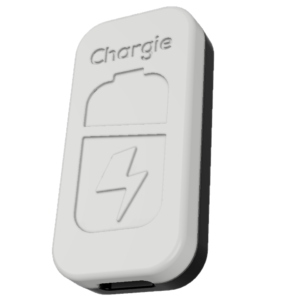
Limit your laptop charge to 80% via USB-C. Works with MacBooks, Dell, HP, Lenovo and most USB-C laptops up to 100W.
Protect Your Battery with Chargie
The world's first hardware charge limiter. Set a charge limit on any phone, tablet, or laptop — extend battery life by up to 4x.