
Chargie, explained
How Chargie works: hardware + app.
Chargie is a hardware charge limiter that sits between your charger and device. The app reads the battery level; Chargie physically switches charging off and on. Here is how to connect them.
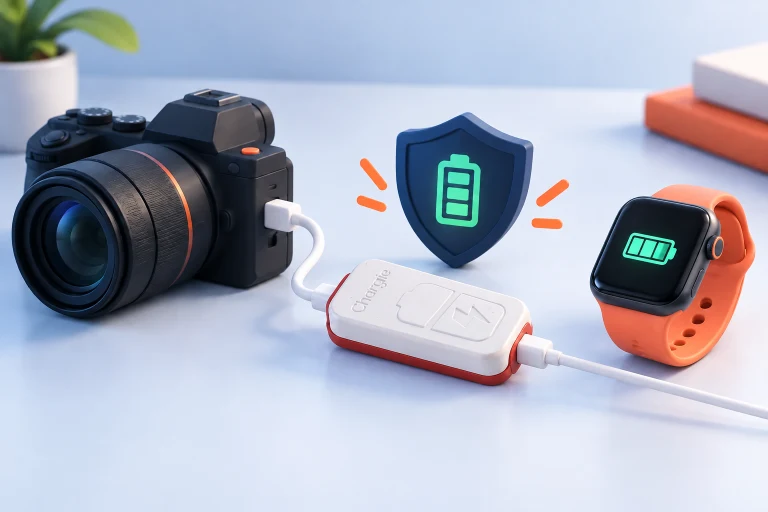
Three parts. Different jobs.
The charger supplies power. Your device manages its battery internally. Chargie adds an external switching point between them. In normal app-controlled use, the app reads the battery information available on your platform and communicates with Chargie over Bluetooth.
Your charger
Supplies power through a compatible cable and connection.
Chargie hardware
Allows or interrupts charging in the connected power path.
Your device + app
Provide battery information and your chosen charging settings.
This distinction matters: Chargie is not a replacement battery, a power bank, or software that repairs existing battery wear. It helps change the charging routine. Your phone or laptop still retains its own charging electronics and safety systems.
Start with one simple charging limit.
First choose a Chargie model suitable for your device and power requirements. A laptop’s USB-C power needs may differ substantially from a phone’s, so check the selector and hardware specifications before assuming that matching connectors are enough.
Connect the hardware in the charging path, install the correct app for your operating system, and follow its connection instructions. Give the app the permissions it needs. Set a practical upper limit, then observe a normal charging cycle to confirm the app communicates with the connected Chargie and charging stops as expected.
Do this initial check before adding a schedule, moving the setup to another location, or leaving an installation unattended. A simple working baseline makes later troubleshooting much easier.
Check your device and model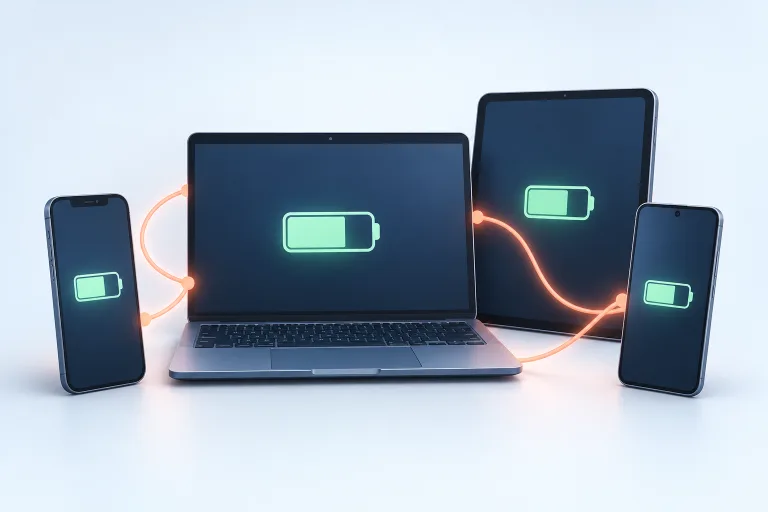
What happens after you set a limit?
In percentage-based control, the app supplies the battery state and the hardware performs the power switching. Once your chosen limit is reached, charging can stop. The device continues using its stored energy. A separate restart threshold can allow charging again after the battery level falls.
Battery state
The app observes the information the operating system exposes.
Your settings
The app applies the supported limit, restart, and scheduling controls.
The power path
Chargie responds through the physical charging connection.
App background behavior, Bluetooth, and platform permissions therefore matter. Model-dependent appless operation is a separate mode; it should not be described as live percentage control when the app is not supplying battery information.
Build the routine around your day.
A lower everyday limit can reduce time spent at high charge, but it also means less stored energy when you unplug. Start with a target that covers normal use comfortably. You can choose a different routine for a day of travel or a device that is usually near a charger.
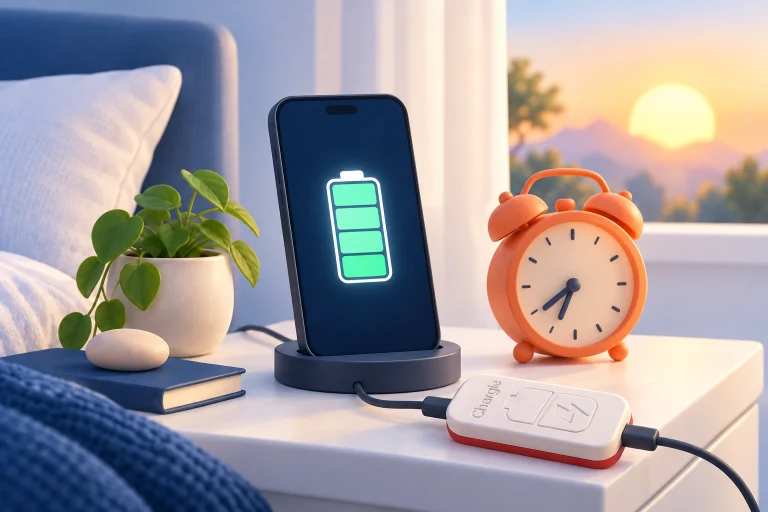
For overnight use, a scheduled top-up can move charging closer to departure. For supported temperature control, check whether your platform reports the necessary data and exposes the setting. For multiple locations, confirm which unit the app is connected to and which settings are active.
There is no single percentage that is right for everyone. The useful outcome is a routine you understand, can verify, and do not need to fight with every day.
Useful control, with clear boundaries.
Chargie cannot restore lost capacity, actively cool a hot device, or guarantee a fixed number of extra years. Battery aging depends on chemistry, temperature, use, and many other conditions.
Check the exact power and data capabilities of your model. If your setup also needs USB data, navigation integration, a dock, or a wireless charging pad, verify that entire connection—not just the charging percentage. Read the platform guide before relying on unattended operation.
Some devices already have charging controls that may be sufficient for your needs. The comparison page helps you decide whether external control adds something useful rather than assuming every device needs additional hardware.