
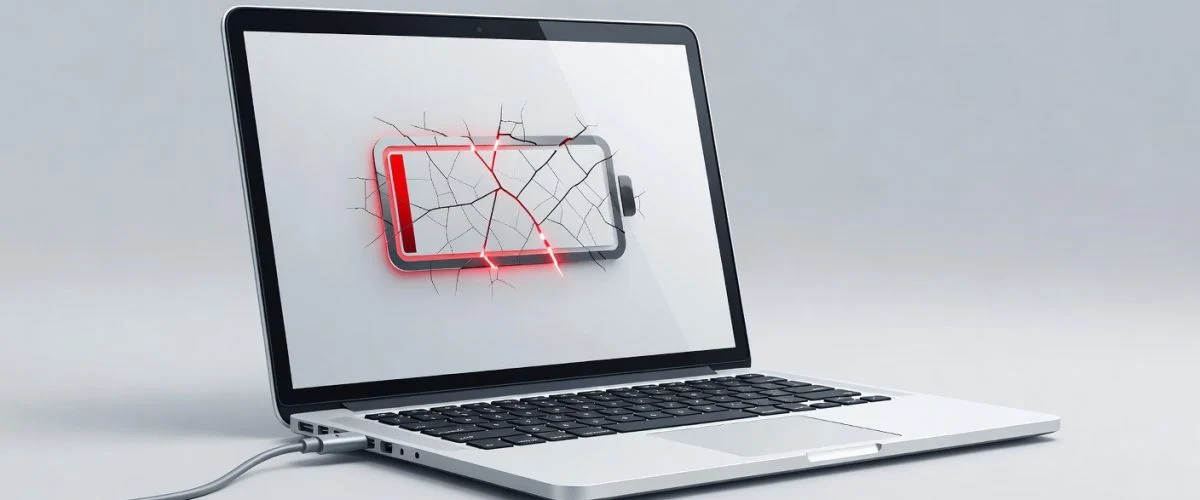

We’ve all done it. You come home, open your laptop, plug it in, and use it for hours — sometimes all day — while it stays connected to the charger. It feels convenient. Your battery stays at 100%, and you never have to worry about finding an outlet.
But there’s a catch.
Using your laptop while it’s charging isn’t dangerous, but doing it habitually — treating your portable computer like a desktop — silently devastates your battery’s lifespan. Most people don’t realize this until their “new” laptop can barely hold a charge after just a year or two.
Here’s what’s actually happening inside your battery, and what to do instead.
Why “Plugged-In All Day” Is One of the Worst Things You Can Do
When you use your laptop while it’s charging, two things happen simultaneously:
- The battery stays at 100% — the most stressful voltage level for lithium-ion cells
- The battery generates heat — from both the charging process and the workload you’re putting on the laptop
Together, these create a perfect storm for rapid degradation.
Think of your battery like a muscle. Holding a maximum contraction for hours on end causes fatigue and eventual atrophy. The battery experiences the same thing when held at a full charge — constant electrical pressure that accelerates chemical breakdown inside the cell.
According to battery research from Battery University, a lithium-ion battery held permanently at 100% and kept at elevated temperatures can lose up to 20% of its capacity in just 300-500 cycle equivalents. That’s roughly one to two years of everyday use.
The Heat Factor
Heat is the number one enemy of battery health. When you’re using your laptop while charging — especially for demanding tasks like video editing, gaming, or even just having dozens of browser tabs open — the processor generates its own heat. The charger adds more heat on top of that.
Internal battery temperatures above 30°C (86°F) measurably accelerate degradation. Combine that with sitting at 100%, and you’re looking at a battery that ages twice as fast as it should.
What About “Always-On” Charging Features?
Modern operating systems include features like “Optimized Battery Charging” or “Adaptive Charging” that learn your schedule and stop charging at 80% until you need it. These help, but they’re software-only solutions.
They don’t control the actual wattage flowing into your laptop. They can’t account for every situation — a heavy workload that pushes the processor, a warm room, or a charger that runs hotter than expected. For complete peace of mind, you need hardware-level control.
The Smarter Alternative: Lower Power Mode
You don’t need to stop using your laptop while it’s plugged in. You just need smarter charging. Here’s how:
- Unplug for at least part of the day. If you’re using your laptop at a desk for hours, let it run on battery for 30-60 minutes periodically. This gives the battery a chance to discharge slightly and relieve voltage stress.
- Use a charge limiter. Tools like Chargie cap the charge at 80% or lower, even while you’re using the laptop. This dramatically reduces heat and voltage stress.
- Keep the laptop cool. Use a laptop stand or cooling pad when using the laptop intensively while plugged in.
What If You Need Constant Power?
Some situations genuinely require always-on power — workstation setups, video editing bays, or kiosks. For these, the best approach is slightly different: charge to 50-60% and let the laptop draw only what it needs to maintain that level, rather than constantly cycling at 100%.
This is what Chargie’s “Top Up Scheduler” does — it keeps the battery at a storage-friendly level during the day and only finishes charging to your target just before you wrap up.
Is it bad to use my laptop while it’s charging?
Does using a laptop while charging damage the battery?
How can I use my laptop plugged in without damaging the battery?
Do laptop Optimized Battery Charging features help?

USB-C charge limiter that stops at your set battery level, so your battery never sits at 100% overnight. Extends battery lifespan by years. Works with any USB-C charger.
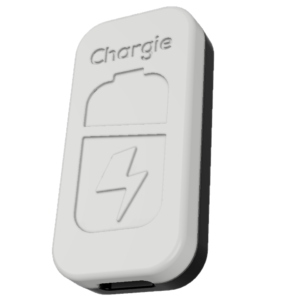
Limit your laptop charge to 80% via USB-C. Works with MacBooks, Dell, HP, Lenovo and most USB-C laptops up to 100W.
Protect Your Battery with Chargie
The world's first hardware charge limiter. Set a charge limit on any phone, tablet, or laptop — extend battery life by up to 4x.