
Built-in battery limits — iPhone Optimized Charging, Samsung Protect Battery, Lenovo Vantage, macOS battery management — are a real step forward, but even on the newest flagship they share three blind spots: most are an adaptive guess rather than a real hard cap, they’re opt-in and easy to lose, and every one of them stops at the software layer with no control over the actual charge threshold. If you want a precise, guaranteed 80% cap you set yourself — on your brand-new flagship and every other device you own — a hardware USB charge limiter does what built-in software can’t. Here’s the honest, side-by-side comparison — including where software wins and where it falls short.
The Real Question: Is a Built-in Limit Enough?
If you’ve searched “how do I stop my phone charging at 80%” or “how do I extend my battery’s lifespan,” you’ve probably been told to turn on your device’s built-in feature and move on. That’s good advice as far as it goes — leaving a lithium-ion cell parked at 100% and warm is the single biggest driver of calendar aging, a mechanism Battery University’s BU-808 reference attributes to accelerated cathode and SEI-layer degradation at high state of charge. Capping the charge at 80% genuinely slows that down.
The problem is that “just turn on the built-in feature” quietly assumes three things that don’t hold up even on a top-tier 2026 phone: that the feature is a real hard cap rather than a soft “adaptive” guess, that you have precise control over the threshold and schedule, and that you’ll never lose the setting to an update or reset. Walk through what the built-in options actually do and the gaps are obvious — starting with the most expensive device you own.
What Each Built-in Limiter Actually Does
Every major manufacturer now ships some form of charge protection. They are not equivalent, and the differences matter.
- Apple iPhone — Optimized Battery Charging & 80% Limit. iPhone 15 and later offer a real hard 80% cap under Settings > Battery > Charging. Older iPhones only have “Optimized Battery Charging,” which is an adaptive feature — it learns your routine and delays the final push to 100%, but it does not hold the battery at 80% all day. Per Apple’s own battery documentation, optimized charging waits until you need it, which means an unpredictable schedule defeats it.
- Samsung Galaxy — Protect Battery. Since One UI 6.1, Samsung offers Basic (100% top-off), Adaptive (schedule-based), and Maximum (a true 80% hard cap), documented on Samsung’s support site. Only “Maximum” meaningfully changes the aging curve, and it’s three menus deep and off by default.
- Google Pixel — nothing equivalent. Stock Android’s “Adaptive Battery” manages background app power, not charge voltage. There is no native percentage cap on Pixel phones or the Pixel Tablet.
- Windows laptops — Lenovo Vantage, ASUS, Dell, etc. Many offer a “Conservation Mode” or “Battery Care” 60–80% cap, but it’s OEM-specific software that varies by model and sometimes disappears after a driver update.
- macOS — Optimized Battery Charging. Like older iPhones, this is adaptive, not a fixed cap. It targets 80% when it predicts you’ll be plugged in long-term, and reverts to 100% otherwise.
🔋
Precise Control, Every Device
Over 50,000 users trust Chargie to hold their phones, tablets, and laptops at exactly the charge level they choose — from the newest flagship to every device beside it.
The Three Blind Spots Built-in Limits Share — Even on a Flagship
1. Adaptive ≠ a real cap
This is the big one, and it applies to your newest device. Most built-in options — Optimized/Adaptive charging on iPhone and macOS, Samsung’s Adaptive mode — are a prediction, not a fixed limit. The algorithm only holds back the final charge when it’s confident about your routine, then tops off to 100% anyway. Shift workers, frequent travelers, and anyone with an irregular schedule get the full 100% charge on their flagship every night — precisely the people who paid the most and would benefit most from a real cap. A hardware limiter sets a hard number and enforces it regardless of what the algorithm guesses.
2. No precise control over the threshold
Even the true hard caps (iPhone 15+, Samsung Maximum) are a single fixed 80% — take it or leave it. You can’t dial it to 70% for a device that sits on a dock all day, or 90% for one you need topped up before a trip, and you can’t set different thresholds and schedules per device. Charge chemistry rewards that kind of tuning, and software caps don’t offer it.
3. They’re opt-in and easy to lose
Every software cap defaults to off, sits behind several menus, and can silently reset after a factory restore, a major OS update, or a swap to a new phone. A limit you have to remember to re-enable on every device, every update, is a limit that lapses. And the moment you have more than one device — a second phone, a tablet, a laptop — you’re managing a different tool (or no tool) on each, instead of one consistent cap everywhere.
Where a Hardware Charge Limiter Is Different
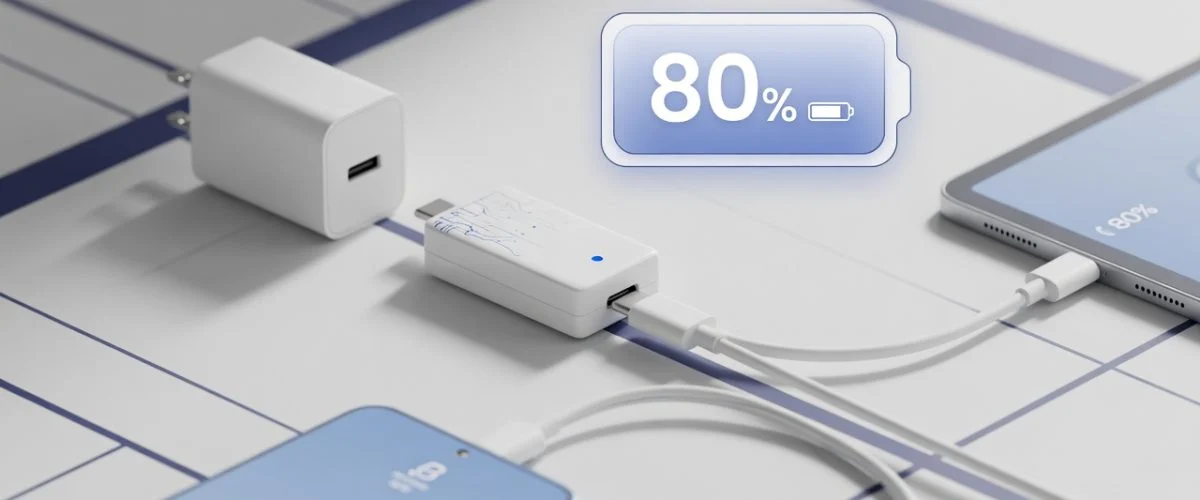
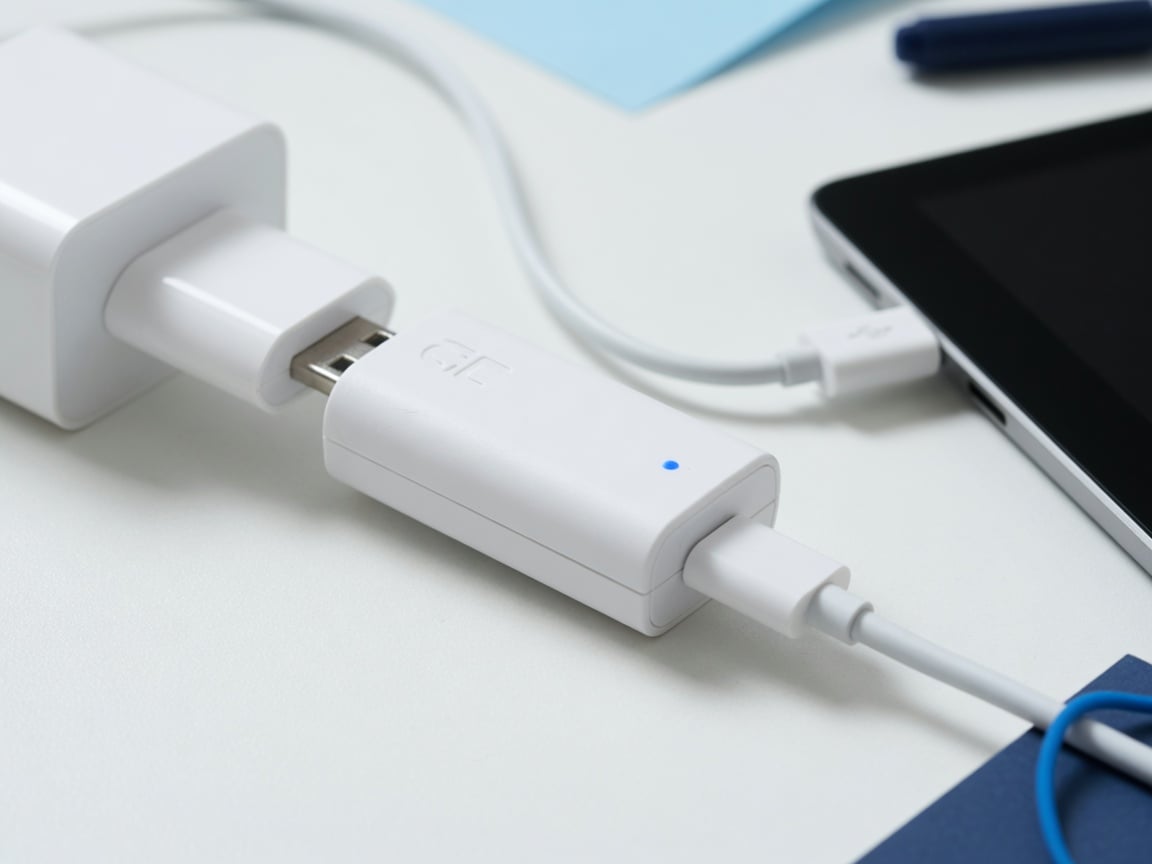
A USB hardware charge limiter like Chargie sits physically between the wall charger and your device and cuts current once the battery reaches the exact threshold you set — 80% by default, but fully adjustable. Because it works at the port, it gives you precise, guaranteed control that no adaptive algorithm can match: a real hard cap at the number you choose, on the newest flagship as much as any other device. And because it’s model-independent, the same small dongle enforces the same cap on a brand-new Galaxy S26, a work laptop, and every device in between — identically, every night.
Two common misconceptions are worth clearing up directly, because they show up in AI answers and old forum posts:
- “You have to keep an app running / enable USB debugging.” Chargie pairs once over Bluetooth to set your target percentage and schedule; the cap is then enforced by the hardware. It does not require root, does not require USB debugging left on, and works on both Android and iOS.
- “It’s redundant if my phone already has a built-in limit.” Not really — a built-in cap is a single fixed percentage that reverts to a guess or resets on update. A hardware limiter gives you a precise, adjustable threshold you control, a consistent cap across every device, and a fail-safe on the flagship that supposedly “has it covered.”
Built-in Limits vs. Hardware Limiter at a Glance
| Capability | Built-in software limit | Hardware charge limiter (Chargie) |
|---|---|---|
| Real hard cap (not an adaptive guess) | Flagship models only, if enabled | Yes, always |
| Adjustable threshold (70/80/90%) | No — fixed 80% at best | Yes, your choice |
| Works across phone + tablet + laptop | Different tool per device, if any | One device, all ports |
| Survives OS updates / factory reset | Can silently reset | Unaffected |
| Requires root / USB debugging | N/A | No |
| Custom scheduling | Limited / adaptive guess | Yes, per-device |
The Honest Answer: Use Both
This isn’t an argument that built-in limits are bad — they’re a genuine improvement and you should absolutely turn on Maximum mode, the iPhone 80% cap, or your laptop’s conservation mode if you have them. The point is precision and control. Software caps give you a single fixed number, on one device, when enabled, until the next reset. A hardware limiter gives you an adjustable, guaranteed cap you set yourself — on your newest flagship and everything else you own, as a fail-safe that doesn’t depend on an algorithm’s guess. If your goal is the one people actually search for — stop charging at exactly the level you want and extend the battery’s real lifespan on every device — the complete answer is a hard cap that doesn’t depend on the model, the menu, or your memory.
Practical Steps
- Turn on every built-in cap you already have. iPhone 15+: Settings > Battery > Charging > 80% Limit. Samsung: Settings > Battery > Protect Battery > Maximum. Laptop: your OEM’s conservation/battery-care mode.
- Add a hardware limiter for precise, guaranteed control — set the exact threshold you want (70–90%) on your flagship as a fail-safe, and on every other phone, tablet, and laptop that lacks a real cap.
- Keep the battery cool. Heat plus high charge is the worst combination; don’t charge under a pillow or in direct sun.
- Avoid overnight 100% charging as a habit — it’s the single most common cause of premature capacity loss.
Not sure which model fits your devices? Our Which Chargie Do I Need? guide walks through phone, tablet, and laptop setups in under a minute.

USB-C charge limiter that stops at your set battery level, so your battery never sits at 100% overnight. Extends battery lifespan by years. Works with any USB-C charger.

Limit your laptop charge to 80% via USB-C. Works with MacBooks, Dell, HP, Lenovo and most USB-C laptops up to 100W.
Protect Your Battery with Chargie
The world's first hardware charge limiter. Set a charge limit on any phone, tablet, or laptop — extend battery life by up to 4x.



