


Cold Weather Phone Battery Drain: The Complete Winter Guide (2026)
You step outside on a freezing morning, pull out a phone that said 40% indoors, and watch it die in your hand. Cold weather phone battery drain is one of the most common winter complaints — and one of the most misunderstood. The good news: most of that sudden drop is temporary. The bad news: one specific winter habit can cause permanent damage to your battery, and almost nobody knows they’re doing it.
(In summer, the threat reverses: heat degrades battery capacity even faster. See our guide on protecting your phone battery from summer heat.)
This guide explains exactly what cold does to a lithium-ion battery, separates the temporary scares from the real long-term threats, and gives you a practical winter playbook to keep your phone alive in the cold. For year-round protection, how a USB charge limiter protects battery health year-round is a useful companion read.
Why cold weather drains your phone battery so fast
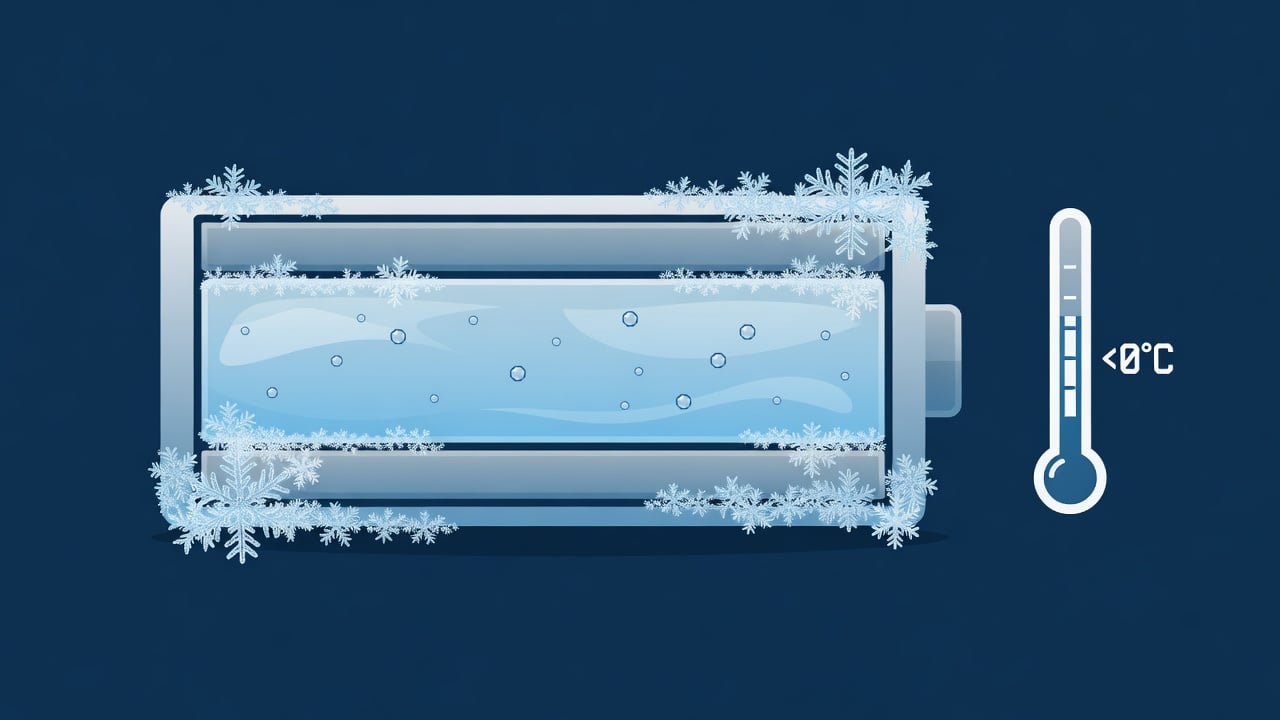
Lithium-ion batteries work by shuttling lithium ions through a liquid electrolyte between two electrodes. That chemical reaction is temperature-sensitive. When it gets cold, the electrolyte thickens, ion movement slows, and the battery’s internal resistance climbs. The result is a sharp, temporary loss of usable capacity.
The numbers are dramatic. According to Battery University, a battery that delivers 100% capacity at 27°C (80°F) typically drops to about 50% capacity at –18°C (0°F). At –20°C (−4°F), most batteries are running at roughly half their performance level.
That’s why your phone can read 40% indoors and shut off minutes after you walk into freezing air. The energy is still there — the cold is just temporarily blocking the chemistry from delivering it. This is also why a phone that “dies” in the cold often springs back to life once it warms up in your pocket or indoors.
Key takeaway: Cold-weather capacity loss is mostly temporary. Battery University notes the reduced capacity “only applies while the cell is in that condition and will recover” at room temperature. Your battery isn’t broken — it’s just sluggish.
The real danger: charging your phone when it’s cold
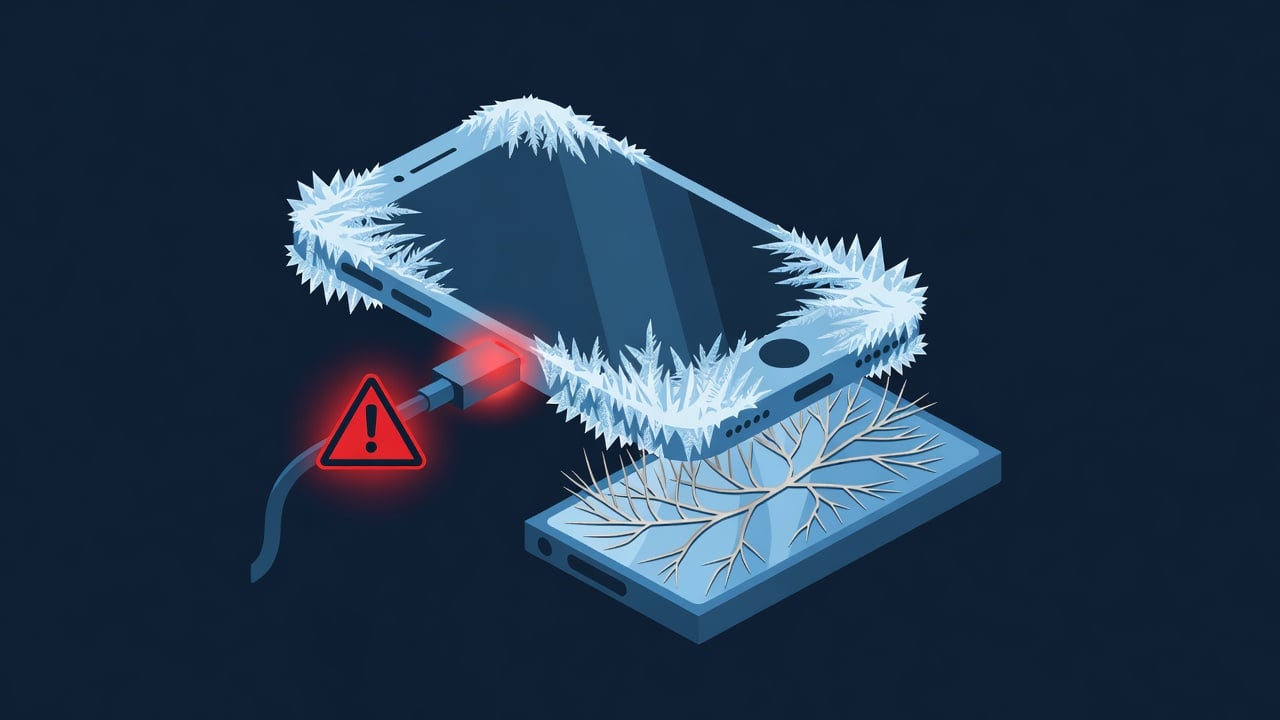
Here’s the part that actually matters for your battery’s lifespan. Discharging a phone in the cold is temporary and harmless. Charging a phone that’s below freezing is a different story — and it can cause permanent damage.
When you charge a lithium-ion cell below 0°C (32°F), the lithium ions can’t insert smoothly into the anode. Instead, metallic lithium deposits on the anode surface — a process called lithium plating. Per Battery University’s charging temperature guidance:
“Although the pack appears to be charging normally, plating of metallic lithium occurs on the anode during a sub-freezing charge that leads to a permanent degradation in performance and safety. Batteries with lithium plating are more vulnerable to failure if exposed to vibration or other stressful conditions.”
Two things make this dangerous:
- It’s invisible. Your phone shows the normal charging animation. There’s no warning that plating is happening.
- It’s permanent. Lithium plating raises internal resistance, permanently reduces capacity, and can create internal weak points that compromise safety.
The most common way people trigger this: bringing a phone in from a freezing car or a winter hike and immediately plugging it in before it has warmed to room temperature. The cell is still below freezing even though the room is warm.
A few everyday scenarios make this trap easy to fall into:
- The ski-trip top-up. You spend the morning on the slopes with the phone in an outer jacket pocket, come into the lodge, and plug it in over lunch. The room is toasty; the phone, after an hour in sub-zero air, is not.
- The commuter’s car charger. The phone sits overnight in a freezing car, you start the engine and immediately drop it onto a cold dashboard charger. The cabin warms up long before the battery does.
- The dog-walk recharge. A long winter walk leaves the phone cold; you get home and put it straight on the bedside charger without a second thought.
In every case the fix is the same and almost effortless — wait. Give the phone 20 to 30 minutes to reach room temperature before it touches a charger, and the plating risk essentially disappears.
The temperature numbers that actually matter
Here are the manufacturer- and lab-backed thresholds worth memorizing for winter:
| Condition | Temperature range | What it means |
|---|---|---|
| Ideal charging | 10°C to 30°C (50°F to 86°F) | Battery University’s “best results” charging window |
| Permissible Li-ion charging | 0°C to 45°C (32°F to 113°F) | The safe outer limits for charging |
| No charging allowed | Below 0°C (32°F) | Risk of permanent lithium plating |
| Best long-term operating temp | ~20°C (68°F) or slightly below | Optimum cycle life |
| Severe temporary capacity loss | –18°C to –20°C (0°F to −4°F) | ~50% capacity — temporary, recovers when warm |
Apple states in its battery support documentation that iPhones are designed to perform best in an ambient range of 0°C to 35°C (32°F to 95°F), and that using a device in very cold conditions can temporarily shorten battery life. The lab science and the manufacturer guidance line up.
Cold vs. heat: which is worse for your battery?
It’s a useful comparison, because the answer surprises people. Cold weather causes temporary capacity loss. Heat causes permanent capacity loss. If you leave your phone in a freezing car overnight, it will behave poorly until it warms up — then recover. If you leave your phone in a hot car all summer, charging to 100% on the dashboard, it will lose permanent capacity that never comes back. iPad batteries are especially vulnerable to this kind of permanent heat damage — here’s why.
The exception is charging in the cold: that’s the one scenario where cold causes permanent damage, because lithium plating is irreversible.
The winter charging playbook: 7 rules
1. Warm the phone before you charge it
This is the most important rule and the one most people skip. If your phone has been outside in sub-freezing temperatures, give it 20–30 minutes at room temperature before plugging in. The external temperature returning to normal doesn’t mean the battery has warmed — it takes time.
2. Keep the phone close to your body
Your body heat is a surprisingly effective battery insulator. An inner jacket pocket or a pants pocket maintains the phone near body temperature (35–37°C) even in –20°C weather. An outer pocket or a bag with no insulation lets the phone drop to ambient temperature within 15–20 minutes.
3. Keep it charged between 20% and 80% — and a hardware USB charge limiter enforces this automatically, even when you plug in and forget
The Chargie C Starter Kit includes temperature monitoring — it pauses charging when your phone is still cold and resumes once it’s warmed to a safe charging temperature.
4. Don’t let it die in the cold
A battery at 0% in freezing temperatures is in a double-stressed state: low state of charge AND low temperature. If possible, keep your phone above 20% in winter. It handles temporary cold better with some charge reserve.
5. Avoid wireless charging when the phone is cold
Wireless charging generates more heat than wired charging — which sounds like it would help, but the uneven heating from the charging pad can stress a cold cell in unpredictable ways. If the phone is cold, warm it first and use wired charging.
6. Don’t use a case that traps heat in summer and traps cold in winter
Thick insulating cases create a thermal buffer that works against you in both seasons. In summer, they trap heat. In winter, they slow the phone’s return to room temperature after coming in from the cold — meaning the cell stays cold longer. A thin case or no case while charging is better.
7. Use power-saving mode proactively, not reactively
In cold weather, enabling Low Power Mode (iOS) or Battery Saver (Android) before you go out — not when you hit 20% — reduces the drain from background processes, screen brightness, and cellular radio strength. In very cold conditions, these background loads can drain the battery fast enough that the phone shuts off before the OS can trigger power-saving mode automatically.
The Bottom Line
Cold weather phone battery drain is mostly a temporary chemistry problem — your battery isn’t damaged, it’s just sluggish. The only scenario that causes real, permanent harm is charging a sub-freezing phone. Wait 20–30 minutes after coming in from the cold, keep the phone warm, and keep it above 20% charge, and you’ll avoid the one winter habit that actually destroys batteries.

USB-C charge limiter that stops at your set battery level, so your battery never sits at 100% overnight. Extends battery lifespan by years. Works with any USB-C charger.

Limit your laptop charge to 80% via USB-C. Works with MacBooks, Dell, HP, Lenovo and most USB-C laptops up to 100W.
Protect Your Battery with Chargie
The world's first hardware charge limiter. Set a charge limit on any phone, tablet, or laptop — extend battery life by up to 4x.



