
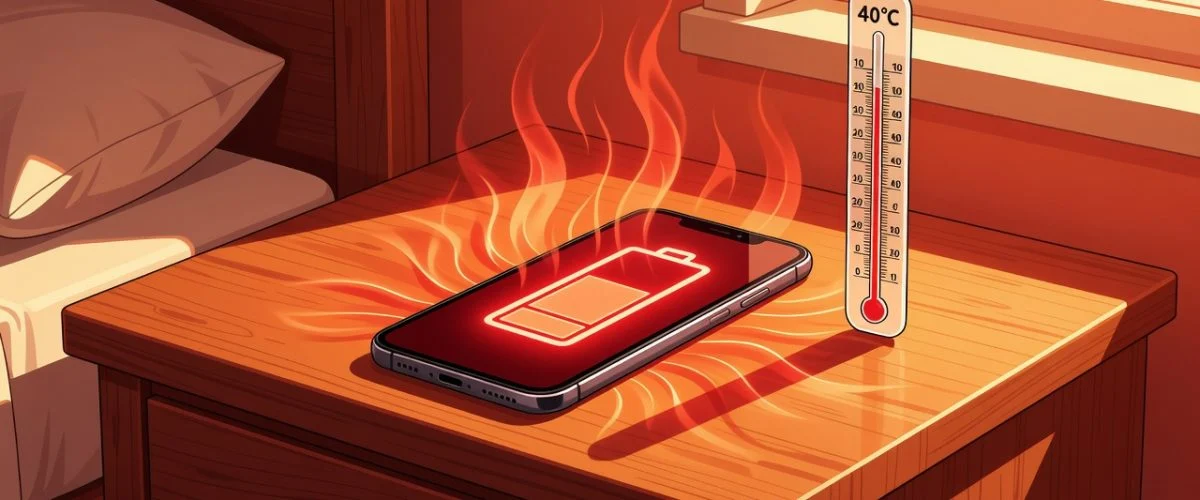

June is here. Temperatures are climbing across the Northern Hemisphere. And your phone battery is about to take its biggest seasonal hit — though cold weather brings its own battery threats when the seasons turn again.
Most people worry about battery degradation from charging habits — how often they plug in, whether they use fast charging, whether they leave it on the charger overnight. But the single biggest environmental factor in battery aging is something you can’t control with software: heat.
Lithium-ion batteries degrade faster at higher temperatures. This isn’t a theory — it’s a well-documented chemical reality published in peer-reviewed research and confirmed by Battery University and industry data from Geotab’s 22,700-vehicle EV study. Here’s what the science says — and how to protect your phone.
The Science: Why Heat Is Battery Enemy #1
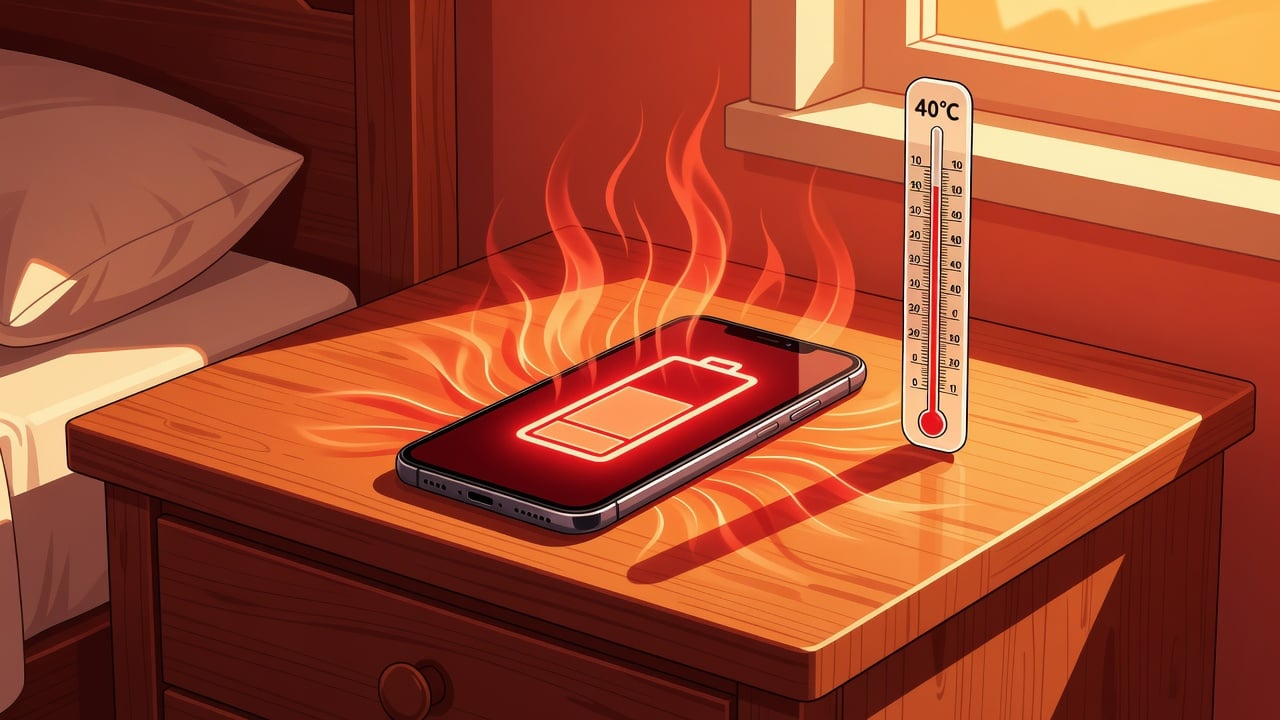
Inside every lithium-ion battery, chemical reactions are constantly happening. At room temperature (20–25°C), these reactions happen at a predictable, manageable rate. As temperature rises, the reaction rate accelerates exponentially — following the Arrhenius equation familiar to every chemist.
Here’s what that means in plain numbers:
| Storage Condition | Capacity Retained After 1 Year |
|---|---|
| 40% charge, 25°C (77°F) | ~96% |
| 100% charge, 25°C (77°F) | ~80% |
| 40% charge, 40°C (104°F) | ~85% |
| 100% charge, 40°C (104°F) | ~65% |
That last row — a battery stored at 100% charge in 40°C heat — loses more than a third of its capacity in one year. iPad batteries react to heat the same way — and degrade just as fast. This isn’t a corner case. This is your phone sitting on a hot car dashboard, charging to 100% while running GPS on a summer road trip.
The degradation mechanisms at work:
- SEI layer growth accelerates: The protective layer on the anode grows faster at high temperatures, consuming active lithium and increasing internal resistance.
- Cathode degradation: High heat causes the cathode crystal structure to break down, reducing the battery’s ability to hold charge.
- Electrolyte decomposition: Heat breaks down the electrolyte fluid, producing gases that can cause swelling.
- Lithium plating: Charging a warm battery at high current can deposit metallic lithium on the anode, permanently reducing capacity and creating a safety risk.
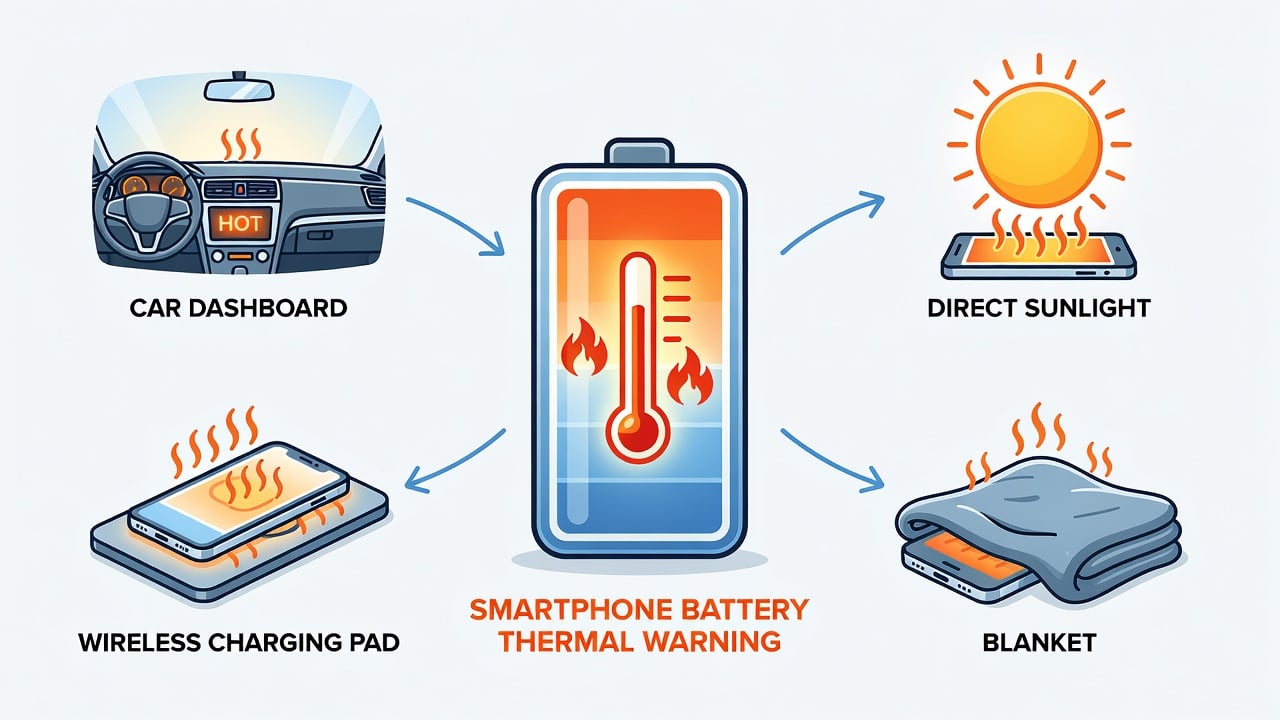
6 Summer Scenarios That Are Quietly Killing Your Battery
1. Charging on the Nightstand in a Hot Room
Your bedroom might be 28°C on a summer night. Your phone, charging at the wall, generating its own heat on top of that, can easily reach 35–38°C internally. Then it sits at 100% for 6–8 hours because you charged overnight. That’s the worst-case combination — high temperature and high state of charge.
2. Phone in a Car Dashboard Mount While Charging
This is the most aggressive heat scenario for most people. A car interior on a 30°C day can reach 50–60°C. Your phone, mounted on the dash, running GPS with the screen on, charging from the car’s USB port — internal temperatures can spike past 45°C easily. Coupled with fast charging and prolonged 100% SOC, this is a recipe for accelerated battery aging.
3. Wireless Charging in Summer
Wireless charging is inherently less efficient than wired charging — about 20–30% of the energy is lost as heat. That wasted energy heats up your phone’s back glass. On a warm day, that extra heat pushes your battery into the danger zone. Combined with the fact that many people leave phones on wireless pads all day (keeping the battery at 100%), this doubles the damage.
4. Charging Under a Pillow, Blanket, or Bed Sheet
Your phone’s heat dissipation depends on airflow. A case traps some heat. A blanket or pillow traps all of it. Phones have been known to reach internal temperatures above 50°C when charging under bedding — well into the range where permanent capacity loss happens within hours.
5. Gaming While Charging
Modern phone processors (Snapdragon 8 Gen 3, A18 Bionic) draw significant power under load. Gaming while charging means your phone is both generating processor heat and battery charging heat simultaneously. In summer, this combination can push internal temperatures past 45°C even in an air-conditioned room.
6. Leaving the Phone in a Hot Car (Even Not Charging)
Even passive storage in heat is damaging. As the table above shows, a battery stored at 40°C (even at a moderate charge level) loses about 15% capacity per year. If you leave your phone in a parked car for an hour on a sunny day, the interior can hit 55°C — accelerating weeks’ worth of calendar aging in a single afternoon.
7 Ways to Protect Your Battery This Summer
1. Don’t Charge to 100% in Hot Weather
State of charge and temperature are multiplicative in their damage. A battery at 80% and 35°C degrades far slower than one at 100% and 35°C. If you must charge in a warm environment, set a lower limit. Phone software limits (like iPhone’s 80% or Samsung’s 85% toggle) help, but they’re opt-in and often reset. A hardware charge limiter like Chargie guarantees your phone stops at whatever percentage you choose, every time. The Chargie C Starter Kit adds temperature monitoring on top of the charge cap — pausing the charge automatically if your phone overheats while you sleep.
2. Charge in the Coolest Spot Available
Nightstand in direct sunlight? Move it. Kitchen counter near the stove? Move it. The floor is often several degrees cooler than a desk or nightstand. Even 3–5°C makes a measurable difference over a year of nightly charging.
3. Remove Your Phone Case While Charging
Phone cases insulate heat. In summer, that extra insulation can be the difference between 35°C and 40°C internal temperature. Pop the case off while you charge — it takes two seconds and measurably reduces heat buildup.
4. Avoid Wireless Charging in Summer
If you have a choice between wired and wireless in the summer months, choose wired. The 20–30% energy waste from wireless charging all goes somewhere — into heat. A wired charger with an 80% limit is the most thermally efficient overnight charging setup you can have.
5. Don’t Leave Your Phone in the Car
A parked car on a summer day is a battery oven. Even if you’re not charging, a phone baking at 55°C is accumulating calendar aging. Take it with you, or leave it somewhere shaded and ventilated.
6. Use Airplane Mode in Extreme Heat
If your phone is already hot and you can’t move it, switching to Airplane Mode reduces processor load and the heat it generates. This won’t fix an oven-hot car, but it helps at the margins — a phone hunting for signal in a concrete basement while charging runs warmer than one in Airplane Mode.
7. Monitor Temperature, Not Just Percentage
Most phones don’t display battery temperature in the UI. If you want to know what’s happening inside, the Chargie app shows the real-time temperature reading from the device. Set a thermal alert for 35°C and you’ll know immediately when charging conditions are degrading your battery.
The Summer Battery Damage You’re Already Doing (Without Knowing It)
The insidious thing about heat-related battery degradation is that it’s invisible and cumulative. You won’t notice it after one hot summer weekend. You’ll notice it 18 months from now when your phone doesn’t make it through the day anymore — and you’ll blame the battery, not the summer you spent charging it on a hot car dashboard.
The 7 steps above are all free except one: stopping at 80%. If you’re serious about keeping your phone’s battery healthy through multiple summers, a hardware charge limiter is the only tool that enforces that limit consistently — regardless of OS updates, app conflicts, or whether your phone is on or off.

USB-C charge limiter that stops at your set battery level, so your battery never sits at 100% overnight. Extends battery lifespan by years. Works with any USB-C charger.
Limit your laptop charge to 80% via USB-C. Works with MacBooks, Dell, HP, Lenovo and most USB-C laptops up to 100W.
Protect Your Battery with Chargie
The world's first hardware charge limiter. Set a charge limit on any phone, tablet, or laptop — extend battery life by up to 4x.