
Does Wireless Charging Actually Damage Your Battery?
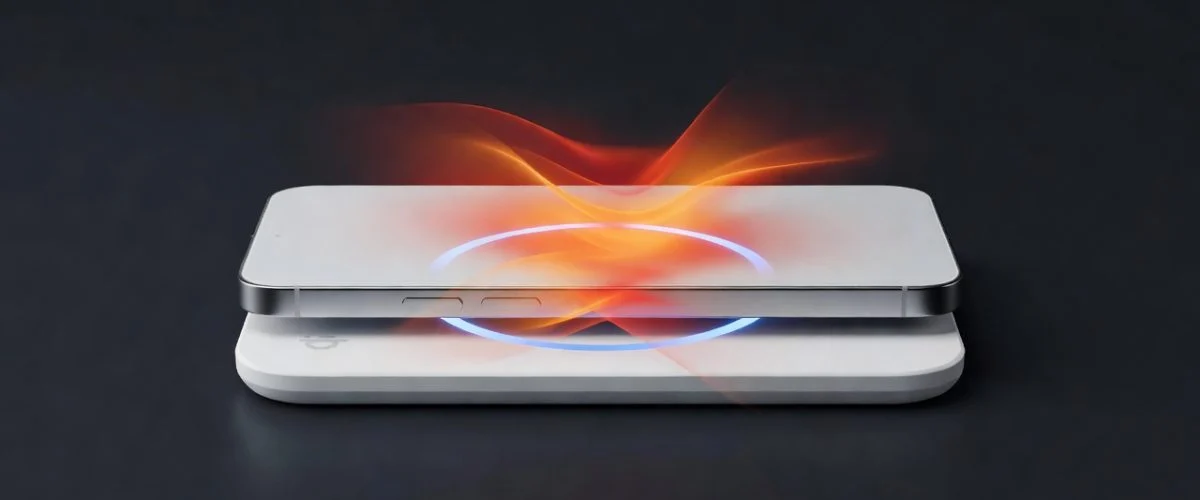
The short answer: wireless charging alone won’t destroy your battery, but the extra heat it generates can shorten its lifespan if you don’t take precautions.
Every lithium-ion battery degrades over time. The rate of degradation depends on three primary factors: temperature, voltage, and cycle depth. Wireless charging affects two of these — temperature (negatively) and voltage (neutrally, unless you charge to 100%).
Let’s break down exactly what happens inside your battery when you place it on a Qi pad.
How Wireless Charging Works (and Where the Heat Comes From)
Qi wireless charging uses electromagnetic induction. A coil in the charging pad creates an alternating magnetic field, and a coil in your phone converts that field back into electrical current. The physics are straightforward, but the efficiency is not perfect.
Typical efficiency by charging method
| Charging Method | Typical Efficiency | Energy Lost as Heat |
|---|---|---|
| Wired (direct cable) | 95–98% | 2–5% |
| Qi wireless (aligned, no case) | 75–85% | 15–25% |
| Qi wireless (misaligned) | 50–70% | 30–50% |
| Qi wireless (thick case) | 60–75% | 25–40% |
| MagSafe / aligned magnetic | 80–88% | 12–20% |
Data compiled from industry testing by the Wireless Power Consortium and independent teardown analyses.
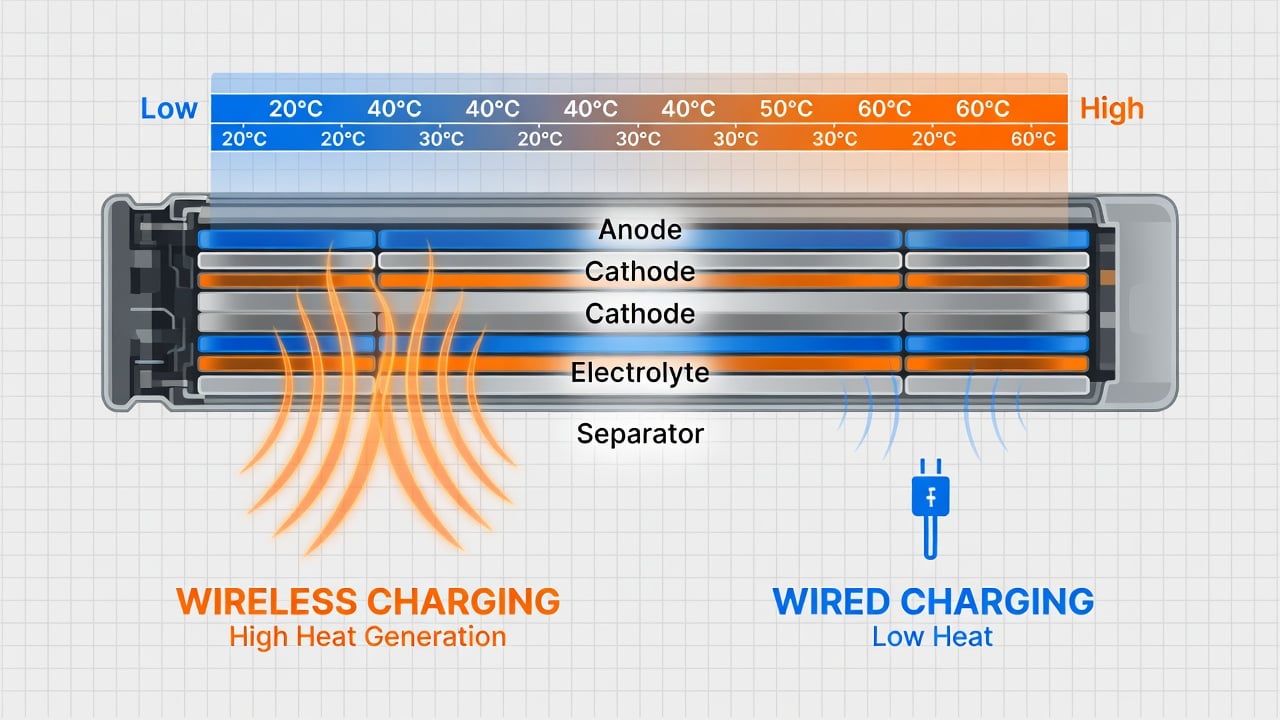
The lost energy doesn’t disappear — it becomes heat. On a 15W fast wireless charger at 80% efficiency, roughly 3W is dissipated as heat inside your phone. That’s enough to raise internal temperatures by 3–5°C during a charging session. By comparison, a wired charger at 97% efficiency dissipates less than 0.5W — barely measurable.
The Heat Problem: What the Research Says
Heat is the single biggest enemy of lithium-ion battery longevity. Battery University (Cadex Electronics) has documented this extensively: a lithium-ion cell stored at 40°C (104°F) loses capacity roughly twice as fast as one stored at 25°C (77°F). At 60°C, degradation accelerates to 4× the normal rate.
A 2020 study published in the Journal of Power Sources (DOI: 10.1016/j.jpowsour.2020.228189) examined the specific impact of wireless charging heat on battery degradation. The researchers found that cells charged wirelessly at 15W experienced 8–14% more capacity loss over 500 cycles compared to identical cells charged via cable at the same power level. The primary cause: sustained elevated temperature during the charging period.
However, the same study noted that when wireless charging was combined with active cooling (a small fan), the degradation difference dropped to under 3% — statistically insignificant.
Key takeaway: The heat from wireless charging is real, but it’s manageable. A phone on a Qi pad in a cool room (20–22°C) will experience far less stress than one on a Qi pad in direct sunlight or inside a car on a summer day.
Voltage Stress: The Bigger Problem (and the One You Can Fix)
While heat gets most of the attention, voltage stress is actually the more significant factor in daily battery degradation — and it’s the one wireless charging makes worse through a subtle mechanism.
Here’s the issue: wireless charging pads often keep your phone at 100% longer than wired chargers do. Here’s why:
- Trickle charging: Many Qi pads don’t fully stop charging when the battery hits 100%. They enter a “trickle” or “maintenance” mode, periodically topping up the battery as it self-discharges. This keeps the cell at 4.2V for extended periods.
- Overnight charging: If you place your phone on a wireless pad before bed, it hits 100% within 1–2 hours and then sits at maximum voltage for 5–7 more hours. That’s 5–7 hours per night of high-voltage stress.
- Heat + high voltage = accelerated degradation: The combination of elevated temperature (from wireless inefficiency) and high voltage (from charging to 100%) creates a synergistic effect. Each factor alone is manageable. Together, they accelerate capacity loss faster than the sum of their individual effects.
Research from Jeff Dahn’s group at Dalhousie University (in collaboration with Tesla) demonstrated that cells held at 4.2V and 40°C degraded 3–4× faster than cells cycled at 3.8V and 25°C. The combination of high voltage and elevated temperature is particularly damaging because it accelerates the growth of the solid-electrolyte interphase (SEI) layer — the primary mechanism of capacity loss in modern lithium-ion cells. For a deeper look at how voltage affects battery lifespan, see our guide to lithium-ion battery degradation.
What the Data Says: Wireless vs. Wired Degradation
Let’s look at the numbers. A 2023 analysis by the National Renewable Energy Laboratory (NREL) tracked battery degradation across different charging behaviors and found that users who primarily charged wirelessly saw ~5–8% more capacity loss over 2 years compared to those who primarily used wired charging — but only when they also charged to 100% regularly.
When users limited their charge to 80% (regardless of charging method), the difference between wireless and wired degradation dropped to under 2% — well within normal manufacturing variance.
This is the critical insight: the charging method matters far less than the charging behavior. A user who wirelessly charges to 80% will have a healthier battery after 2 years than a user who wires to 100% every night. This mirrors what we’ve seen in EV battery research on charging to 80% — the principle applies to phones too.
Degradation comparison: wireless vs. wired over 2 years
| Charging Behavior | Estimated Capacity Loss (2 years) | Key Factor |
|---|---|---|
| Wired, charge to 80% | 4–6% | Low voltage + low heat |
| Wired, charge to 100% | 8–12% | High voltage stress |
| Wireless, charge to 80% | 5–8% | Moderate heat, low voltage |
| Wireless, charge to 100% | 12–18% | Heat + high voltage |
| Wireless to 100% + hot environment | 18–25% | Heat + high voltage + ambient |
Estimates based on NREL data, Battery University guidelines, and Journal of Power Sources (2020) findings. Individual results vary by device, charger quality, and ambient conditions.
How to Protect Your Battery While Using Wireless Charging
You don’t need to give up wireless charging. You just need to be smart about it. Here are five evidence-backed strategies:
1. Limit your charge to 80%
This is the single most effective thing you can do. By stopping at 80%, you cut voltage stress by roughly 50% compared to charging to 100%. Most modern phones have built-in battery optimization features that pause charging at 80% — but these don’t always work reliably with wireless chargers because the phone’s OS-level charge management can conflict with the pad’s trickle-charge behavior.
This is where a smart charging accessory like Chargie comes in. Chargie sits between your wireless pad and your phone, monitoring the actual battery level and cutting power at your chosen threshold — even with wireless charging.
2. Keep your phone cool while charging
Place your wireless charger in a well-ventilated area. Avoid charging in direct sunlight, on soft surfaces (beds, couches) that trap heat, or in hot cars. If your phone feels hot to the touch while wirelessly charging, consider a charger with active cooling built in — see the section below on the Chargie Supercooled Wireless Charger.
3. Align your phone properly
Misalignment is one of the biggest sources of wireless charging inefficiency. A phone that’s slightly off-center can lose 30–50% of its energy as heat. MagSafe and other magnetic alignment systems solve this — if your phone supports it, use a magnetic charger or case.
4. Remove thick cases
Cases thicker than 3mm can reduce wireless charging efficiency by 10–20%, turning more energy into heat. If you use a rugged case, remove it for wireless charging, or use a case designed specifically for wireless charging compatibility.
5. Don’t charge overnight wirelessly
Overnight wireless charging combines the worst of both worlds: hours of trickle charging at high voltage, plus sustained heat from the wireless inefficiency. If you must charge overnight, use a wired charger with a smart plug that cuts power after a set time — or use Chargie to stop charging at 80% and then disconnect.
Frequently Asked Questions
Is wireless charging safe for my phone battery?
Yes, wireless charging is safe when used correctly. The key is managing heat and avoiding prolonged charging to 100%. A Qi-certified charger used in a cool environment with charge limiting at 80% will have minimal impact on battery lifespan.
Does fast wireless charging damage the battery more?
Yes, but the difference is smaller than you might think. A 15W fast wireless charger generates more heat than a 5W standard charger, but the charging session is shorter. The total heat exposure over a full charge cycle is roughly comparable. The bigger factor is still whether you charge to 80% or 100%.
Should I stop using wireless charging entirely?
No. The convenience of wireless charging is real, and the battery impact is manageable with the right habits. Charge to 80%, keep the phone cool, and avoid overnight wireless charging. That’s it.
Does MagSafe reduce heat compared to regular Qi charging?
Yes. MagSafe’s magnetic alignment ensures optimal coil positioning, which improves efficiency to 80–88% compared to 75–85% for standard Qi. That means less energy lost as heat. If your phone supports MagSafe, it’s the better choice for battery health.
Can Chargie help with wireless charging heat?
Chargie’s standard charge limiters prevent the heat + high voltage combination that causes the most damage, by stopping charging at 80% so the voltage stress that makes wireless charging heat particularly harmful never builds up. If you want the heat itself actively removed too, the Chargie Supercooled Wireless Charger with Qi2 uses Peltier cooling to pull heat away from the coil and your phone while it charges. Learn more about Chargie.
Cooling Wireless Chargers: Is Active Cooling Real, or Marketing?
Most “cooling” wireless pads on the market are passive — a plastic shell with vent holes and maybe a small fan. They help a little, but they don’t fix the core problem: the coil itself is generating heat right where it touches your phone.
Chargie’s answer is the Supercooled Wireless Charger with Qi2, which uses active Peltier (thermoelectric) cooling — the same semiconductor cooling technology used in medical and aerospace equipment — instead of a passive fan or vents. Rather than just moving warm air around, it actively pulls heat away from the charging coil and the back of your phone while it charges, which directly targets the mechanism described in the 2020 Journal of Power Sources study above: when wireless charging heat is actively removed, the degradation gap versus wired charging drops to under 3%.
It’s Qi2 certified for proper magnetic alignment (avoiding the 30–50% efficiency loss from misalignment discussed above), and — like every Chargie product — it’s built to work alongside charge-limiting habits rather than replace them. Cooling solves the heat side of the equation; stopping at 80% with Chargie solves the voltage side. Together, that’s both drivers of wireless charging degradation addressed at once.
The Bottom Line
Wireless charging is not the enemy of battery health — but it does require more careful habits than wired charging. The extra heat is real, but manageable. The real risk is the combination of wireless charging and charging to 100%, which creates a double stressor on your battery.
The formula for healthy wireless charging is simple:
- Charge to 80% (not 100%)
- Keep the phone cool
- Align properly
- Skip overnight wireless charging
Follow these rules, and the convenience of wireless charging will cost you virtually nothing in battery lifespan.
Want to automate this? Chargie lets you set your charge limit and cuts power automatically — whether you’re charging wirelessly or wired. No more remembering to unplug at 80%.

USB-C charge limiter that stops at your set battery level, so your battery never sits at 100% overnight. Extends battery lifespan by years. Works with any USB-C charger.
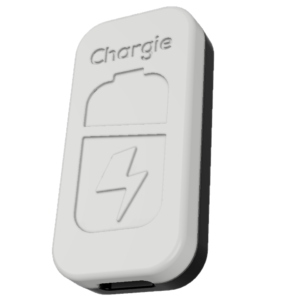
Limit your laptop charge to 80% via USB-C. Works with MacBooks, Dell, HP, Lenovo and most USB-C laptops up to 100W.
Protect Your Battery with Chargie
The world's first hardware charge limiter. Set a charge limit on any phone, tablet, or laptop — extend battery life by up to 4x.