
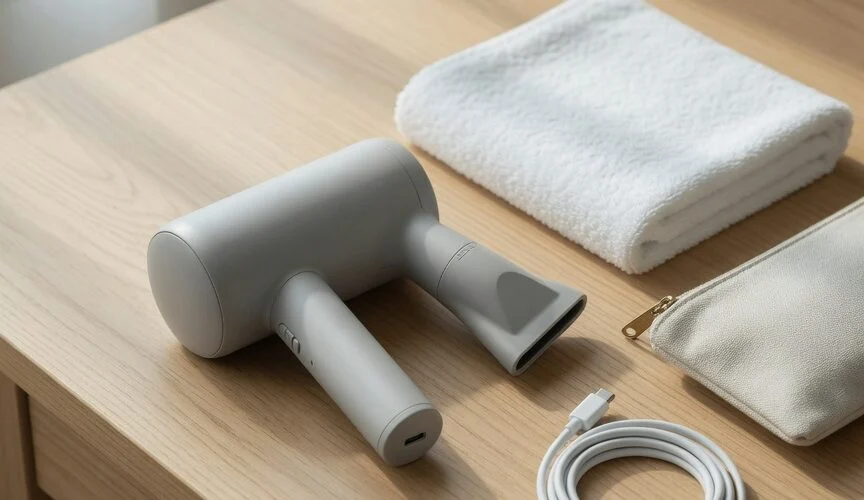

A cordless hair dryer that no longer finishes your usual routine needs a little troubleshooting—not a promise that one charging trick will double its life. Start with the manual, check how you charge and store it, and compare performance using the same heat and airflow settings.
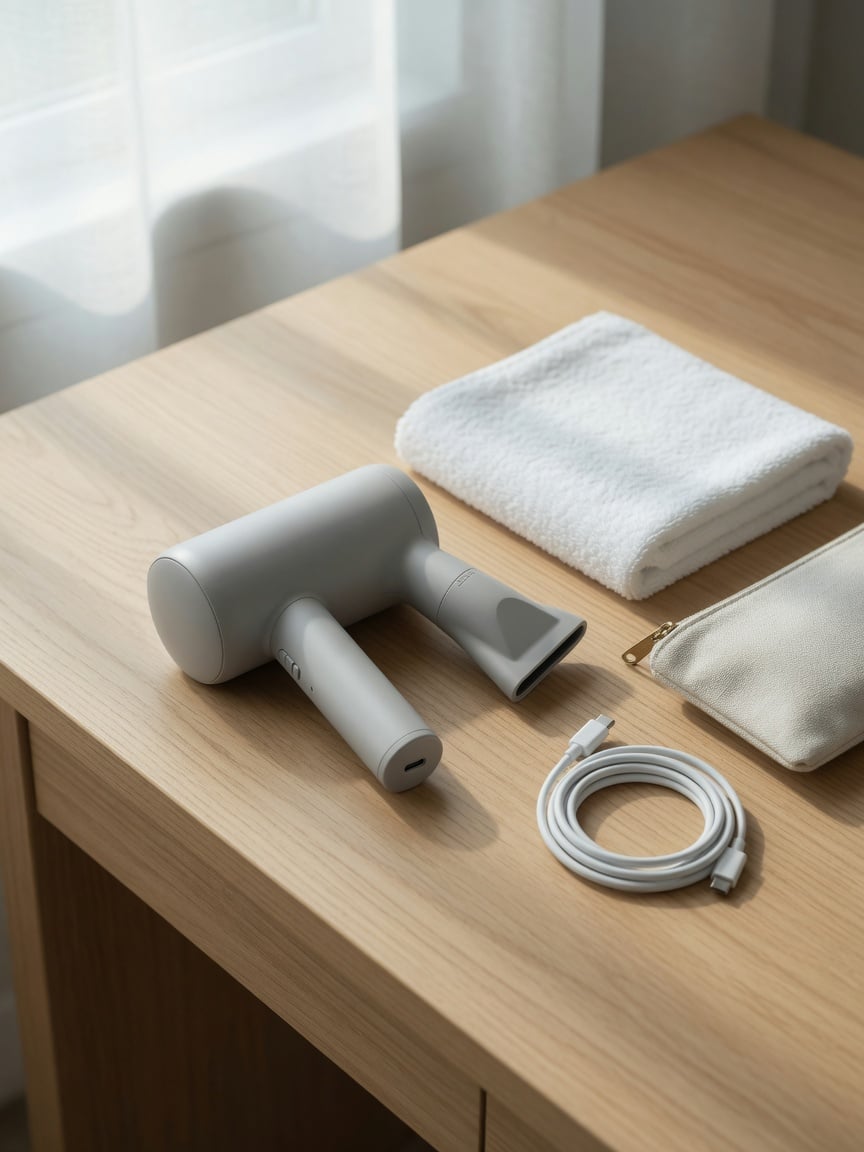
Check what your particular dryer supports
Before changing your routine, find the model number and its charging instructions. Look for the required adapter, charging temperature limits, storage advice and whether the battery is user-replaceable. Do not assume advice for another portable dryer applies to yours.
A USB-C socket alone does not establish compatibility with a charging accessory. It also does not tell you whether an external device can read the battery percentage. If your dryer uses a dedicated dock, use the charging equipment its manufacturer specifies.
Separate short runtime from battery wear
Compare like with like: the same heat setting, airflow setting and starting charge. If you have changed your styling routine or selected a different setting, a shorter session does not by itself establish battery degradation.
Check the manual for cleaning and airflow maintenance before blaming the battery. If performance remains poor after the recommended checks, ask the manufacturer about service. Our guide to checking battery health explains the broader distinction between charge level and capacity; a basic dryer may not provide the diagnostic information available on a phone.
Give storage as much attention as charging
For lithium-ion devices, storage temperature and charge level matter. Apple’s battery-care guidance, for example, recommends storing its devices around half charged in a cool, moisture-free environment rather than completely full or empty. This is guidance for Apple products, not a tested storage prescription for a hair dryer.
Use your dryer’s own instructions to choose a storage routine. Avoid assuming that a bathroom is always hot or that every dock continuously tops up its battery. Check the actual location and the manufacturer’s guidance instead. A dry shelf away from direct heat may be more suitable than a damp countertop.
Our explanation of heat and battery care provides useful background, but its phone-specific limits should not be substituted for your dryer’s specifications.
A simple charging routine
- Use the specified charger and an undamaged cable.
- Follow the manufacturer’s temperature and supervision instructions.
- Before a trip, check that the dryer charges and runs normally.
- For longer storage, follow the manual’s charge and maintenance recommendations.
- Do not run the dryer unnecessarily just to force its indicator to empty.
There is no universal charge percentage that guarantees a particular lifespan or runtime. Choose a routine that preserves useful readiness without ignoring the instructions for your model.
Do you need a charge limiter?
Not to follow the basic care routine above. Before buying an accessory, establish support for the exact dryer, charger and intended control method. This article does not establish tested Chargie compatibility with a cordless hair dryer or promise accurate percentage control. See what a USB charge limiter does for background rather than treating the presence of a USB port as a compatibility guarantee.
When to ask for service
If the casing is distorted, the battery appears swollen, or the device behaves unusually, stop using it and seek manufacturer guidance. Do not open a sealed battery pack or improvise a replacement. For a retired device, follow local collection requirements; our battery disposal guide is a starting point.
The practical goal is straightforward: suitable charging equipment, sensible storage and a dryer that reliably completes your routine—not an exact percentage or an unsupported lifespan promise.

USB-C charge limiter that stops at your set battery level, so your battery never sits at 100% overnight. Extends battery lifespan by years. Works with any USB-C charger.

Limit your laptop charge to 80% via USB-C. Works with MacBooks, Dell, HP, Lenovo and most USB-C laptops up to 100W.
Protect Your Battery with Chargie
The world's first hardware charge limiter. Set a charge limit on any phone, tablet, or laptop — extend battery life by up to 4x.



