
TL;DR: Your bike computer has a sealed lithium-ion battery that you usually can’t replace. It wears out fastest when it’s kept at 100%, kept hot, or run flat. Charge between about 20% and 80% for normal riding. Never charge it wet or outside 0–45 °C. Store it half-charged and somewhere cool over the winter. Top it up to full only the night before a long ride. A USB charge limiter can do the “stop at 80%” part for you.
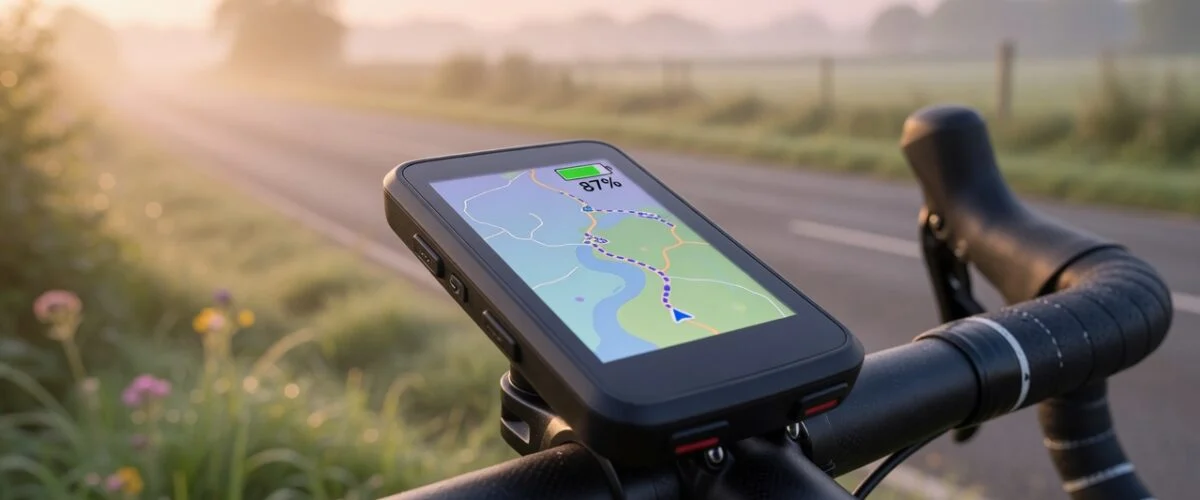
A GPS bike computer is one of the hardest-working batteries a cyclist owns. It lights a screen for hours, tracks satellites, and talks to your power meter, heart-rate strap and phone at the same time. Then it usually spends the rest of the week plugged in on a shelf, sitting at 100%.
That combination quietly shortens its life. In this guide we look at what Garmin and Wahoo actually say about charging their Edge, ELEMNT, BOLT and ROAM units, what battery research says about why they fade, and a simple routine that keeps a head unit going for more seasons.
Why bike computer batteries matter more than you think
Garmin’s Edge 840 and Wahoo’s ELEMNT computers are both rated IPX7 waterproof, and that sealing has a cost: the battery is inside for good. Wahoo’s own FAQ says the BOLT and ROAM batteries are “hardwired to the motherboard” in a thermally sealed unit. It also says the original ELEMNT had a replaceable battery, but replacement batteries are no longer available. Garmin describes the Edge 840 battery as a “rechargeable, built-in lithium-ion battery”.
In practice, when the battery fades, the device fades with it. A unit that did a full gran fondo in its first year can start dying before the café stop a few seasons later. You can’t swap in a fresh cell, so anything that slows that decline is worth doing.
Battery University notes that manufacturers usually rate consumer lithium-ion batteries for 300 to 500 discharge/charge cycles, and that small wearable batteries delivered about 300 cycles as of 2020. Those are conservative ratings at full cycles. As the next section shows, charging habits can move a battery well beyond them.
What actually wears out a bike computer battery
Lithium-ion batteries don’t have a “memory”, and they don’t need to be fully drained. Battery University says partial discharge is fine, and that the smaller the depth of discharge, the longer the battery lasts. What hurts them is a short list of stresses that happen to match how many riders treat their head units.
1. Sitting at 100% for days
A typical lithium-ion cell charges to 4.20 V. Battery University treats anything above 4.10 V per cell as “high voltage” and says that dwelling at full charge in heat “can be more stressful than cycling.” Its estimates show how much the charge ceiling matters (we cover the science in more depth in why charging to 80 percent extends battery life):
- Charged to 4.20 V (100%): about 300–500 cycles
- Charged to 4.06 V (about 81% of capacity): about 600–1,000 cycles
- Charged to 3.92 V (about 65% of capacity): about 1,200–2,000 cycles
The habit that hurts most is the one that seems most responsible: leaving the computer on the charger “so it’s always ready”. Once it reaches 100% it just stays there, at the highest-stress voltage.
2. Heat, especially when it’s also full
Battery University considers anything above 30 °C (86 °F) an elevated temperature for lithium-ion. Its storage table shows that a battery kept at 100% charge at 40 °C keeps only about 65% of its recoverable capacity after one year, compared with 85% at 40% charge. Bike computers live on top of the handlebars in full sun and often ride home in a hot car. We cover the same problem for phones in our summer heat battery guide.
3. Deep discharges
Battery University’s depth-of-discharge estimates for an NMC cell show about 300 cycles (until capacity falls to 70%) when each cycle uses 100% of the battery. That rises to about 1,000 cycles at 40% depth of discharge. These are estimates, and BU notes that not all batteries behave the same. Finishing every long ride at 2% with the low-battery warning flashing is hard on the cell.
4. Moisture and dirt in the charging port
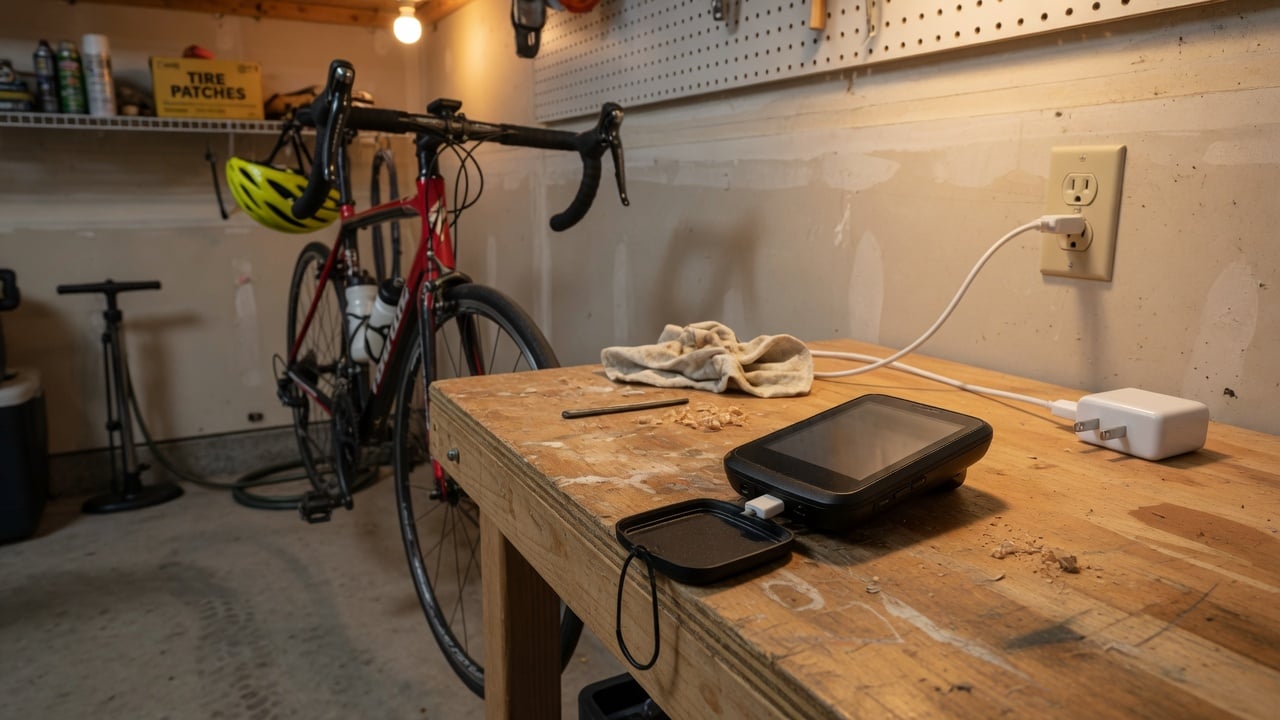
This one is about the device, not the cell chemistry, but both major brands warn about it. Garmin’s Edge 840 manual warns: “To prevent corrosion, thoroughly dry the USB port, the weather cap, and the surrounding area before charging.” Wahoo says not to charge “if there is moisture or debris in the charger cable or charging port”, because it risks damage to the cable and the computer.
What Garmin and Wahoo say about charging
Both brands publish clear, practical rules. Here are the ones that matter for battery health.
Garmin Edge: respect the temperature window
The Edge 840 specifications list an operating range of -20 °C to 60 °C (-4 °F to 140 °F), but a much narrower charging range of 0 °C to 45 °C (32 °F to 113 °F). The manual adds that “the device will not charge when outside the approved temperature range.” So if you plug in a cold unit straight after a winter ride, or one that has been baking on a sunny windowsill, it may refuse to charge. Let it come back to room temperature first.
Garmin’s Device Care notes for Edge models also say not to store the device “where prolonged exposure to extreme temperatures can occur, because it can cause permanent damage”. They also tell you to secure the weather cap tightly to protect the USB port, and to keep sunscreen and insect repellent away from the plastics.
Wahoo ELEMNT, BOLT and ROAM: use the right charger and cable
Wahoo is unusually specific about power sources. Its charging guide asks for a wall charger rated at 5 V and 2+ amps, or a powered USB port. It also recommends against older Apple USB-A chargers, because they either supply only 1 amp or throttle output to 0.5 A when a non-Apple device is connected. Either way, that may not be enough to charge the computer.
Cable type depends on the model:
- ELEMNT, BOLT 1, ROAM 1: USB-A to Micro USB.
- BOLT 2: early production units lack an internal voltage limiter, so Wahoo says to use a USB-A to USB-C cable on a USB-A wall charger, or a “smart” source such as a laptop. Later BOLT 2 units don’t share this limitation.
- ACE, BOLT 3, ROAM 2/3: USB-A or USB-C to USB-C.
Wahoo also tells owners to remove the USB cable once the unit is fully charged and to refit the silicone dust cap firmly. That’s a clear sign the company doesn’t want the unit left on the charger indefinitely.
The “sad face” and the slow start
If a Wahoo unit shows no response or a sad-face icon when plugged in, Wahoo’s advice is to check the charger and give it 5–10 minutes, “particularly if you haven’t used/charged the device in a long time.” It says “the computer will start by trickle charging to protect the battery.” Wahoo says the sad face indicates a low-power trickle charge, which can happen if the power source is too weak or the battery is charging from zero. Good storage habits help you avoid the second cause. (For background, see what trickle charging is.)
Bike computer battery facts at a glance
The table below collects the figures from the manufacturers’ published documentation that are relevant to battery care.
| Model | Rated battery life | Battery replaceable? | Charging notes |
|---|---|---|---|
| Garmin Edge 840 | Up to 26 hr | Built-in Li-ion | Charges only at 0–45 °C; dry port first |
| Garmin Edge 840 Solar | Up to 32 hr with solar (75,000 lux) | Built-in Li-ion | Same 0–45 °C charging range |
| Wahoo ELEMNT (original) | 16 hr | Was replaceable; spares no longer available | USB-A to Micro USB |
| Wahoo BOLT v1/v2 | 15 hr | No (hardwired) | Early BOLT 2: USB-A to USB-C cable |
| Wahoo ROAM v1/v2 | 17 hr | No (hardwired) | ROAM 2: USB-C cable (check your model’s guide) |
A charging routine that makes a head unit last
None of this needs a new habit. It needs a slightly different one.
For everyday rides
- Don’t leave it plugged in overnight “just because”. If your typical ride uses a third of the battery, there’s no need to start every ride at 100%.
- Aim for roughly 20–80%. Battery University’s data shows both shallower discharges and a lower charge ceiling extend cycle life. Unplug at around 80% and plug back in before it drops into the red.
- Top up to 100% only for big days. Before a century, a multi-day tour or a long event, charge it full the night before. Then go back to the lower range.
The hard part is remembering to unplug at 80%. None of the Garmin or Wahoo charging instructions we reviewed mention a charge-limit setting, and Garmin’s Edge 840 manual simply says to charge the device completely. That’s where a hardware limiter helps. A USB charge limiter such as Chargie sits between the charger and the cable and cuts power at the level you choose, so the computer never sits at 100% on the shelf. We compare the methods in how to limit battery charge to 80%. Wahoo owners should keep their model’s cable requirement in mind (for example, an early BOLT 2 needs a USB-A to USB-C path).
On the bike
Reducing drain during a ride means fewer deep discharges. Wahoo notes that the backlight and LEDs “stress the battery” and can be turned off when you don’t need them. It also suggests INDOOR mode on the trainer, which turns off GPS, and disconnecting sensors you aren’t using. Garmin’s battery tips for the Edge 1000 are similar: dim or shorten the backlight timeout, use Smart recording, turn on Auto Sleep, and turn off Bluetooth and Wi-Fi when they aren’t needed.
Watch the heat too. Don’t leave the unit on the bars while the bike sits in direct sun at a long café stop, and don’t leave it in a hot car between rides. Wahoo notes that its internal temperature sensor can show readings that differ from the air around you in direct sunlight or while charging from an external battery. The sensor sits inside the unit, so what it reports reflects the device’s own conditions.
Charging on the road
A power bank on a long tour is fine, but avoid charging the unit in a jersey pocket or bar bag in hot sun. Remember that Garmin’s units won’t charge outside 0–45 °C anyway. Dry the port before you plug in after rain.
Off-season storage: the overlooked battery killer
For many riders, the bike computer sits unused for weeks or months over winter. There are two ways to get this wrong. One is putting the unit away at 100% and forgetting it for four months. The other is letting it drain to zero in a drawer.
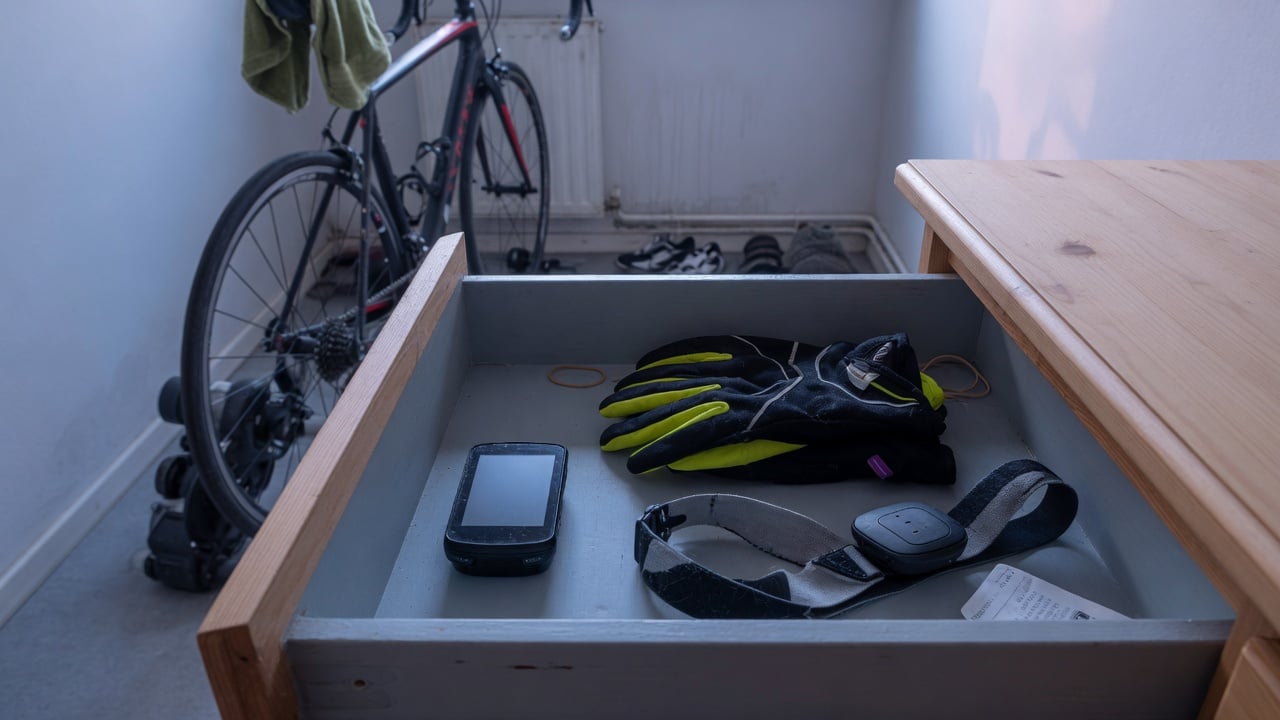
Battery University’s storage estimates show why the middle is best. After a year at 25 °C, a battery stored at 40% charge keeps about 96% of its recoverable capacity, against about 80% for one stored at 100%. At 40 °C the gap widens to about 85% versus 65%.
A simple off-season plan:
- Charge or discharge to about 40–60% before putting it away.
- Store it indoors, cool and dry, not in an unheated shed or a garage that bakes in summer. Garmin warns against prolonged exposure to extreme temperatures.
- Check it every month or two and top it back up to around half if it has dropped. That avoids the deep-discharge “sad face” in spring.
- Close the weather cap or dust cap so dirt doesn’t collect in the port.
If you ride indoors all winter, the same rules apply. Turn on INDOOR mode (Wahoo) or turn off GPS where possible, and don’t leave the unit on the charger next to the trainer between sessions.
How to tell your bike computer battery is fading
Bike computers rarely show a battery-health percentage the way phones do. Watch for these signs instead:
- Your usual ride now uses noticeably more battery than it did when the unit was new.
- The percentage drops suddenly near the end of a ride, or the unit shuts off with charge still showing.
- The case looks swollen or the screen lifts. Stop using and charging it straight away (see our guide to battery swelling).
Our general guide on how to check battery health covers the logic. For a bike computer, the most practical test is to compare a regular route’s battery use against what you remember from the first season.
Frequently asked questions
Charging habits
Is it bad to leave my Garmin Edge or Wahoo BOLT plugged in all the time?
Yes, for long-term battery health. A full lithium-ion cell sits at its highest-stress voltage, and Battery University says long periods at full charge, especially when warm, can be harder on the battery than cycling it. Wahoo’s own instructions say to remove the cable once the unit is fully charged.
Should I let my bike computer run down to 0% before charging?
No. Lithium-ion has no memory effect, and Battery University says partial discharges extend life. A unit left at 0% for a long time may need a slow protective trickle charge before it responds.
Chargers and conditions
Can I use my iPhone charger for a Wahoo computer?
Wahoo recommends against older Apple USB-A chargers, which may supply only 1 A or throttle to 0.5 A for non-Apple devices. It asks for a 5 V, 2+ A charger or a powered USB port.
Why won’t my Garmin Edge charge after a cold ride?
The Edge 840 only charges between 0 °C and 45 °C. Let it warm to room temperature and make sure the port is dry, then try again.
Storage and lifespan
How should I store my bike computer over winter?
At about half charge, somewhere cool and dry, with the port cap closed. Check it every month or two. Battery University’s figures show far less capacity loss at 40% charge than at 100%.
Can I replace the battery in my bike computer?
Usually not yourself. Wahoo says BOLT and ROAM batteries are hardwired inside a sealed unit, and replacement batteries for the original ELEMNT are no longer sold. Garmin Edge units use a built-in battery. That’s why protecting the original battery matters. For more on devices with similar sealed batteries, see our guides on GPS pet trackers and camera batteries.
The bottom line
A bike computer can outlast several bikes if its battery is looked after, and only a few things matter. Don’t leave it at 100% on the charger, keep it out of the heat, avoid running it flat, charge it dry and within its temperature window, and store it half-charged in the off-season. If remembering to unplug at 80% is the weak link, a USB charge limiter takes care of it every time.
Sources
- Garmin, Edge 840 Owner’s Manual: Edge Specifications
- Garmin, Edge 840 Owner’s Manual: Charging the Device
- Garmin, Edge 1030 Owner’s Manual: Device Care
- Garmin, Edge 1000: Maximizing Battery Life
- Wahoo Fitness, Charge an ELEMNT GPS computer
- Wahoo Fitness, ELEMNT, BOLT, and ROAM FAQ
- Battery University, BU-808: How to Prolong Lithium-based Batteries

USB-C charge limiter that stops at your set battery level, so your battery never sits at 100% overnight. Extends battery lifespan by years. Works with any USB-C charger.

Limit your laptop charge to 80% via USB-C. Works with MacBooks, Dell, HP, Lenovo and most USB-C laptops up to 100W.
Protect Your Battery with Chargie
The world's first hardware charge limiter. Set a charge limit on any phone, tablet, or laptop — extend battery life by up to 4x.