
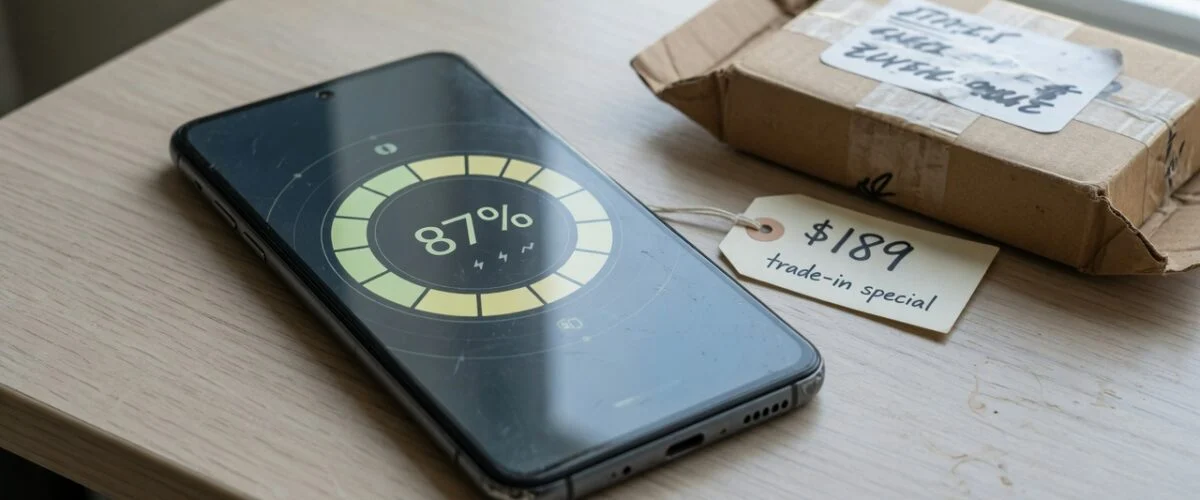

TL;DR: When you trade in or resell a phone, battery health is one of the first numbers a buyer checks, and 80% is the line the used market cares about most. Above it, your phone is usually treated as “good”. Below it, private buyers and resellers tend to knock off the cost of a new battery, and some buyback services pay less or push the device into a lower grade. The cheapest way to protect that number is to reduce the time your phone sits at 100% charge and in heat, because those are the two biggest drivers of lithium-ion wear. A hardware USB charge limiter such as Chargie does that automatically, every night, on any phone.
Most people think about battery health when their phone starts dying by mid-afternoon. Fewer think about it on the day they sell or trade the phone in, and that’s when the percentage turns into money. This guide explains how the 80% threshold works on the resale market, what you can realistically do about a battery that’s already close to the line, and how to keep a new phone’s battery health high enough that it still counts as an asset in two or three years.
Why battery health now shows up on every trade-in quote
A few years ago, a used phone listing would mention storage, colour and screen condition. Today, battery health sits right next to them. Phones report it openly: iPhones show a Maximum Capacity figure under Settings, and many Android phones now expose a similar reading (see our guides on checking iPhone battery health and Android battery health). Once a number is visible, buyers use it.
Apple defines that number as “the measure of battery capacity relative to when it was new” and states that batteries in iPhone 14 models and earlier are designed to retain 80 percent of their original capacity at 500 complete charge cycles under ideal conditions, while iPhone 15 models are designed to retain 80 percent at 1,000 cycles (Apple Support). When capacity degrades significantly, iOS shows a message suggesting service. That official 80% design target is where the resale market’s rule of thumb comes from.
Refurbishers have made the same number part of their standards. Back Market says it enforces a Quality Charter requiring smartphones sold on its marketplace to have at least 80% battery health (Back Market). If a refurbisher buys your phone and its battery is below that line, it has to replace the battery before it can resell the device, and that cost is priced into what it offers you.
What the 80% line actually costs you
There’s no single industry price list for battery wear. Every buyer uses its own grading. What we can say from published sources:
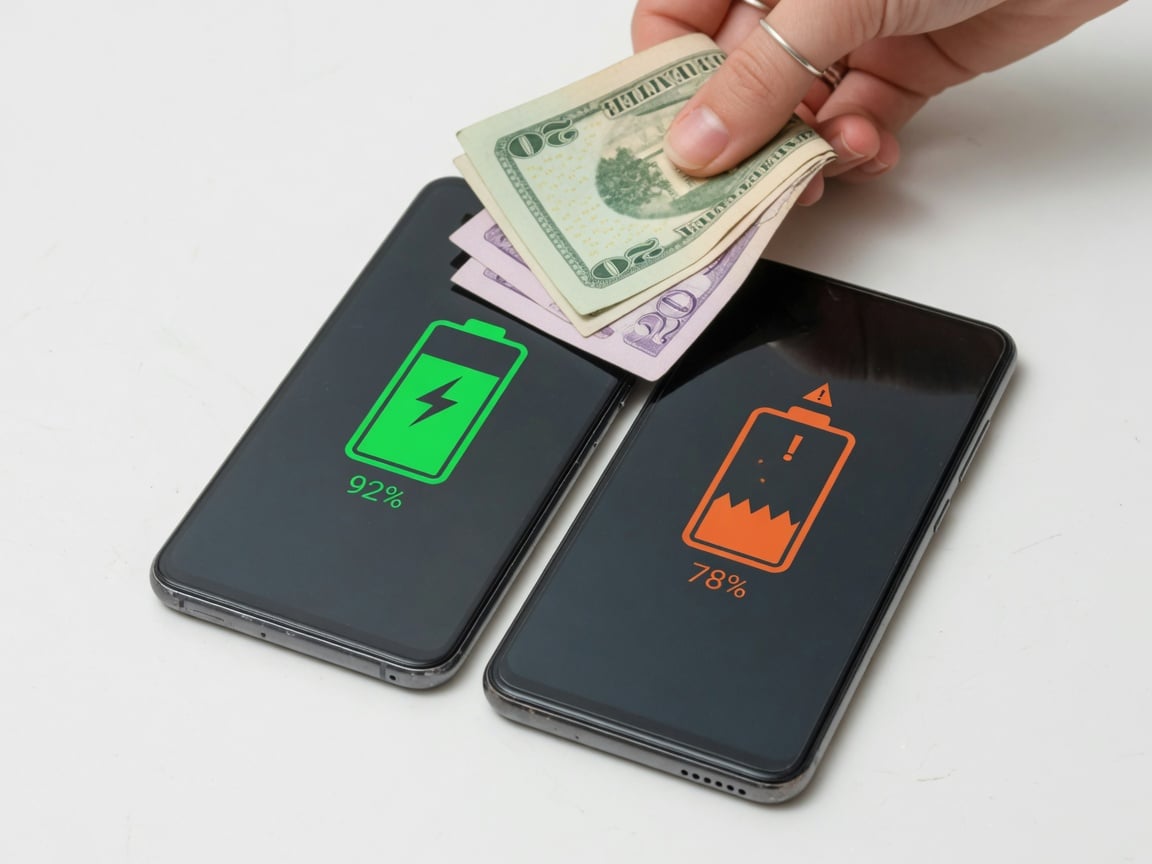
- Private buyers discount below 80%. ecoATM’s resale guide says most buyers lower their price by 15% to 25% once battery health drops below 80%, and that a poor reading could cost $50 to $150 depending on the model (ecoATM, updated March 2026).
- Buyers subtract the replacement cost. The same guide notes that buyers who see a number in the seventies are already calculating what a new battery will cost and subtracting it from their offer.
- Trade-in programs grade on condition. Apple’s Trade In page says the value “depends on the device, model, manufacturer, and condition”. If the device it receives doesn’t match the condition you described, the difference is charged back (Apple Trade In).
The awkward part is that 79% and 81% feel almost identical in daily use. The market treats them very differently anyway. ecoATM describes phones at 79% sitting unsold for weeks while identical units at 81% sell right away. It’s a psychological threshold, but it’s a real one when you’re the seller.
Battery health bands and what they mean when you sell
The table below summarises how a battery reading typically lands with different buyers. It is a practical guide, not a price list. Always get a live quote for your exact model.
| Battery health | How buyers tend to see it | What to do before selling |
|---|---|---|
| 90%–100% | Strong selling point, especially on phones under two years old | Mention it prominently in the listing and include a screenshot |
| 85%–89% | Normal for a phone in its second year; usually no discount | Sell as-is; don’t pay for a battery swap |
| 80%–84% | Still “good”, but close to the line; some buyers negotiate | Sell sooner rather than later; every month of heat and full charges costs points |
| Below 80% | Buyers subtract replacement cost; refurbishers must replace before resale | Compare the offer gap with the cost of an official battery replacement |
| “Service” message or unverified battery | Lower grade or reduced offers from many buyers | Use an authorised replacement; unverified parts can hurt value |
Should you replace the battery before trading in?
Sometimes. The maths depends on how much the phone is worth and how far below 80% it has fallen.
ecoATM gives a worked example: an iPhone 11 Pro at 77% battery health, an $89 Apple battery replacement, and a new battery adding about $150 to the resale value. Its rule of thumb is that replacement tends to pay off when the phone is still worth more than $300 and battery health has dropped below 80%. It quotes Apple replacements at $69 to $99 and third-party shops at $40 to $60, but adds that some trade-in programs won’t accept phones with non-Apple batteries. For current repair prices across brands, see our 2026 phone battery replacement cost guide.
Parts also matter. Apple Support says that on iPhone XS and later, a phone may show “Unable to verify this iPhone has a genuine Apple battery” and that battery health information may then be inaccurate (Apple Support). A cheap swap that triggers that warning can cost you more at trade-in than it saves.
A simple decision rule:
- Get two quotes for your phone: one at its current battery health and one assuming a good battery (many online quote tools ask about the battery).
- If the gap is clearly bigger than the cost of an authorised replacement, replace first.
- If the phone is old and low-value, sell it as-is or recycle it. Our guide to reducing electronic waste covers the options.
What actually wears a battery down: heat, full charge and cycles
Replacing a battery at sale time is a fix. The better plan is to reach sale day with a battery that never dropped that far. To do that you need to know what does the damage.
Time spent at high charge. Battery University’s guide to prolonging lithium-based batteries says that for most Li-ion cells, a voltage above 4.10V per cell counts as high, and that sitting at full charge for a long time “can be more stressful than cycling”. It also states that every 0.10V reduction in peak charge voltage is said to roughly double cycle life: a cell charged to 4.20V typically delivers 300–500 cycles, while 4.10V gives 600–1,000 and 4.0V gives 1,200–2,000 (Battery University BU-808). A phone charged to 100% overnight spends hours at its highest voltage every single night. That’s the science behind charging to 80%.
Heat. In the same BU-808 article, estimated recoverable capacity after a year of storage at 25°C is 96% for a cell kept at 40% charge but only 80% for one kept at 100% charge. At 40°C the figures are 85% and 65%. Heat and full charge together are the worst combination. That’s why a phone left charging under a pillow, on a hot dashboard or in a thick case in summer ages fast (see our summer heat guide).
Cycles and depth of discharge. BU-808’s depth-of-discharge table shows that shallower cycles last far longer than full 100%-to-0% cycles. Our explainer on battery cycle count goes deeper. For resale, cycle count matters because some buyers ask for it alongside the health percentage.
Battery University also points out that electric vehicles typically limit charge to about 85% and discharge to about 25% to prolong battery life, while phones use the full range. Carmakers design for a decade of service; your phone’s default charging behaviour doesn’t.
How to protect battery health from day one
If you plan to trade in your phone in two or three years, the habits you build in the first month matter most. Here’s what makes the biggest difference, in order:
- Stop at around 80% for everyday charging. Many phones have a built-in option (Apple’s 80% limit, Samsung’s battery protection, Pixel’s adaptive charging). They help, but they depend on software settings, OS updates and learned schedules. See why built-in limits aren’t always enough.
- Avoid overnight hours at 100%. Overnight charging isn’t dangerous, but it keeps the battery at its highest voltage for hours. Our article on whether charging overnight is bad explains the trade-off.
- Keep the phone cool while charging. Take off thick cases during long charges, don’t charge on a bed or in direct sun, and avoid gaming while fast charging.
- Store it half charged. If the phone will sit in a drawer before you sell it, Apple recommends keeping it half charged for long-term storage. Don’t store it full or empty.
- Check the number regularly. A monthly look at battery health tells you whether your habits are working, and gives you a record to show a buyer.
Where a hardware charge limiter fits in
Software limits are a good start, but they have gaps. They are tied to one phone and one operating system version. Some only work when a learned routine kicks in. Some are fixed at a single level. And they do nothing for tablets, older phones or other gadgets that lack the feature.
A USB charge limiter such as Chargie sits between your charger and cable and physically cuts power when the battery reaches the level you set in the app, for example 80%. It doesn’t depend on the phone’s software settings, so it works the same way after an OS update, on a new phone, or on the old phone you’re keeping in good shape to sell. If you’ve ever asked whether battery charge limiters actually work, the reason they do is the voltage and heat science above: less time at high charge, less wear.
The resale angle makes the value simple. If a phone at 79% gets a noticeably lower offer than one at 81%, then keeping your battery a few points higher by sale day is money back. And you get a battery that lasts through the day for the whole time you own the phone.
A pre-trade-in checklist
- Screenshot the battery health screen (and cycle count if your phone shows it) for your listing.
- If health is just above 80%, sell soon. Don’t let a hot summer or months of 100% charging push it under.
- If it’s below 80%, compare the offer gap with an authorised battery replacement before deciding.
- Avoid unverified replacement parts if you plan to trade in with the manufacturer.
- Back up, sign out of your accounts, erase the phone and remove your SIM before handing it over.
- Describe the condition accurately. Apple, for example, charges the difference if the device doesn’t match what you declared.
Frequently asked questions
Does battery health affect trade-in value?
Yes, for most buyers. Private buyers and resellers commonly treat 80% as the line between “good” and “needs a battery”, and ecoATM reports price cuts of 15% to 25% below it. Manufacturer trade-in programs grade on overall condition, so the effect varies by program.
Is 80% battery health bad?
Not by itself. Apple designs iPhone batteries to retain 80% of original capacity at 500 cycles (iPhone 14 and earlier) or 1,000 cycles (iPhone 15), so 80% after a couple of years is expected wear. It matters mostly because the resale market uses it as a cut-off.
Should I replace my battery before selling my phone?
Only if the value gain is bigger than the cost. As a rough guide from ecoATM, it tends to pay off when the phone is still worth over $300 and health is below 80%. Use an authorised repair if you plan to trade in with the manufacturer.
Can battery health go back up?
Not really. Capacity lost to chemical aging doesn’t come back. A reading may shift slightly after an OS recalibration, but the only way to restore capacity is a new battery. That’s why prevention matters.
Does charging to 80% really keep battery health higher?
Yes. Battery University data shows that lower peak charge voltages give much longer cycle life, and that cells stored at 40% charge lose far less capacity than cells stored full, especially when warm. Charging to around 80% cuts the hours your battery spends at its highest voltage.
Do I need a charge limiter if my phone already has an 80% setting?
Not always. Built-in limits help, but they vary by model and OS version and don’t cover every device. A hardware limiter like Chargie works the same way on any USB-charged phone or tablet, including older devices you want to keep in good condition for resale.
The bottom line
Battery health is now part of a phone’s price. The market draws its line at 80%, and a few points on either side can change your offer. You can’t stop lithium-ion batteries from aging, but you can slow it down: charge to around 80%, avoid heat and long hours at 100%, and check the number regularly. Do that from the first month and your battery health becomes one more thing working in your favour when it’s time to trade in.
Sources
- Apple Support: iPhone battery and performance
- Apple Trade In
- Back Market: Complete guide to batteries and refurbished phones
- ecoATM: Does your iPhone battery health percentage hurt its value?
- Battery University BU-808: How to prolong lithium-based batteries

USB-C charge limiter that stops at your set battery level, so your battery never sits at 100% overnight. Extends battery lifespan by years. Works with any USB-C charger.

Limit your laptop charge to 80% via USB-C. Works with MacBooks, Dell, HP, Lenovo and most USB-C laptops up to 100W.
Protect Your Battery with Chargie
The world's first hardware charge limiter. Set a charge limit on any phone, tablet, or laptop — extend battery life by up to 4x.



