

TL;DR: Wireless microphone battery care is about keeping your kit dependable, not chasing an exact charge percentage before every recording. Charge enough for the job, avoid unnecessary heat, and distinguish the transmitter, receiver and charging-case batteries. For long breaks, follow your model’s storage instructions rather than leaving everything permanently connected. A shorter recording session does not automatically mean a worn-out battery: check charging, settings and operating conditions first.
A microphone that dies halfway through a family interview or travel video can cost you something you cannot record again. Yet the answer is not necessarily a bigger charging case or a new microphone. A repeatable preparation routine can help you separate an ordinary charging mistake from declining battery capacity—and avoid making storage habits harder on the batteries than they need to be.
Start with the batteries your kit actually contains
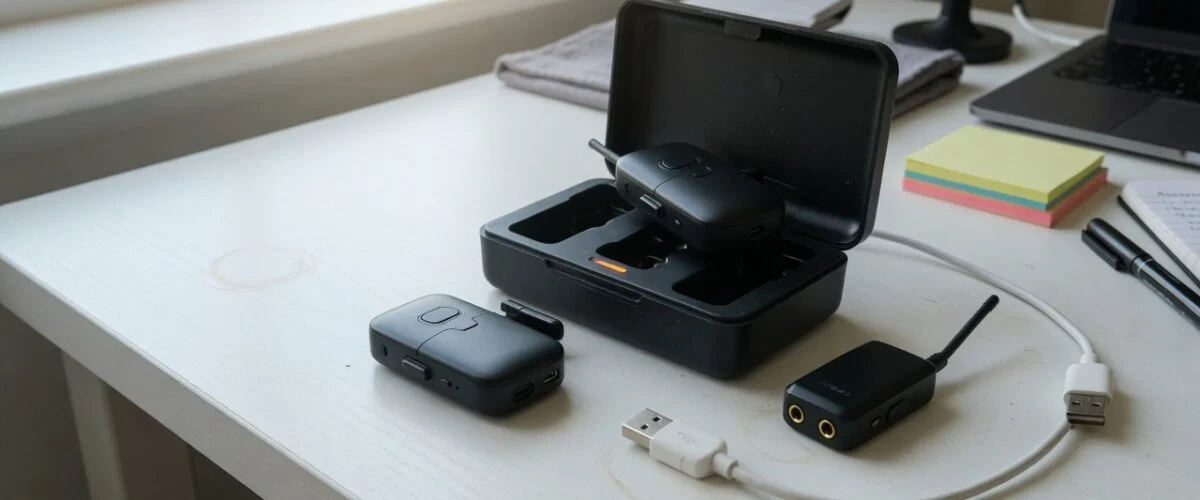
A wireless microphone system is not one battery-powered device. The transmitter clipped to your shirt needs power, the receiver connected to your camera may have its own battery, and a charging case may contain another. Their indicators can mean different things. A full case indicator does not by itself establish that every unit inside has finished charging.
Make a simple checklist for your own kit: transmitter A, transmitter B if supplied, receiver, and case if supplied. Consult the manual for each indicator. Check that the units register charging when seated or connected, and confirm their levels again before leaving home. This is more useful than assuming that spending the night in a bag guarantees readiness.
As a concrete example, RØDE’s Wireless GO II guide says its transmitters and receiver each contain an in-built lithium-ion battery, with up to seven hours of operation. It also describes separate battery indicators and USB charging. Those details belong to that model; they are not specifications for every wireless microphone.
Battery runtime and battery health are different
Runtime is how long the equipment operates on a particular charge. Battery health concerns its ability to store and deliver energy compared with its earlier condition. A disappointing afternoon of recording is a reason to investigate, not proof that the battery has permanently deteriorated.
Start with a controlled comparison. Charge according to the manufacturer’s instructions, use the same recording configuration, and note the operating conditions. Record the approximate starting level, elapsed use and which unit stops first. Repeat on another ordinary session rather than deliberately running the system flat before an important job.
A transmitter that repeatedly stops early while the receiver continues deserves different troubleshooting from a kit in which nothing charged properly. Check the charging connection before blaming chemistry. Our guide to checking battery health explains the broader distinction between a charge reading and usable capacity, although a microphone may not expose the diagnostic data available on a phone or laptop.
Why heat and time at full charge matter
Battery University’s lithium-ion longevity guide identifies cycling, elevated temperature and aging as contributors to declining performance. It also explains that extended time at high charge and high temperature can be stressful. This supports a practical habit: do not leave a charged microphone kit baking in a parked car or sitting unnecessarily beside warm equipment.
It does not support predicting that your microphone will lose a particular percentage of capacity after a particular summer. Battery University explicitly notes that lithium-ion systems do not all behave alike. Its laboratory examples are background evidence, not a warranty calculation for your transmitter.
For everyday use, choose a shaded, dry place to charge and store the kit. Follow the manufacturer’s temperature limits and ventilation instructions. If the equipment has become hot during outdoor recording, move it to an appropriate environment before charging. Do not improvise cooling with a refrigerator, freezer or wet cloth.
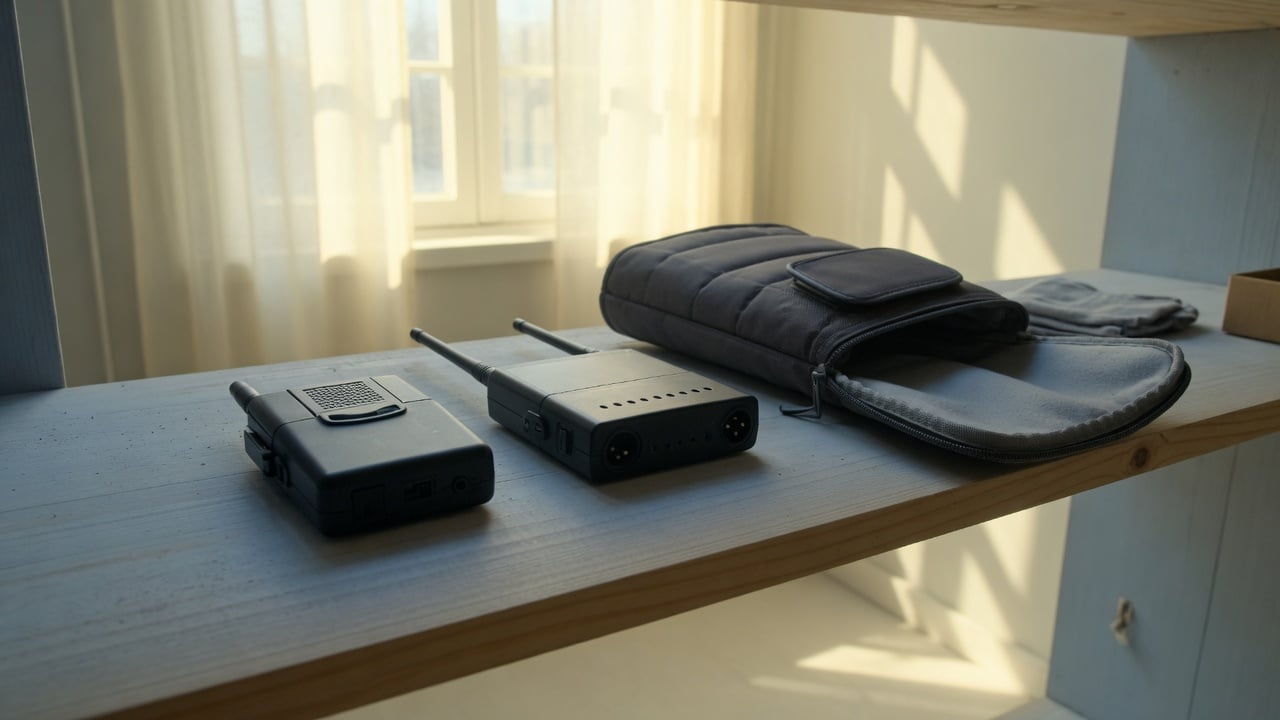
The same general storage concern appears in our action-camera battery guide. The devices and their specifications differ, but keeping recording equipment out of unnecessary heat is a useful shared habit.
Compare charging routines, not just advertised battery hours
The best routine depends on whether you record daily, occasionally or for long sessions. The table below compares practical approaches rather than claiming one charge target suits every microphone. A reliable recording takes priority over preserving a partial charge when you genuinely need the full runtime.
| Situation | Practical approach | What to check | What to avoid |
|---|---|---|---|
| Important recording tomorrow | Charge for the expected session and a sensible reserve | Every transmitter and receiver, not only the case | Leaving with an untested low-charge kit |
| Frequent short sessions | Use convenient partial charging where the manual permits | Actual remaining runtime and charging indicators | Deliberate full discharges as routine maintenance |
| Long desk recording | Use external power only as supported by the model | Cable routing, charging behavior and temperature | Assuming all receivers support the same power mode |
| Several weeks without use | Follow the model’s powered-down storage guidance | Whether the case keeps topping up the units | Storing empty or needlessly hot equipment |
| One unit stops charging | Inspect seating and accessible contacts as instructed | Charge indication after reconnecting | Prying open a sealed battery compartment |
A charging case changes the storage question
Removing a USB cable from a battery-powered case is not necessarily the same as removing power from its contents. Depending on the design, the case may continue supplying the transmitters from its own battery. Check your model’s behavior instead of treating the outside cable as a universal on/off switch for charging.
Before a recording, that convenience is valuable: a case can help keep the kit ready. During a long break, consult the instructions for storage, power-off behavior and any recommended maintenance charging. Do not defeat charging contacts with tape or modify the case to force an unsupported storage mode.
This is similar to the question raised by wireless earbuds and their charging cases, but a resemblance is not proof of identical electronics. Keep the microphone manufacturer’s instructions in charge of the decision. If the manual is silent, ask support about prolonged storage rather than copying a procedure for a different brand.
Prepare differently for tomorrow and for next season
For tomorrow’s recording, charge sufficiently, check every unit, and make a short test recording. Listen to that recording. Battery readiness cannot compensate for a disconnected receiver or an incorrect input setting. Pack the supported charging cables, and plan a recording break or backup where the session matters.
For seasonal storage, the aim changes. You no longer need maximum immediately available runtime. Battery University’s discussion supports avoiding prolonged storage at full charge, especially in heat. Apple’s battery guidance provides a manufacturer example: it recommends storing its devices powered down at around half charge rather than full or empty.
That Apple recommendation is for Apple products, not a microphone-specific service instruction. Use it to understand the principle, then follow your microphone maker’s actual directions. If the kit only shows bars, do not pretend those bars deliver a precise laboratory measurement. Avoid turning storage into a stressful percentage-monitoring exercise.
Check stored equipment according to its manual and before you need it again. Do not leave a depleted unit forgotten indefinitely. On returning to use, allow time for charging and a functional test rather than discovering a problem at the recording location.
Check the charging connection before replacing the kit
If one transmitter repeatedly emerges with little charge, first check whether it was seated correctly. Follow the manual’s cleaning procedure for accessible contacts and ports. Do not insert metal tools, apply unapproved liquids or attempt to reach the internal battery. A clean-looking case is not proof that a particular unit actually received power.
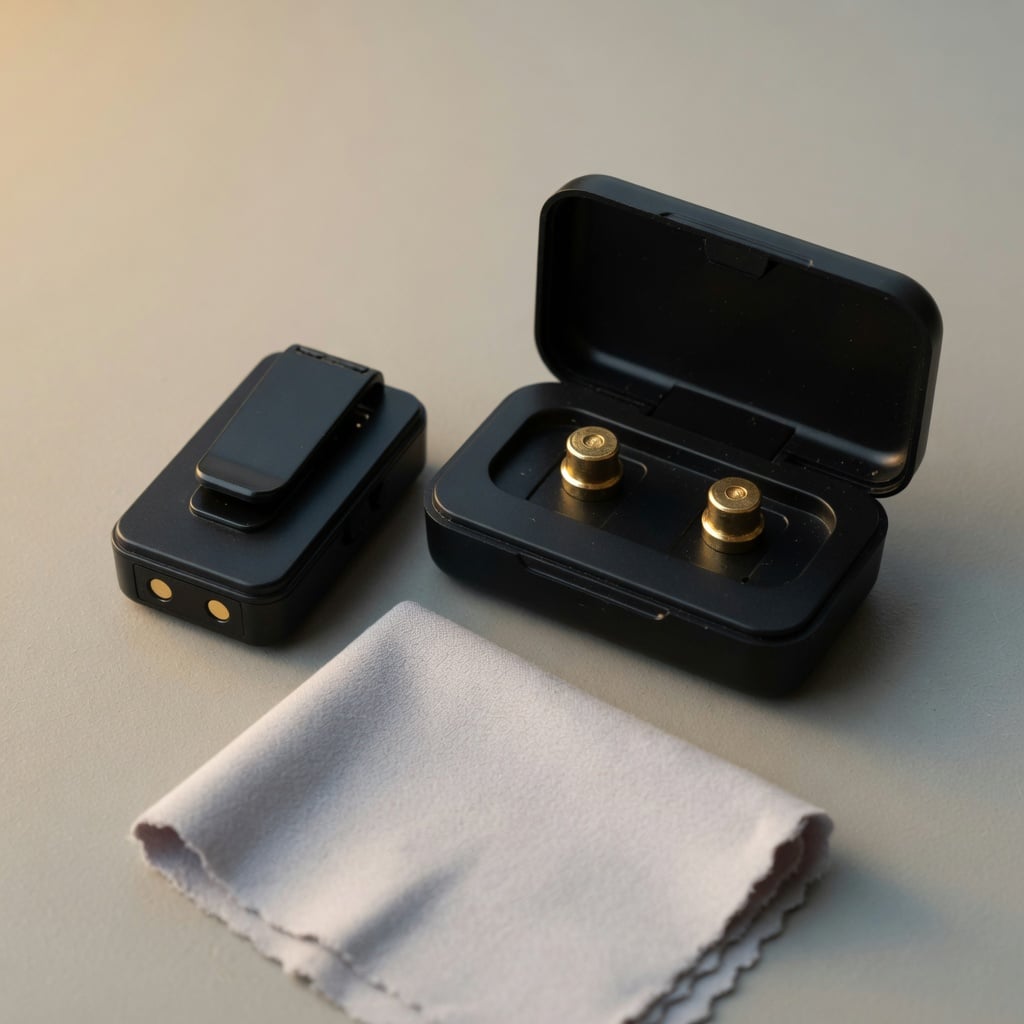
Reconnect using the supplied or manufacturer-approved cable and power source, and look for the documented charging indicator. RØDE’s Wireless GO II guide, for example, describes a flashing transmitter battery LED during charging and a lightning symbol for the receiver. Use the indication specified for your own device, not a remembered color from another product.
RØDE also lists battery-life diagnostics among the functions of its desktop companion software. If your manufacturer provides a diagnostic tool, use it before drawing conclusions from a single session. Keep a brief record of the symptom, firmware version and tests already performed so support can assess the problem efficiently.
Stop using equipment with a visibly swollen enclosure, leakage, smoke or unusual heating and seek manufacturer guidance. Do not keep charging a suspect unit to complete an experiment. A sealed rechargeable microphone is not an invitation to attempt an improvised battery replacement.
Where charging limits help—and where not to assume compatibility
For compatible devices, limiting unnecessary time at full charge can be a useful part of battery care. Our guide to USB charge limiters explains the category, and the guide to setting a charge limit covers the broader phone-and-device workflow.
However, a USB connector alone does not establish that a wireless microphone supports percentage-based charge control through an accessory. Do not assume a microphone exposes its battery level to the same app used for a phone. Also, interrupting the case’s external input may leave its internal battery continuing to charge the transmitters.
The recommendation here is deliberately narrower than a product promise: verify compatibility and the specific charging behavior before buying an accessory for this purpose. Until then, sensible temperature control, manufacturer-approved charging and appropriate storage remain the practical starting points. No accessory should be presented as a guaranteed fix for an already degraded battery.
FAQ
Charging before and during recording
Should I charge my wireless microphone to 100%? Yes, when you need the runtime for an important session. Battery care is not a reason to risk losing a recording. The avoidable habit is leaving equipment unnecessarily full and hot for long periods, not preparing properly for a job.
Can I use it while charging? Check the model’s instructions. RØDE explicitly allows use while charging for Wireless GO II. That does not establish the same capability, noise performance or temperature behavior for another microphone. Test the supported arrangement before an important session.
Storage and charging cases
Should I empty the battery before storing it? Do not make deep discharge a maintenance routine. Battery University says lithium-ion batteries do not need periodic full discharge to prolong life. Follow the manufacturer’s storage instructions and avoid leaving depleted equipment neglected.
Does unplugging the case stop the microphones charging? Not necessarily. A case with its own battery may continue powering its contents. Check the manual and indicators. Do not confuse disconnecting external USB power with a verified storage mode for the whole kit.
Battery wear and troubleshooting
Does shorter runtime mean I need a replacement? Not automatically. Confirm charging, compare similar operating conditions and identify which unit is stopping first. Use available manufacturer diagnostics and contact support if the decline persists. Battery bars alone are not a full health assessment.
Will an 80% charging rule double microphone battery life? No such result is established here. General lithium-ion research supports reducing unnecessary stress, but it does not provide a model-specific lifetime guarantee. Balance useful runtime, the manufacturer’s instructions and convenient habits rather than expecting a promised multiplier.
Sources and scope
This guide combines model-specific operating instructions with general lithium-ion care guidance. The practical routines are recommendations, not results from a controlled microphone longevity test. Generated illustrations show generic equipment, not verified product designs.
- RØDE Wireless GO II user guide: battery type, advertised runtime, charge indications, use while charging and companion-software diagnostics.
- Battery University BU-808: aging, temperature, state of charge and partial cycling; not microphone-specific lifetime predictions.
- Apple: Maximizing Battery Life and Lifespan: an explicitly Apple-specific example of long-term storage guidance.

USB-C charge limiter that stops at your set battery level, so your battery never sits at 100% overnight. Extends battery lifespan by years. Works with any USB-C charger.

Limit your laptop charge to 80% via USB-C. Works with MacBooks, Dell, HP, Lenovo and most USB-C laptops up to 100W.
Protect Your Battery with Chargie
The world's first hardware charge limiter. Set a charge limit on any phone, tablet, or laptop — extend battery life by up to 4x.



