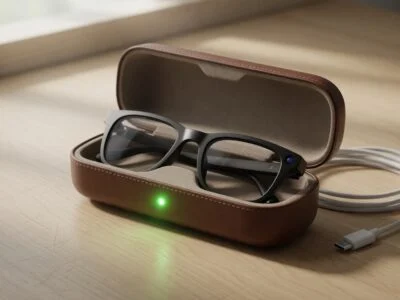
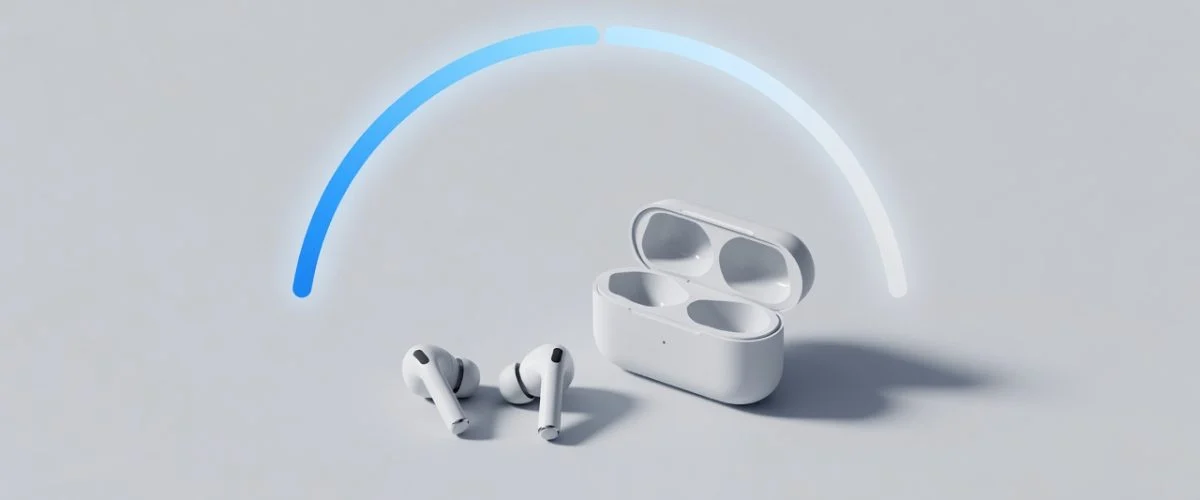

Your wireless earbuds were magic on day one — three, four, even five hours on a charge. Eighteen months later, one bud taps out before your commute is over, and the case feels like it needs topping up constantly. You didn’t imagine it. Of every gadget you own, your earbuds are the ones whose battery health falls off the fastest — and most people never realize why until the buds are nearly useless.
This guide explains exactly why wireless earbuds degrade faster than your phone or laptop, how to tell when yours are fading, and the handful of charging habits that slow the decline. None of it requires an app or a teardown — just understanding what’s happening inside those tiny cells.
Why Earbud Batteries Die So Much Faster Than Your Phone
It comes down to physics, not bad luck. The battery in a single wireless earbud is astonishingly small — often in the range of 40 to 60 milliamp-hours (mAh), compared with 3,000–5,000 mAh in a modern smartphone. A smaller cell stores less energy, so it has to be fully drained and refilled far more often to deliver the same listening time. Every one of those drain-and-refill rounds is a charge cycle, and charge cycles are the currency batteries spend as they age.
There’s a second, harsher reality. According to Battery University’s research on lithium-based batteries (BU-808), small wearable cells are typically rated for only around 300 charge cycles, while modern smartphone batteries are engineered for 800 cycles or more. “Rated cycles” doesn’t mean the cell suddenly dies — it’s the point at which capacity has dropped to roughly 80% of new. But because earbuds start with such a tiny fuel tank, losing even 20% is the difference between getting through your commute and not. So earbuds carry a double disadvantage: a much smaller cell and a much shorter rated lifespan. Cycle them hard and you can hit that 300-cycle mark in well under two years.
Heat makes it worse. Earbuds live in your ears (warm), in your pocket (warmer), and in a sealed plastic case that traps heat while charging. Lithium-ion batteries hate heat — manufacturer datasheets and Battery University alike warn against charging a lithium cell above roughly 50 °C (122 °F), and stress that the battery should “stay cool or slightly warm” while charging. A tiny cell in a closed case has nowhere to dump that heat, which accelerates capacity loss.
There’s also a hidden third battery in the system that most people forget about: the case itself. Your earbuds don’t charge directly from the wall — they charge from the case, and the case charges from your USB cable. So you’re actually aging three small lithium cells at once (left bud, right bud, and case), each on its own cycle clock. The case is the one you plug in and leave plugged in, which is precisely why it tends to be the first to show its age. Understanding that the case is a separate, abusable battery changes how you should treat it.
How Earbud Battery Aging Compares to Your Other Devices
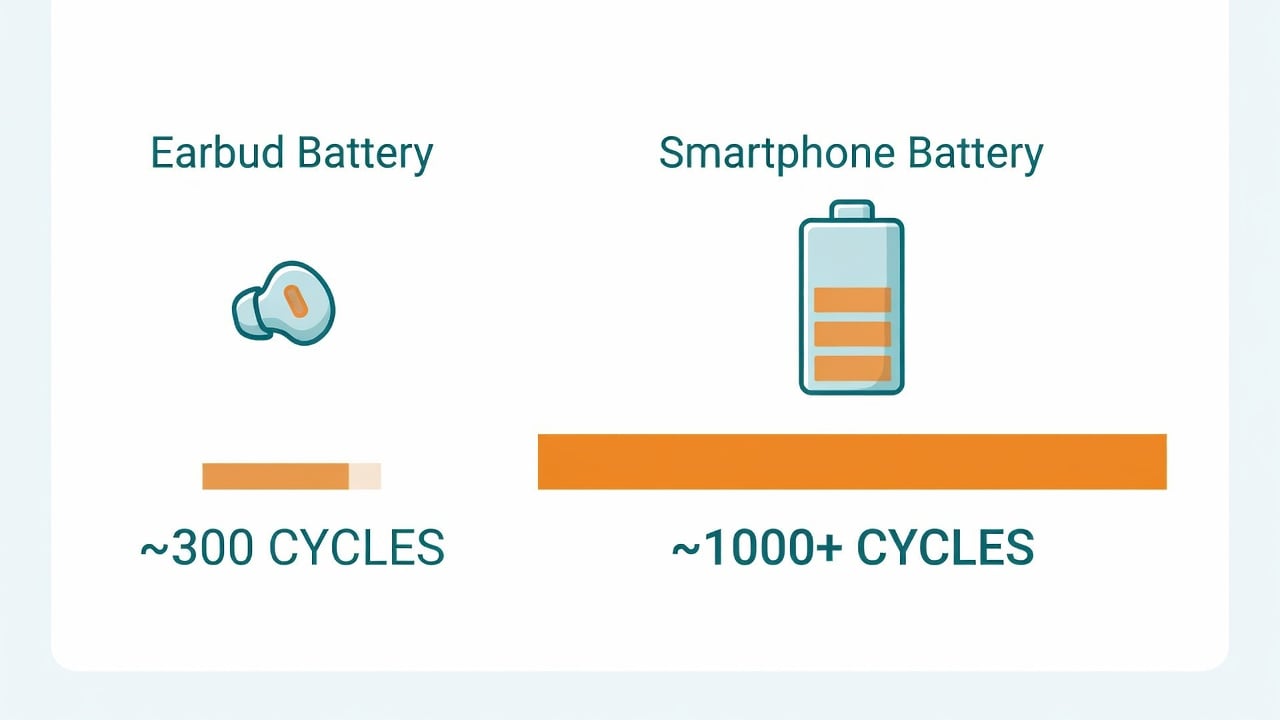
The table below shows why earbuds feel like the “first to fall” in your gadget drawer. The numbers are typical ranges — exact figures vary by brand and model — but the pattern is consistent across the industry.
| Device | Typical cell size | Rated cycle life | When you notice decline |
|---|---|---|---|
| Wireless earbud (each) | ~40–60 mAh | ~300 cycles | 12–24 months |
| Smartphone | ~3,000–5,000 mAh | ~800+ cycles | 2–3 years |
| Laptop | ~4,000–8,000 mAh | ~300–500 cycles | 2–4 years |
| Earbud charging case | ~300–700 mAh | ~300–500 cycles (est.) | 18–30 months |
When people say “my earbuds barely last now,” sometimes it’s the buds and sometimes it’s the case that can no longer hold enough charge to refill them through the day — the case ages on its own clock. (Cycle-life figures for cases vary by brand and aren’t always published, so treat the case row as an informed estimate.) If you want the underlying chemistry behind all of this, our complete guide to lithium-ion battery degradation breaks down exactly what’s happening at the cell level.
Knowing why they fade is only half the battle. The other half is what you do between charges — and that’s where most of the damage is quietly done.
The 3 Habits Quietly Killing Your Earbuds
Most earbud wear isn’t caused by listening — it’s caused by how the buds and case sit between uses. Three patterns do the most damage:
- Leaving the case plugged in 24/7. A case sitting on a charger all day stays pinned near 100% and warm. Holding any lithium cell at a high state of charge, hot, is the textbook recipe for faster aging.
- Topping up after every short use. Drop the buds in for 10 minutes, pull them out, repeat all day. Each top-up nudges another partial cycle and keeps the cell hovering at high charge — exactly what you don’t want.
- Charging in hot places. A car dashboard, a sunny windowsill, or a pocket next to a phone that’s fast-charging all push the case past the safe thermal window.
The fix is the same principle that protects every lithium battery you own: keep the charge in a healthy middle band and keep it cool. Battery University’s charging guidance (BU-415) is blunt about it — for lithium-ion, “partial charge is better than a full charge,” and deep, repeated full discharges “wear the battery down.” That’s the same reasoning behind the widely cited ~80% charging sweet spot; we cover the science in detail in our guide on why charging to 80% extends battery life. The catch with earbuds is that you can’t apply it to the buds directly — a bud charges to 100% every time you drop it in the case, and there’s no setting to stop that. The cell you can actually keep in that healthy middle band is the case, which is the one you plug into a charger and leave there. So with earbuds the 80% principle isn’t about the buds at all; it’s about not pinning the case at a constant full charge.
How to Actually Make Wireless Earbuds Last Longer
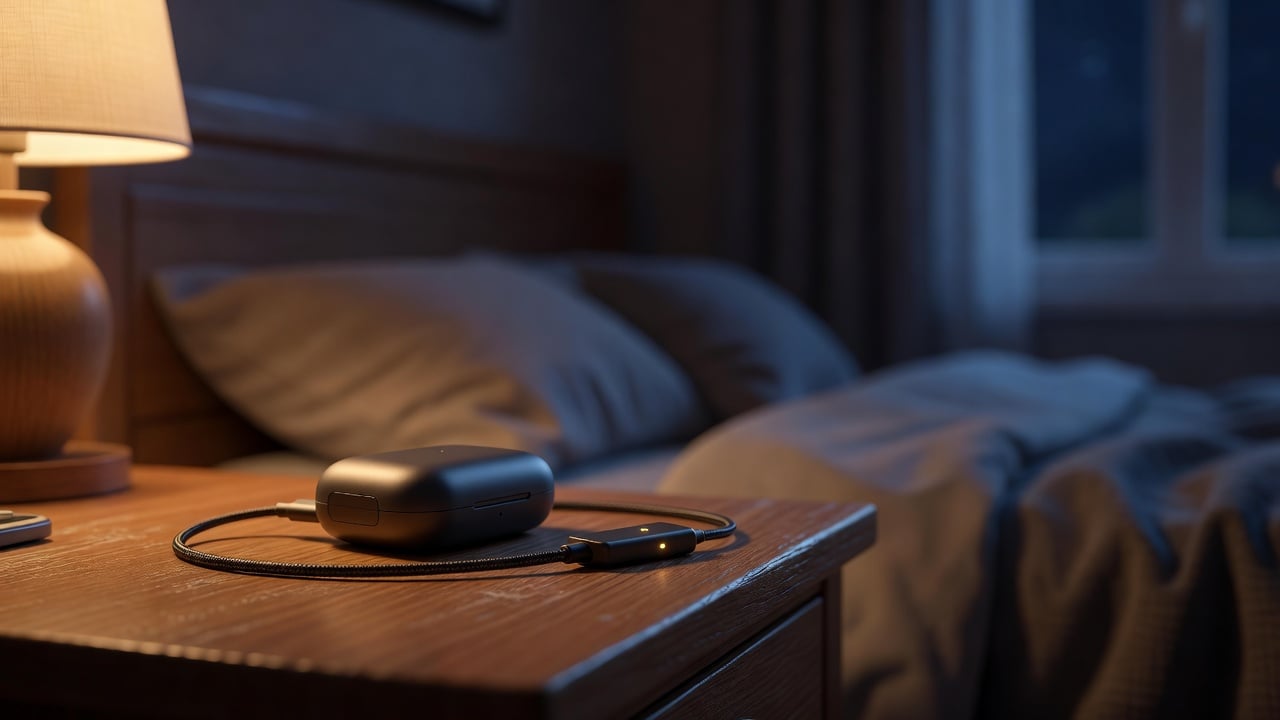
You can’t change the size of an earbud cell, but you can change how often and how hard you cycle it. These habits are free and genuinely move the needle:
Don’t leave the case on the charger overnight, every night. Charge the case when it’s actually low, not as a reflex. A case that lives plugged in is a case that ages on the shelf.
Skip the constant micro-top-ups. If your buds still have 60–70% left, you don’t need to dock them. Let them run down into the middle of their range before recharging instead of pinning them at 100%.
Keep everything cool. Charge the case on a hard, open surface — not under a pillow, in a hot car, or stacked on a warm laptop. If the case feels hot, unplug it and let it breathe.
Store them charged, not full or empty, if you won’t use them for a while. Heading away for a few weeks? Leave the case around half charged in a cool drawer. A cell stored at 100% or drained to 0% degrades faster while sitting idle.
Use a charge limiter on the case’s charger. This is the most overlooked move. Because the case charges over USB, you can put a hardware USB charge limiter in line and stop the case from being held at a constant 100% while it sits on your desk all day. It’s the same protection people already use for phones and laptops, applied to the device that needs it most.
How to Tell If Your Earbud Battery Is Already Failing
Earbuds rarely give you a tidy “battery health %” the way a phone does, so you have to read the symptoms. Watch for these signs:
- One bud dies before the other. The classic tell. Cells age at slightly different rates, and the weaker one drops out first.
- Runtime has roughly halved. If you used to get 5 hours and now get 2, you’re well past the comfortable part of the aging curve.
- The case empties unusually fast. A case that used to give three full bud recharges now manages one — that’s case-battery wear, not the buds.
- They get hot while charging. Rising heat during a normal charge is a sign of increased internal resistance, a hallmark of an aging cell.
If you also care about your phone or laptop’s numbers, our walkthrough on how to check battery health on any device shows exactly where each manufacturer hides those readings.
When It’s Time to Replace — and What to Do With the Old Ones
Here’s the uncomfortable part: most wireless earbuds are sealed shut with the battery glued inside, which makes a DIY battery swap impractical for the average owner. That’s a big reason habits matter so much — prevention is the only real lever most people have. When runtime drops to the point that the buds can’t get you through a normal session, replacement is usually the realistic option.
When that day comes, don’t toss them in the trash. The lithium cells inside are both a fire hazard in household waste and a recyclable resource. Check our guide on where to dispose of old batteries the right way so your dead buds don’t end up in a landfill — or worse, sparking in a garbage truck.
The broader takeaway: the cheapest pair of earbuds is the one you don’t have to replace early. A few small charging habits, plus keeping the case off a 24/7 charger, can add many months to the life of the gadget that normally wears out first.
It’s worth setting realistic expectations, too. No habit makes a tiny 50 mAh cell last as long as a phone battery — the physics simply won’t allow it. What good habits do achieve is keeping you on the gentle part of the aging curve for as long as possible, so you reach “good enough” runtime for two-plus years instead of falling off a cliff at month ten. Think of it the way you’d think about your phone or laptop: the goal isn’t to stop aging, it’s to slow it to the point where the battery outlives your interest in the device. For earbuds, that small shift is the difference between replacing them once and replacing them every single year.
Frequently Asked Questions
Why does only one earbud die before the other?
Each bud has its own independent battery, and no two cells age at exactly the same rate. Tiny differences in manufacturing, plus the fact that one bud often handles more of the connection workload, mean one cell loses capacity slightly faster. The weaker one then shuts off first, even though both buds report “full” at the start.
Is it bad to leave my earbuds case charging overnight?
Doing it occasionally is fine; doing it every single night for years is what causes harm. Holding the case’s battery at 100% while it stays warm accelerates aging. The healthier routine is to charge the case when it’s actually low and not leave it pinned on the charger as a default. The same principle is why stopping charging at 80% protects phone and laptop batteries.
How many years should wireless earbuds last?
With average use, expect noticeable battery decline somewhere between 18 months and 2–3 years. Heavy daily use (multiple full cycles a day) can push real degradation under a year, because small wearable cells are typically rated for only around 300 charge cycles. Gentle charging habits are what stretch them toward the longer end of that range.
Can I replace the battery in my earbuds?
For most mainstream models, not practically. The cells are tiny, glued in place, and the housings are sealed for water resistance, so a clean swap usually isn’t feasible at home. This is exactly why charging habits matter more for earbuds than for almost any other device — you can’t easily fix a worn-out cell after the fact.
Does a charge limiter actually help earbuds?
Yes — indirectly but meaningfully. You can’t limit each bud individually, but you can limit the case, which is what you actually plug into a charger. Stopping the case from sitting at a constant 100% all day keeps its battery in a healthier range and reduces heat, both of which slow aging for the case and the buds it recharges.
Protect Every Battery You Charge — Not Just Your Phone
Chargie is a tiny hardware charge limiter that plugs in line with any USB charger and stops your devices — phone, laptop, tablet, even your earbud case — from being held at a battery-killing 100% all day. No app required, set-and-forget.

USB-C charge limiter that stops at your set battery level, so your battery never sits at 100% overnight. Extends battery lifespan by years. Works with any USB-C charger.
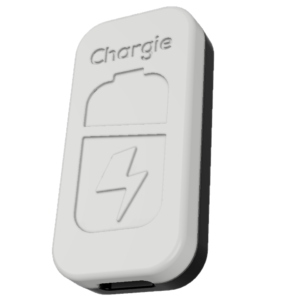
Limit your laptop charge to 80% via USB-C. Works with MacBooks, Dell, HP, Lenovo and most USB-C laptops up to 100W.
Protect Your Battery with Chargie
The world's first hardware charge limiter. Set a charge limit on any phone, tablet, or laptop — extend battery life by up to 4x.