
Why gaming handhelds are unusually hard on their batteries
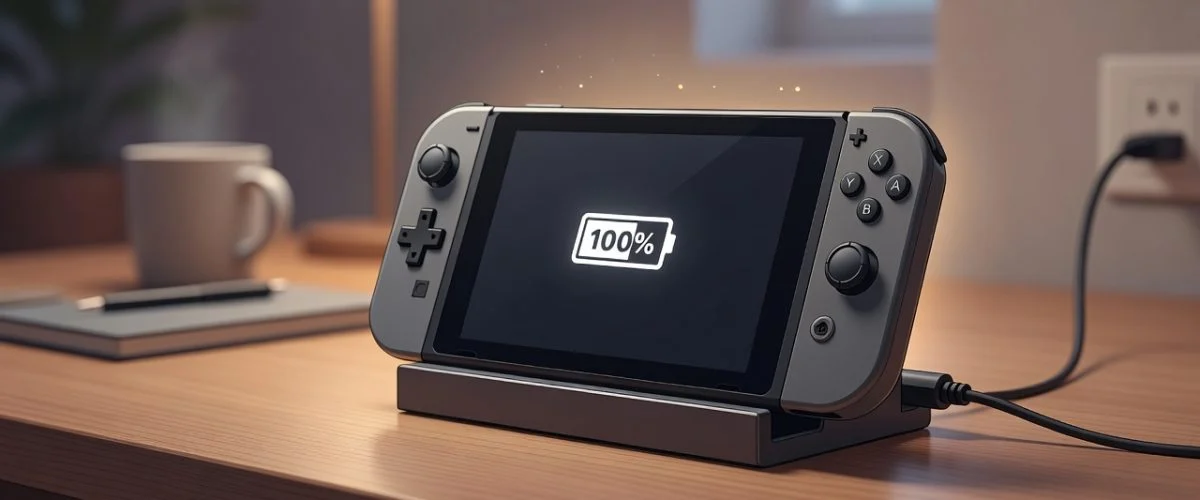
A modern gaming handheld is essentially a gaming PC squeezed into something you hold in two hands — and it punishes its battery in ways a phone never does. Three forces stack up at once: heat, time spent at 100%, and charging while playing. Each one independently shortens lithium-ion lifespan; together they compound.
Start with heat. These devices pull serious power. The Steam Deck’s APU alone draws between 3 and 15 watts, the ROG Ally ships with a 65 W charger and the ROG Ally X with a 140 W GaN brick. When you game while charging, the battery is being filled and drained at the same time, right next to a chip that’s running flat out. The result is a warm cell — and Battery University’s BU-808 documents that elevated temperature is one of the two biggest accelerators of lithium-ion aging.
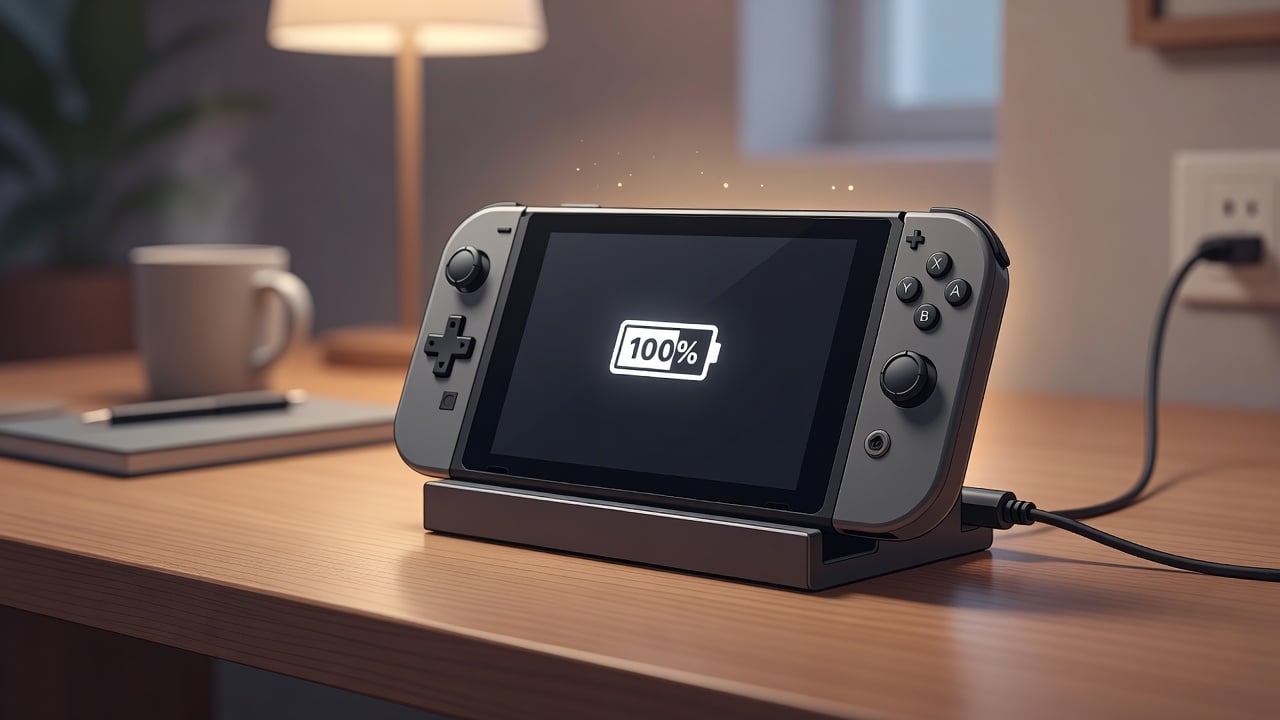
The second force is the one most people never think about: sitting at 100%. Many handheld owners leave the device docked or plugged in between sessions, so it holds a full charge for days. A lithium-ion cell held at a high state of charge ages faster even when it’s doing nothing — this is “calendar aging,” and it’s why charging to 80% instead of 100% extends battery life. As we cover in our lithium-ion battery degradation guide, voltage stress at the top of the charge range is what wears the electrodes out.
Chargie verdict: A handheld that lives on its dock at 100% in a warm room is in the single worst state for long-term battery health. The fix isn’t to stop charging — it’s to stop charging all the way, all the time.
How big are these batteries, and why size matters
Handheld batteries are far larger than a phone’s — which is good for runtime but means a bigger, more expensive cell to protect. Here’s how the current generation compares, with the manufacturer-published figures:
| Handheld | Battery | Charger | Built-in charge limit? |
|---|---|---|---|
| Steam Deck (LCD) | 40 Wh / 5,200 mAh | 45 W USB-C | Yes — SteamOS 80% limit |
| Steam Deck OLED | 50 Wh / 6,470 mAh (~25% larger) | 45 W USB-C | Yes — SteamOS 80% limit |
| ASUS ROG Ally (2023) | 40 Wh Li-ion | 65 W USB-C | Yes — via Armoury Crate |
| ASUS ROG Ally X (2024) | 80 Wh Li-ion | 140 W GaN | Yes — via Armoury Crate |
| Nintendo Switch 2 | 19.74 Wh / 5,220 mAh | USB-C PD | No dedicated user 80% cap |
| Nintendo Switch / OLED | smaller cells | USB-C PD | No |
The pattern is clear: the most powerful handhelds carry the biggest, costliest batteries, and they’re also the ones you’re most tempted to leave plugged in for long Windows-handheld sessions. Replacing one of these cells isn’t trivial — it’s a teardown job, not a swap. Protecting the battery you have is far cheaper than replacing it, the same logic behind our MacBook battery-health guide.
What each platform’s built-in protection actually does
Steam Deck: SteamOS has a real charge limit
The Steam Deck is the best-behaved of the three. SteamOS includes a built-in battery charge limit that caps charging around 80%, located in the device’s battery/power settings. If you mostly play docked — effectively as a small console — turning this on is the single most valuable battery setting you can change. It works on both the LCD and OLED models. The OLED pairs that same charge limit with a larger 50 Wh cell and a more efficient 6nm APU, which means less waste heat at a given load.
ROG Ally: protection lives in Armoury Crate
Because the ROG Ally and Ally X run Windows 11, battery care is handled through ASUS’s Armoury Crate software, which exposes a charge-limit option that caps the maximum charge (typically around 80%). It works well — as long as Armoury Crate is installed, running and not reset by a Windows update. The catch is exactly that dependency: it’s a software layer on a general-purpose OS, and software layers get disabled, forgotten, or wiped during reinstalls.
Nintendo Switch & Switch 2: no user charge cap
The Nintendo Switch line is the outlier. The original Switch, Switch OLED and the Switch 2 (a 19.74 Wh, 5,220 mAh cell, released June 2025 and already past 19 million units) do not give players a dedicated “stop at 80%” setting. Nintendo’s own battery guidance focuses on storage and temperature: keep it in a moderate-temperature environment, don’t leave it fully drained for months, and recharge a stored unit periodically. That’s sound advice, but it puts the day-to-day discipline entirely on you — and a docked Switch sitting in TV mode is, by design, charging to and holding 100% indefinitely.
Chargie verdict: Steam Deck owners are covered in software; ROG Ally owners are covered if Armoury Crate stays put; Switch owners get no cap at all. For everything in that second and third group, the protection has to come from the charger side.
Five charging mistakes handheld owners make
- Living on the dock at 100%. Convenient, but it’s calendar aging on a timer. If you dock for hours daily, a charge limit pays for itself.
- Gaming while charging in a warm room. Heat plus a full cell plus high load is the worst-case trio. Play unplugged when you can, and keep vents clear — the same heat principle behind our summer heat battery guide.
- Assuming “the software handles it.” On Windows handhelds, a charge limit only protects you while its app is installed and enabled. Verify it after every major update.
- Charging to 100% before storage. If you’re shelving a handheld for weeks, store it around half charge in a cool place — not topped off, not empty.
- Ignoring cycle count entirely. Every full charge-discharge is a cycle, and cycles are finite. Understanding battery cycle count helps you see why topping off from 80% to 100% repeatedly is wasted wear.
The hardware fix: a USB charge limiter for any handheld
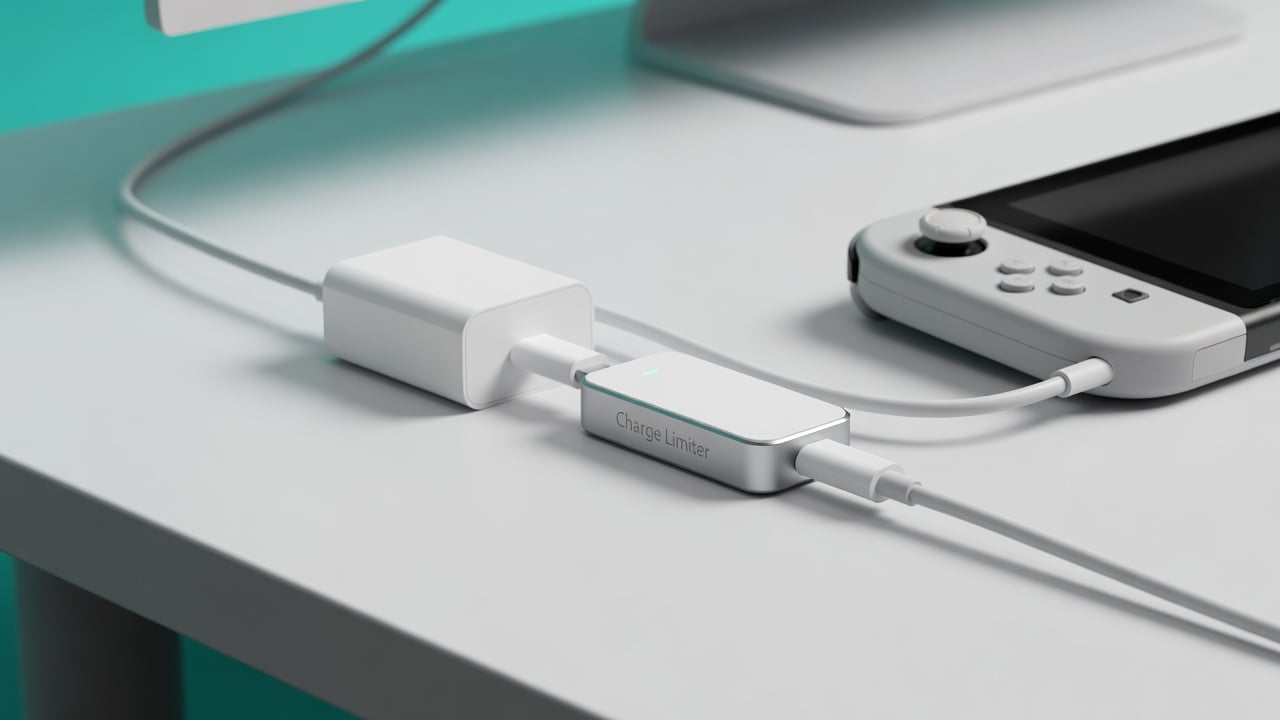
This is exactly the gap a USB charge limiter fills. A USB charge limiter is a small device that sits inline on the charging cable and physically interrupts power once the battery reaches a level you set — then tops it back up only as needed. Because it works at the cable level, it doesn’t care what operating system the handheld runs or whether the manufacturer built in a charge cap. A Switch that has no native limit gets one; a ROG Ally keeps its protection even if Armoury Crate gets wiped; a docked Steam Deck gets a second, hardware-level safety net.
The practical workflow is simple: set your target (80% is the widely cited sweet spot), plug the handheld in through the limiter, and leave it docked guilt-free. You get the convenience of always-plugged-in play without the always-at-100% penalty. For the full how-to and the science behind the number, see how to limit battery charge to 80%.
Chargie verdict: Software charge limits are great when they exist and stay enabled. A hardware limiter is the universal version — one accessory that protects every handheld in the house, regardless of brand or OS, and survives every system update.
Frequently asked questions
Does the Steam Deck have a battery charge limit?
Yes. SteamOS includes a built-in charge-limit setting (in the device’s battery/power settings) that caps charging around 80%, available on both the LCD and OLED models. If you mostly play docked, turning it on is the easiest way to slow battery aging.
Does the ROG Ally have an 80% charge limit?
Yes, through ASUS’s Armoury Crate software on Windows 11. The limit only protects the battery while Armoury Crate is installed and enabled, so re-check it after major Windows updates or a system reset.
Can I limit the Nintendo Switch’s charging?
The original Switch, Switch OLED and Switch 2 do not offer a built-in “stop at 80%” setting. Nintendo recommends moderate temperatures and storing the console around half charge. To actually cap charging, you need an inline USB charge limiter, since the console won’t do it for you.
Is it bad to game while charging a handheld?
It’s not dangerous, but it generates heat right next to the battery while it sits at a high charge — the conditions that accelerate lithium-ion aging. Occasional plugged-in play is fine; doing it for hours daily in a warm room is what wears the cell faster over months.
Will leaving my Steam Deck or Switch docked overnight ruin the battery?
One night won’t. The damage is cumulative: months of sitting at 100% in a dock is what measurably reduces capacity. A charge limit (software or hardware) removes the problem by never holding the cell at a full charge in the first place.
What charge level is best for handheld battery health?
For daily use, keeping the charge capped around 80% is the widely cited sweet spot between usable runtime and reduced wear. For long-term storage, around 50% in a cool place is ideal. Both follow the same lithium-ion chemistry that makes the 80% rule work on phones and laptops.
The bottom line
Gaming handhelds combine three battery stressors — heat, high charge, and charging under load — more aggressively than almost any other device you own, and they carry expensive, hard-to-replace batteries that make protecting them worth it. The Steam Deck gives you a real software charge limit; the ROG Ally gives you one through Armoury Crate; the Switch family gives you none. Whatever you play on, capping the charge around 80% and keeping things cool is the formula. Where the platform won’t do it, a USB charge limiter will — one small accessory that protects every handheld, on every OS, for years.

USB-C charge limiter that stops at your set battery level, so your battery never sits at 100% overnight. Extends battery lifespan by years. Works with any USB-C charger.
Limit your laptop charge to 80% via USB-C. Works with MacBooks, Dell, HP, Lenovo and most USB-C laptops up to 100W.
Protect Your Battery with Chargie
The world's first hardware charge limiter. Set a charge limit on any phone, tablet, or laptop — extend battery life by up to 4x.