
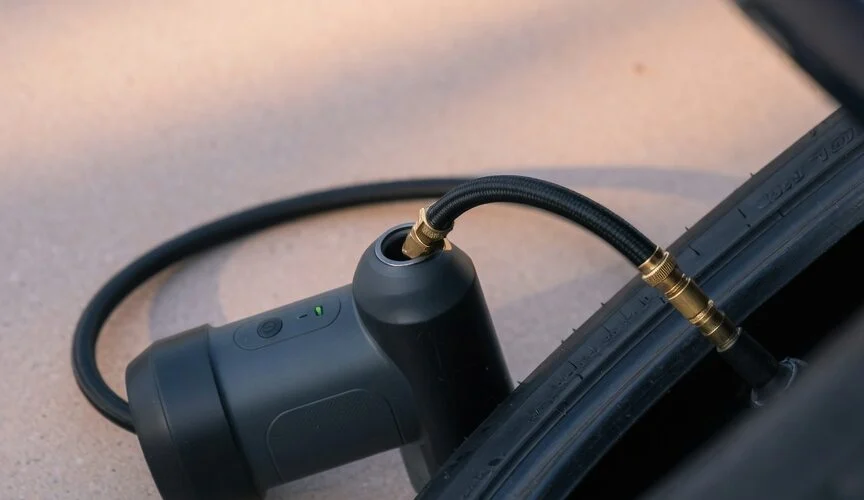

A portable tire inflator needs to be ready when a tire needs attention. Keep its care routine simple: use the specified charging equipment, respect temperature limits and check it before a journey. A perfect-looking charge percentage is less useful than a pump that can finish the job.
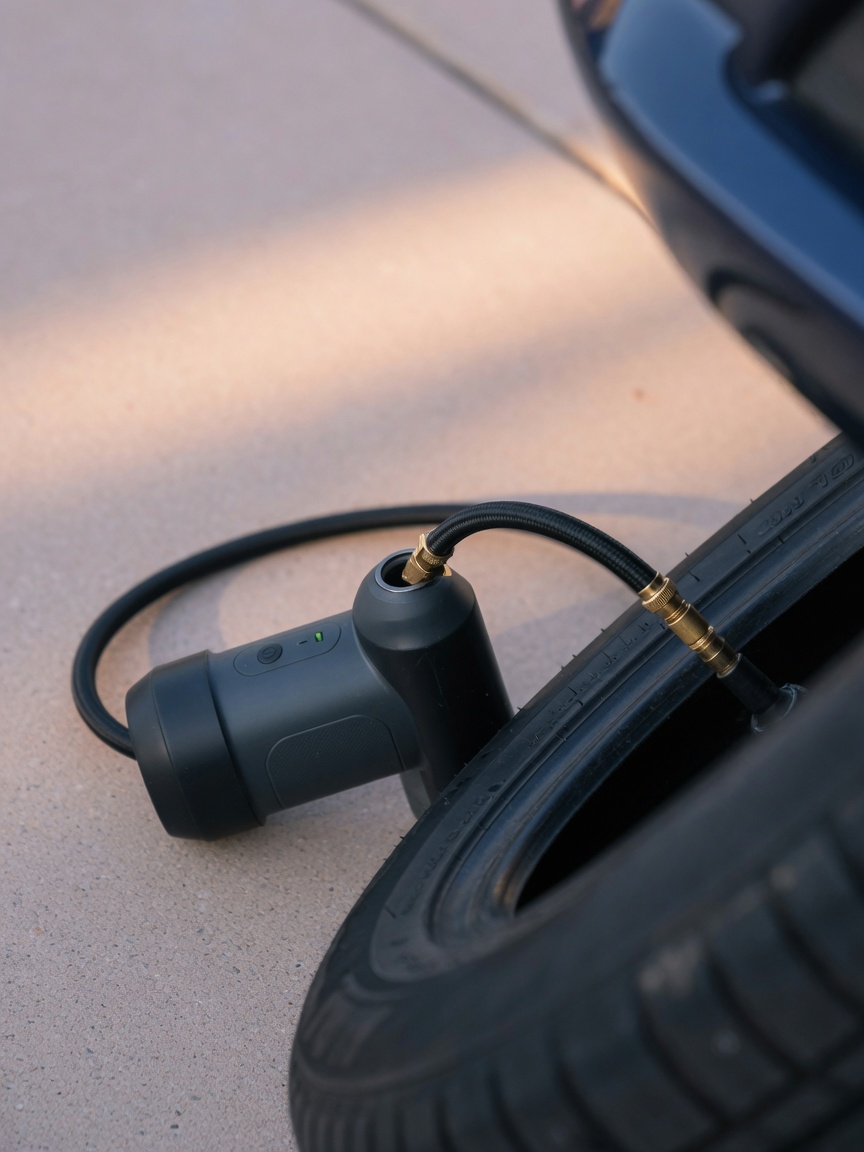
This guide uses the Xiaomi Portable Electric Air Compressor 2 manufacturer’s FAQ as a documented example. Its specifications and maintenance interval are not universal rules for other pumps.
Match the charger to the pump
Xiaomi specifies a 5V/2A adapter and approximately three hours for a full charge. It says this model does not support fast charging. A charger with a higher headline wattage therefore does not establish that this pump will charge faster.
The manufacturer also permits a power bank whose output meets the required charging specification. Test your actual cable and power source before travelling. Do not assume the pump can inflate while charging just because a cable fits; check the operating instructions.
Charging and operating temperatures are different
For this model, Xiaomi gives an operating range of -10°C to 45°C and a charging range of 5°C to 40°C. A pump may be within its operating range after a cold ride yet still be outside its charging range.
Allow it to return naturally to suitable conditions before charging. Xiaomi also warns that the compressor and high-pressure hose can become very hot after extended operation and should be allowed to cool.
Choose a storage location consistent with your own model’s instructions. Our guides to heat and battery care and cold-weather battery behavior explain the broader issues, but phone-specific limits do not replace an inflator’s manual.
Keep a maintenance reminder—and check before trips
Xiaomi recommends recharging this model at least once every three months when unused for a long time. That is a maintenance interval, not a guarantee that a forgotten pump will be ready whenever you need it.
- Before a journey, check the charge and normal operation.
- Keep the right cable and any valve adapter with the pump.
- Follow the manual’s maintenance interval during storage.
- Do not confuse periodic recharging with leaving the device permanently connected.
For emergency equipment, necessary usable charge takes priority over an arbitrary storage target. Follow the manufacturer’s routine rather than copying a phone’s daily charging limit.
A changing indicator may be normal
Xiaomi explains that voltage drops during discharge can make the battery indicator show a different color while inflating than while standing by. It describes this behavior as normal, not a fault.
Judge performance against similar tasks and conditions. The manufacturer notes that temperature and load affect runtime; a no-load runtime figure is not a promise of continuous tire inflation. Our guide to checking battery health provides context without assuming that an inflator exposes phone-style diagnostics.
Check connections before blaming the battery
For slow inflation, Xiaomi recommends checking the battery charge, hose leakage, hose connections and whether the item being inflated is leaking. If the pump turns on but does not inflate, check whether the current pressure already exceeds the preset value. Do not raise the target simply to make the motor run.
This model is not waterproof. Xiaomi says not to use it in a humid environment or immerse it in water. It also tells users not to disassemble the device themselves; seek service guidance rather than opening its battery pack.
Accessories are optional, compatibility is not assumed
A USB-C connector does not establish that an accessory can stop charging this inflator at an accurate battery percentage. This guide does not claim tested Chargie compatibility. Read what a USB charge limiter does before considering one, then verify support for the exact setup.
The useful routine requires no extra accessory: charge as directed, respect temperature limits, maintain the hose and check readiness. When the pump is beyond repair, follow local collection rules and our battery disposal guidance.

USB-C charge limiter that stops at your set battery level, so your battery never sits at 100% overnight. Extends battery lifespan by years. Works with any USB-C charger.

Limit your laptop charge to 80% via USB-C. Works with MacBooks, Dell, HP, Lenovo and most USB-C laptops up to 100W.
Protect Your Battery with Chargie
The world's first hardware charge limiter. Set a charge limit on any phone, tablet, or laptop — extend battery life by up to 4x.



