

Why baby monitors are secretly brutal on batteries
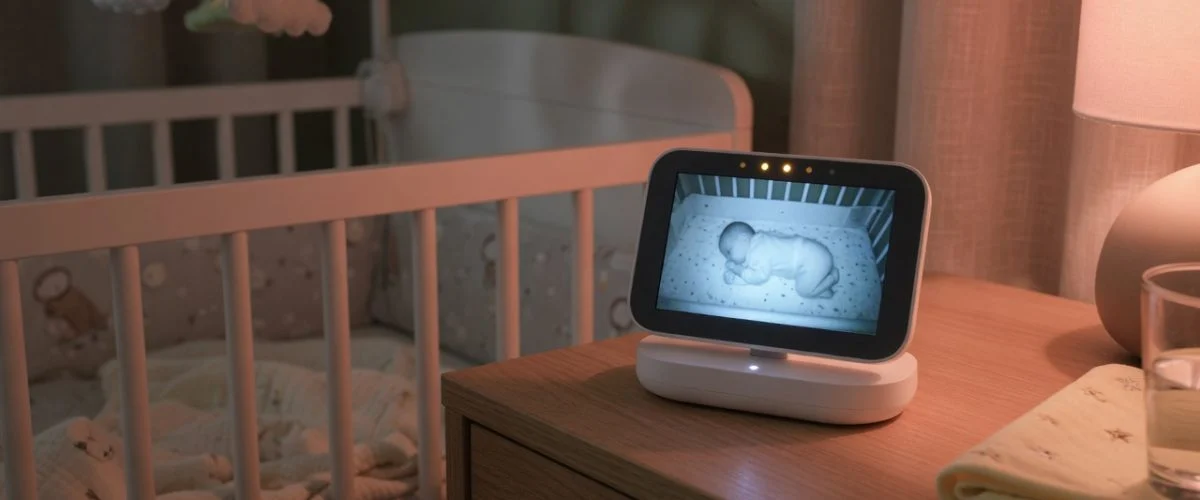
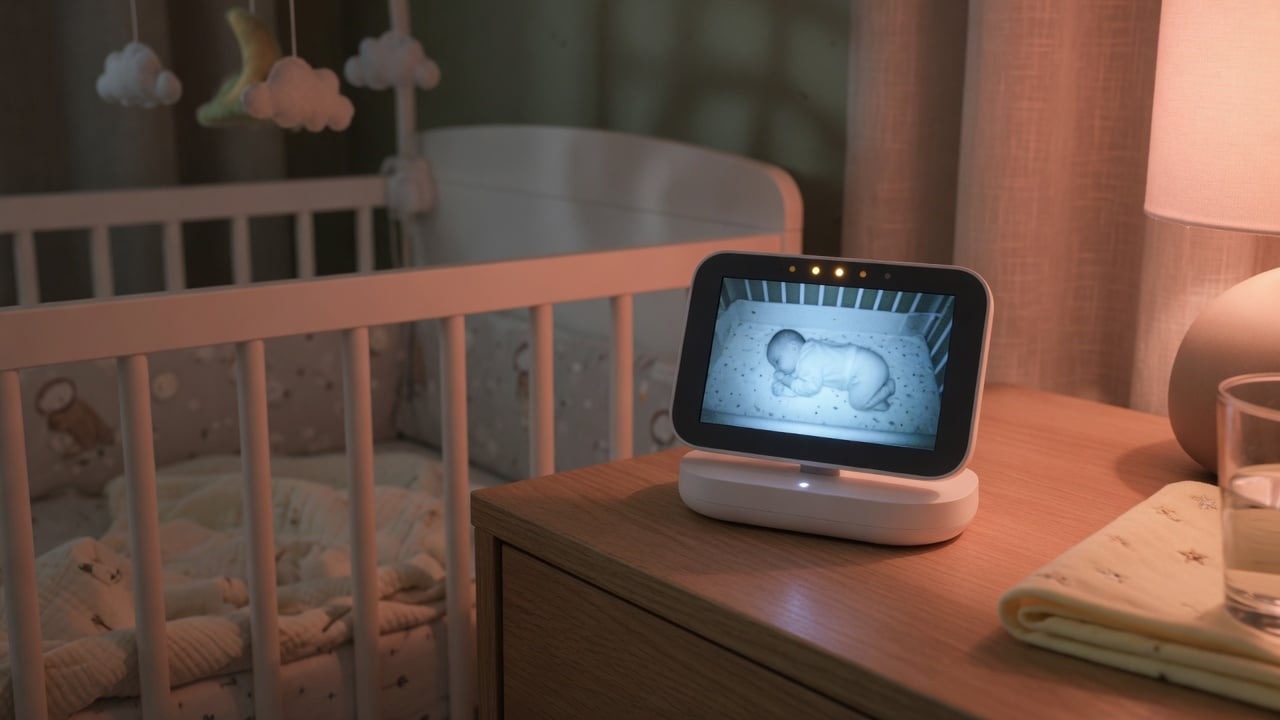
Almost every other gadget you own gets a break. Your phone comes off the charger in the morning. Your laptop gets unplugged and carried around. Your earbuds sit in a case that stops charging when they’re full. A baby monitor gets none of that mercy. The parent unit lives on its dock, and the camera end is usually hardwired into a wall socket that never turns off. From the day you set it up until the day your child no longer needs it, the battery is held at or near 100% charge, warm, for months or years on end.
That matters because lithium-ion batteries — the same chemistry in your phone, and in the parent unit of every modern video monitor — hate two things above all else: heat and sitting full. A monitor combines both, continuously. By design, a baby monitor is an always-on radio device: a transmitter with a microphone (and often a camera) near the child, streaming continuously to a receiver you keep close, as the basic setup makes clear. “Continuously” is the operative word. The radio, the screen, the infrared night-vision LEDs and — on Wi-Fi models — the wireless chip are all drawing power and generating warmth every single hour of every single night.
The result is a device that quietly destroys its own battery while doing exactly what you bought it to do. Understanding the mechanism is the first step to stopping it — the same physics we cover in our explainer on why charging to 80% extends battery life.
The two killers: heat and a permanent 100% charge
Lithium-ion cells wear out through two overlapping processes. The first is cycle aging — the gradual loss you get from charging and discharging. The second, and the one that matters most for an always-plugged device, is calendar aging: the capacity a battery loses simply from existing, driven by how hot it is and how full it is kept.
Battery University’s long-running storage tests put hard numbers on this. A lithium-ion cell held at 100% charge loses far more capacity per year than one held at 40–50%, and the loss roughly doubles for every 10°C of extra temperature. Store a cell full at a warm 40°C and it can shed around a third of its capacity in a single year — permanently, whether you used it or not. A monitor parked on a warm dock, its own electronics adding a few degrees, is living in exactly that danger zone. This is the same trickle-then-hold behavior we describe in what is trickle charging: once the battery hits full, the charger keeps topping it off, holding it at the most stressful voltage indefinitely.
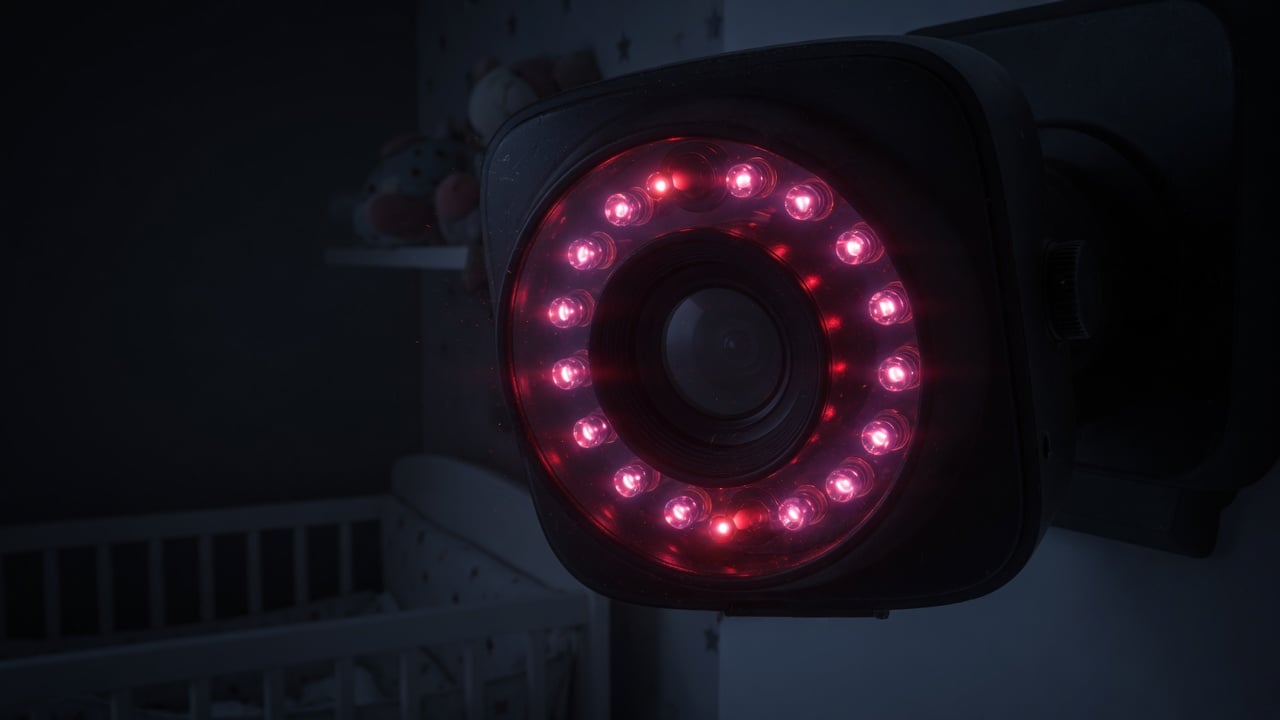
Night vision makes it worse. Those infrared LEDs ringing the camera lens generate real heat, and they run all night, every night. On the camera side that heat radiates straight into a device that may also contain a backup battery. On the parent side, a bright screen left on for continuous video adds its own thermal load. Heat plus full charge, repeated for a year or two, is precisely why the runtime collapses.
Dedicated monitor vs. Wi-Fi camera vs. smartphone app
Not every baby monitor punishes its battery the same way. There are three broad types, each with its own battery story.
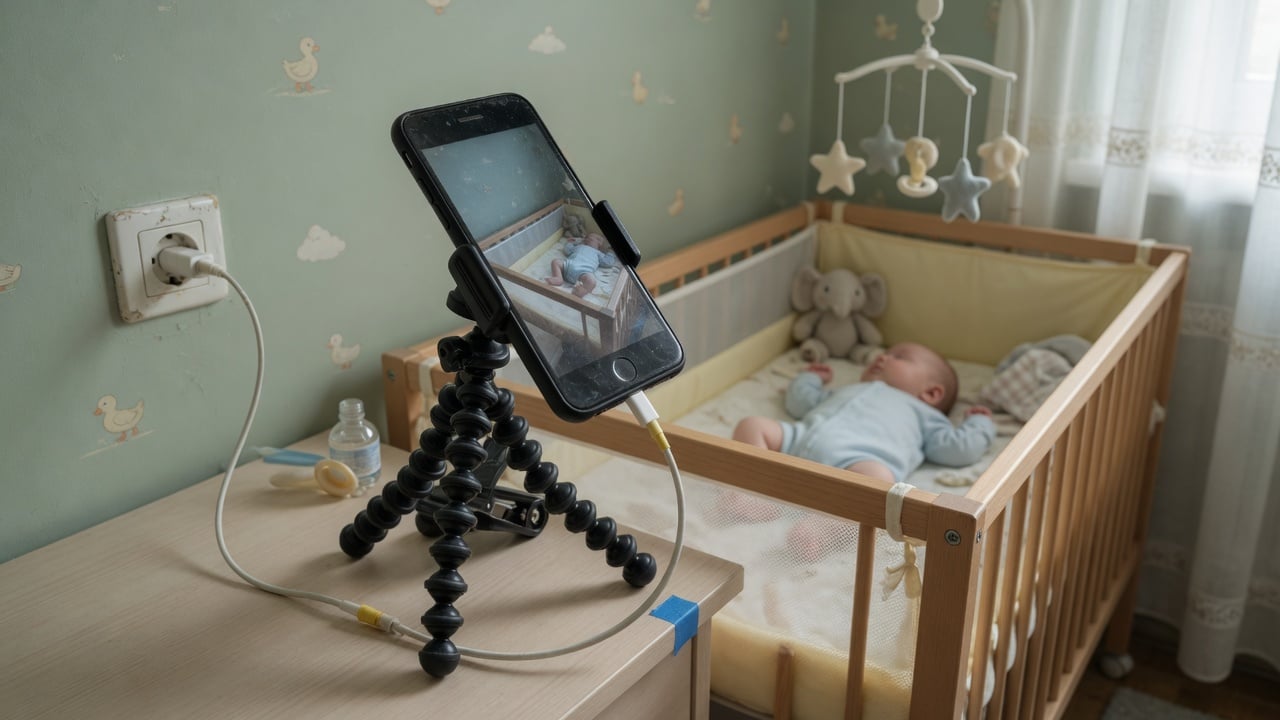
Dedicated dual-unit monitors (a camera plus a handheld parent screen) are the classic setup. The parent unit has a rechargeable lithium battery so you can carry it around the house, but in practice it lives on the dock. That battery is the one most at risk from the always-full problem. Wi-Fi-only cameras that stream to your phone often have no parent-unit battery at all — the camera is hardwired — so the battery you’re really aging is your own smartphone’s, kept awake all night with a live video feed. Smartphone-app monitors, where you repurpose an old phone or tablet as the camera, are the sneakiest: that old device sits plugged in at 100%, screen-on, streaming, in a warm room — a perfect calendar-aging machine. If you’re using an old tablet this way, our guide to how to limit battery charge to 80% applies directly.
How each setup stresses the battery
| Monitor type | Where the battery is | Main stressor | Biggest risk |
|---|---|---|---|
| Dedicated dual-unit | Parent handheld unit | Held at 100% on the dock 24/7 | Runtime collapses after ~1 year |
| Wi-Fi camera → phone | Your smartphone | Screen-on live feed all night | Overnight heat + full charge on your phone |
| Old phone/tablet as camera | The repurposed device | Plugged in, screen-on, warm room | Swelling from prolonged 100% + heat |
| Movement/sensor monitor | Base station (often AA/plug) | Low — mostly mains powered | Least battery concern |
| Audio-only (DECT) | Small parent unit battery | Held full, but low heat | Slow aging, easiest to manage |
The pattern is clear: the more the device does (video, night vision, Wi-Fi), the more heat it makes and the harder its battery is worked. Simple audio-only monitors using DECT wireless are the gentlest on their cells, while a repurposed smartphone streaming HD video all night is the harshest.
Signs your baby monitor battery is already dying
The symptoms creep up slowly, so parents often blame the whole unit instead of the battery. Watch for these tells:
- Runtime tanks: the parent unit used to last several hours off the dock; now it dies in 30–60 minutes.
- It only works on the dock: unplug it and it shuts off almost immediately — the battery can no longer hold a meaningful charge.
- The unit runs hot: a battery under stress and a warm dock combine into a device that’s warm to the touch even in a cool room.
- Physical swelling: the back cover bulges, the screen lifts at a corner, or buttons feel raised. This is dangerous — see our guide on battery swelling causes and prevention and stop using the unit.
- Sudden shutdowns: the battery indicator jumps from “full” to “empty” or the unit powers off without warning.
A swollen battery is a genuine safety issue in a device that sits in your child’s room. If you see any bulging, power the unit down, unplug it, and replace the battery or the whole monitor.
How to make a baby monitor battery last for years
You can’t stop using the monitor overnight — that’s the whole point of owning one. But you can dramatically slow the aging with a few habits that attack the two killers directly: heat and permanent full charge.
- Don’t dock it 24/7 if you don’t have to. Many parent units are only actually needed at night. During the day, take it off the dock and let it run down to 40–50% before recharging. Every hour it spends not at 100% is an hour of slower aging.
- Keep it cool. Don’t tuck the dock against a wall, behind curtains, or on top of another warm device. Give it airflow. A few degrees cooler translates directly into slower calendar aging.
- Cap the charge at 80% where you can. On smartphone- or tablet-based setups, this is the single most effective move — a hardware charge limiter or a built-in 80% cap stops the device sitting at the damaging full-charge voltage. Learn how in how to limit battery charge to 80%.
- Dim the screen and use audio mode. Many video monitors let the parent unit go audio-only or sleep the screen until sound is detected. Less screen means less heat and less drain.
- Position the camera away from heat. Keep the camera out of direct afternoon sun and off warm surfaces; the night-vision LEDs already add enough heat on their own.
If you’re repurposing an old phone or tablet as the camera, it’s worth understanding the difference between software toggles and a true hardware cap, which we break down in do battery charge limiters really work. A hardware limiter physically cuts the charge flow at your chosen threshold, so the device can sit on the shelf all night without ever hitting the stressful 100% mark.
What to do with an old monitor battery
When a monitor battery finally gives out, don’t toss it in the household trash. Lithium batteries — especially swollen ones — are a fire risk in bins and trucks, and they contain recyclable materials. Take them to a proper e-waste or battery drop-off point; our guide on where to dispose of old batteries covers your options. If only the parent unit’s battery is dead but the camera still works, many models sell replacement battery packs for a fraction of the cost of a new monitor — a cheap fix that buys you another couple of years.
And if you want to check how much life is left in a phone or tablet you’re using as a monitor, our walkthrough on how to check battery health shows you the built-in tools on both iOS and Android.
Frequently asked questions
Is it bad to leave a baby monitor plugged in all the time?
For the device’s battery, yes — leaving it plugged in holds the lithium cell at 100% charge, the state that ages it fastest. It won’t cause an immediate hazard on a well-made monitor, but it’s why the runtime drops off after a year or so. Letting the parent unit run down during the day and keeping it cool slows this considerably.
Why does my baby monitor only work when it’s plugged in now?
That’s the classic sign of a worn-out battery. After enough time held at full charge and warmth, the cell loses so much capacity that it can no longer power the unit on its own — the moment you unplug, there’s nothing left to run on. The monitor itself is usually fine; a replacement battery pack often revives it.
Can a baby monitor battery catch fire or swell?
Lithium batteries can swell when they’ve been stressed by prolonged heat and full charge, and a badly swollen or damaged cell is a fire risk. If you notice the case bulging, the screen lifting, or the unit getting unusually hot, stop using it, unplug it, and replace the battery. Never puncture or squeeze a swollen pack.
Should I use an old phone as a baby monitor?
It works well and saves money, but be aware you’re putting that phone in the harshest battery scenario there is: plugged in, screen-on, streaming, and warm all night. Use a charge limiter or an 80% cap, keep it in a ventilated spot out of direct sun, and check periodically for swelling. Treated that way, an old phone can serve as a monitor for a long time.
Does keeping the monitor cool really make a difference?
Yes — a big one. Lithium battery aging roughly doubles for every 10°C of extra temperature, so a monitor sitting in a warm, enclosed spot ages far faster than the same unit with good airflow in a cool room. Simply moving the dock off a warm surface and giving it space can meaningfully extend the battery’s usable life.
How long should a baby monitor battery last?
With typical always-docked use, many parent-unit batteries noticeably degrade within a year and are largely spent within two. With better habits — daytime discharging, cool placement, and an 80% cap on phone/tablet setups — you can stretch that to three or more years of useful runtime before a replacement is needed.
Chargie makes a small hardware charge limiter that caps any USB-charged device — including phones and tablets used as baby monitors — at a healthy 80%, so your gear can stay plugged in without sitting at the battery-killing full-charge mark. Learn how a USB charge limiter works.

USB-C charge limiter that stops at your set battery level, so your battery never sits at 100% overnight. Extends battery lifespan by years. Works with any USB-C charger.

Limit your laptop charge to 80% via USB-C. Works with MacBooks, Dell, HP, Lenovo and most USB-C laptops up to 100W.
Protect Your Battery with Chargie
The world's first hardware charge limiter. Set a charge limit on any phone, tablet, or laptop — extend battery life by up to 4x.



