
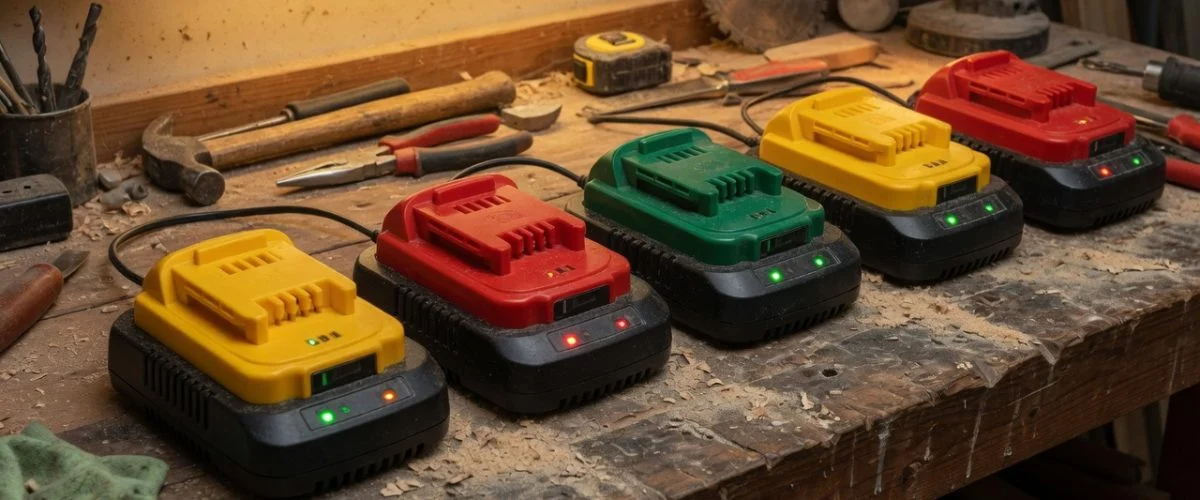

Why power tool batteries live such a brutal life
Most lithium-ion batteries in your life get an easy ride. Your phone sips power slowly and sits in a climate-controlled pocket. Your laptop rarely leaves a desk. A cordless drill pack, by contrast, is asked to dump enormous current in short bursts, gets slammed back onto a fast charger the moment it’s empty, and then spends months in an unheated garage, a sun-baked truck bed, or a job-site gang box. It’s the difference between a jog and a series of all-out sprints in a sauna.
That matters because the same chemistry rules apply to a 20V MAX pack as to your phone — heat, high state of charge, and deep discharge all age the cells — but power tools push every one of those stressors to the extreme. Understanding which habits actually move the needle is the difference between replacing packs every couple of years and getting most of a decade out of them.
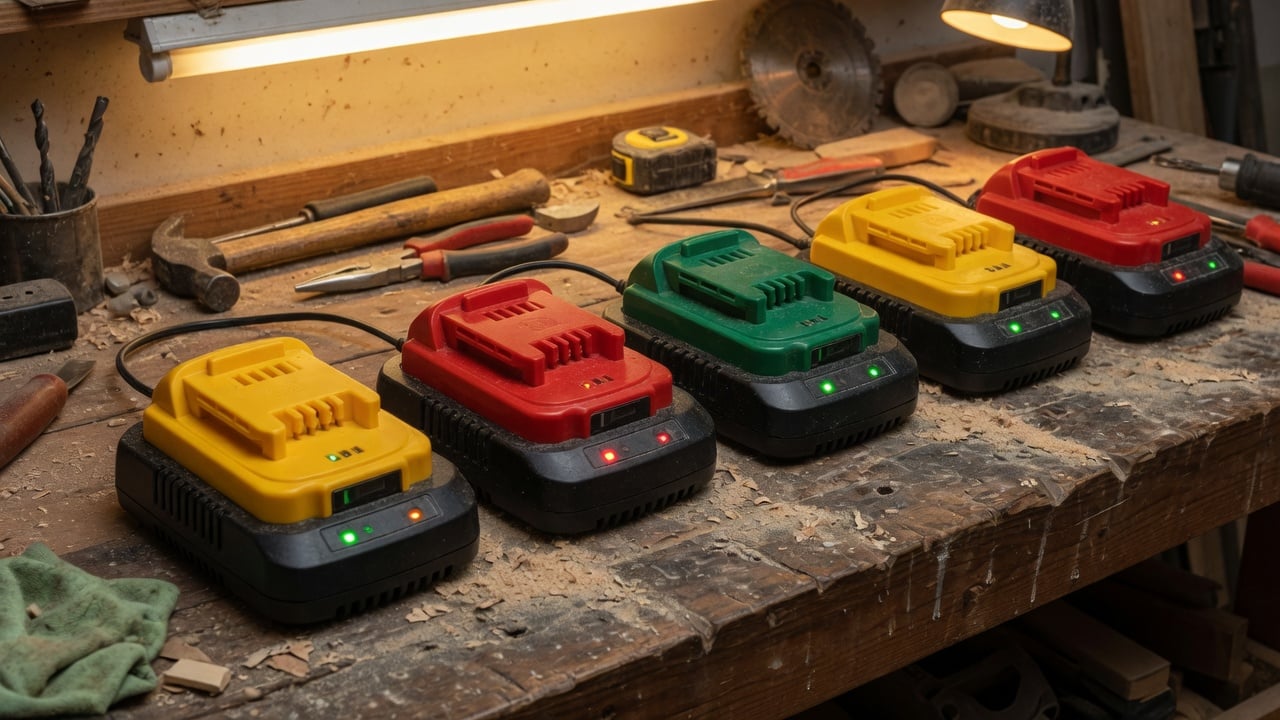
What’s actually inside a DeWalt, Milwaukee, or Ryobi pack
Nearly every modern 18V/20V tool battery is built from cylindrical lithium-ion cells — usually the 18650 or 21700 format — wired in series to hit the voltage and in parallel to hit the capacity (measured in amp-hours, Ah). A “20V MAX” DeWalt and an “18V” Milwaukee are actually the same nominal voltage; DeWalt just quotes the peak off-charger figure. Inside, five cells in series give you the working voltage, and the “MAX” number is marketing.
Every quality pack also contains a Battery Management System (BMS) — a small circuit board that protects the cells. The BMS enforces over-voltage and under-voltage cutoffs, limits current, watches temperature, and balances the cells near the top of a charge. It’s why a very cold or very hot pack simply “won’t work” until it returns to a safe window: the BMS is refusing to charge or discharge to protect the cells. The BMS is a guardrail, not a caretaker, though — it stops catastrophic abuse, but it won’t stop the slow calendar aging that comes from storing a pack full and hot.
Heat is the number one killer
If you remember one thing, make it this: heat ages lithium-ion faster than almost anything else, and it does so even when the pack is just sitting there. A fully charged cell stored at around 25 °C (77 °F) loses roughly 20% of its capacity per year to calendar aging. Push that to 40 °C (104 °F) — easily reached in a closed truck bed or a metal garage in summer — and annual loss jumps toward 35%. At 60 °C it’s far worse. Keep the same pack cool and full-charge losses drop to just a few percent a year.
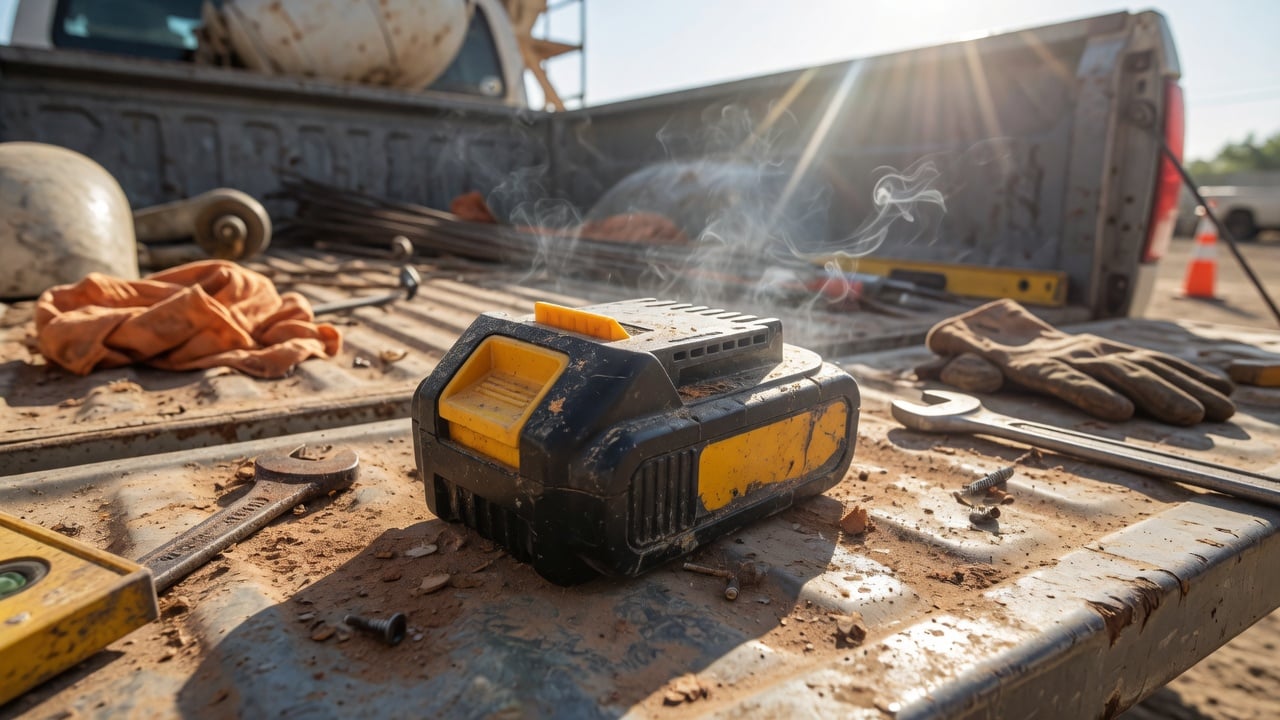
Now stack the two heat sources power tools face: the cells get hot internally during high-current cutting and drilling, and they get cooked externally in hot storage. There’s also an acute danger zone — charging or heavy discharge above roughly 45 °C promotes damage, and below 0 °C charging can cause lithium plating that permanently reduces capacity and raises safety risk. This is exactly why leaving a hot pack you just finished a demanding cut with straight onto the charger is a bad idea: let it cool to room temperature first.
Don’t run them dead — and don’t store them full
Two state-of-charge mistakes bracket the life of a power tool pack. The first is running the tool until it dies, repeatedly. Deep, full discharges stress the cells more than shallow ones; a Li-ion pack rated for 300–500 full cycles will deliver dramatically more usable cycles if you top up before it’s flat rather than draining it to the BMS cutoff every time. Push a cell below about 2.5V and you risk permanent damage — the BMS tries to prevent this, but a pack left flat for months can self-discharge below safe recovery voltage and become a brick.
The second mistake is the opposite: storing packs at 100% for long stretches. A full cell sits at its highest voltage, and high voltage plus time equals faster aging. For anything beyond a day or two of standby, the sweet spot is a partial charge of roughly 40–60%. That’s the same principle behind charging your phone to 80% instead of 100% — less time at high voltage means slower wear. The best-of-both-worlds routine: charge fully right before a big job, and drop packs back to a middle charge for storage.
Should you leave batteries on the charger?
This is the most common workshop debate, and the honest answer is “briefly, fine; permanently, no.” Quality tool chargers from DeWalt, Milwaukee, and Ryobi stop charging once a pack hits 100% and don’t continuously trickle-charge, so leaving a pack docked overnight or across a weekend won’t destroy it. The problem with treating the charger as a permanent home is twofold: the pack sits at full charge (high-voltage aging), and chargers and docked packs often run slightly warm — combining the two aging factors you most want to avoid.
For daily-use packs you’ll drain again within a day or two, the charger is a reasonable parking spot. For the spare packs you only reach for occasionally, pull them off the charger, bring them to a middle charge, and store them cool. If you want to remove the human-discipline problem entirely — remembering to unplug, remembering not to top every pack to 100% — a hardware charge limiter that caps charging at a set percentage does it automatically. That’s the core idea behind a USB charge limiter, and while tool chargers aren’t USB, the same “stop before full” logic is what extends any lithium pack’s life.
Power tool packs vs. everyday device batteries
| Factor | Power tool pack | Phone / laptop | Why it matters |
|---|---|---|---|
| Discharge rate | Very high (bursts of 20–100A) | Low and steady | High current generates internal heat, accelerating wear |
| Charging speed | Fast/rapid chargers | Moderate | Faster charging adds heat and stress |
| Typical storage | Garage, truck, job site (hot/cold) | Indoors, room temp | Temperature extremes drive calendar aging |
| Idle state of charge | Often stored at 100% | Varies | Full charge + time = faster capacity loss |
| Rated cycle life | ~300–500 full cycles | ~300–500 full cycles | Same chemistry — habits decide real-world lifespan |
| Cost to replace | $80–$180 per pack | Built-in / service | Good habits save real money on tool batteries |
A simple routine that doubles pack life
You don’t need to baby your batteries — you need a handful of defaults that quietly protect them:
- Let hot packs cool before charging. Ten minutes after a heavy cut prevents charging a pack that’s already near the 45 °C danger zone.
- Top up, don’t drain to zero. Recharge before the tool stalls repeatedly rather than running every pack flat.
- Store at 40–60%, not 100%. For any pack you won’t use within a couple of days, leave it at a middle charge.
- Keep them cool and dry. Bring packs indoors over winter and summer extremes; a $150 pack does not belong in a sun-baked truck.
- Don’t leave spares on the charger for weeks. Daily drivers are fine docked; occasional packs should be off the dock and cool.
- Check stored packs every few months. Self-discharge is 0.35–2.5% per month depending on charge level; top a low pack up so it never falls below safe voltage.
These are the same fundamentals that protect every lithium battery you own. If you want the deeper science on why a middle charge beats a full one, our guide on why charging to 80% extends battery life covers the voltage-aging mechanism in detail, and how to limit battery charge to 80% shows how to apply it to devices where you can.
When a pack is actually done
Even with perfect care, packs wear out. The signs: dramatically shorter runtime, the tool bogging down under loads it used to handle, the pack getting unusually hot, or the charger rejecting it outright. Visible swelling is a hard stop — a swollen pack should be retired immediately for safety, the same warning that applies across every device (see our guide on battery swelling causes and prevention). When a pack does reach the end, don’t bin it: lithium packs are recyclable and shouldn’t go in household trash. Our rundown on where to dispose of old batteries covers drop-off options that keep them out of landfills.
Frequently asked questions
Is it bad to leave power tool batteries on the charger all the time?
Short periods — overnight or a weekend — are fine because quality chargers stop at 100% and don’t continuously trickle. But long-term storage on the charger keeps the pack full and slightly warm, the two conditions that age lithium-ion fastest. For packs you won’t use for weeks, pull them off at a middle charge and store them cool.
What charge level should I store power tool batteries at?
Around 40–60% for anything beyond a day or two of standby. A partial charge sits at a lower voltage than a full pack, which dramatically slows calendar aging. Avoid storing packs either fully charged or fully drained for long periods.
Can I leave batteries in a cold garage or hot truck?
It’s the single worst thing you can do. Heat drives fast calendar aging (35%+ capacity loss per year at 40 °C when full), and charging a pack below freezing can cause permanent lithium plating. Bring packs indoors during summer and winter extremes and let cold packs warm up before charging.
How many charge cycles do power tool batteries last?
Lithium-ion packs are typically rated for about 300–500 full charge cycles before dropping to 80% capacity. But shallow, partial cycles count for far less wear than full ones, so topping up frequently instead of draining to empty can multiply the real-world number significantly.
Does fully draining a battery “reset” it?
No. That’s a myth left over from old nickel-based batteries. Lithium-ion has no memory effect, and deep discharges actually add stress. Never fully drain a Li-ion pack to “recalibrate” it — you’re only accelerating wear.
Why won’t my battery charge when it’s very hot or cold?
The pack’s BMS is protecting the cells. It refuses to charge or discharge outside a safe temperature window (roughly 0–45 °C for charging) because doing so would damage the cells or create a safety risk. Let the pack return to room temperature and it will work normally.
Chargie makes hardware charge limiters that stop your devices charging at a level you choose — the simplest way to apply the “don’t sit at 100%” principle to the gadgets you can. Learn more about how to check battery health across your devices.

USB-C charge limiter that stops at your set battery level, so your battery never sits at 100% overnight. Extends battery lifespan by years. Works with any USB-C charger.

Limit your laptop charge to 80% via USB-C. Works with MacBooks, Dell, HP, Lenovo and most USB-C laptops up to 100W.
Protect Your Battery with Chargie
The world's first hardware charge limiter. Set a charge limit on any phone, tablet, or laptop — extend battery life by up to 4x.



