
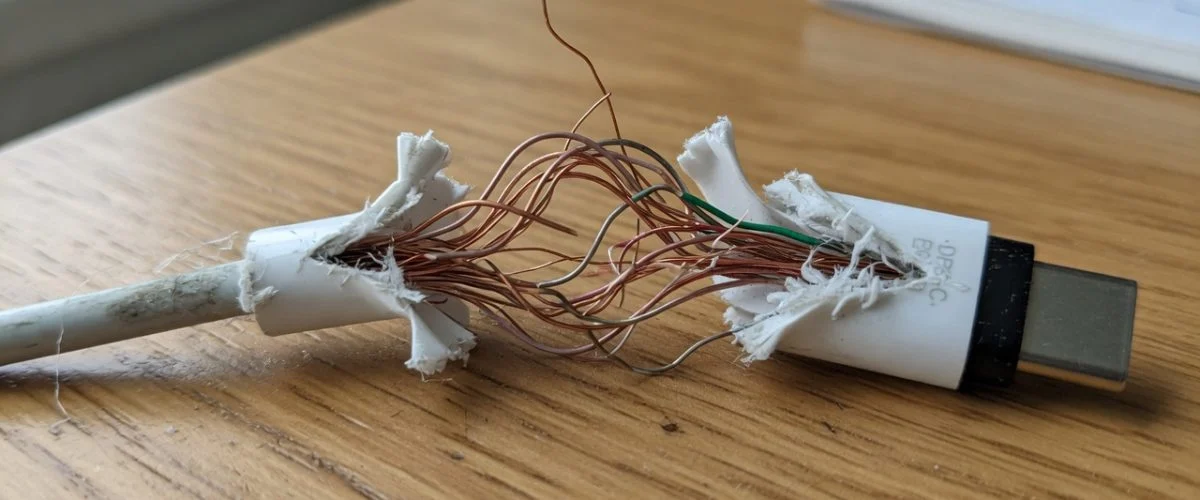

Your Charging Cable Is a Battery-Health Component, Not an Accessory
Most people treat charging cables as disposable string — coil them, yank them, wrap them around a laptop brick, run them over with an office chair, and only replace them when they finally stop working. But the cable is the last few feet of the power path between the wall and your lithium-ion cell, and its physical condition directly changes how much heat your device sees, how stable your charging is, and how hard your battery has to work.
A modern USB-C cable is not a dumb wire. Under the USB Power Delivery specification, every USB-C cable must support at least 3 A of current and up to 20 V (60 W), and higher-rated cables carry 5 A for up to 100 W — or, with Extended Power Range (EPR), up to 240 W at 48 V (source: Wikipedia, USB-C). Any cable beyond the most basic 3 A USB 2.0 type must contain an E-Marker chip that tells your phone exactly how much current the cable can safely carry. Damage that cable, and you’re degrading a component that is actively negotiating high-power electricity a few centimetres from a flammable battery.
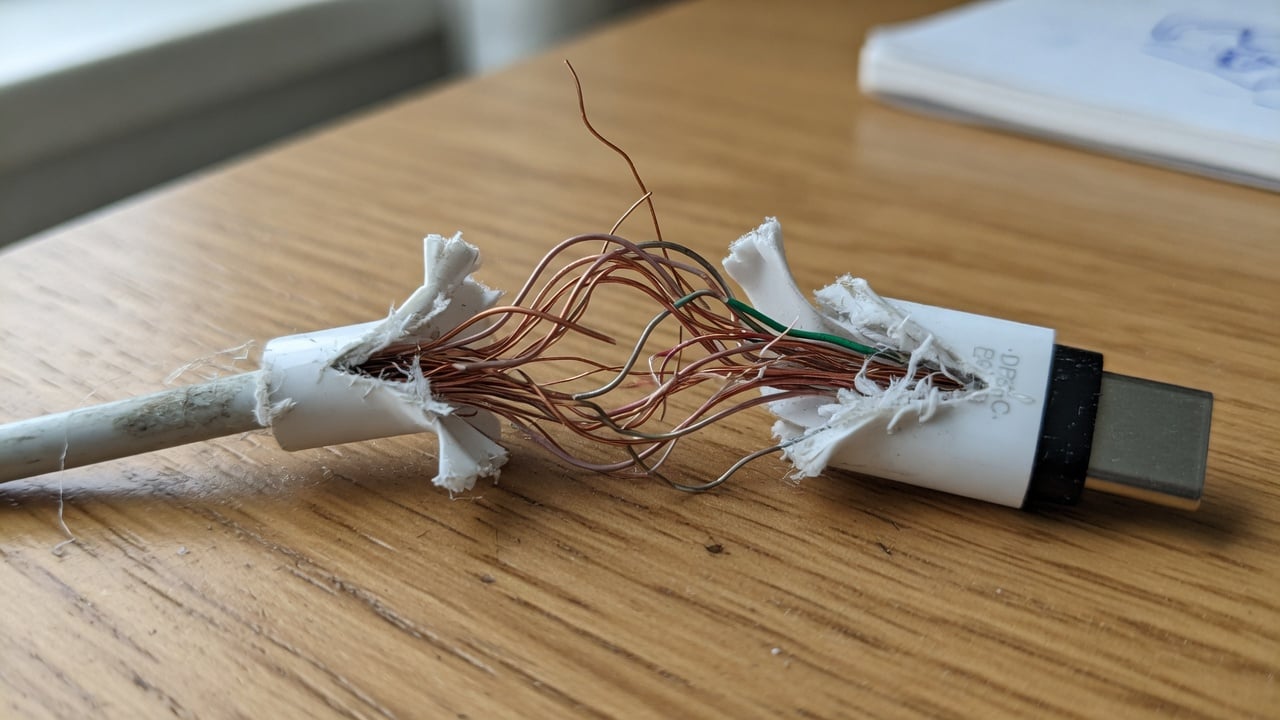
What Actually Happens Inside a Worn Cable
Cables fail in a few predictable ways, and each one has a specific electrical consequence:
- Broken conductor strands (from bending/kinking). The copper inside a cable is made of many fine strands. Repeated flexing at the connector — the classic failure point — snaps strands one by one. Fewer intact strands means a thinner effective conductor, which means higher resistance.
- Corrosion and oxidation. Moisture, sweat, and pocket lint corrode the contacts and exposed copper. Corroded metal conducts electricity worse than clean copper, again raising resistance.
- Crushed or pinched insulation. A cable run over by a chair wheel or trapped in a door can short conductors together or expose them, creating shock and short-circuit risk.
- Damaged connector shell. A loose or bent USB-C plug makes intermittent contact — the connection flickers on and off as you move.
The common thread is resistance. Ohm’s law and the power equation (P = I²R) mean that when resistance R goes up, the heat dissipated in the cable for a given current goes up with the square of the current. A cable that’s fine at 0.5 A trickle can become dangerously hot at a 3 A fast-charge. That heat has two victims: the cable itself (melting insulation, fire risk) and your phone, which sits at the end of that warm cable while trying to charge a battery that hates heat above all else.
How a Bad Cable Silently Ages Your Battery
Lithium-ion cells wear out in two main ways: cycle aging (each full charge/discharge uses up a slice of finite life) and calendar aging (accelerated by heat and by sitting at high charge). A worn cable attacks both.
Intermittent connections cause micro-cycling. When a damaged connector flickers, your phone repeatedly detects “charger connected → charger disconnected.” Each reconnect can restart a charge burst, and the battery bounces between drawing current and resting. Over a night of restless charging, that’s dozens of tiny partial cycles instead of one clean one — extra wear for zero benefit. It also keeps the charging circuit and battery warmer than a steady charge would.
Extra resistance means extra heat right at the phone. Fast charging already generates heat; a high-resistance cable adds more, and much of it is dumped at the connector plugged into your phone. Sustained warmth during charging is one of the most reliable ways to speed up capacity loss. If your cable or the area around the port feels hot, that’s not “fast charging working hard” — it’s wasted energy becoming heat.
Unstable negotiation can drop you to slow, hot charging. USB-C sets up the host/device power relationship through a Configuration Channel (CC) line inside the cable (source: Wikipedia, USB-C). If that signalling is degraded, the phone and charger may fail to agree on a proper high-power profile and fall back to a trickle — or keep renegotiating. You end up with a charge that’s both slower and more thermally messy than a clean cable would deliver.
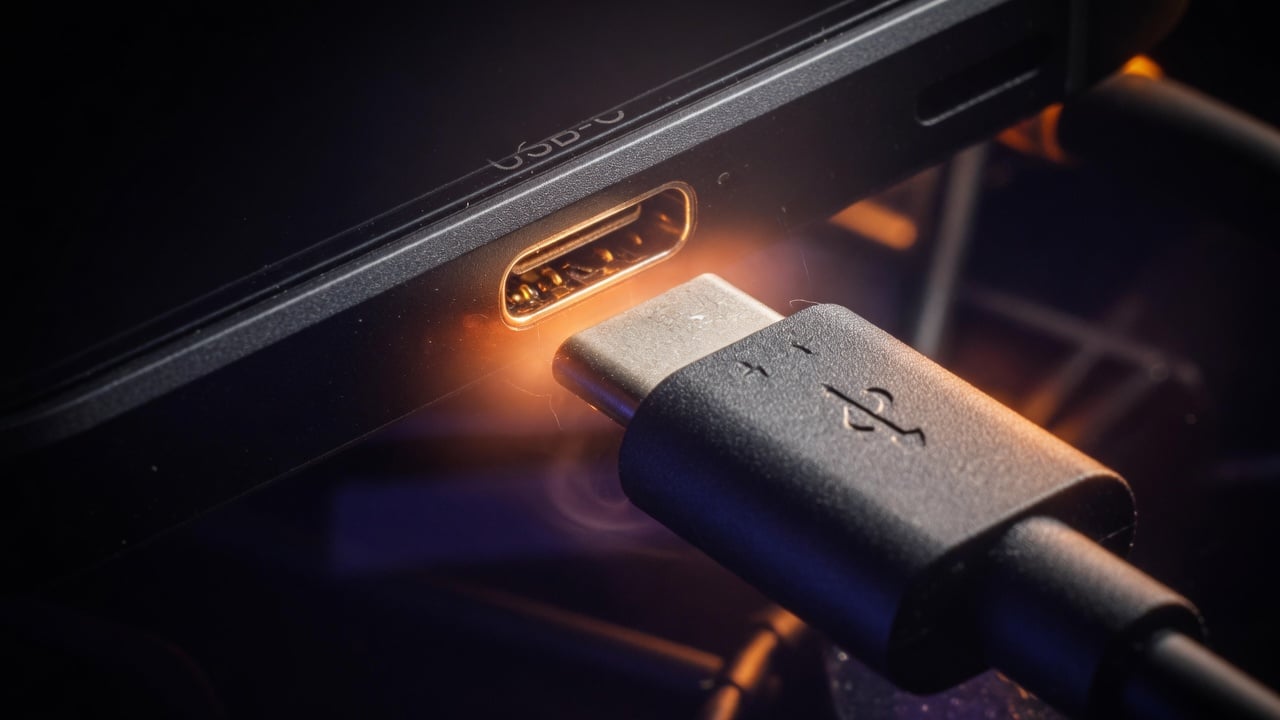
The Safety Side: When a Cable Becomes a Fire Hazard
Battery health aside, a damaged cable is a genuine safety hazard. Exposed conductors can short and spark; a high-resistance section can heat enough to melt insulation and ignite nearby fabric — which is why leaving a phone charging on a bed or couch with a frayed cable is a real fire risk, not just bad luck (consumer safety guidance consistently flags overheating from damaged and low-quality cables, e.g. PCWorld’s charging-safety guide).
Counterfeit and uncertified cables make this worse. A cheap “5 A/100 W” cable that lies about its rating — or omits the E-Marker chip entirely — can let a powerful charger push more current than the thin internal wire was built for. The USB-C spec requires E-Marker chips precisely so devices can verify a cable’s real current capability before delivering high power; skip that, and you’re trusting a mystery wire with up to 48 V. Stick to reputable, certified cables, and treat any cable that gets hot, smells of burning, or has visible damage as trash — not “still works, I’ll use it a bit longer.”
Cable Damage vs. Charging Symptoms: A Quick Diagnostic Table
| What you notice | Likely cable cause | Battery/safety impact | What to do |
|---|---|---|---|
| Charges only at a certain angle / wiggle | Broken strands or loose connector at the flex point | Micro-cycling, unstable charge, heat | Replace the cable now |
| Slow charging despite a fast charger | High resistance or failed CC/PD negotiation | Longer time at heat; possible trickle fallback | Test a known-good certified cable |
| Cable or plug feels hot | Resistive heating from damage or undersized wire | Accelerated calendar aging; fire risk | Stop using immediately |
| Visible fraying, exposed copper, kinks | Worn insulation / crushed conductor | Short-circuit and shock hazard | Discard, don’t tape over |
| Green/white crust on connector | Corrosion / oxidation | Higher resistance, intermittent contact | Replace; keep ports dry |
| Phone reports “liquid detected” repeatedly | Corroded or wet connector/cable | Charging blocked, potential corrosion damage | Dry fully, replace cable if it persists |
If a fresh cable doesn’t fix the problem, the fault is usually upstream of it — the outlet, the port, or the adapter. Work the whole chain with our guide to why your charger is not working before you replace the device.
How to Make Your Cables (and Battery) Last Longer
Cables are consumable, but you can dramatically extend their life — and reduce the number of times a failing cable quietly cooks your battery — with a few habits:
- Pull the plug, not the cord. Yanking the cable stresses the exact flex point that fails first. Grip the connector.
- Don’t wrap tightly. Coiling a cable hard around a charger or your hand kinks the conductors. Loop it loosely.
- Keep it out of pinch points. Chair wheels, drawer edges, and door gaps crush insulation. Route cables where they won’t get trapped.
- Mind the strain at the port. Charging while gaming with the cable bent at 90° accelerates connector wear. Use a cable long enough to lie flat.
- Buy certified, appropriately rated cables. Match the cable’s rating to your charger. A quality e-marked cable is cheap insurance for an expensive phone.
- Retire early. The moment a cable frays, gets hot, or needs “wiggling,” replace it. And dispose of old electronics and accessories responsibly rather than binning them.
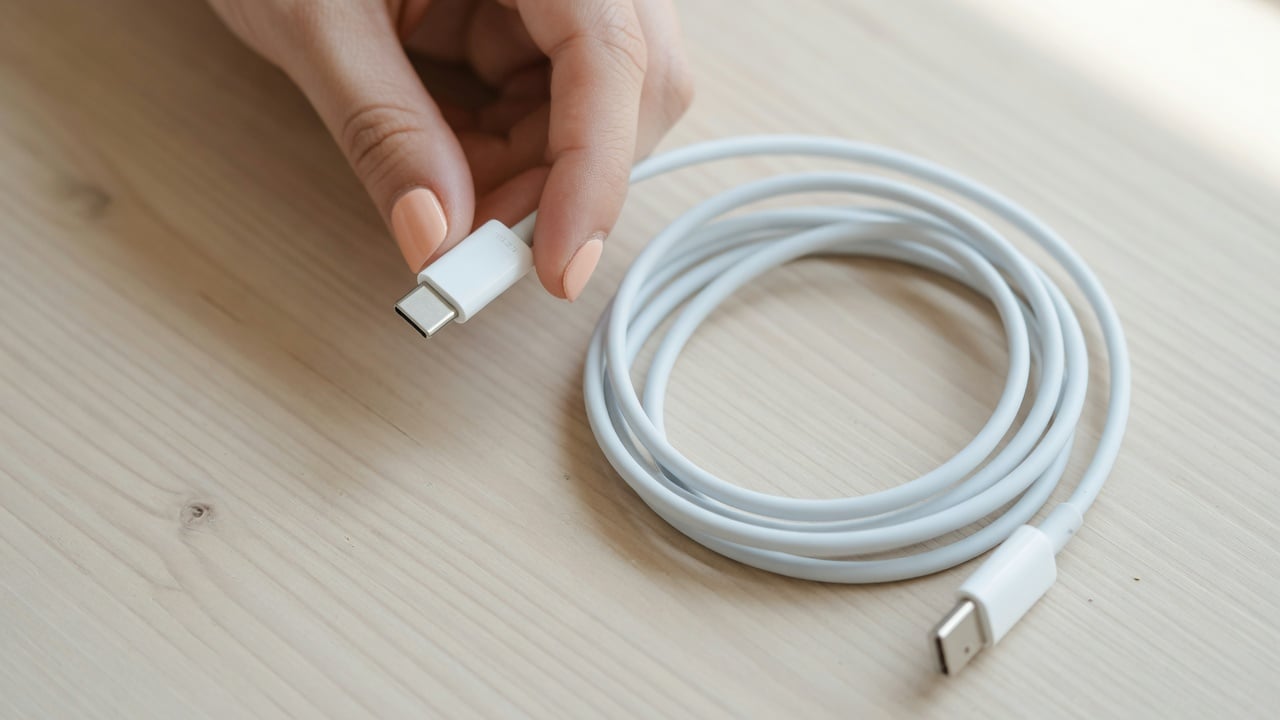
The Bigger Picture: Protect the Battery the Cable Feeds
A perfect cable still can’t save a battery from the biggest everyday stressor: sitting at 100% for hours every night. Even with a flawless cable, charging to full and holding there is what drives long-term capacity loss. That’s why the highest-leverage move is to combine good cable hygiene with a hard charge limit. Understanding why charging to 80% extends battery life — and then actually enforcing it — does more for longevity than any single accessory.
Software toggles help, but they’re inconsistent across devices and can be overridden. A hardware charge limiter like Chargie sits inline on the cable and physically stops charging at your chosen level, on any phone or tablet, regardless of the OS. Pair a clean, certified cable with an 80% limit and you’ve addressed both the heat-and-resistance problem and the high-state-of-charge problem at once.
Frequently Asked Questions
Can a damaged charging cable really hurt my battery, or just charge slower?
Both. Beyond slow charging, a damaged cable adds resistance (heat) right at the phone and can cause intermittent connections that make the battery micro-cycle. Heat and unnecessary partial cycles are two of the biggest contributors to lithium-ion capacity loss, so a bad cable can quietly age your battery faster over months.
Is it safe to keep using a cable with a small tear in the insulation?
No. Even a small tear exposes conductors that can short, spark, or shock, and the damage usually spreads with continued flexing. Taping over it is not a real fix — the conductor underneath is likely already stressed. Replace it.
Why does my cable get warm while fast charging?
A little warmth during high-power charging can be normal, but a cable that gets genuinely hot is wasting energy as heat — often due to internal damage, corrosion, or an undersized/uncertified conductor being pushed past its rating. If it’s hot to hold, stop using it and switch to a certified cable matched to your charger.
Do cheap unbranded cables damage your phone?
They can. Cables that misreport their rating or lack the required E-Marker chip may allow a charger to push more current than the wire can safely handle, causing overheating. Reputable certified cables include the electronics that let your phone and charger negotiate a safe power level.
How long should a good charging cable last?
With careful handling — unplugging by the connector, avoiding tight coils and pinch points — a quality cable can last years. The USB-C connector itself is rated for around 10,000 insertion cycles (source: Wikipedia, USB-C), so the cable’s flex points and insulation usually wear out long before the plug does.
Will a better cable charge my phone faster?
Only up to your device’s limit. A properly rated, undamaged cable lets your phone and charger negotiate their maximum supported profile. It won’t exceed what your phone allows, but a damaged or under-rated cable can definitely make charging slower and hotter. To go easier on the battery overall, consider limiting charging to 80% rather than chasing raw speed.

USB-C charge limiter that stops at your set battery level, so your battery never sits at 100% overnight. Extends battery lifespan by years. Works with any USB-C charger.

Limit your laptop charge to 80% via USB-C. Works with MacBooks, Dell, HP, Lenovo and most USB-C laptops up to 100W.
Protect Your Battery with Chargie
The world's first hardware charge limiter. Set a charge limit on any phone, tablet, or laptop — extend battery life by up to 4x.



