
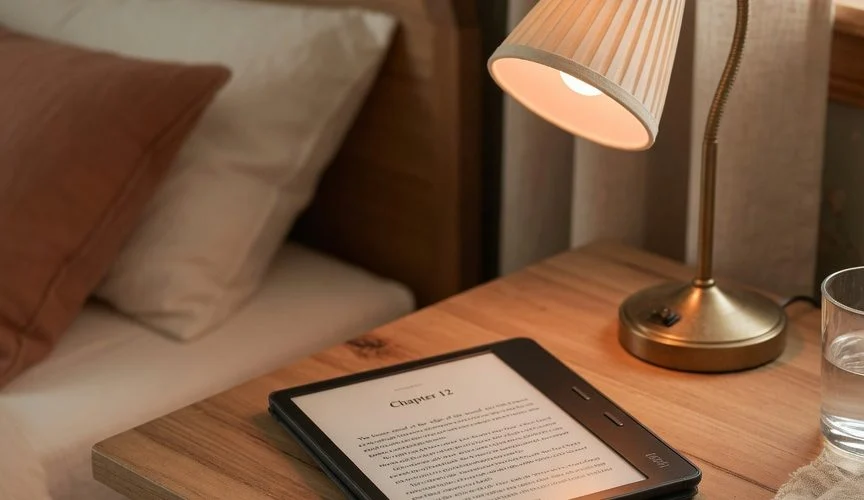

Why E-Readers Sip Power Like Nothing Else
Your phone screen redraws itself dozens of times a second and burns power constantly just staying lit. An E Ink display is the opposite: it only draws current the instant it changes a page, then holds that image with zero power draw — the ink particles physically stay in place until the next refresh. Wikipedia’s overview of e-readers confirms this is the entire premise of the category: e-readers are “designed primarily for the purpose of reading digital e-books,” built around displays that trade video capability for extreme power efficiency (Wikipedia, “E-reader”).
That’s why Amazon can advertise “up to 10 weeks of battery life” on a current Kindle Paperwhite right on the product page (Amazon Kindle Paperwhite listing), and Kobo makes the same claim for the Clara BW — “weeks of battery life” from a single charge (Kobo Clara BW product page). Compare that to a phone: same battery chemistry, wildly different runtime, purely because of what’s drawing the current.
The Battery Inside Your Kindle or Kobo
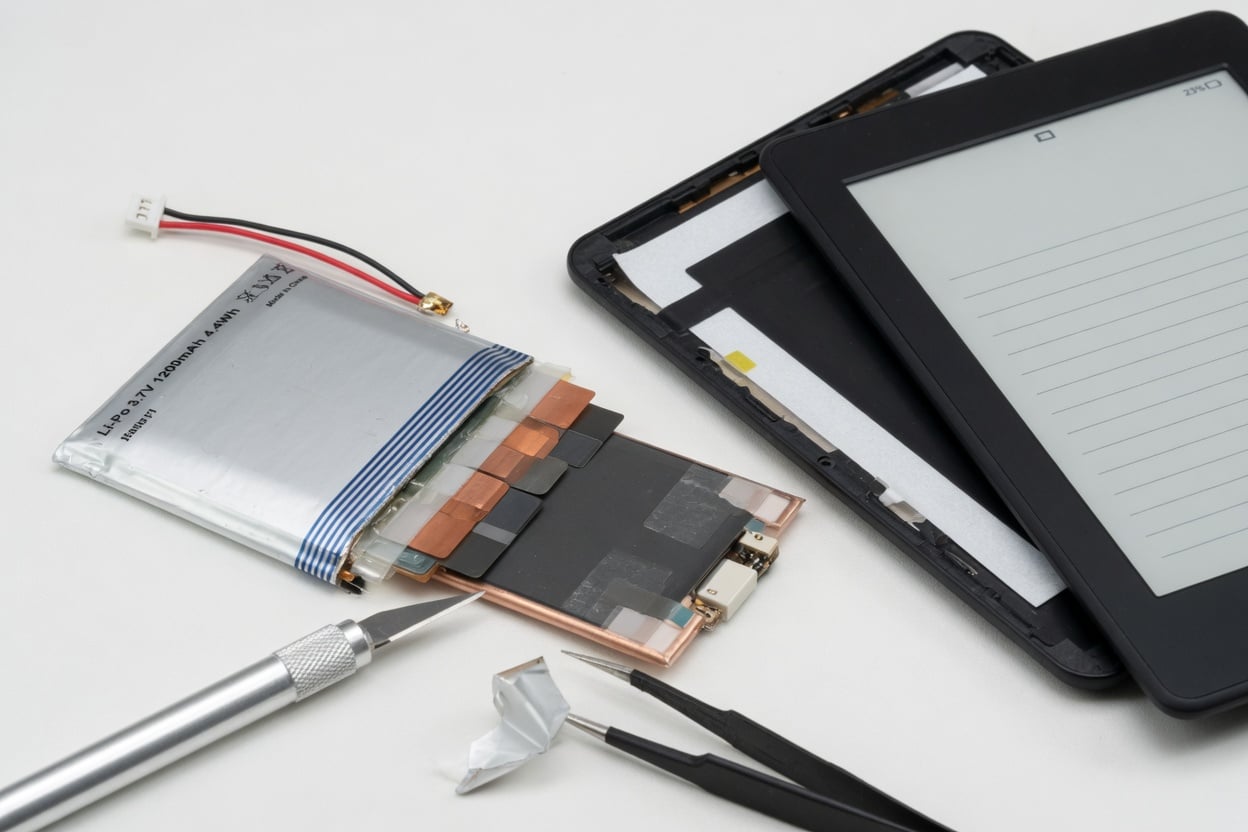
Under the hood, there’s no exotic engineering — it’s the same lithium polymer (LiPo) pouch cell chemistry found in phones, earbuds, and drones: a lithium-ion battery using a polymer (gel or solid) electrolyte instead of a liquid one, prized for being thin, light, and easy to shape into a flat pouch (Wikipedia, “Lithium polymer battery”). Most e-readers use a small cell in the 1,000–1,500mAh range — roughly a third the capacity of a modern smartphone battery. Amazon’s Kindle line has shipped with this exact chemistry since Lab126 built the original device in 2007 (Wikipedia, “Amazon Kindle”).
The takeaway: an e-reader battery is not a different, more durable kind of battery. It’s a small lithium cell that ages by exactly the same rules as every other lithium-ion battery — cycle count, charge voltage, heat, and time spent at high state of charge all matter. It just gets a longer runway per charge because almost nothing is draining it between page turns.
This is worth stressing because it’s easy to assume otherwise. E-reader marketing leans hard on “weeks of battery life,” which reads like the battery itself is somehow special or immune to the usual lithium-ion wear-and-tear that phone owners complain about. It isn’t. The runtime advantage comes entirely from the display technology sitting on top of the same commodity LiPo cell — strip away the E Ink panel and you’d have a battery that behaves identically to the one in a Bluetooth speaker or a wireless mouse.
The Overlooked Danger: Sitting at 100% for Weeks
Here’s the part e-reader owners never think about. Because the device only needs charging every few weeks, a very common pattern emerges: plug it in overnight, it hits 100%, and then it sits on a nightstand or in a bag at full charge for the next three to six weeks until the battery indicator finally drops low enough to bother recharging.
That’s actually a worse pattern for the battery than a phone’s daily habit. Lithium cells don’t just degrade from charge/discharge cycles — they degrade from calendar aging, driven mainly by how long the cell spends at high voltage and high temperature, independent of whether it’s being used. Battery University’s research (BU-808, “How to Prolong Lithium-based Batteries”) quantifies this with controlled storage data: a cell stored at 100% state of charge and 25°C loses roughly 20% of its capacity in a year, while the same cell stored at 40% state of charge loses only about 4% in that same year. Push the temperature to 40°C and a battery parked at 100% can lose around 35% of capacity in a year, versus about 15% at 40% charge. A cell stored fully charged at 60°C (a hot car dashboard, for instance) can drop to 60% capacity in as little as three months. The mechanism is voltage stress on the electrodes — the higher the charge level, the more strain on the cell whether or not you’re using it.
An e-reader that sits fully charged for a month between top-ups is living almost entirely in that high-stress state. A phone, recharged nightly and drained during the day, actually spends less average time pinned at the top of the voltage curve — even though it goes through far more charge cycles overall.
E-Reader vs Phone Charging Habits: A Side-by-Side
| Factor | Typical E-Reader | Typical Smartphone |
|---|---|---|
| Battery capacity | ~1,000–1,500mAh | ~3,500–5,000mAh |
| Charge frequency | Every 2–8 weeks | Daily or every 2 days |
| Time spent at ~100% SoC | Weeks per charge cycle | Minutes to a few hours |
| Screen power draw | ~Zero between page turns (E Ink) | Continuous while on |
| Full cycles per year | ~10–25 | ~180–300+ |
| Dominant aging driver | Calendar aging (time at high SoC) | Mix of cycling + calendar aging |
The irony: e-readers rack up far fewer charge cycles per year, which should mean much longer battery life on paper. But because each of those rare charges is followed by weeks parked at full voltage, a chunk of that theoretical advantage gets eaten by calendar aging instead of cycle aging. It’s a different failure mode, not a free pass — see our deeper breakdown of the mechanism in what trickle charging actually does to a full battery.
It also explains a pattern a lot of long-time Kindle owners notice but never connect to charging habits: a five- or six-year-old e-reader that was always kept plugged into a charging dock or left on a nightstand USB hub between reads tends to show more noticeable capacity loss — shorter weeks-per-charge, slower page turns as voltage sags — than an identical model that spent most of its life sitting unplugged in a bag. Same hardware, same firmware, same E Ink panel. The only real variable is how much of its life the battery spent parked at the top of its voltage curve versus resting lower.
Heat Is the Other Half of the Story
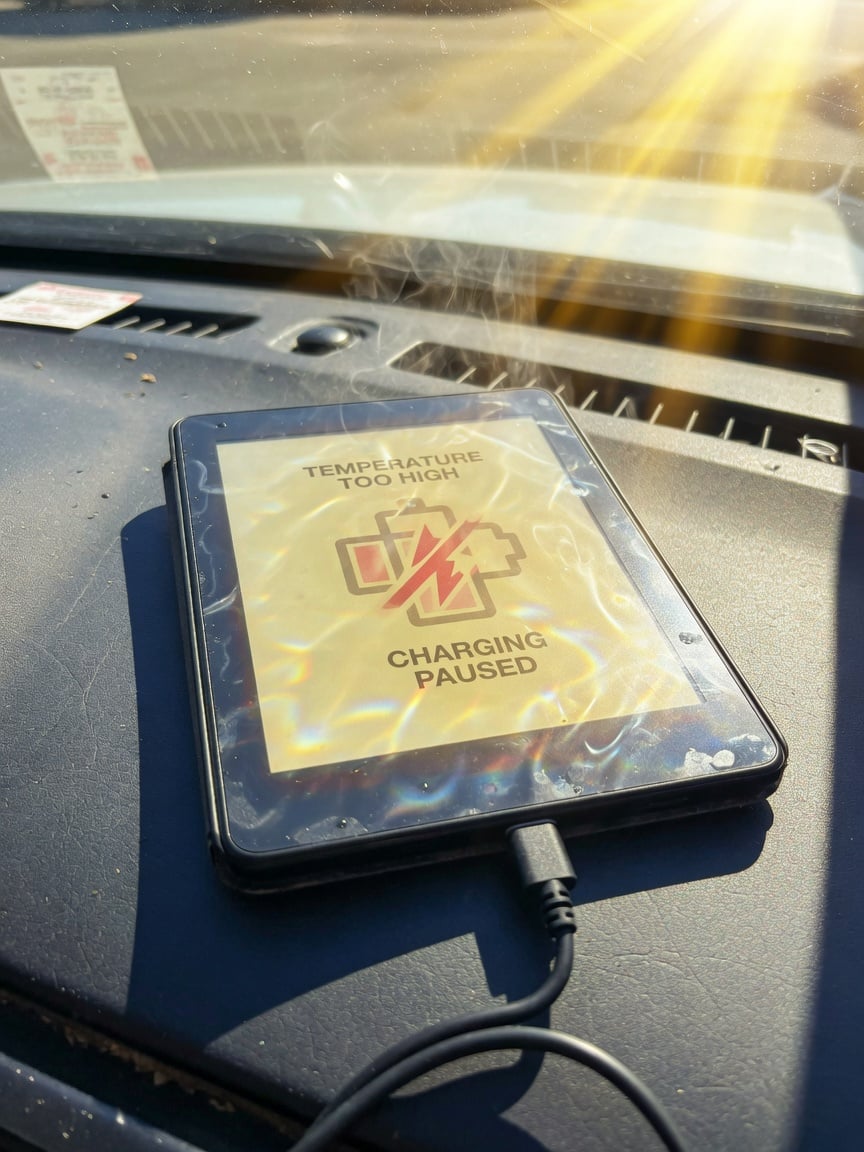
E-readers travel more than most gadgets — beach bags, car glove compartments, sun loungers, checked luggage. A Kindle or Kobo left in a hot car or direct sun combines the two worst conditions for a lithium cell at once: high state of charge and high temperature. Per the same BU-808 storage data above, that combination is where the steepest capacity loss happens — a battery that would lose 4% a year sitting cool at 40% charge can lose most of a third of its capacity in a single year if it’s hot and full. If you’re packing an e-reader for a trip, the safest state to leave it in for extended non-use is partially charged, not topped off, and out of direct heat.
How to Actually Extend E-Reader Battery Life
- Don’t leave it plugged in “just in case.” Once it hits 100%, unplug it — leaving it connected to a powered USB port keeps trickle-topping it back to full every time it dips a percent, maximizing time at peak voltage.
- Charge to around 80% for everyday use, not 100%. The same charge-voltage-to-cycle-life relationship that applies to phones applies here: each 0.10V/cell reduction in peak charge voltage roughly doubles cycle life, per Battery University’s cycling data. On a device you charge every few weeks anyway, an 80% charge barely costs you reading time.
- Store it partially charged for long trips or drawers. If it won’t be touched for a month or more, ~40–50% charge is the sweet spot for minimizing calendar aging — not empty (over-discharge risk) and not full.
- Keep it out of hot cars and direct sun. Heat plus high charge is the single worst combination for capacity retention.
- Turn off Wi-Fi/cellular sync when not actively downloading. Background sync is one of the few things that actually draws meaningful current on an otherwise idle E Ink device.
Do Hardware Charge Limiters Make Sense for E-Readers?
For phones and laptops that charge daily, a hardware charge limiter like Chargie automates the 80% habit so you’re not manually unplugging every night — see what a USB charge limiter actually does and whether charge limiters actually work. For a device you only plug in every few weeks, the bigger win is simpler and free: just unplug once it’s done charging instead of leaving it connected, and don’t top it back to 100% again the moment it dips. If your e-reader charges over USB-C and you’re already using Chargie for your phone or laptop, the same discipline — capping around 80% instead of 100% — carries over directly, it’s just needed far less often. It’s the same underlying chemistry as the small LiPo cells inside wireless earbuds, just charged on a much longer cycle.
If you’re not sure how much capacity your e-reader has already lost, most devices don’t expose a battery-health percentage the way phones do — the clearest real-world signal is simply comparing how many weeks a full charge lasts you now versus when the device was new. See our general guide on how to check battery health on any device for the closest available methods.
Frequently Asked Questions
Why does my Kindle or Kobo last weeks on one charge when my phone doesn’t last a day?
E Ink displays only draw power the instant a page changes, then hold the image with no current at all — unlike a phone’s constantly-lit screen. Combined with a device that does almost nothing else in the background, total power draw is a tiny fraction of a smartphone’s.
Is it bad to leave my e-reader plugged in overnight?
One overnight charge won’t hurt it. The real risk is leaving it connected to power for days or weeks after it’s already full — that keeps the cell trickle-topped at peak voltage, which accelerates calendar aging.
What’s the best charge level to store an e-reader in a drawer for a month?
Around 40–50%. Battery University’s storage data shows a cell held at 40% charge loses roughly a quarter as much capacity per year as one held at 100%, at the same temperature.
Does an e-reader’s battery degrade even if I barely use it?
Yes — this is calendar aging, and it happens regardless of use. A lithium cell parked at high voltage and warm temperature loses capacity over time even sitting untouched in a drawer.
Can I use a hardware charge limiter like Chargie on my Kindle or Kobo?
If your e-reader charges via USB-C, yes — the same charge-limiting principle applies. It’s just far less necessary day-to-day than on a phone, since you’re only charging every few weeks instead of every night.
How many years should a Kindle or Kobo battery realistically last?
With reasonable care (avoiding constant top-offs, keeping it out of heat), 3–5 years of solid runtime is typical before capacity loss becomes noticeable as shorter weeks-per-charge. Poor storage habits (hot car, always plugged in) can cut that meaningfully.
Does dimming the front light or turning off Wi-Fi extend battery life more than charging habits do?
Both matter, but for different things: front-light brightness and Wi-Fi affect how long a single charge lasts you day-to-day, while charging habits (charge level, heat, time at 100%) affect how much total capacity the battery retains over years. Both are worth managing.

USB-C charge limiter that stops at your set battery level, so your battery never sits at 100% overnight. Extends battery lifespan by years. Works with any USB-C charger.

Limit your laptop charge to 80% via USB-C. Works with MacBooks, Dell, HP, Lenovo and most USB-C laptops up to 100W.
Protect Your Battery with Chargie
The world's first hardware charge limiter. Set a charge limit on any phone, tablet, or laptop — extend battery life by up to 4x.



