
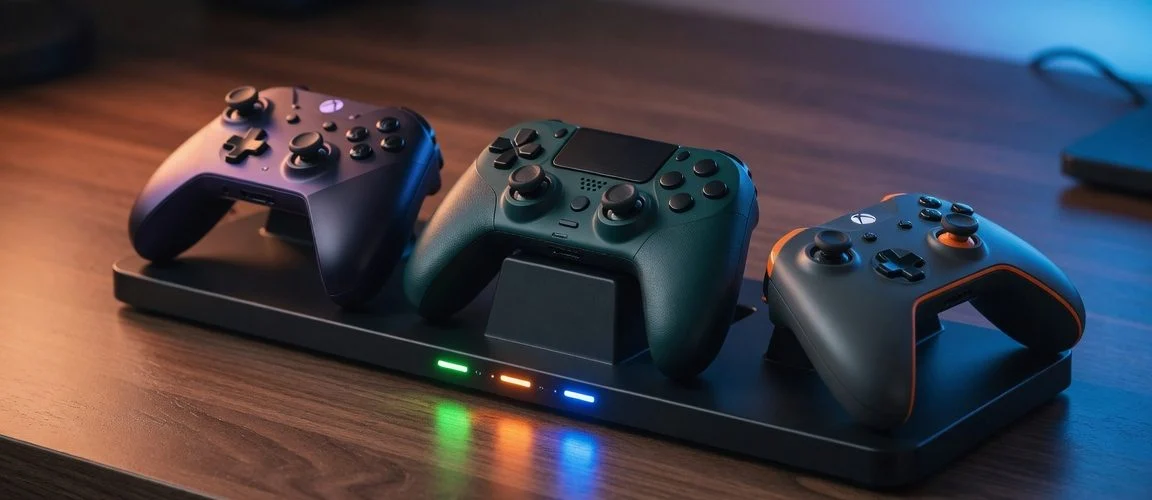

Why Controller Batteries Die Faster Than You’d Expect
Most gamers never think about controller battery health until a DualSense that used to last a weekend suddenly needs a top-up every evening. The physics is identical to any other lithium-ion or lithium-polymer (LiPo) cell: capacity fade is driven mainly by two things — total charge cycles and time spent at high voltage (near 100%) or high temperature. A controller sitting in a dock, plugged into a console that’s always powered, often spends more cumulative hours “topped off and warm” than your phone does, because nobody thinks to unplug a controller the way they unplug a phone.
Unlike phones, controllers rarely get an OS-level charge limiter. iOS has Optimized Battery Charging, Android has adaptive charging, but PS5, Xbox and Switch firmware charge every controller straight to 100% and hold it there — there is no built-in stop-at-80% option on any of the three platforms as of this writing. That makes charging habits the single biggest lever players actually control.
What’s Actually Inside Your Controller
Capacity, voltage and chemistry vary more between controllers than most players realize — which changes how fast each one degrades and how it behaves as it ages.
| Controller | Battery type | Capacity | Removable? | Charging |
|---|---|---|---|---|
| PS5 DualSense | Li-ion, 3.65V (model LIP1708) | 1,560 mAh | No (internal, screws) | USB-C, charges in rest mode |
| Xbox Wireless Controller | 2× AA, or optional rechargeable pack | 2× 1.5V AA, or 1,100 mAh pack (PowerA kit) | Yes, both options | AA swap, or USB-C via Play & Charge Kit |
| Nintendo Joy-Con (each) | Li-ion polymer, 3.7V | 525 mAh, 1.9 Wh | No (internal) | Via docked console or charging grip, USB-C |
| Nintendo Switch Pro Controller | Li-ion (CTR-003 cell, shared with 3DS/Wii U Pro) | 1,300 mAh | No (internal) | USB-C, ~6 hrs to full, ~40 hrs runtime |
Source: DualSense capacity and voltage per the Wikipedia DualShock/DualSense specification table; Joy-Con and Switch Pro Controller specs per Wikipedia’s Joy-Con article and Nintendo Switch Pro Controller article; Xbox AA-vs-rechargeable options per official Xbox Support.
Notice the DualSense and Switch Pro Controller both use fixed, non-removable internal cells — if either one degrades to the point of being unusable on a single charge, the only fix is a battery replacement or a new controller, not a $3 swap like the Xbox pad’s AA option. That’s exactly why charging habits matter more on PlayStation and Switch hardware than on Xbox, where a worn-out pack is a cheap accessory to replace.
The Always-Docked Trap: Why “Topped Off” Kills Capacity Faster
The single most common controller-killing habit is leaving it clipped into a charging dock or cable for days at a time, especially next to a warm console or TV. Battery chemistry research consistently shows that lithium cells degrade fastest when they spend long stretches at full charge and elevated temperature — the electrolyte inside slowly breaks down even when the device isn’t being used, a process sometimes called “calendar aging.” A controller that’s docked 20 hours a day, fully charged the entire time, ages differently than one that’s charged for two hours, unplugged, and used until it’s around 20-30% before the next top-up.
This is the same principle Chargie has written about extensively for phones and laptops — see our guide on whether you should charge your phone to 80% and our breakdown of overnight vs. morning charging habits. Controllers just don’t get the same attention because nobody’s staring at a “battery health” percentage on their DualSense the way they do on an iPhone.
DualSense-Specific Battery Care (PS5)
The DualSense’s 1,560 mAh cell is roughly 56% larger than the DualShock 4’s 1,000 mAh battery, but players report shorter real-world runtime because the DualSense draws more power — haptic feedback, adaptive triggers and the built-in speaker and microphone array all pull current the DualShock 4 never had to supply. That extra draw means more frequent charge cycles over a controller’s life, which compounds the calendar-aging problem above.
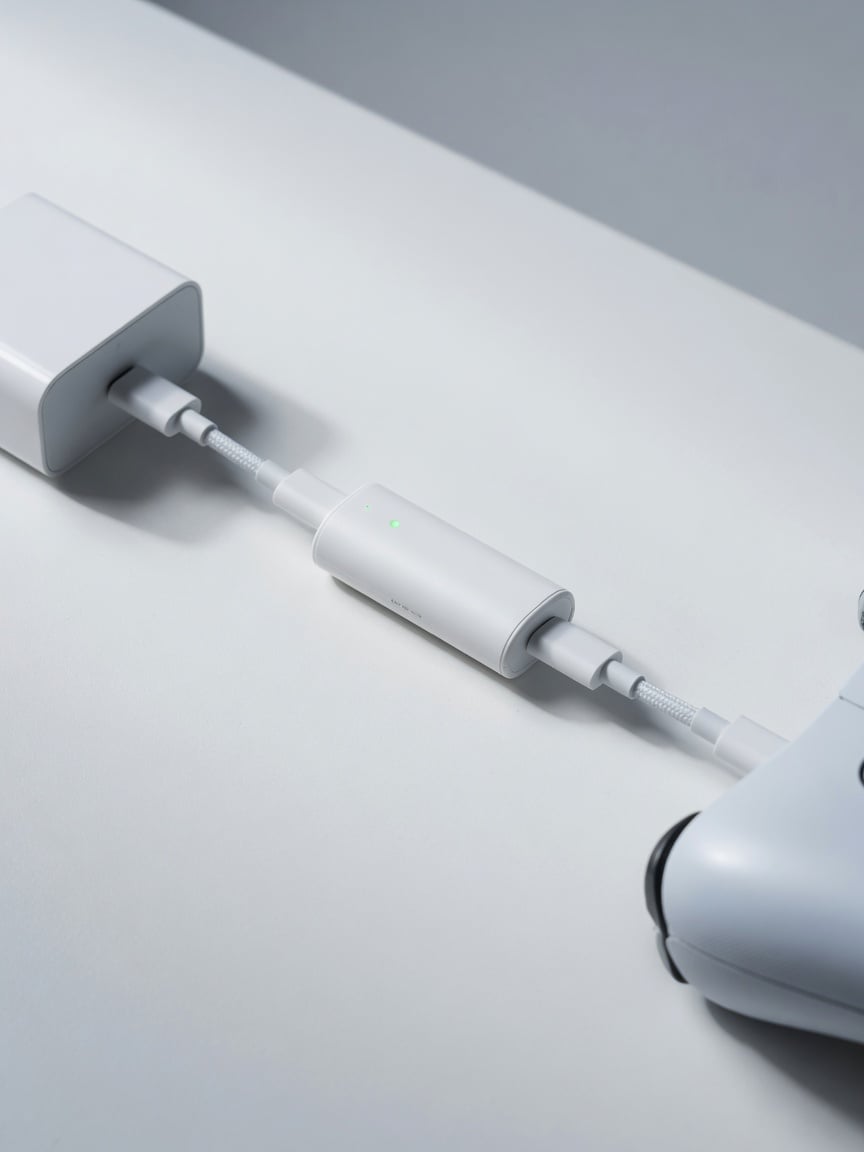
Because the DualSense’s battery isn’t user-swappable without opening the shell and desoldering, protecting cycle life matters more here than on any other console controller in this guide. PS5 controllers charge automatically the moment they’re docked or cabled while the console is in Rest Mode — there’s no in-system option to cap the charge percentage, so the only practical lever is disconnecting the cable once it’s charged rather than leaving it parked in the dock between every session.
Xbox Controllers: AA vs. Rechargeable Pack
Xbox took a different approach: every Xbox Wireless Controller ships able to run on two standard AA batteries, with a rechargeable battery pack (like the PowerA Play & Charge Kit, which uses two 1,100 mAh cells) sold as an optional upgrade, confirmed on Microsoft’s official Xbox Support page. This is the one console ecosystem where a degraded internal battery isn’t a design flaw you’re stuck with — swap in fresh AAs or a new rechargeable pack for a few dollars and the controller is effectively new again.
The tradeoff: rechargeable AA-style packs from third parties vary wildly in real capacity and cell quality, and players who leave the pack connected to a charging cable 24/7 will still see the same calendar-aging fade described above. If you use the rechargeable option, the same 20-80% habit applies; if you use disposable or rechargeable standalone AAs, you sidestep the degradation question almost entirely since you’re replacing the cell outright every time it weakens.
Nintendo Joy-Con & Pro Controller Battery Quirks
Nintendo’s official Controller Power Issues support page covers cases where Joy-Con or the Switch Pro Controller “don’t power on, cannot be charged, or the battery charge doesn’t last very long” — language that describes classic lithium-ion capacity fade rather than a one-off defect. Each Joy-Con packs a tiny 525 mAh, 3.7V cell (barely bigger than a smartwatch battery), which means the same absolute wear shows up as a much bigger percentage of total capacity lost compared to a phone’s multi-thousand-mAh pack.
Joy-Con charge automatically whenever they’re attached to a docked, charging Switch — which for most households means every single night, for years, at 100%. The Switch Pro Controller’s larger 1,300 mAh cell takes about six hours to charge fully and is rated for roughly 40 hours of use per charge when new, but like any lithium cell that number shrinks with age and cycle count. Detaching Joy-Con from the dock once charged, or using the console in handheld mode more often so the controllers aren’t automatically topping off every night, meaningfully slows this fade.
How a Hardware Charge Limiter Helps Controllers Too
Chargie was built to solve exactly this problem for phones and laptops that lack a built-in charge cap: a small inline USB device that cuts power once the battery hits a safe threshold, so the cell never spends hours parked at 100%. The same logic works for anything charging over USB-C, including a controller sitting in a dock connected to a hub or wall adapter rather than the console itself. If you already run a USB charge limiter for your phone, plugging a controller’s charging cable through the same device on a shared charging station stops the same 100%-and-hold pattern that shortens controller battery life.
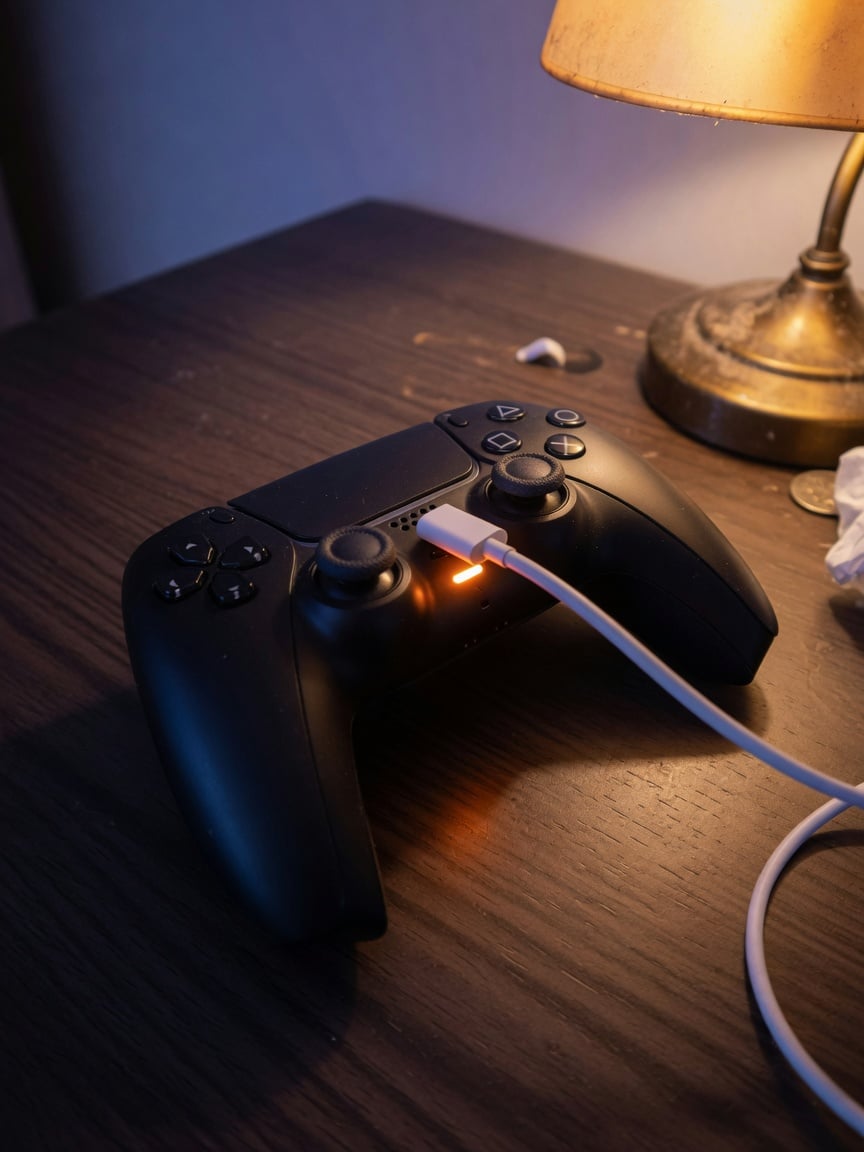
This isn’t a controller-specific product — Chargie doesn’t make a dedicated gamepad limiter — but the same hardware category that protects a phone’s battery works on any USB-powered lithium cell, which is worth knowing if you’re setting up a multi-device charging station on a desk. For a deeper look at why hardware solutions outperform relying on software alone, see our comparison of built-in battery limits vs. hardware charge limiters and our roundup of whether battery charge limiters actually work.
Practical Habits That Add Real Years to Controller Life
- Unplug once full. Don’t leave a docked or cabled controller connected for hours after the LED shows full charge.
- Avoid full-drain cycles. Charging from near-0% back to 100% stresses the cell more than topping up from 30-40%.
- Keep controllers cool. Don’t charge a controller directly on top of a warm console or in direct sunlight near a window.
- Rotate usage if you own spares. If you have a backup controller, alternating between two units halves the cycle count each one accumulates per year.
- Use console-provided cables/adapters when possible. Cheap third-party USB-C cables and chargers with poor voltage regulation can add extra heat stress during charging.
FAQ
Does leaving my controller charging overnight damage the battery?
It won’t damage it immediately or dramatically, but doing it every single night for years accelerates the same calendar-aging capacity fade described above. An occasional overnight charge is fine; making it the permanent daily habit is what shortens battery life over 2-3 years of ownership.
Can I replace the battery in a PS5 DualSense controller myself?
Yes, but it requires opening the controller shell and desoldering the old LIP1708 cell — it’s not a tool-free swap like Xbox’s AA option. Replacement kits exist from third-party sellers, but doing this yourself voids any remaining warranty and carries the usual lithium-battery handling risks.
Is it better to use AA batteries or the rechargeable pack on Xbox?
Both are valid. AAs (disposable or user-rechargeable) sidestep the internal-cell degradation question since you replace them outright. The official rechargeable pack is more convenient but subject to the same lithium-ion aging as any other rechargeable battery in this guide.
Why does my Joy-Con die faster than it used to?
Joy-Con packs a small 525 mAh cell, so even modest capacity loss shows up as a noticeably shorter runtime. Nintendo’s own support documentation lists “battery charge doesn’t last very long” as a known symptom tied to controller charging behavior, not necessarily a hardware defect requiring service.
Should I let my controller battery drain to 0% before recharging?
No — modern lithium-ion and lithium-polymer cells don’t need full discharge cycles the way old nickel-based batteries did, and repeated deep discharges add extra stress. Charging from a partial level is fine and generally gentler on the cell.
Does temperature affect controller battery life?
Yes. Heat accelerates the same electrolyte breakdown that causes capacity fade at high charge levels. A controller charging on top of a console vent, in a hot car, or in direct sun will degrade faster than one charged at room temperature.
Will a hardware charge limiter work with a game controller?
If the controller charges over USB-C (DualSense, Joy-Con, Switch Pro Controller, or an Xbox rechargeable pack) and you’re charging it through a shared hub, dock, or wall adapter rather than directly from the console’s own port, an inline hardware charge limiter can cut power once it reaches a safe charge level, the same way it protects a phone or laptop.

USB-C charge limiter that stops at your set battery level, so your battery never sits at 100% overnight. Extends battery lifespan by years. Works with any USB-C charger.

Limit your laptop charge to 80% via USB-C. Works with MacBooks, Dell, HP, Lenovo and most USB-C laptops up to 100W.
Protect Your Battery with Chargie
The world's first hardware charge limiter. Set a charge limit on any phone, tablet, or laptop — extend battery life by up to 4x.



