
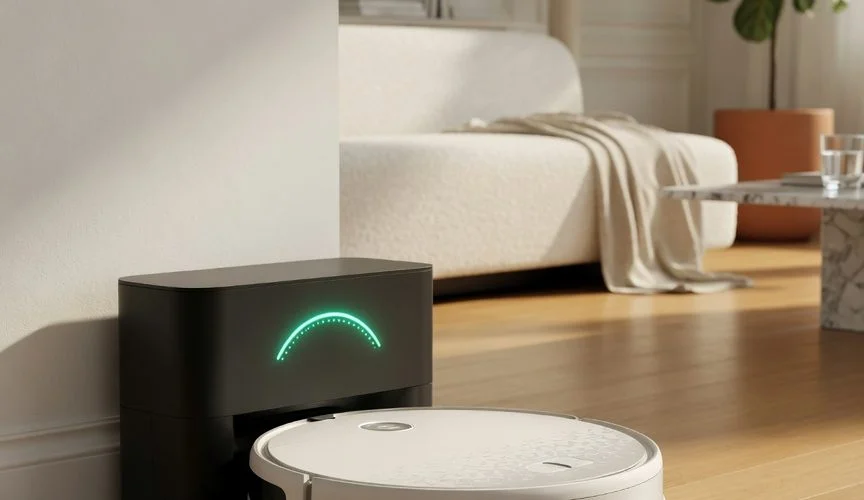

Why robot vacuum batteries die faster than you’d expect
iRobot has sold more than 40 million robots worldwide, and today roughly one in five vacuum cleaners sold is a robot (Wikipedia: Robotic vacuum cleaner). Almost every one of them runs on a lithium-ion or lithium-polymer battery pack — the same chemistry in your phone, laptop, and e-bike. And that chemistry ages in predictable ways.
Manufacturers rate most consumer lithium-ion cells for 300 to 500 full charge/discharge cycles before capacity noticeably drops (Battery University, BU-808). A robot vacuum that cleans daily can burn through a full cycle every day or two. Do the math: 400 cycles at one cycle every two days is roughly two years before you’re looking at meaningfully reduced runtime. That lines up almost perfectly with the “my Roomba only lasts 15 minutes now” complaints that flood owner forums.
But cycle count is only half the story. The bigger, quieter killer is how these robots rest between cleans — parked on a dock, held at 100%, often in a warm corner. That combination is a recipe for accelerated aging, and it’s the part almost nobody talks about.
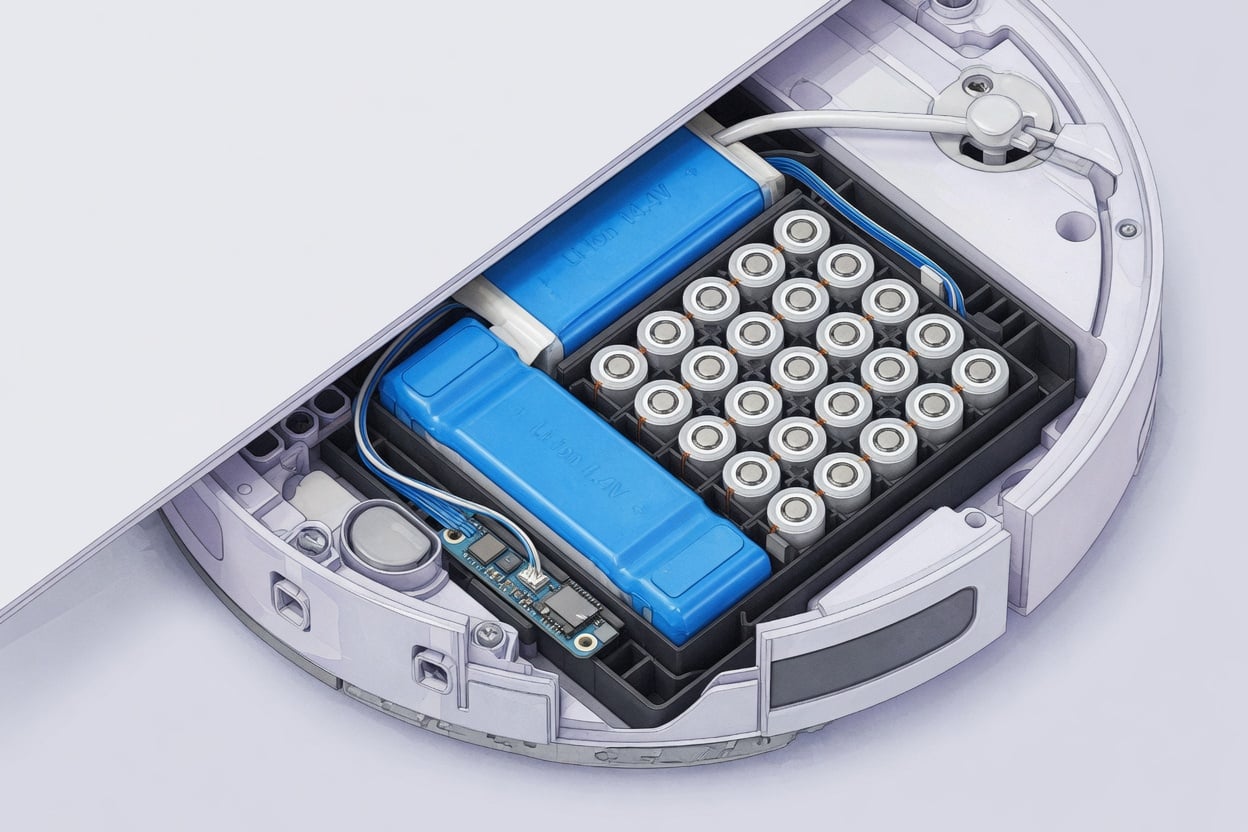
The three things aging your robot vacuum’s battery
1. Sitting at 100% on the dock
Lithium-ion batteries hate two things simultaneously: a high state of charge and warmth. A cell held at full charge experiences more internal stress than one kept partially charged. Battery University’s charging guidance is blunt about it — for lithium-ion, “keep partially charged” and a “partial charge is better than a full charge” (Battery University, BU-415).
A robot vacuum ignores all of this by design. It cleans, returns to the dock, and then sits at or near 100% until the next job — which might be tomorrow, or might be next week if you’re on vacation. Every hour spent parked full is an hour of accelerated calendar aging.
2. Heat — from the dock, the motor, and the room
Heat is the accelerant. Battery University warns not to charge lithium-ion above 50°C (122°F) and stresses that the battery “must stay cool or slightly warm” during charging (BU-415). Robot vacuums generate heat from their suction motor and drive system during a clean, then immediately return to a dock that itself gets warm while charging. If that dock lives in a sunny conservatory, near a radiator, or in a cramped cupboard with no airflow, the cells simply never cool down.
Elevated temperature combined with a high charge level is the worst-case scenario for lithium-ion longevity — the exact conditions researchers use to deliberately stress-test EV batteries in the lab (Battery University, BU-808b). Your robot’s docking corner shouldn’t be a torture chamber.
3. Deep discharges on big cleaning jobs
Running the tank dry hurts too. “Deep discharge wears the battery down,” Battery University notes for lithium-ion — charging more often is gentler than draining to empty every time (BU-415). A robot cleaning a large home on a single pass can run its pack from full down to near-empty repeatedly, and those deep 100%-to-0% swings age it faster than shorter, shallower cycles would.
What actually happens inside the cell
If you want the science: lithium-ion works by shuttling ions between the positive and negative electrodes. In theory that could go on forever, but “cycling, elevated temperature and aging decrease the performance over time” (BU-808). Two irreversible things happen as the battery ages:
- Lithium gets trapped. Forensic dissection of failed cells found that lithium ions permanently lodge on the anode and diminish on the cathode, leaving less active lithium to carry charge — a change that can’t be reversed (BU-808b).
- The SEI layer thickens. A film called the solid electrolyte interface (SEI) grows on the anode with every cycle, gradually forming a barrier that blocks the battery from working efficiently (BU-808b). Heat and high charge accelerate this growth.
The takeaway: you can’t stop chemical aging, but the rate is hugely sensitive to how you charge and store. The same principles we cover in what a battery cycle count really means apply directly to your robot.
How the major robot vacuum brands compare
Battery type, capacity, and charging behavior vary by brand and model. Here’s how the most common families stack up on the factors that matter for longevity. (Capacities are typical ranges for mainstream models; check your specific unit’s spec sheet.)
| Brand | Typical battery | Typical capacity | Longevity notes |
|---|---|---|---|
| iRobot Roomba | Li-ion | 1,800–3,300 mAh | Older models shipped NiMH; modern Li-ion units still park at 100% on the dock indefinitely. |
| Roborock | Li-ion | 5,200 mAh | Large packs for big-home coverage mean deep discharges on full-house cleans. |
| Ecovacs Deebot | Li-ion | 3,200–5,200 mAh | Auto-empty docks run charging + station electronics together, adding ambient heat. |
| Eufy (Anker) | Li-ion | 2,600–5,200 mAh | Budget-friendly packs; runtime drop-off is a common two-year complaint. |
| Shark | Li-ion | 2,550–3,400 mAh | Self-empty base kept in warm cupboards accelerates cell aging. |
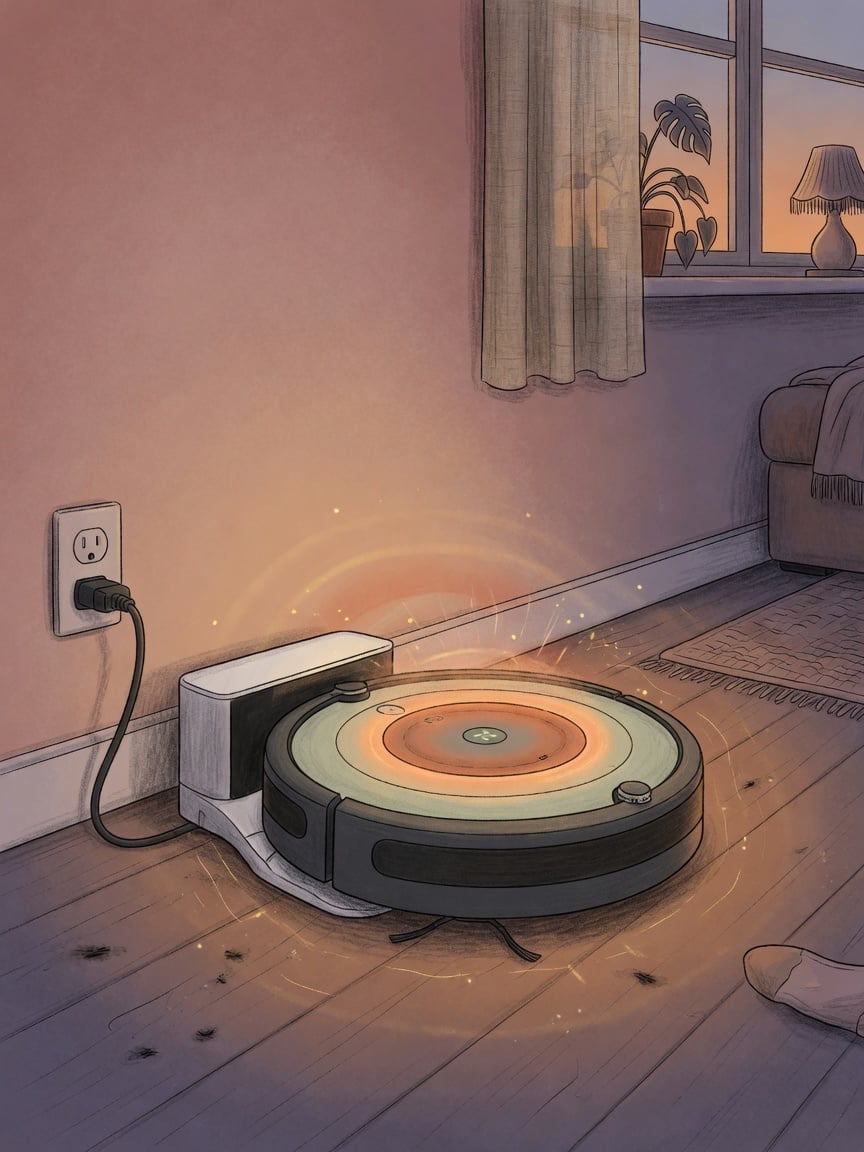
7 ways to make your robot vacuum’s battery last longer
- Move the dock somewhere cool and ventilated. Off the direct sun, away from radiators, and out of tight cupboards. This is the single highest-impact change — heat is the main accelerant of SEI growth.
- Don’t store it at 100% for weeks. Going on vacation? Battery University recommends storing lithium-ion “in a cool place, partially charged” (BU-415). Run a clean to drop it to roughly half charge, then power it off the dock while you’re away.
- Clean more often, in smaller zones. Frequent shorter cleans keep the pack in a shallower, gentler charge band instead of draining it to empty on marathon full-house runs.
- Use scheduling smartly. If your app supports it, schedule cleans so the robot isn’t sitting full for days on end — a battery that’s used lightly and regularly ages more gracefully than one left parked.
- Keep the brushes and filters clean. A clogged brush or full bin forces the motor to work harder, drawing more current, generating more heat, and deepening each discharge.
- Don’t charge a cold robot. If the unit has been in an unheated garage, let it reach room temperature first — charging lithium-ion below freezing damages it.
- Apply the 80% principle to the devices you can control. You can’t reprogram the dock, but the phones, tablets, and laptops you charge nearby follow the exact same rules — and those you can protect. See how to extend your phone’s battery life for the same chemistry applied to gear you own.
The bigger lesson: charge limiting works on everything with a lithium battery
Here’s the frustrating reality: most robot vacuums give you no way to cap the charge. The dock charges to 100% and holds it there, and there’s no “80% limit” toggle in the app. That’s the same limitation you hit with countless gadgets — and it’s exactly why hardware charge limiters exist.
The principle is simple and universal: keeping a lithium battery between roughly 20% and 80%, and away from heat, dramatically slows aging. Software features that promise this on phones are inconsistent and can be overridden — a hardware limiter enforces the cap at the wall, no matter what the device firmware does. We break down why in our 2026 comparison of USB-C charge limiters.
Your robot vacuum is a reminder that battery-aging rules apply to everything in your home that stores charge — from your e-bike battery to the phone on your nightstand. And when a battery is abused long enough, it doesn’t just lose runtime; it can swell. If your robot’s pack ever bulges or the chassis warps, stop using it — read our guide on battery swelling causes and prevention before you do anything else.
Frequently asked questions
Should I leave my robot vacuum on the dock all the time?
For day-to-day use, yes — the robot needs to be docked to be ready and to run scheduled cleans. The dock won’t overcharge it. The real damage comes from long idle stretches at 100% plus heat. So keep it docked for normal use, but move the dock somewhere cool, and for long absences (a week or more) store it partially charged and powered off instead.
Why does my robot vacuum only run for 15 minutes now?
That’s classic capacity fade. After 300–500 cycles, lithium-ion cells lose a meaningful chunk of their original capacity (BU-808), and heat plus constant 100% storage speeds that up. A daily-cleaning robot can reach that point in about two years. A replacement battery pack usually restores full runtime.
Can I replace the battery instead of buying a new robot?
Usually, yes — most robot vacuums use a removable battery pack accessible from the underside, and OEM or third-party replacements are widely available. Replacing the pack is far cheaper and greener than replacing the whole unit. Just buy from a reputable source; low-quality cells fade fast and can be a safety risk.
Does letting it fully discharge help “calibrate” the battery?
No. Lithium-ion has no “memory” effect, so there’s no benefit to deliberately draining it flat — and deep discharges actually wear it down faster (BU-415). Occasional full cycles can help the fuel gauge report accurately, but you don’t need to run the tank dry as a routine.
Is it safe to leave my robot vacuum charging when I’m not home?
Modern robots and docks have protection circuitry and stop charging when full, so routine unattended charging is generally fine. The bigger risk factors are a damaged battery, a cheap non-OEM pack, or charging in a very hot spot. Keep the dock clear of clutter and flammable material, and never keep using a robot with a swollen or physically damaged battery.
Do more expensive robot vacuums have better batteries?
Not necessarily. Premium models often have larger batteries for longer runtime, but they use the same lithium-ion chemistry and age by the same rules. Price mostly buys navigation, suction, and self-emptying features — not fundamentally different longevity. How you charge and store any robot matters more than what you paid for it.
The bottom line
Your robot vacuum’s battery isn’t failing because it’s cheap or defective — it’s failing because it lives the worst possible battery life: parked at 100%, kept warm, and cycled deeply, day after day. You can’t rewrite the dock’s firmware, but you can move it somewhere cool, avoid long full-charge storage, clean smarter, and swap the pack when runtime drops instead of binning the whole robot. And for every other lithium-powered device in your home — the phones, tablets, and laptops you actually can control — a hardware charge limiter enforces the 20–80% sweet spot that keeps batteries healthy for years. See how Chargie protects the batteries you charge every day.

USB-C charge limiter that stops at your set battery level, so your battery never sits at 100% overnight. Extends battery lifespan by years. Works with any USB-C charger.

Limit your laptop charge to 80% via USB-C. Works with MacBooks, Dell, HP, Lenovo and most USB-C laptops up to 100W.
Protect Your Battery with Chargie
The world's first hardware charge limiter. Set a charge limit on any phone, tablet, or laptop — extend battery life by up to 4x.



