
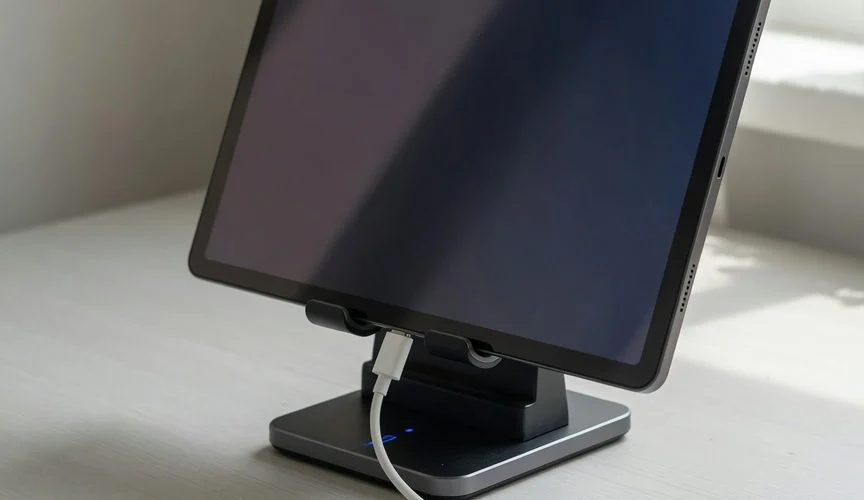

Android tablet battery health is worse-tracked and, in many real-world cases, worse-managed than phone battery health — Samsung buries its 80% charge cap three menus deep, Google gives Pixel Tablet owners no cap at all, and both devices spend more hours sitting at 100% on a nightstand or desk dock than any phone ever does. The fix isn’t a new app. It’s the same fix that works on iPad and iPhone: stop letting the battery live at full voltage. Here’s the data, the OEM-specific tools that actually exist, and what a hardware charge limiter changes.
Why Android Tablets Age Differently Than Android Phones
A phone leaves your pocket to make a call, gets tapped a dozen times an hour, and rarely sits on a charger for more than a couple of hours at a stretch unless it’s charging overnight. A tablet — Galaxy Tab S10/S11, Pixel Tablet, or a budget Lenovo/Xiaomi slate — has a completely different duty cycle. It gets used in bursts (reading, a video call, a Netflix episode) and then parked. Parked usually means docked. Docked usually means charging. And that’s where the damage accumulates.
The chemistry doesn’t care what shape the device is. Every lithium-ion cell — phone, tablet, laptop — degrades fastest when it sits at high state of charge and elevated temperature for long periods, a mechanism Battery University’s BU-808 reference describes as accelerated cathode and SEI-layer aging at the top of the charge curve. What changes with tablets is exposure time. A 10.9″ or 13″ tablet battery routinely spends 10–16 hours a day sitting at 100% because nobody unplugs a tablet that’s “just sitting on the counter.”
The scale of the problem is bigger too: tablet batteries are large. A Galaxy Tab S10 Ultra carries roughly an 11,200mAh cell — nearly triple a typical Android phone. More lithium at full voltage for more hours means more absolute capacity lost per year, even though the percentage-based degradation curve looks similar to a phone’s.
The Enterprise Blind Spot: Kiosk and Shared Tablets
This isn’t just a consumer problem. Businesses running device fleets hit it hardest. IT admins running Android tablets as point-of-sale kiosks, digital signage, or shared classroom devices report exactly the failure mode you’d expect: tablets left plugged in around the clock, batteries reading “100%” on the surface while swelling or losing capacity underneath. One widely-cited Spiceworks IT community thread on kiosk tablets makes the point plainly: devices “set to be active 24 hours a day tend to be left plugged in continuously at full charge, limiting battery life.” That’s not a bug in the tablet — it’s the predictable outcome of parking a lithium-ion cell at maximum voltage indefinitely.
With IDC reporting 151.9 million tablets shipped worldwide in 2025 — with education and government deployments specifically called out as a growth driver — the number of tablets living their entire operational life plugged into a wall is not a niche edge case. It’s a huge and growing chunk of the install base.
🔌
Charge Smarter, Not Harder
Over 50,000 users trust Chargie to protect their battery health — on phones, tablets, and laptops alike.
Samsung Galaxy Tab: The Tools Exist, But They’re Buried
Samsung actually ships real battery protection — it’s just not obvious, and it’s easy to switch off by accident. Since One UI 6.1, Samsung’s own support documentation confirms three named modes under Settings > Battery > More battery settings > Protect battery:
- Basic — stops charging at 100%, won’t resume until the battery drops to 95%. This does almost nothing for calendar aging; the tablet is still spending most of its dock time at full voltage.
- Adaptive — learns your usage pattern and tries to time the final charge to finish right before you typically unplug. Better in theory, unreliable in practice if your schedule isn’t consistent (which describes most shared or kiosk tablets by definition).
- Maximum — hard-caps charging at 80% and never goes higher. This is the only one of the three that meaningfully changes the aging curve, and it’s the one most users never turn on because it’s three menus deep and defaults to off.
Our deep dive on Samsung Protect Battery covers exactly how these modes behave on Galaxy phones — the same logic and same menu structure applies on every current Galaxy Tab.
The other wrinkle: newer isn’t automatically better. The EU’s mandatory EPREL energy label — a real regulatory disclosure, not marketing copy — puts hard numbers on this. According to EPREL filings reported by SamMobile, the outgoing Galaxy Tab S10+ is rated for 2,000 charge cycles before dropping below 80% capacity, while the newer Galaxy Tab S11 is rated for only 1,200 cycles to the same threshold — a real trade-off Samsung made for a bigger battery and thinner chassis. If you’re buying new, the model number alone doesn’t tell you which one ages more slowly; you have to check the label.
Google Pixel Tablet: Almost No Native Protection
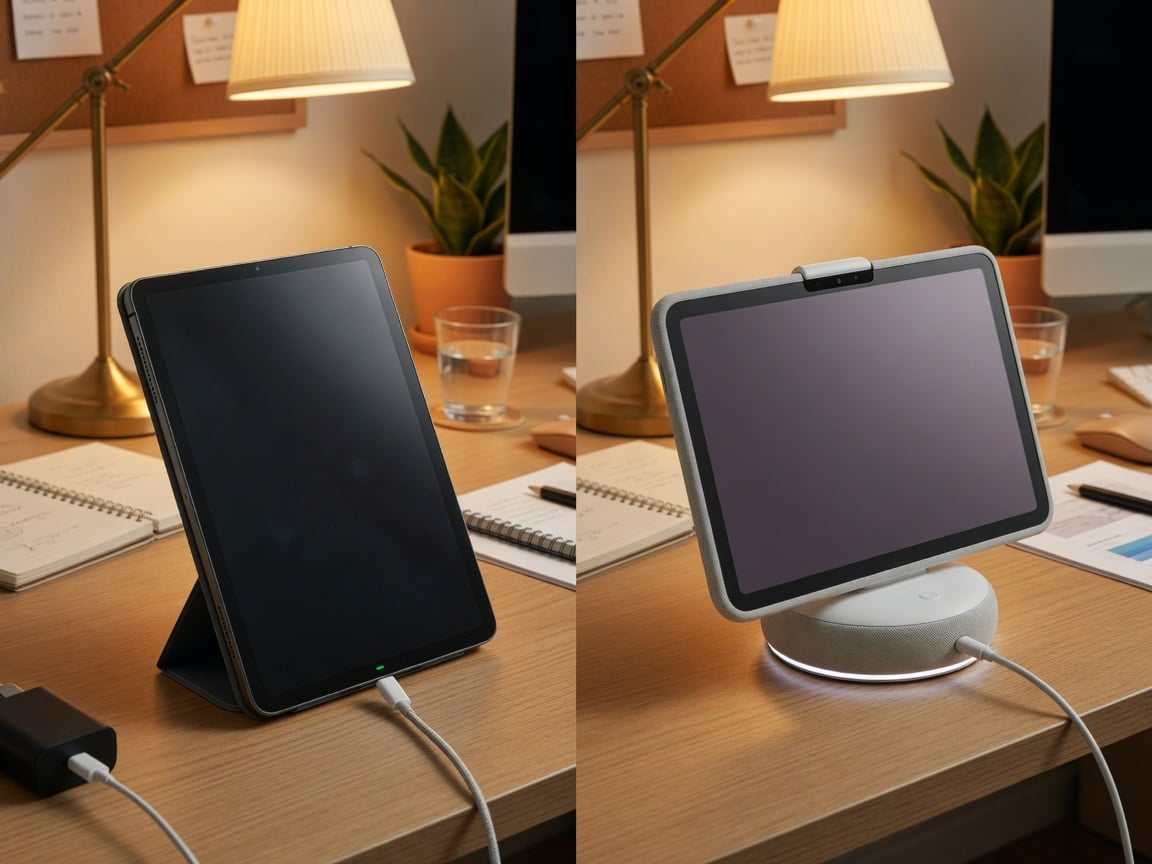
Pixel Tablet owners have it worse. Google’s official Charging Speaker Dock specification page confirms the dock delivers up to 15W of charging — and the Pixel Tablet is specifically designed to live on that dock as a Hub Mode smart display, which is precisely the “parked at 100% for hours” scenario that accelerates aging. Unlike Samsung, stock Android on Pixel devices has never shipped an equivalent to Apple’s Optimized Battery Charging or Samsung’s Protect Battery with a hard percentage cap. There’s an Adaptive Battery feature, but it manages background app activity and screen behavior — it does nothing to cap charge voltage. If you use a Pixel Tablet as an always-docked smart display (which is Google’s own marketing use case for it), there is currently no built-in software safeguard against the exact behavior that damages the cell fastest.
iPad Comparison: Same Physics, Different Disclosure
It’s worth putting Android tablets next to iPad, because Apple’s own numbers illustrate how big tablet batteries really are built to last — if you don’t fight the chemistry. Per Apple Community battery specialists, an iPad is rated to retain at least 80% of its original capacity after roughly 1,000 full charge cycles, compared with about 500 cycles for an iPhone. iPad, notably, has never shipped a Battery Health percentage screen at all — the same information gap Pixel Tablet owners face on Android. Our iPad battery health guide covers the iPadOS 18 80% charge limit, which — like Samsung’s Maximum mode — only exists on the newest Pro/Air models, leaving the rest of the lineup with zero native protection.
The takeaway across every ecosystem is consistent: tablets are built with bigger batteries and higher cycle ratings than phones, and every major manufacturer is now shipping some form of 80%-cap feature — but only on flagship-tier models, and only if you find the toggle.
Android Tablet Battery Health at a Glance
| Device | Native charge-limit tool | Cycle rating to 80% | Battery Health % shown? |
|---|---|---|---|
| Galaxy Tab S10+ (2025) | Protect Battery: Maximum (80% cap) | ~2,000 cycles (EPREL) | No (third-party apps only) |
| Galaxy Tab S11 (2026) | Protect Battery: Maximum (80% cap) | ~1,200 cycles (EPREL) | No |
| Google Pixel Tablet | None (Adaptive Battery ≠ charge cap) | Not publicly disclosed | No |
| Budget Android tablets (Lenovo, Xiaomi, etc.) | Rare/inconsistent by OEM skin | Rarely disclosed | No |
| iPad (10th gen / A16, most models) | None (80% limit is Pro M4/M5, Air M2+ only) | ~1,000 cycles | No |
| Any tablet + Chargie | Hardware 80% cap, model-independent | Extends effective lifespan regardless of OEM rating | N/A — cap applied at the port |
Why a Hardware Limiter Solves What Software Can’t
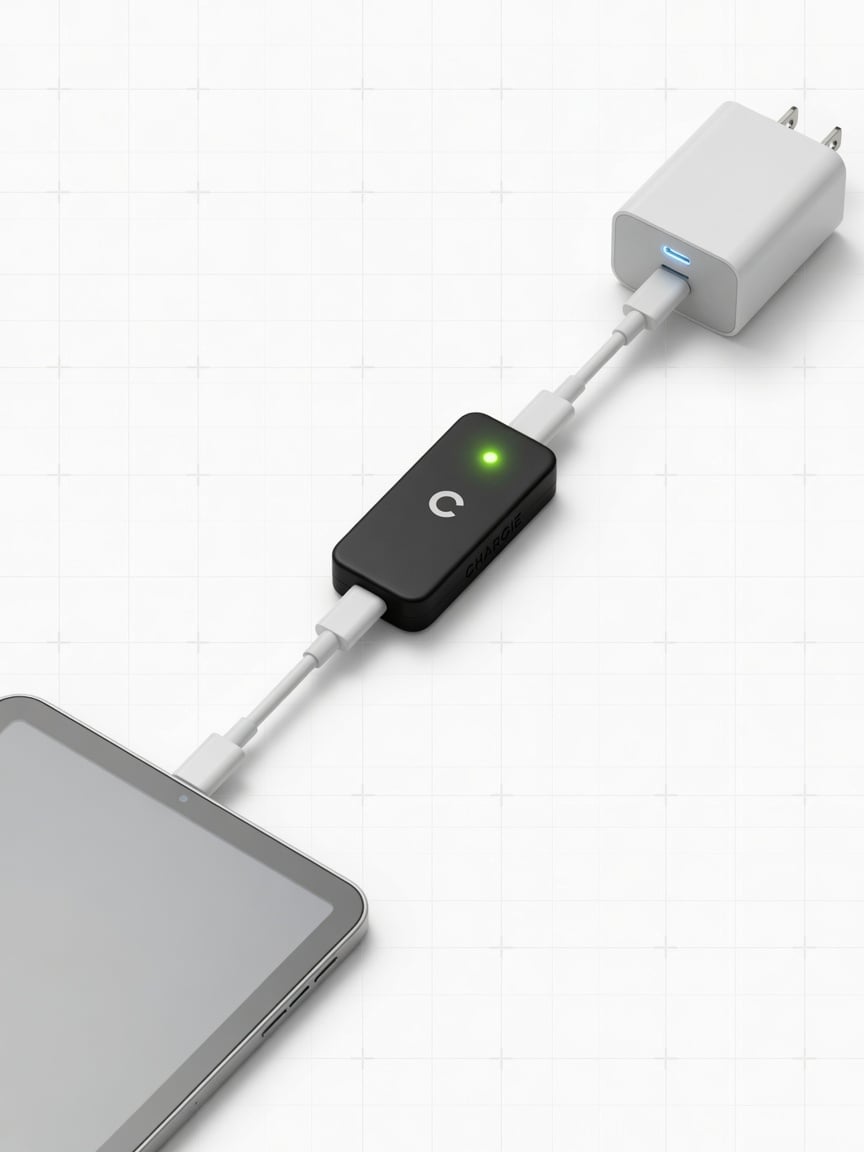
The pattern across every brand above is the same: the charge-limiting feature that actually works (an 80% hard cap) exists only on this year’s most expensive model, and even there it’s opt-in and easy to accidentally disable during a software update or a factory reset. A USB hardware charge limiter like Chargie sits between the tablet and the charger and physically stops current once the battery reaches roughly 80%, regardless of which Android skin, OS version, or missing feature the tablet has. It doesn’t matter if you’re running a five-year-old budget tablet with no battery software at all, or a brand-new Galaxy Tab S11 where Samsung shaved the cycle rating to 1,200 — the cap works identically, at the hardware layer, every night.
For IT departments running kiosk or shared tablets specifically, this also solves the enterprise blind spot from the Spiceworks thread above: instead of relying on staff to remember to toggle a setting on every device in a fleet, a physical limiter enforces the same 80% ceiling on every unit without any software dependency — which is exactly the kind of fleet-wide, zero-maintenance fix companies cutting device replacement costs have already adopted for phones and laptops.
Practical Steps for Any Android Tablet Owner
- Galaxy Tab owners: go to Settings > Battery > More battery settings > Protect battery, and switch it to Maximum. Confirm it stayed on after your next system update — Samsung has reset this setting for some users in past One UI upgrades.
- Pixel Tablet owners: there is no native cap, so avoid leaving the tablet on its Charging Speaker Dock 24/7 if you can help it; unplug once it hits roughly 80% during the day when you’re using it, and only dock overnight when you actually need the smart-display function.
- Budget/other Android tablets: check Settings > Battery for any manufacturer-specific “battery care” toggle — Xiaomi, Lenovo, and others sometimes bury a similar feature under a different name. If nothing exists, a hardware limiter is the only reliable option.
- Any tablet, any brand: avoid charging in direct sun, inside a closed drawer, or under a thick case — heat plus high charge is the combination that does the most damage, the same lesson our summer heat battery guide covers for phones.
- Fleet/kiosk deployments: standardize on a hardware limiter across every unit rather than depending on per-device software settings that get reset, forgotten, or skipped during provisioning.
FAQ
Does my Android tablet even show a battery health percentage?
No major Android tablet — Samsung, Google, Lenovo, or otherwise — ships a native Battery Health percentage screen the way iPhone does. You’d need a third-party diagnostic app, and even those estimates are rough on Android because there’s no single standardized API across OEM skins, the same fragmentation problem covered in our Android battery health guide for phones.
Is Samsung’s Protect Battery “Maximum” mode worth the shorter runtime?
Yes, for anyone who keeps the tablet for more than a year or two. An 80% cap sacrifices roughly 20% of your per-charge runtime in exchange for meaningfully slower long-term capacity loss — the same trade-off validated by Apple’s and Samsung’s own charge-cycle-to-80%-capacity ratings.
Why does the newer Galaxy Tab S11 have a lower cycle rating than the S10+?
Per the EU’s mandatory EPREL energy label filings, Samsung rated the S11 for about 1,200 cycles to 80% capacity versus roughly 2,000 for the S10+ — likely a trade-off for a larger battery and thinner design. It’s a reminder that “newer model” doesn’t automatically mean “longer-lasting battery.”
Can I use a phone charger on my tablet without hurting the battery?
Wattage compatibility isn’t the main risk — modern tablets negotiate power delivery safely with most USB-C chargers. The bigger factor for battery health is how long the tablet sits at 100%, not which charger delivers the current.
Does a hardware charge limiter work the same on a tablet as a phone?
Yes. A USB-C hardware limiter caps the charging current once the battery reaches its target percentage, and that mechanism is device-agnostic — it works identically whether it’s plugged into a phone, a tablet, or a laptop.
Bottom Line
Android tablets get less battery-health attention than phones, but they arguably need more: bigger cells, longer daily dock time, and — outside of Samsung’s buried Protect Battery menu — almost no native software protection. Google’s own Pixel Tablet marketing pushes an always-docked Hub Mode use case with zero charge-cap safeguard. Until every OEM ships a reliable, hard-to-disable 80% limit by default, a hardware charge limiter remains the one fix that works identically across every Android tablet on the market — regardless of brand, OS version, or how deep the setting is buried.

USB-C charge limiter that stops at your set battery level, so your battery never sits at 100% overnight. Extends battery lifespan by years. Works with any USB-C charger.

Limit your laptop charge to 80% via USB-C. Works with MacBooks, Dell, HP, Lenovo and most USB-C laptops up to 100W.
Protect Your Battery with Chargie
The world's first hardware charge limiter. Set a charge limit on any phone, tablet, or laptop — extend battery life by up to 4x.



