
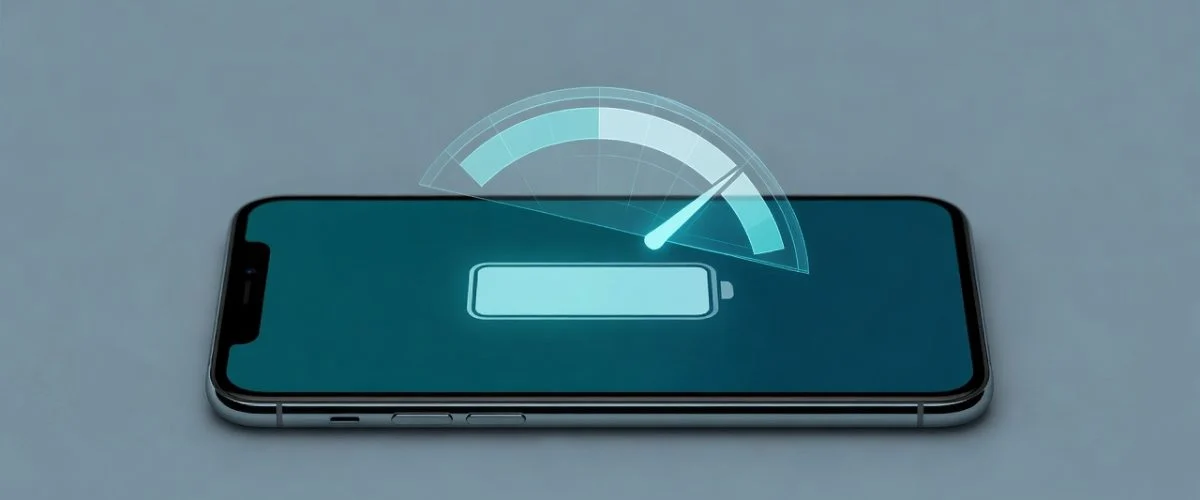

You’ve probably read the advice a hundred times: “drain your phone to 0%, then charge it to 100% to calibrate the battery.” It gets repeated in forums, YouTube tutorials, and tech-tip listicles as if it were a magic capacity-restoring ritual. Some people do it every month religiously, convinced they’re keeping their battery young. So does battery calibration actually work?
The short answer: calibration is real, but it does not restore battery health or capacity. It only fixes the percentage readout your phone shows you — and the most common way people “calibrate” (a full 0%-to-100% cycle) is actually one of the mildly stressful things you can do to a lithium-ion battery. Below, we separate the real engineering from the myth using the specifications battery engineers actually work from — and show you the one habit that genuinely extends your battery’s lifespan.
What is battery calibration, really?
Every modern phone, tablet, and laptop contains what engineers call a “smart battery” — a chemical cell paired with a tiny digital chip called a fuel gauge. The chemical cell stores the energy; the fuel gauge estimates how much is left and reports it as the percentage on your screen.
According to Battery University’s BU-603, the problem is that these two halves drift apart over time. The fuel gauge tracks energy by “coulomb counting” — adding up charge in and out — but real-world charging is messy. As Battery University puts it: “Most discharges are intermittent and go to random depth… These anomalies add to the display error that amplifies with use and time.”
Calibration is simply the act of re-syncing the digital gauge to the chemical reality. You do it by running the battery all the way down until the device shuts off (this sets a “full-discharge flag”), then charging it uninterrupted to 100% (the “full-charge flag”). The gauge draws a fresh line between those two anchor points and starts estimating accurately again.
That’s it. Calibration recalibrates a measurement, not the battery itself.
Does calibration restore lost battery capacity?
No — and this is the single biggest misconception. Calibration cannot add back capacity that chemical aging has already taken away. If your battery has degraded to 85% of its original capacity, calibrating it will not push it back to 100%. It will just make your phone report 85% more accurately.
Battery University is blunt about what happens if you never calibrate at all: “Most smart battery chargers obey the dictates of the chemical battery rather than the digital battery and there are no safety concerns. The battery should function normally, but the digital readout may become unreliable.”
In plain English: an uncalibrated battery is perfectly safe and works fine. The only symptom is a flaky percentage — your phone might jump from 30% to 15%, or die at “20%,” or sit at “100%” for an unusually long time. Annoying, yes. A health problem, no. If you want to understand what actually erodes capacity, our complete lithium-ion battery degradation guide breaks down the real culprits.
The irony: how most people “calibrate” can mildly harm the battery
Here’s where the myth gets self-defeating. The classic calibration method — drain to 0%, charge to 100% — asks you to do two of the things lithium-ion batteries like least.
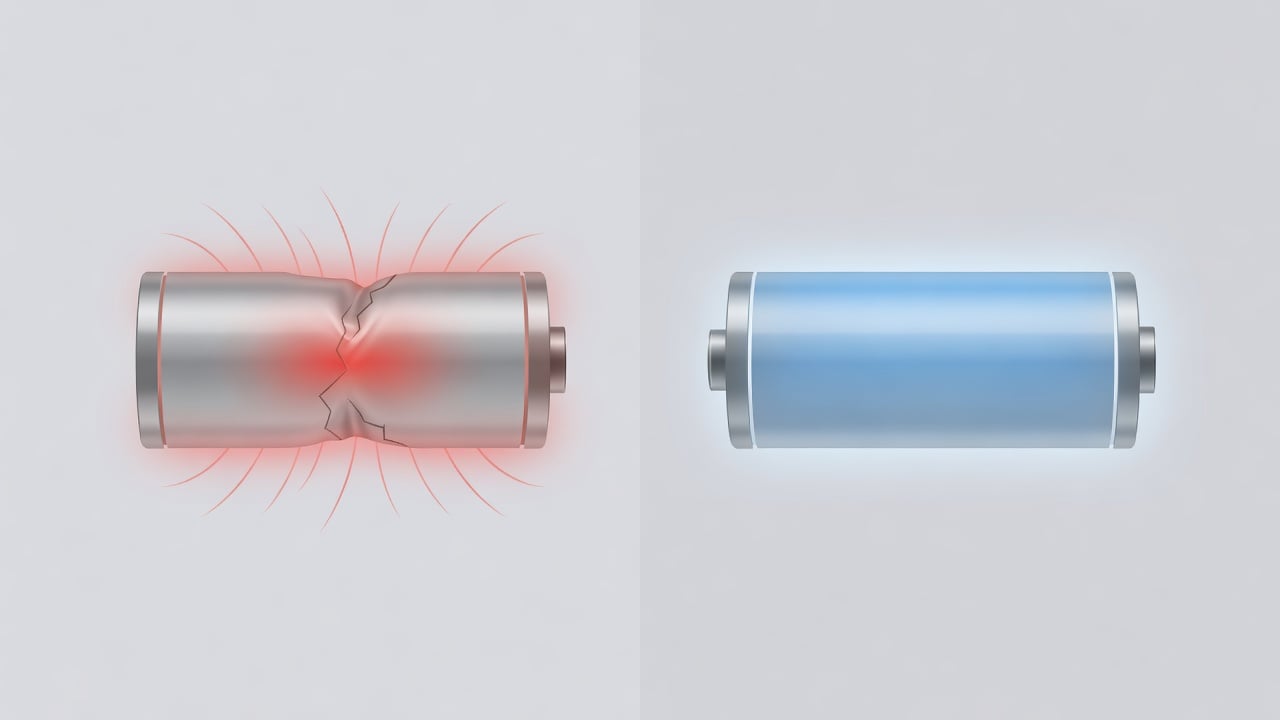
Modern lithium-ion has no memory effect. As Battery University’s BU-808 states directly: “There is no memory and the battery does not need periodic full discharge cycles to prolong life.” Deep discharges to empty actually count as harder cycles. Look at how dramatically the depth of each discharge changes how long a battery survives:
| Depth of Discharge (per cycle) | Discharge cycles to 70% capacity (NMC) | Discharge cycles to 70% capacity (LFP) |
|---|---|---|
| 100% (full drain to empty) | ~300 | ~600 |
| 80% | ~400 | ~900 |
| 60% | ~600 | ~1,500 |
| 40% | ~1,000 | ~3,000 |
| 20% (shallow top-ups) | ~2,000 | ~9,000 |
| 10% | ~6,000 | ~15,000 |
Source: Battery University BU-808, Table 2. A “shallow” charging style can deliver many times more cycles than draining to empty every time.
The lesson is striking: a battery cycled in shallow 20% bites lasts roughly six times longer than one repeatedly drained to empty. So a monthly “full-drain calibration” isn’t free — every deep cycle you run for the sake of an accurate readout is a harder hit than the shallow top-ups you should be doing the rest of the time. A cosmetic fix shouldn’t cost you real cycle life.
When does calibration actually make sense?
Calibration isn’t useless — it’s just narrow. It’s worth doing in specific situations:
- Your percentage is obviously wrong. If your phone dies at “30%,” or rockets from “50%” to “10%,” the gauge has drifted and a single full cycle can re-anchor it.
- After a long period of partial-only charging. Battery University notes a smart battery in continuous use benefits from recalibration roughly “once every 3 months or after 40 partial cycles” — not weekly.
- Older devices without impedance tracking. Newer fuel gauges use a self-learning “impedance tracking” algorithm that “reduces or eliminates the need to calibrate.” Most flagship phones from the last few years self-correct in the background.
Notice what’s missing from that list: “every month, religiously, to keep my battery healthy.” That’s the part that’s a myth. Even Apple, on its official battery maximization guide, doesn’t tell iPhone owners to perform full-drain calibration cycles for battery health — its longevity advice is about temperature, software updates, and avoiding extreme charge states. For iPhone-specific tactics that actually move the needle, see our science-backed iPhone battery tips; Android owners can check our Android battery health guide.
How to calibrate your phone battery (the safe way)
If your percentage really is misbehaving and you want to recalibrate, do it occasionally, not as a habit:
- Use the phone down to a natural shutdown. Let it drain through normal use until it powers off on its own. Don’t force repeated reboots to squeeze out more.
- Leave it off for an hour or two so any residual charge settles.
- Charge uninterrupted to 100% with the screen off, ideally in a cool room. Leave it a little past the “full” mark so the charge flag sets cleanly.
- Do a normal cycle next. Then go back to your regular shallow top-ups — don’t repeat the deep drain.
One full cycle every few months is harmless. A full drain every week, “for health,” is the part to drop.
The habit that actually extends battery lifespan
If calibration only fixes the readout, what actually keeps a battery healthy for years? The data points to one thing above all: keeping the battery away from the extremes — and especially away from sitting at 100%.
Battery University’s storage data (BU-808, Table 3) shows the cost of a full charge clearly. A lithium-ion cell held at 100% charge at room temperature retains only about 80% of its capacity after one year, while a cell kept at a relaxed ~40% charge retains about 96%. Time spent at a high state of charge — exactly the state your phone sits in all night on the charger — is one of the biggest silent agers of a battery. We explain the chemistry in depth in why charging to 80% extends battery life.
That’s the whole reason the “20–80%” rule exists, and why both iOS and Android added optimized-charging features. The catch is that those software features only delay the last bit of charging on a predictable schedule — they still let the battery reach 100% before you wake up, and they can’t cap it on a desktop charger, a power bank, or an unpredictable routine.
Heat compounds the problem. Battery University’s storage table shows that the same 100% charge that costs you ~20% capacity in a year at 25°C costs roughly 35% at 40°C — and a battery left fully charged in a hot environment can lose 40% of its capacity in just three months. That’s why the worst-case scenario for any phone is the one millions of people repeat nightly: plugged in to 100%, generating its own charging heat, trapped under a pillow or a thick case for eight hours. Calibration does nothing about that. Charge level and temperature do.
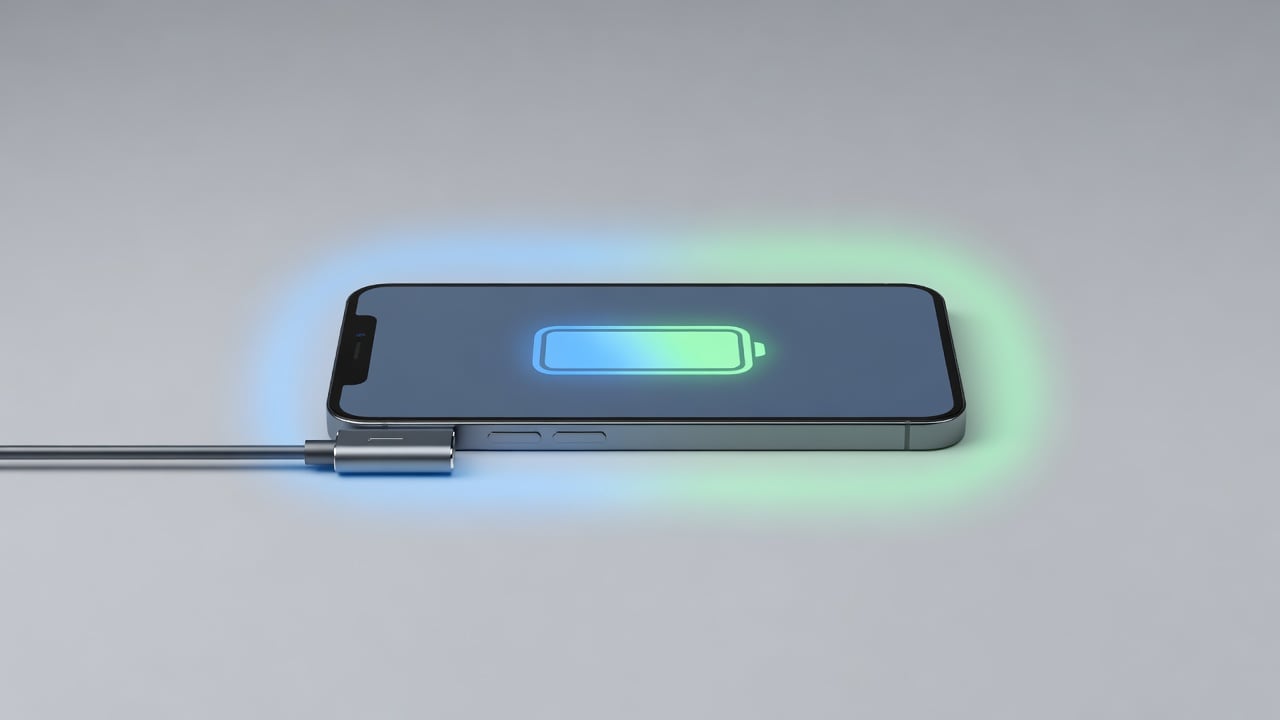
This is where a hardware approach closes the gap. A USB charge limiter physically stops power flowing to the phone once it hits your chosen level — say 80% — no matter what charger or schedule you use. It’s the difference between hoping the software guesses right and simply removing the high-stress 80–100% zone from the equation entirely. If you want the step-by-step, here’s how to stop charging at 80% automatically, and how to keep your battery health above 90% for years.
Frequently asked questions
Does calibrating my phone battery improve battery life?
No. Calibration only re-syncs the percentage your phone displays to the battery’s true charge level. It cannot restore lost capacity or extend lifespan. The thing that extends lifespan is avoiding extremes of charge — particularly long periods at 100% — and keeping the battery cool.
How often should I calibrate my phone battery?
Rarely. Battery University suggests roughly every three months or after about 40 partial cycles for batteries in continuous use — and most modern phones with impedance-tracking fuel gauges self-calibrate in the background, so you may never need to do it manually. Calibrate only when the percentage is visibly inaccurate.
Is it bad to drain my phone to 0% to calibrate it?
An occasional full discharge is fine, but doing it frequently is counter-productive. Deep discharges count as harder cycles: a battery drained to empty every cycle lasts only about a third as long as one charged in shallow top-ups, according to Battery University’s depth-of-discharge data. Don’t make full-drain “calibration” a routine.
Why does my phone say 100% but die quickly?
That’s usually two separate issues. A misreading percentage points to a fuel-gauge that needs calibration. But a battery that genuinely doesn’t last as long as it used to has lost real capacity through aging — calibration won’t fix that. Check your device’s battery-health readout to tell them apart.
Do modern iPhones and Android phones need manual calibration?
Mostly no. Newer devices use self-learning fuel gauges that recalibrate automatically during normal use. Apple’s own battery guidance doesn’t ask users to run calibration cycles for health. If your percentage is accurate, leave it alone.
The bottom line
So, does battery calibration work? Yes — at the one thing it’s designed to do: making your battery percentage accurate again. It is not a capacity-restoring trick, it won’t undo aging, and doing it too often (via deep drains) works against you. Calibrate occasionally, only when the readout is clearly off.
If your real goal is a battery that still feels new in two or three years, skip the calibration rituals and focus on the habit that the data actually supports: keep your charge out of the stressful high range. The simplest, most reliable way to do that is to cap charging at 80% with a hardware limiter — so your battery spends its life in the comfortable middle, not pinned at the top.

USB-C charge limiter that stops at your set battery level, so your battery never sits at 100% overnight. Extends battery lifespan by years. Works with any USB-C charger.
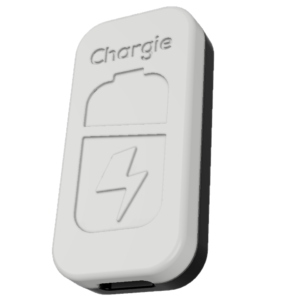
Limit your laptop charge to 80% via USB-C. Works with MacBooks, Dell, HP, Lenovo and most USB-C laptops up to 100W.
Protect Your Battery with Chargie
The world's first hardware charge limiter. Set a charge limit on any phone, tablet, or laptop — extend battery life by up to 4x.